
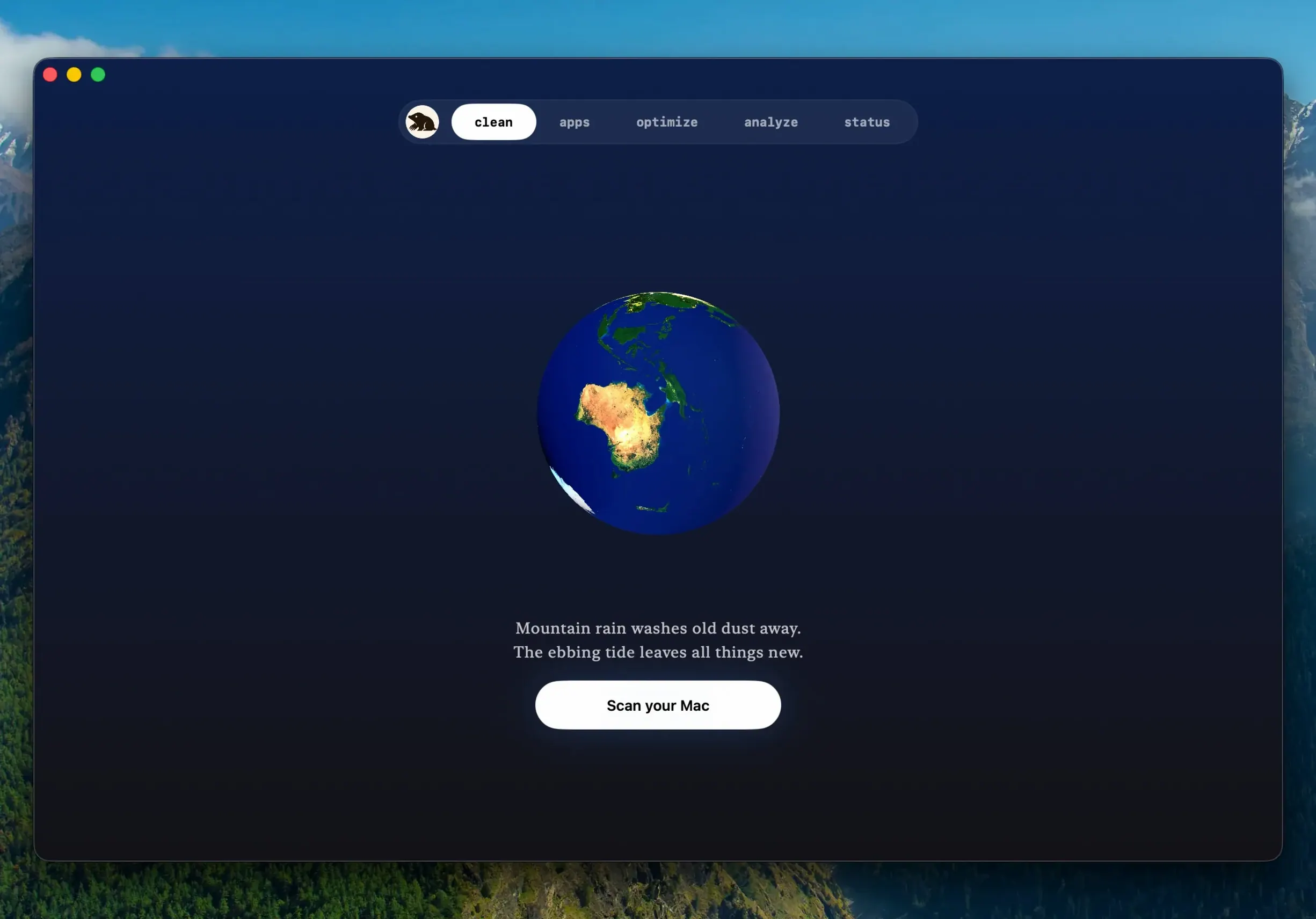
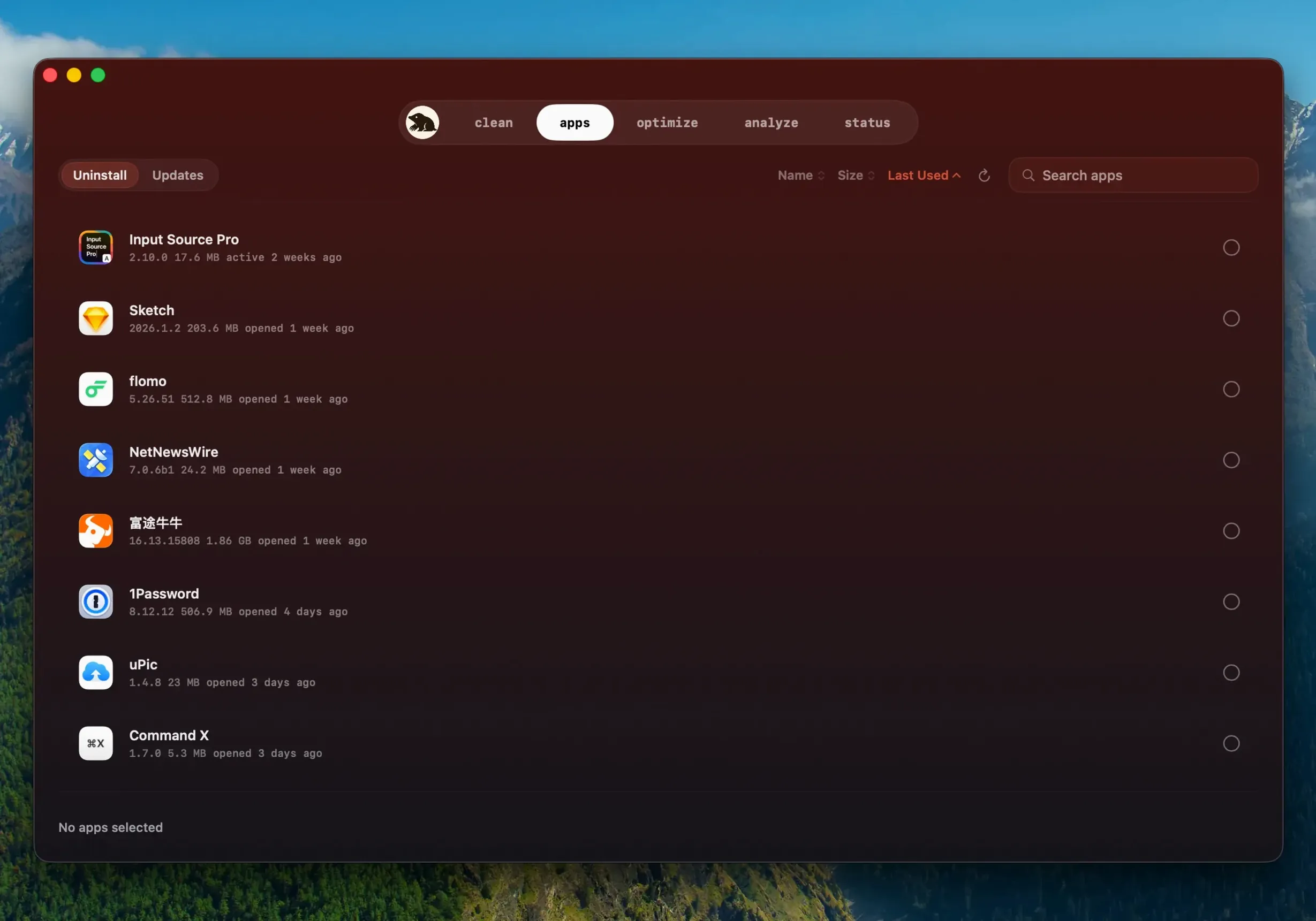
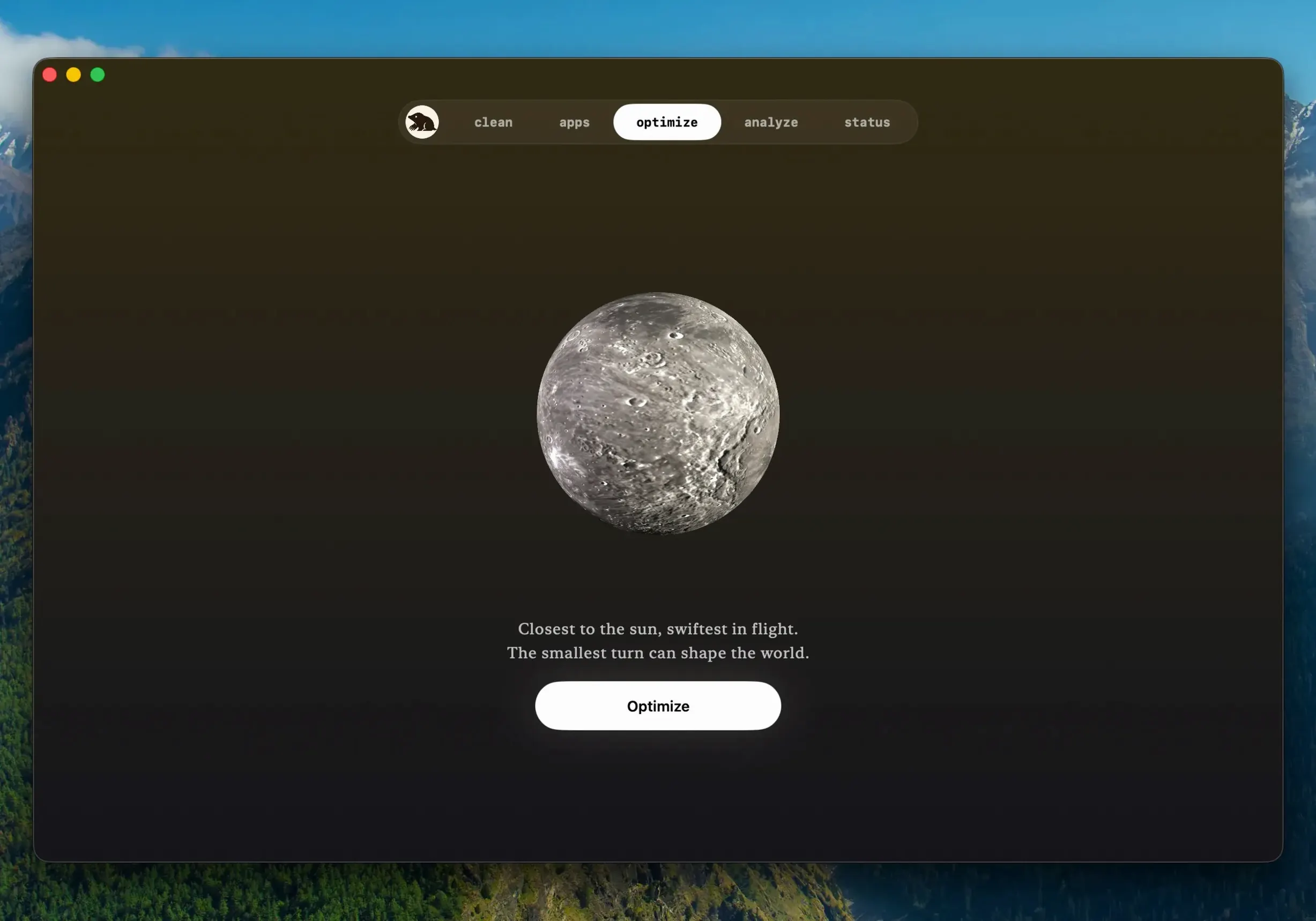
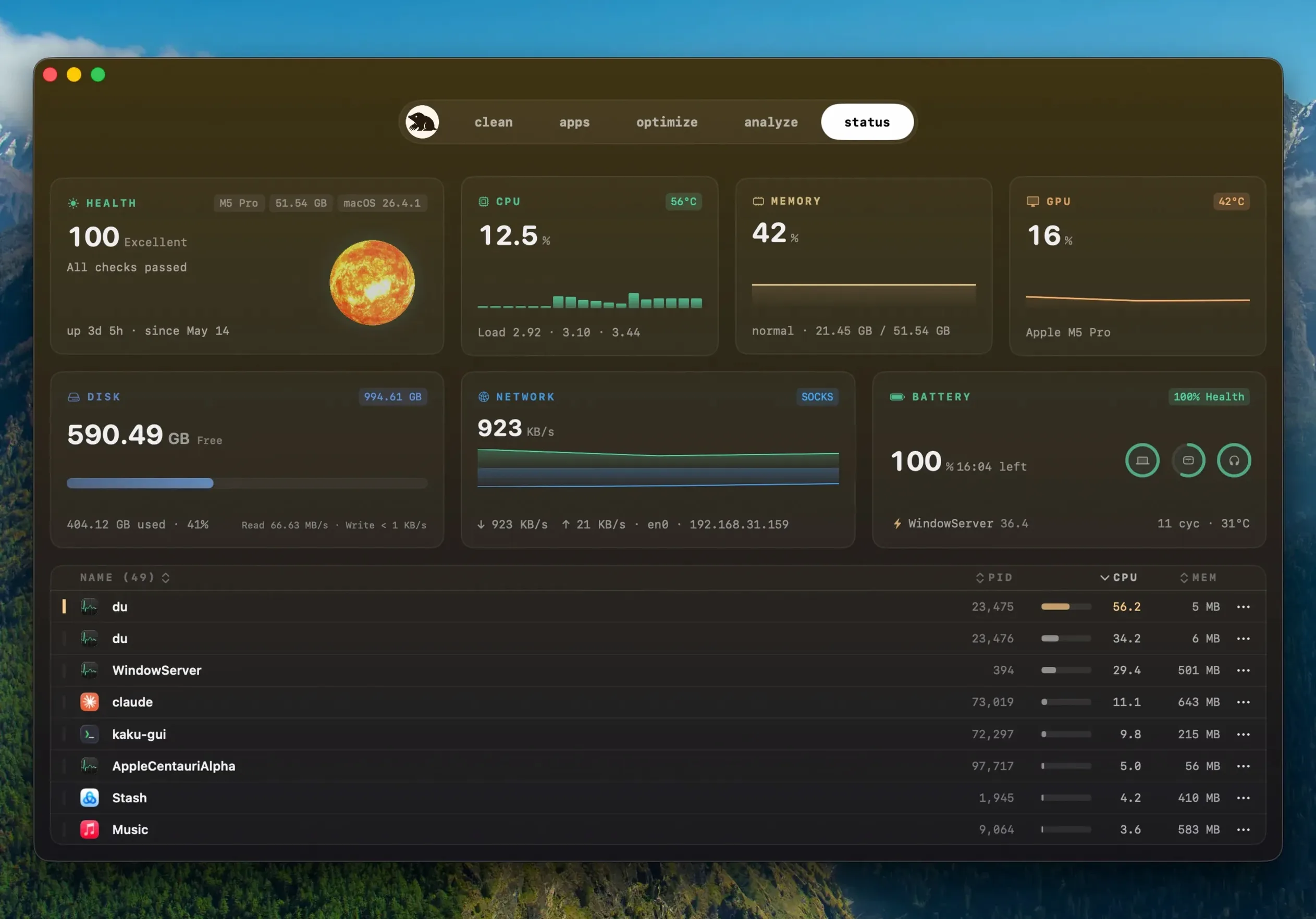
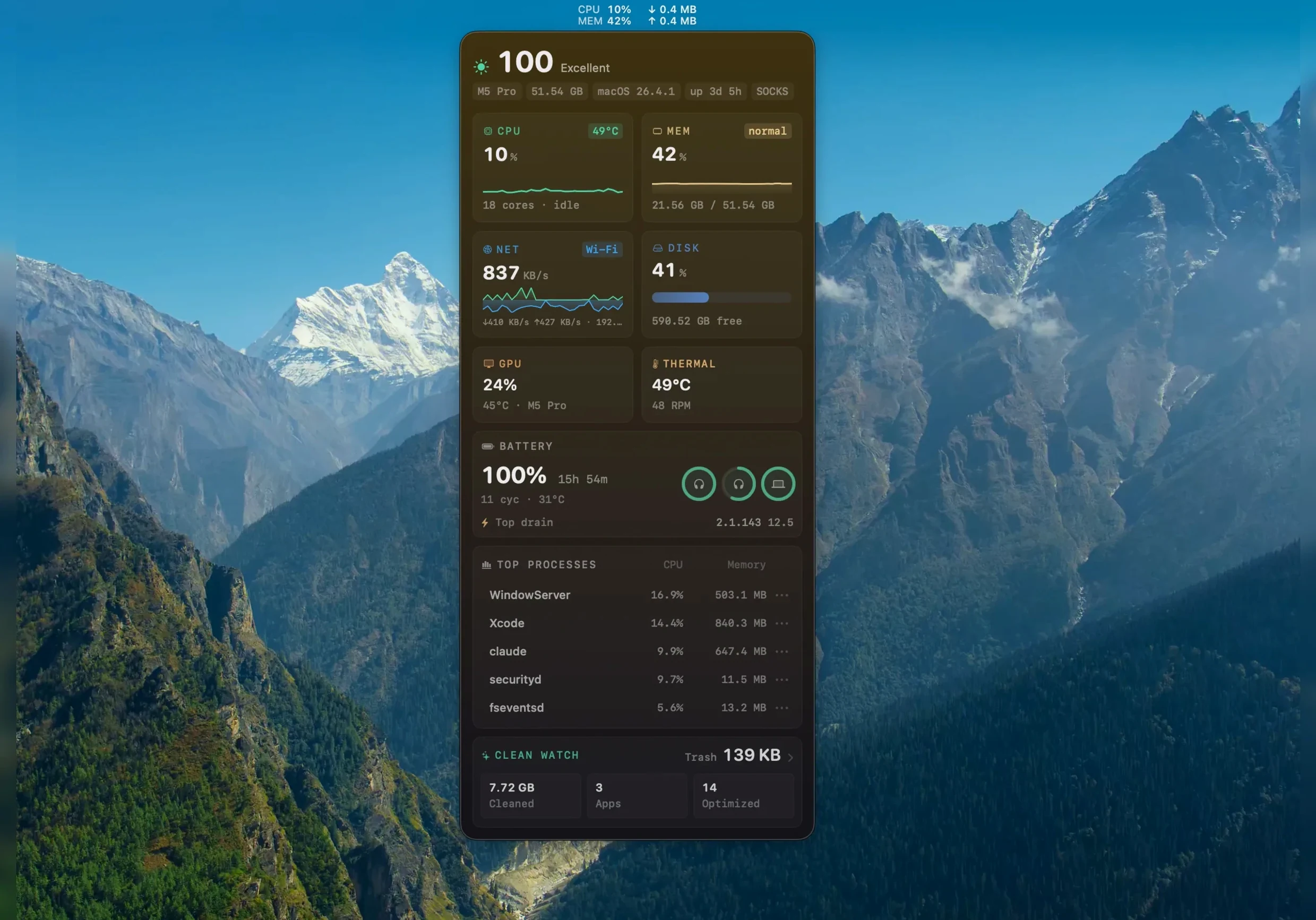
You drag an old project folder to the Trash, but you know fragments of it are still tucked away in Library caches and orphaned .plist files. Mole opens to a system status overview, then you run a scan. Before anything disappears, it lays out the files by name, path, and size—Xcode caches, old iOS backups, browser temp data—and you tick only what you recognise. One click later those gigabytes are gone, and the app that left them behind is properly uninstalled too.
Preview exactly which files get deleted and their sizes before you commit
- Seeing exactly which files a cleanup will remove, with sizes listed before you commit.
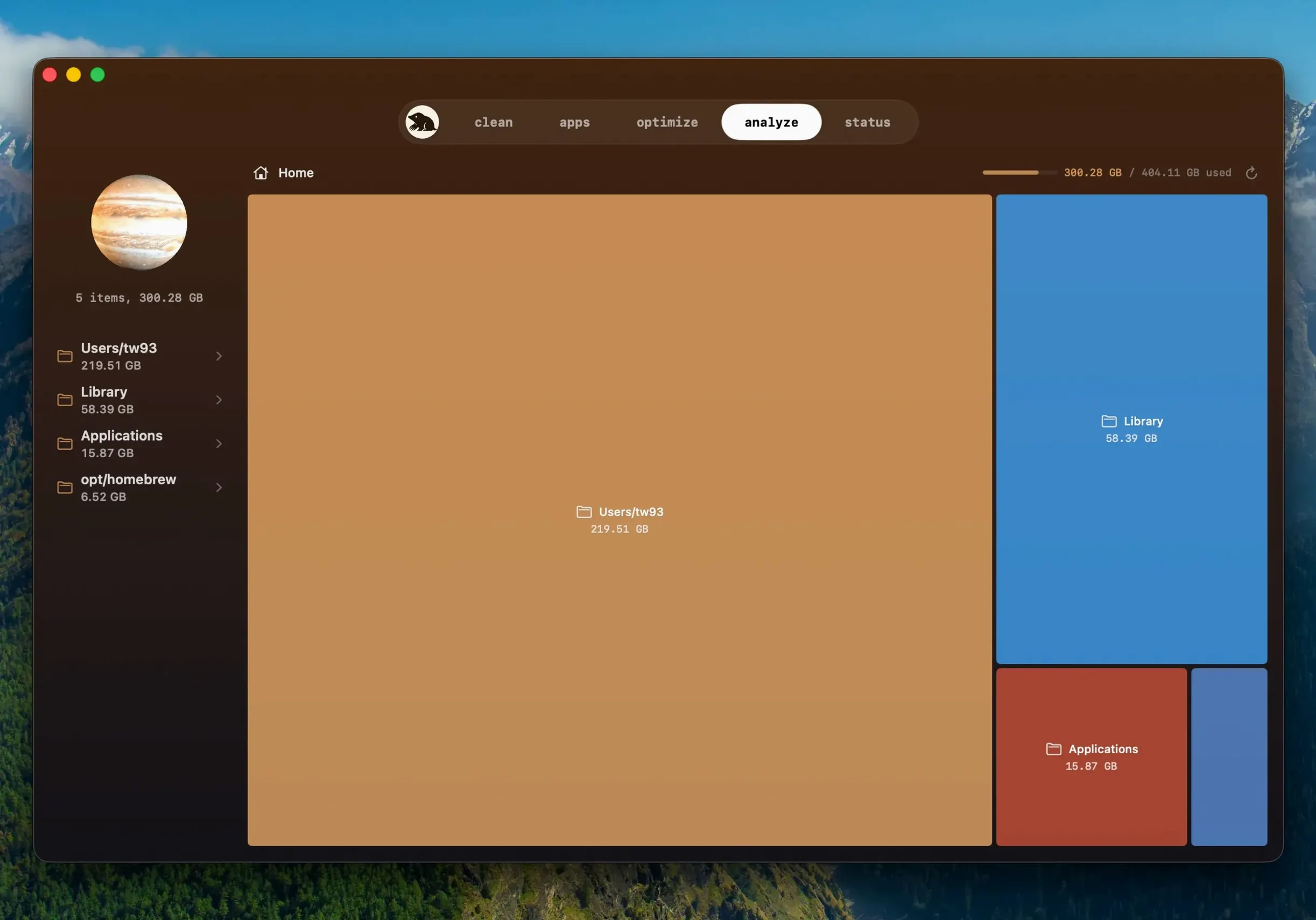
- Analysing disk space through tree maps that show what is actually eating your drive.
- Removing application leftovers that a standard uninstall misses.
- Running maintenance tasks in a single click without digging through Terminal.
- Anyone who wants cleaning, analysis, and system checks in one tool instead of three.
Needs macOS 14 and a manual full disk access grant to scan every corner
- Requires macOS 14 or later, so older Macs need an alternative.
- Scanning and cleaning happen locally by default—nothing gets uploaded—but full disk access must be granted manually for the app to reach every corner of the drive.
- It skips items it considers uncertain, which is safer but means you might still find some leftovers yourself.
Surfaces hidden Docker, Node, and Xcode caches scattered across Library folders
Developers who juggle Docker containers, Node modules, and Xcode derived data will spot the value within minutes. A single project can scatter tens of gigabytes across hidden Library folders, and Mole surfaces those caches without requiring you to remember every path. The tree map view turns an abstract storage warning into something you can act on—a swollen ~/Library/Developer block you had forgotten about since the last beta cycle.
Designers and video editors sit on a different kind of bloat. After Effects disk caches, FCPX render files, and Photoshop scratch data build up quietly. Mole catches what the creative apps themselves never bother to clean, and because it shows file sizes before deletion, you are less likely to nuke a working proxy cache you still need.
People who hand their Macs down to family members get a cleaner reset. Running Mole before passing a machine along means leftover preference files from uninstalled apps do not linger under the new user account. The one-click maintenance tasks—flushing DNS, rebuilding Spotlight, rotating system logs—handle the kind of housekeeping most people only do when something breaks.
Grant full disk access first or the tree map shows gaps where system folders sit
Open preferences before your first deep scan. Grant full disk access when prompted; without it, Mole works at half strength and the tree map shows gaps where system folders should be. The toggle for skipping uncertain items is on by default, and that is sensible for a first pass. Once you know the app, turning it off lets you decide for yourself about files Mole flagged as ambiguous—usually old preference panes from software you removed years ago.
Under the network section, confirm that uploads are disabled if the idea of any outbound traffic bothers you. The app describes scanning as local by default, but checking the switch once costs nothing. If you keep a Dock full of apps you rarely open, head to the startup items list and clear entries that launch helpers at login. Mole lists them by name and origin, so you can tell a needed background service from a forgotten installer daemon.
Apps you downloaded outside the App Store can now update from right inside Mole
Version 1.14.0 brought a quiet but practical addition: apps you downloaded outside the App Store can now update from right inside Mole. The app checks for newer builds of the same version—something that matters when a developer silently patches a bug without bumping the version number. If an update requires quitting a running app, Mole asks first, then reopens it after installation. A failed or aborted update does not mean starting the download over; it reuses the finished download if the file is still valid.
Earlier versions, including mole 1.13.0 and mole 1.12.1, built the foundation that 1.14.0 refines. The cleanup engine tightened how it traces application leftovers, and the tree map gained finer granularity for spotting large files. Users running mole 1.11.0 for mac will notice a jump in interface responsiveness—later builds reworked the scan threading so the window stays fluid while crawling deep folder structures. The sense across these updates is that Mole stopped trying to add headline features and instead made the existing ones faster and more transparent about what they are doing.
Apps you downloaded outside the App Store can now update directly inside Mole. The update checker also spots a newer build of the same version, and when an app needs to quit for the update, Mole asks first, then reopens it once installation finishes.
- macOS 14 or later
- Apple Silicon and Intel Macs
- Full disk access supported