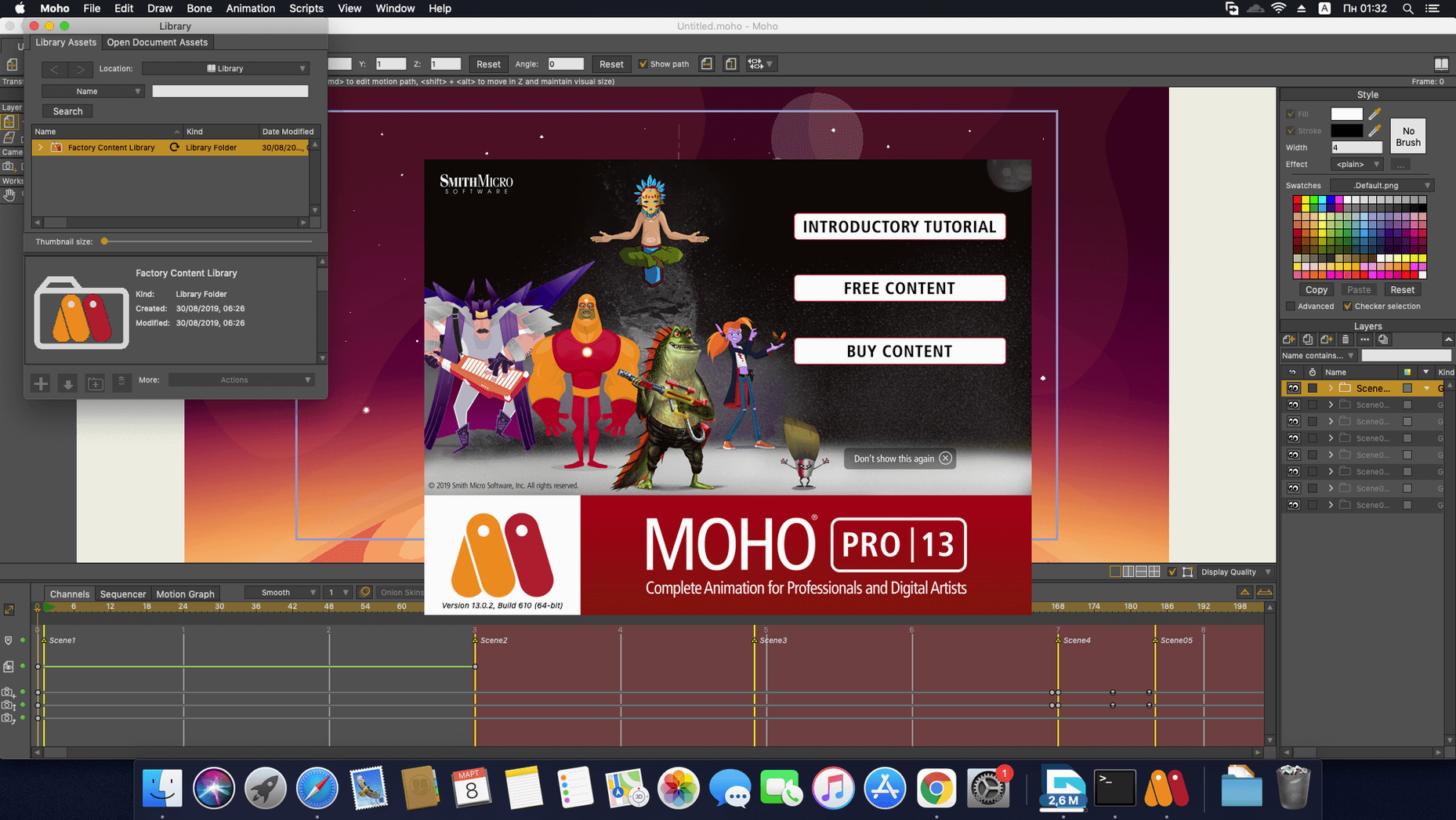
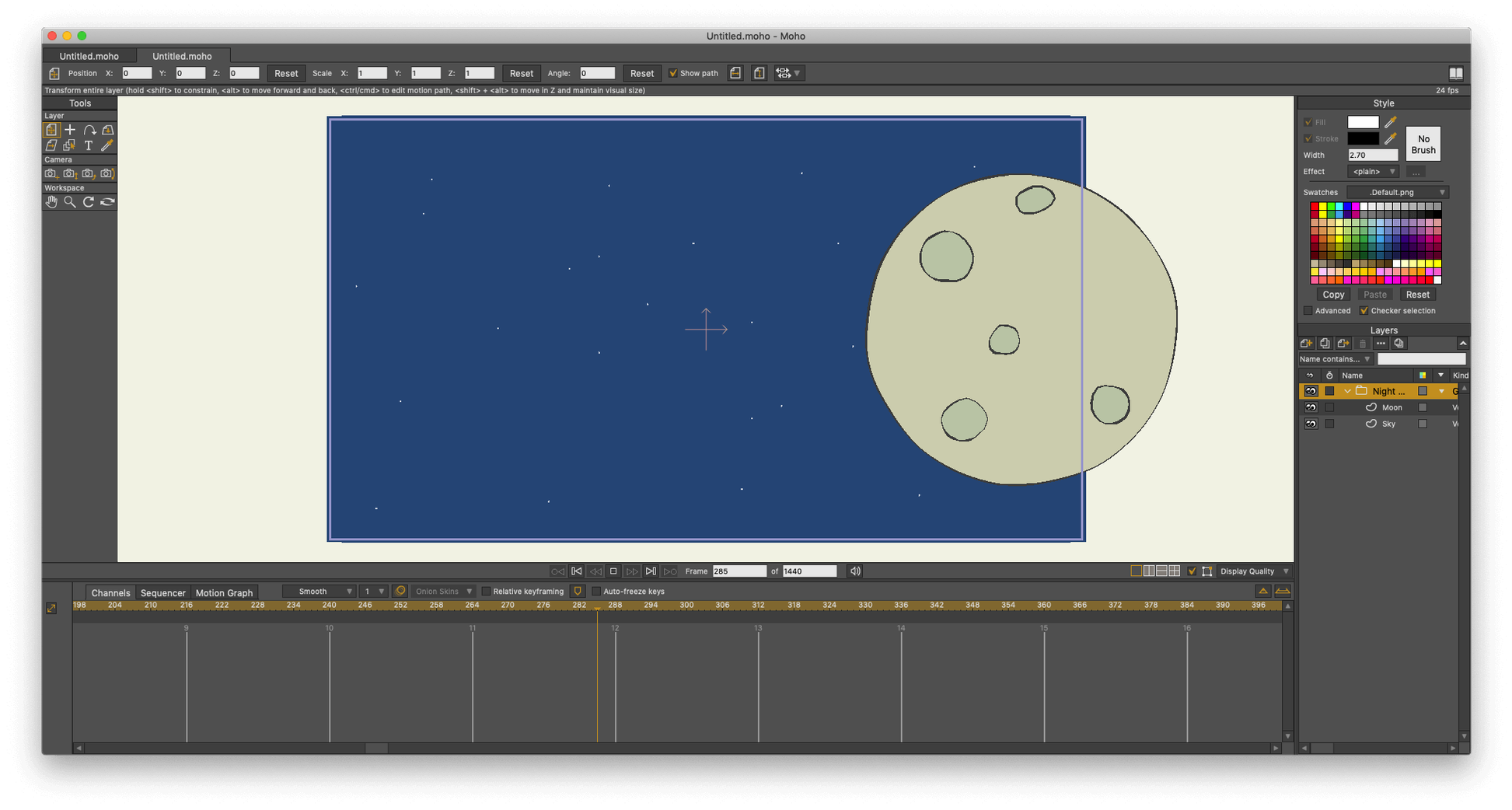
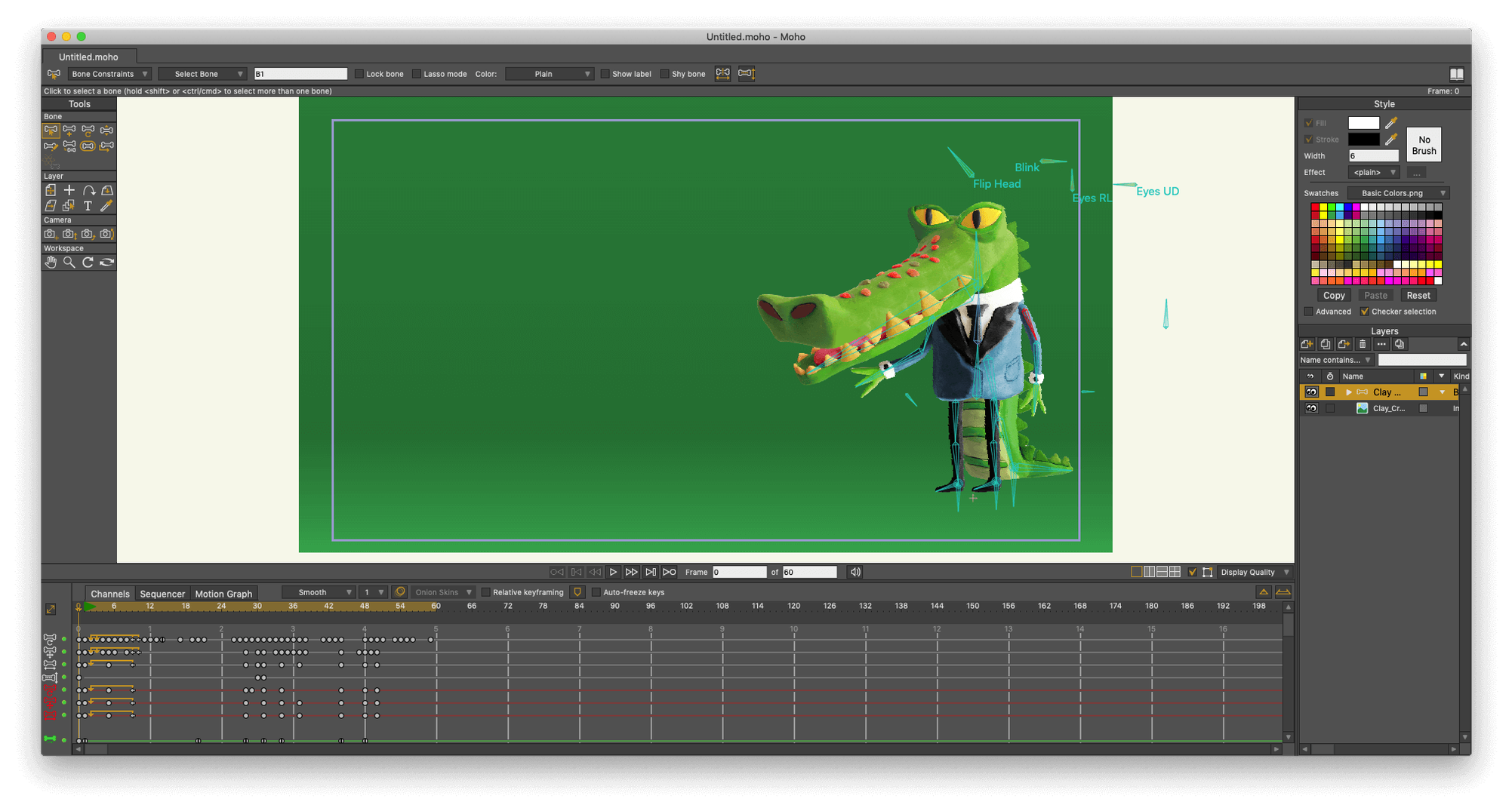
Moho Pro is a tool for indie animators, game artists, and storyboarders who build their worlds frame by frame—often on a Mac. Before you start rigging a character, here is what you need to know about getting it running.
macOS — 10.15 Catalina or later, including Apple Silicon Macs running natively.
Processor — 2.0 GHz Intel Core i3 as a baseline; Apple Silicon chips handle it comfortably.
Memory — 4 GB RAM, though complex rigs with many layers will appreciate more.
Graphics — An OpenGL 4.1 capable card; any modern Mac GPU qualifies.
Disk space — 1.6 GB for the application, plus room for your projects.
Connection — Required once for online activation.
What you get is a deep vector and cut-out animation system built around a bones rigging engine. You can draw directly with curve tools, import Photoshop documents with layers intact, and pull from a built-in library of visual objects to speed up blocking. The layer system supports blending, masking, and grouping in ways that feel familiar if you have worked in compositing software. One of its more distinctive tricks is turning flat 2D artwork into rotating 3D objects—useful for head turns and props without leaving the 2D plane. A timeline-based sequencer holds everything together, and when the shot is done you can export to video, image sequences, or SWF. For game work, direct integration with Unity, Unreal, and Godot lets you move rigged characters into an engine with fewer round-trips.
Where Moho sits alongside other Mac animation tools
On a Mac, the 2D animation conversation usually circles around three names—Moho Pro, Toon Boom Harmony, and Adobe Animate. They overlap in purpose but diverge sharply in feel. Toon Boom Harmony is the studio powerhouse: node-based compositing, a deep toolset for traditional frame-by-frame work, and a learning curve that assumes you have a pipeline team around you. For a solo filmmaker scoring their own short, it can feel like piloting an oil tanker to the corner store.
Adobe Animate leans toward interactive vector animation and web export. Its timeline and symbol system are quick for motion graphics and looping GIFs, but character rigging is less granular—bone setups are simpler, and the physics simulation that Moho bakes in is absent. If you are animating a walk cycle where a character’s scarf needs to drag with real weight, Animate will make you keyframe it by hand. Moho calculates density, gravity, friction, and elasticity on the fly.
Then there is Blender’s Grease Pencil, which has grown into a credible 2D-in-3D environment. It excels when you want hand-drawn lines moving through three-dimensional space—storyboard animatics that orbit a set, for instance. But its rigging model borrows from 3D armatures, and the workflow is not as purpose-built for cut-out character animation as Moho’s bone-and-mesh system. Moho’s curve animation tools and Smart Warp meshes let you deform artwork without redrawing, which keeps a vector puppet alive across a scene without the overhead of Blender’s full 3D stack.
Where Moho carves its own quiet territory is in the middle ground: more rigging depth than Animate, less operational weight than Harmony, and a 2D-native logic that Grease Pencil does not fully replicate.
How Moho fits into a Mac filmmaker’s toolkit
Moho rarely works alone. On my machine it sits between Photoshop—where character art and backgrounds get painted with layers intact—and DaVinci Resolve, where the final rendered image sequences land for colour grading and sound. The Photoshop import keeps layer comps, so a character’s separate mouth shapes or hand variations arrive as a stack you can switch and rig immediately. That saves the tedious step of slicing a flat PNG into parts.
Drag-and-drop between Moho and the Finder works as you would expect on macOS: Quick Look previews of project thumbnails, native file dialogs, and smooth multi-display support across a MacBook and an external monitor. The sequencer timeline can send video clips out to Final Cut Pro or Resolve as numbered frames, and the new glTF export means a rigged character can go straight into a Godot or Unity scene without a third-party converter in between. For a short film that mixes 2D animation with live-action plates shot on a Blackmagic camera, the round-trip is straightforward—animate in Moho, export an image sequence with alpha, and composite in Resolve or After Effects.
macOS accessibility features like VoiceOver do not reach deep into Moho’s interface, but keyboard shortcut customization is thorough, and the scripting layer—now running Lua 5.4.4—lets you hook into Automator or run batch export scripts from the Terminal. If you use a Stream Deck or a Wacom tablet with ExpressKeys, mapping common rigging and timeline actions becomes muscle memory within a day.
Lua upgrade makes community scripts snappier
The jump to Lua 5.4.4 in Moho 14 rewired something quiet but important. Community scripts—tools for auto-lip-sync, layer management, and export presets—run faster and with fewer compatibility headaches. If you maintain a folder of third-party scripts, the update meant a one-time check instead of an ongoing tangle of version conflicts.
Version 14.4 added glTF and GLB export, which shifts the game-engine pipeline from “export and pray” to something closer to a direct handoff. A character rigged with bones and Smart Warp in Moho arrives in Godot or Unreal with its hierarchy and deformations intact, so a solo developer can iterate on an animation and see it moving in-engine the same afternoon. For people grabbing a Moho Pro 14.4 torrent or a Moho Pro torrent to test that workflow, the glTF addition is likely the headline feature—it opens a door that earlier builds kept shut.
Particle system fixes in 14.4 smoothed out some long-standing quirks with emitter randomness and layer ordering. Practically, that means a snowfall or dust trail no longer flickers between z-levels when you scrub the timeline backward. Layer updates addressed edge cases with masking and blending modes on grouped layers—small patches that remove friction from a heavy scene file. The cumulative effect across Moho 14 and the 14.4 update is less about spectacle and more about removing the small hesitations that break an animator’s rhythm. When you are deep in a shot, those micro-interruptions are what send you hunting for a moho animation torrent on a forum thread just to see if a newer build behaves better. Here, it generally does.
Moho 14.4 brings glTF and GLB export, making it simpler to hand off animated characters to game engines and 3D software without rebuilding rigs. The particle system and layer handling received a round of fixes, and under the hood the scripting interface now runs on Lua 5.4.4, which matters if you write your own tools or rely on community scripts.
- macOS 10.15 or later
- 64-bit operating system
- 2.0 GHz Intel Core i3 or higher (Apple Silicon supported)
- 4 GB RAM or higher
- OpenGL 4.1 supported graphics card
- 1.6 GB free hard drive space or higher
- Online connection required for activation