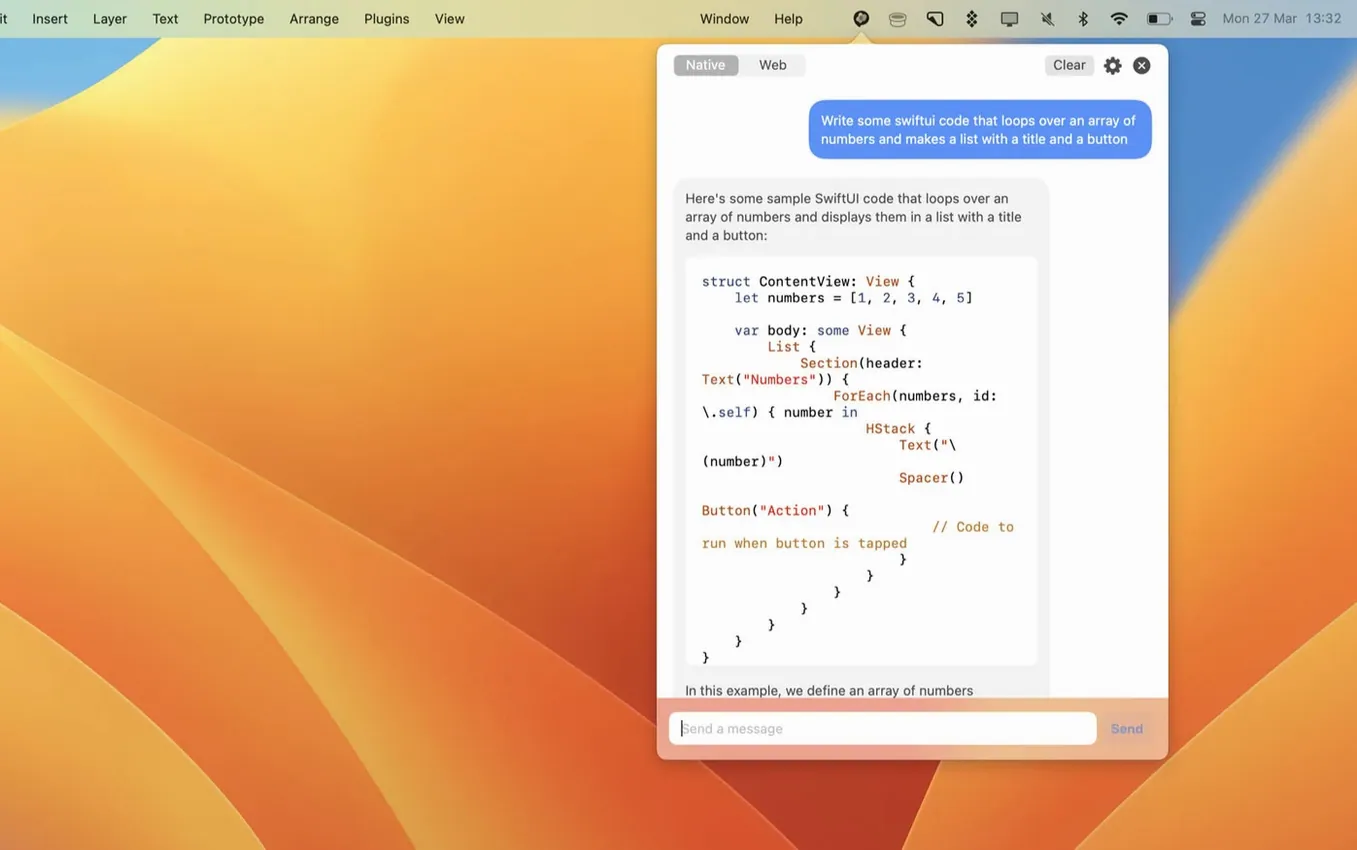
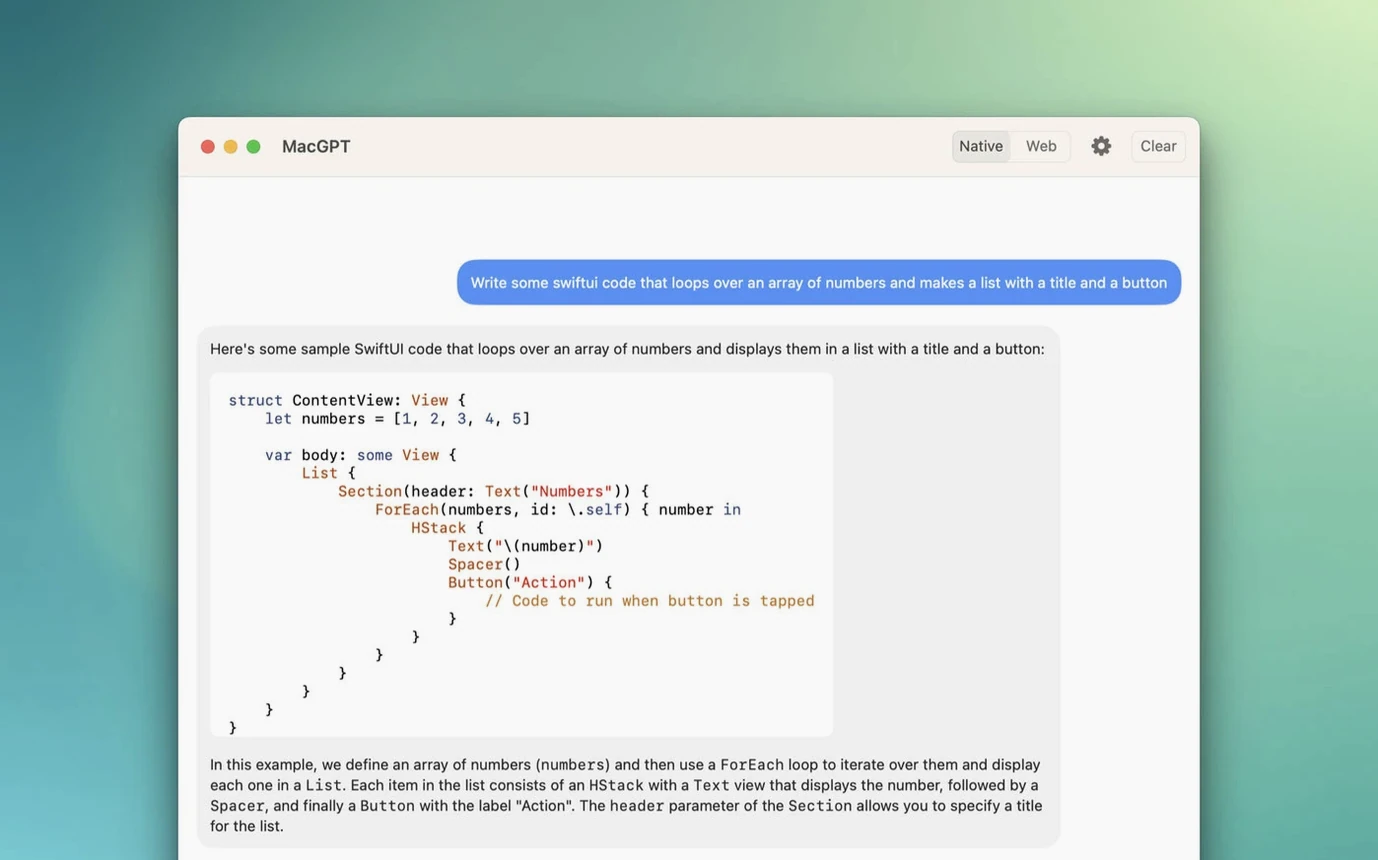
MacGPT is a thin, fast native app that hangs ChatGPT off your Mac's menu bar. One click opens the familiar web interface in a compact panel; a keyboard shortcut makes it appear under your cursor in any text field. It doesn't try to be a full client — it simply removes the friction of keeping a browser tab open, which for a lot of people is the whole point.
The menu bar panel runs without an API key
- Does it work without an API key? Yes. It can run entirely through your OpenAI account in the web view. An API key unlocks the Inline feature and clearer error feedback, but the menu bar panel works without one.
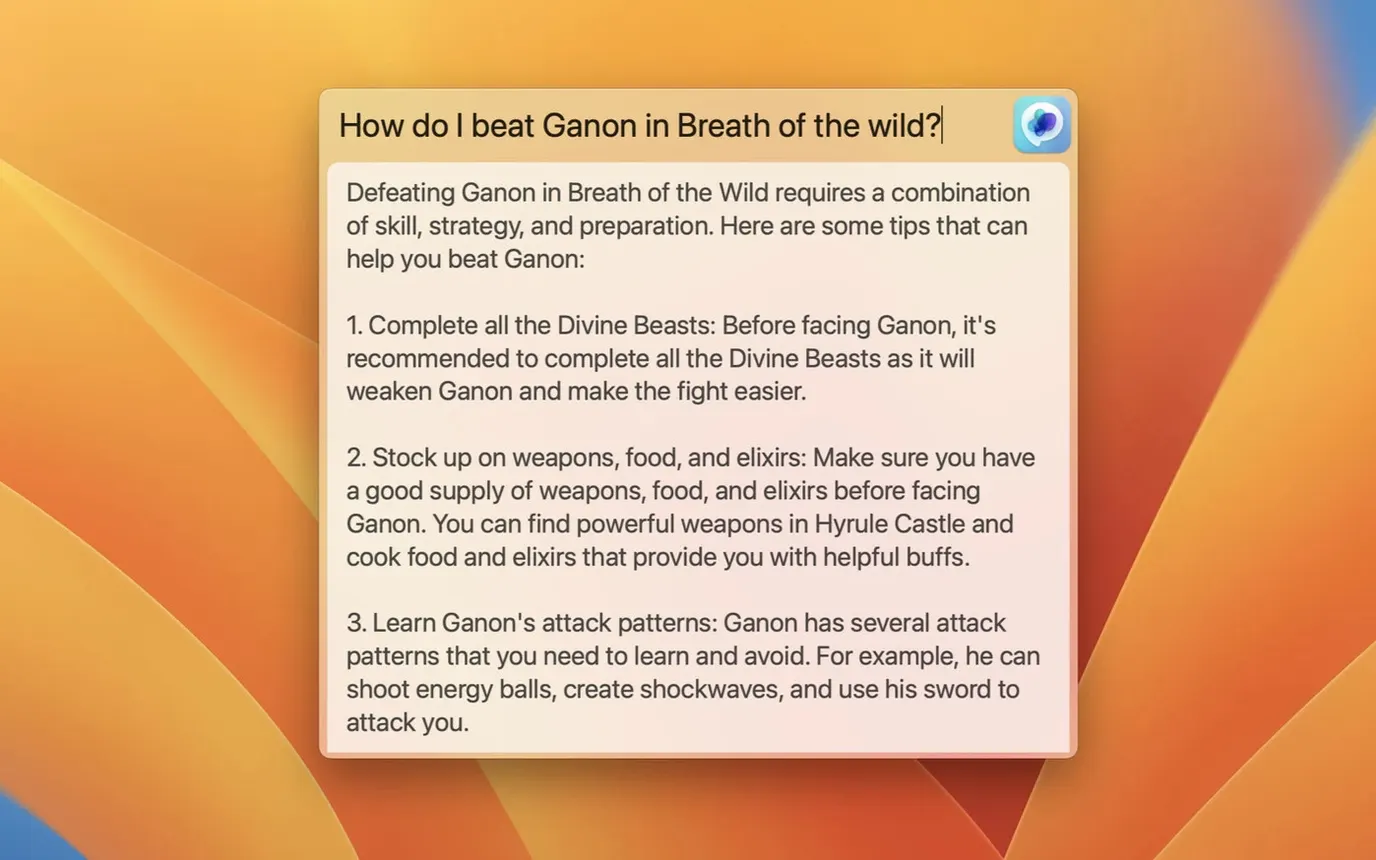
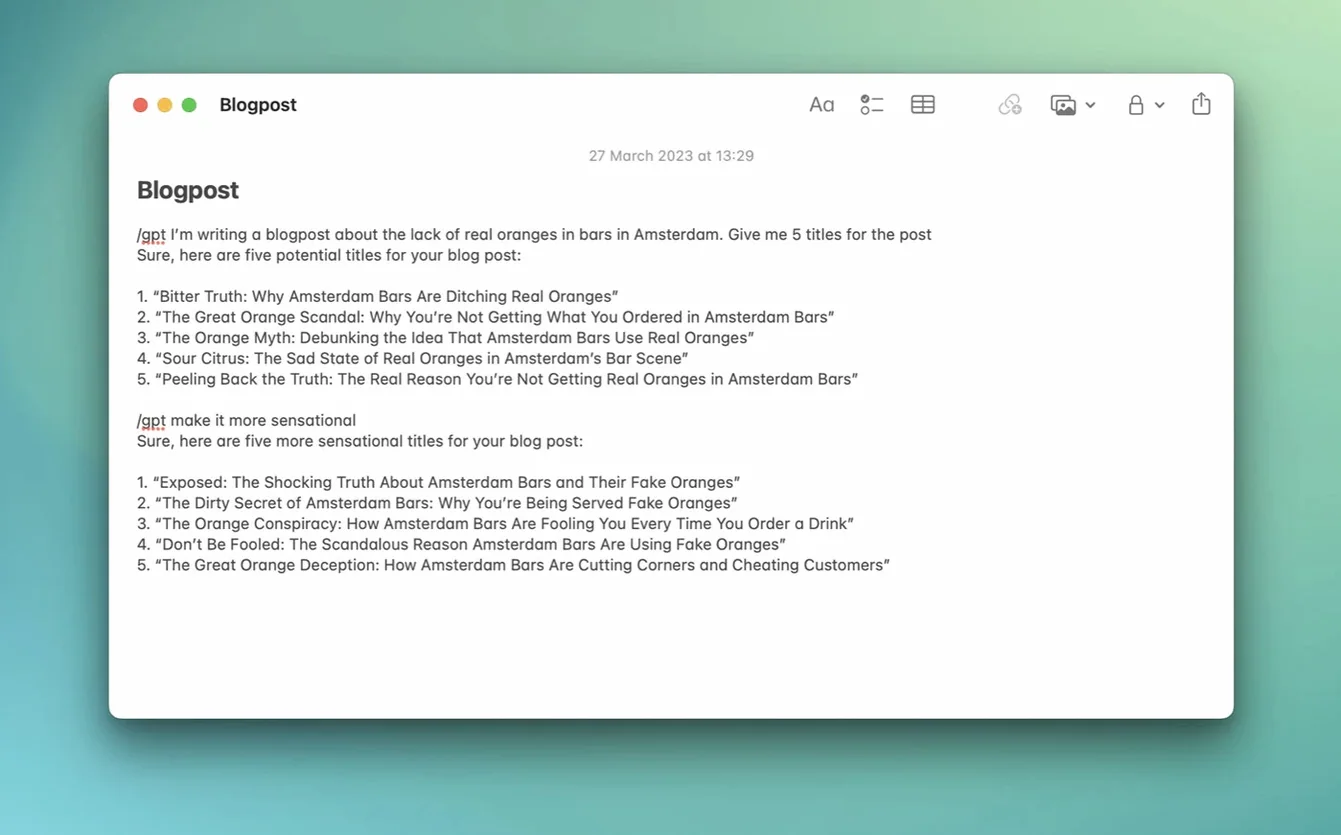
- How does the Inline thing actually behave? You assign a shortcut in settings. Hit it inside any text field — a note, an email, a document — and a small prompt window appears. Type, get a response, and the result drops straight into the field. It feels like a system feature once you build the muscle memory.
What shifts with gpt-4o in version 3.21
The latest release folds in gpt-4o support, so API users can call the newer model for faster, lower-cost long-form answers. The web panel picks up whatever your OpenAI account has access to. Between the two paths — web convenience and API directness — the app doesn't push you toward one. It just makes both paths shorter to walk.
The Global shortcut and the menu bar icon trigger different windows
Most people install MacGPT, click the menu bar icon, and stop there. A few details sit just outside the obvious path and quietly change how the app fits into a day.
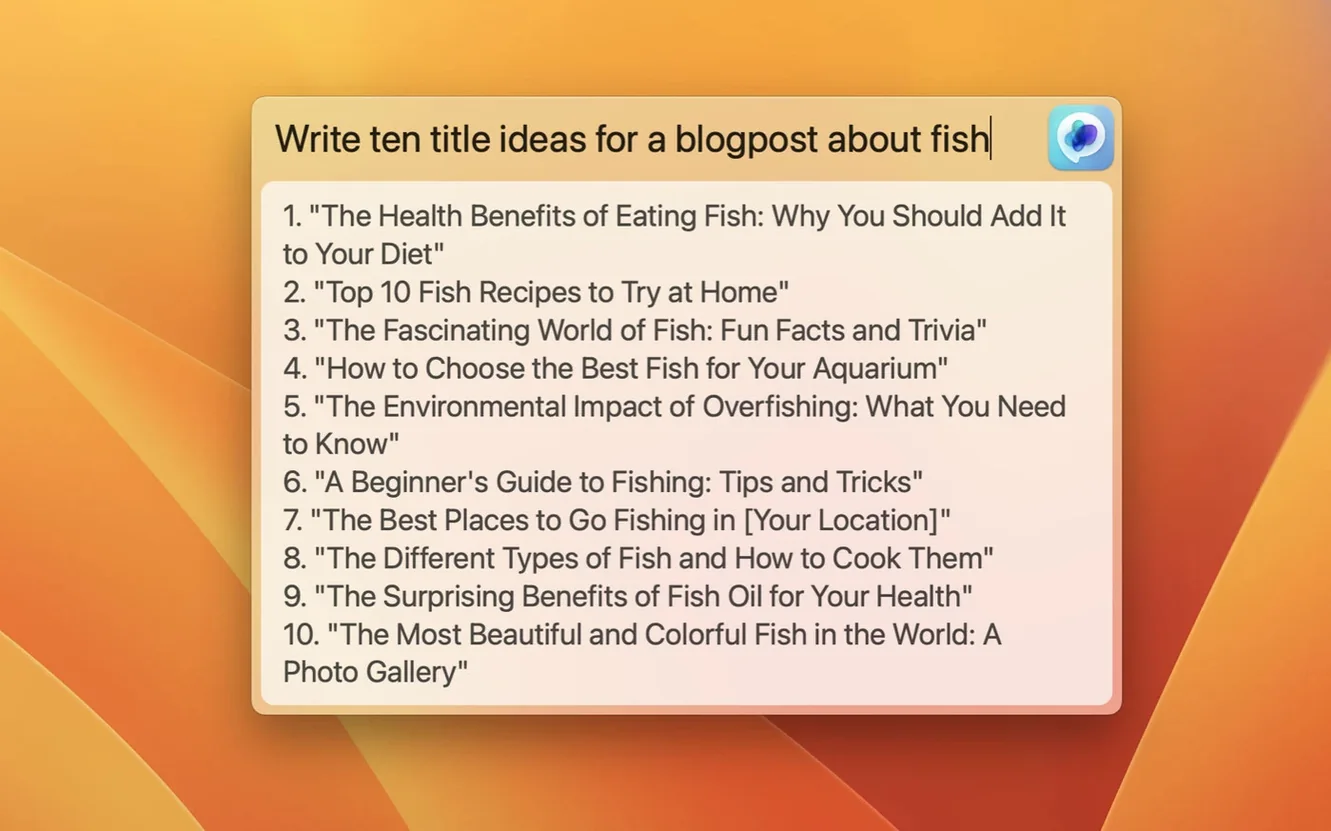
The Global shortcut isn't the same as the menu bar click. The panel that opens from the icon remembers your last conversation. The Global text field — summoned by a separate shortcut you set in preferences — is a blank slate every time. If you want a fresh query without scrolling past yesterday's thread, reach for the Global field. If you're continuing something, the panel is faster.
The Inline trigger works differently depending on what's selected. With text highlighted, the prompt window pre-fills that selection as context; the reply replaces it. With no selection, the reply inserts at the cursor. It's a small distinction, but it means you can edit a sentence directly — highlight something clumsy, ask for a rewrite, and the replacement lands without copy-paste. In email drafts, this saves more steps than it sounds like it should.
One thing that trips new users: the web panel scales to the size of the ChatGPT interface inside it. Dragging the panel edge to resize doesn't always reflow the chat layout the way you'd expect, because the web view is loading the responsive version of ChatGPT's own page. The quick fix is to use the menu bar panel at its default width and let the conversation column breathe. For longer threads, popping the panel out into a full window — which you can do from the panel's own controls — gives you the standard ChatGPT layout without leaving the app.
Remap the Global field shortcut so it doesn't collide with your system
Out of the box, MacGPT works, but three preferences are worth visiting in the first five minutes.
The keyboard shortcut for the Global field. The default is set, but it might conflict with something else on your system — a clipboard manager, a screenshot tool. Go into the Shortcuts tab and assign something that feels physical. A good candidate is a chord you can hit with one hand while the other stays on the trackpad. The quicker the gesture, the more likely you are to use it for small, interstitial questions you'd otherwise let pass.
Launch at login. Tucked away in the General tab, this isn't on by default. If you want the menu bar icon always available — and most people do, once they get used to it — toggle it on. The app is light enough that it won't register in your login items performance hit.
API key setup, even if you plan to use the web panel mostly. The Inline feature needs it, and once the key is entered, the error messages change from generic to specific — wrong key, quota exceeded, model unavailable. That feedback alone is worth the thirty seconds it takes to generate a key. If you're using macgpt free download as your route in, the app doesn't gate anything behind the key; it just gets quieter without it, and that quiet is the difference between guessing and knowing.
Highlight text anywhere and summon a dark prompt window with one shortcut
Morning. You're halfway through a draft in Bear. A sentence about a client's timeline feels off. You highlight it, hit the Inline shortcut — a small dark prompt window slides up from the bottom of the screen. You type rewrite this to sound more definite, less apologetic. The response replaces the selection. You keep typing. The whole interruption takes maybe eight seconds.
Later, a Slack thread needs a summary for someone who just joined the channel. You copy the thread, click the menu bar icon, and the web panel opens with your chat history from yesterday. You paste the text into a new message, ask for a three-bullet summary, and get it back in the same panel. You don't need to switch to a browser, find the right tab, or log in again. The panel is just there, in the same desktop space where you were working.
After lunch, you're stuck on a naming question for a project folder structure. You hit the Global shortcut. A centred text field appears over whatever you were doing — Finder, in this case. You type what's a logical folder hierarchy for a documentary project with raw footage, selects, audio, and deliverables? The answer appears in a floating window, not inside any document. You skim it, close it, and go back to Finder. Nothing was inserted anywhere, nothing was saved. The question was ephemeral and the app treated it that way.
By evening, you've used all three modes — Inline, the menu bar panel, and the Global field — without once opening a browser or touching the ChatGPT web app directly. The muscle memory is starting to settle. The shortcut chords feel less like conscious decisions and more like reaching for a pen.
Scattered Apple Notes fragments shaped into a one-page documentary treatment
You have a scattered page of production notes — location ideas, character fragments, a few lines of dialogue that arrived at inconvenient moments and got typed into Apple Notes. The task is to shape them into a one-page documentary treatment. Here's one way MacGPT earns its menu bar slot.
Open the notes. You're not starting from scratch, so the Global field isn't the right tool. You want the context of the existing material. Highlight everything in the note — messy, half-formed, contradictory — and trigger the Inline shortcut. The prompt: turn these notes into a one-page documentary treatment with a logline, synopsis, and three-act structure. The response appears in place of your notes. It's not final, but it's a coherent skeleton. You keep the treatment open in a text editor.
Now the web panel. Click the menu bar icon. In the panel, you paste a section of the treatment — the synopsis — and ask what's missing from this story? what questions would a producer ask after reading it? The reply points out a gap in the second act: the stakes are stated but never shown. You jot down the missing scene idea in your editor.
Next, you want a title. Not a working title — something that sounds real, something you could put on a grant application. Global shortcut. Blank field. suggest 10 titles for a documentary about memory and migration, tone should be poetic but not precious. The list appears in its floating window. One of them — you wouldn't have thought of it — clicks. You copy it and close the window.
Back in the editor, you reshape the treatment around the gap you found and the title you chose. The session used all three modes for what they're each best at: Inline for fast transformation of existing text, the web panel for a threaded back-and-forth with memory of the conversation, and the Global field for a quick, stateless query that didn't need to land inside a document.
The app doesn't structure your project for you. It just removes enough small frictions — tab-switching, copy-paste rituals, the
Version 3.21 adds support for gpt-4o, so API-connected users can now call OpenAI's newer model directly from the app.
- macOS 12 Monterey or later
- Runs natively on both Intel and Apple Silicon
- Requires an OpenAI account or an OpenAI API key for full functionality
Questions from the booth
Yes, the menu bar panel works through the standard ChatGPT web login. An API key is only required for the Inline feature and for more detailed error messages when something goes wrong.
You can assign a global shortcut in the app's settings. Once set, it brings up the Inline prompt inside whatever text field you're working in, or opens the menu bar panel.