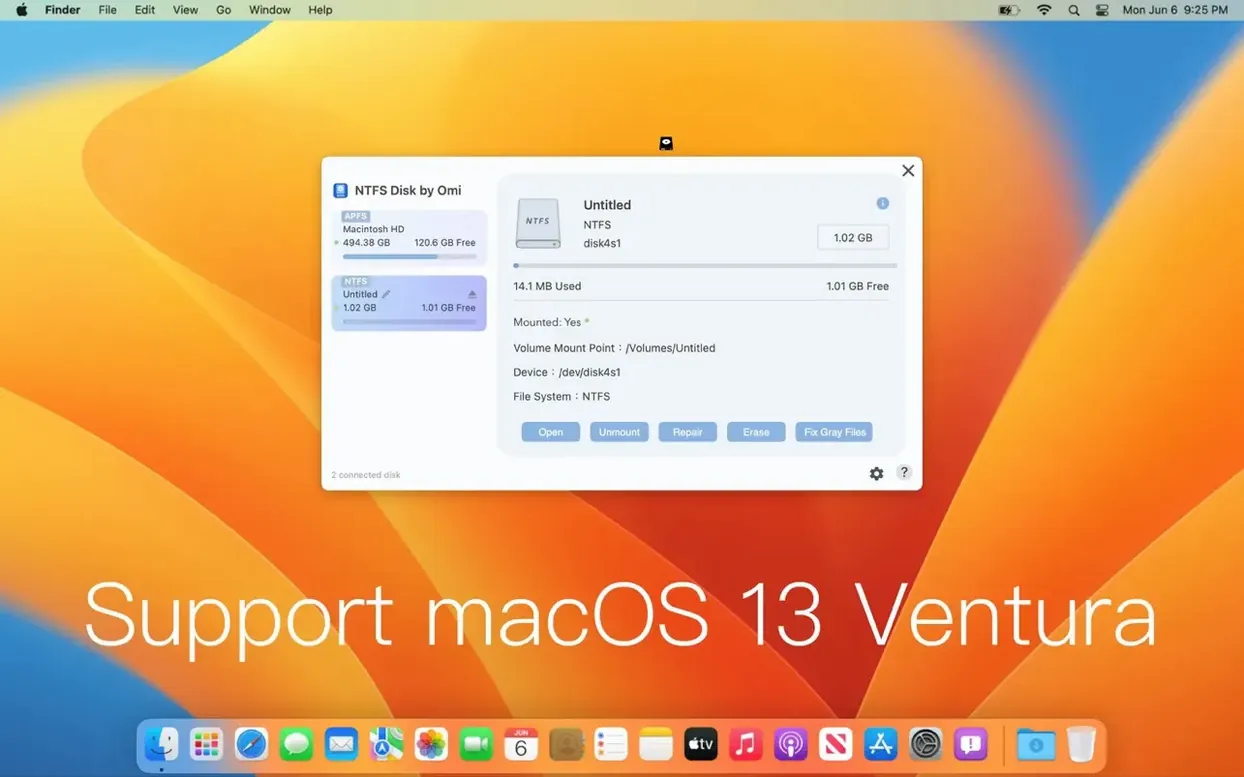
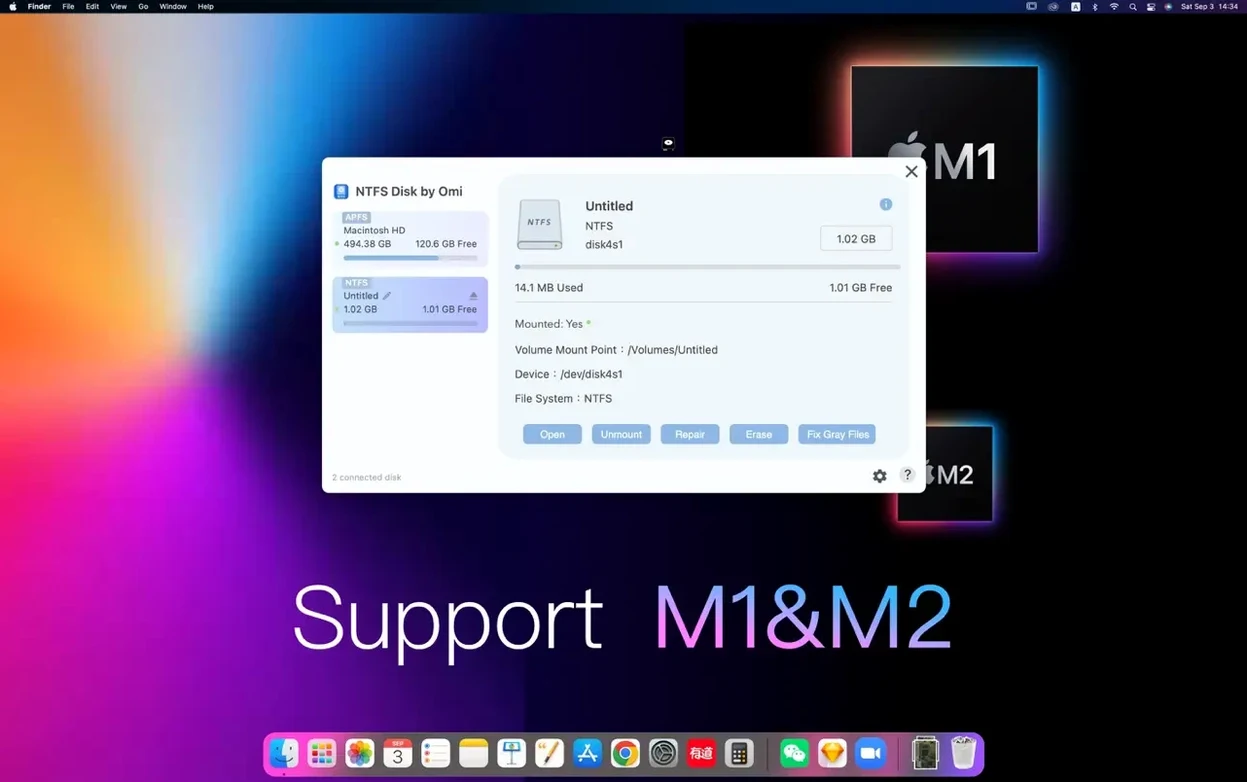
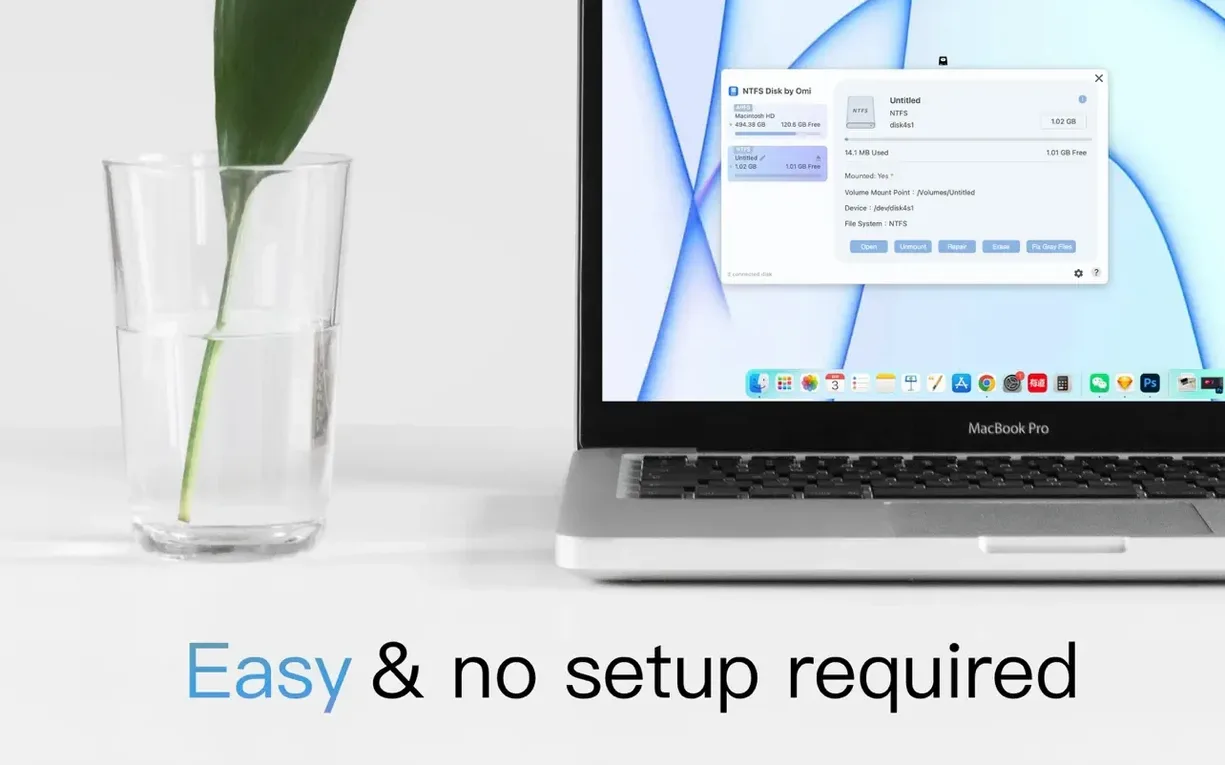
Right-click a balky external drive and the ‘Fix NTFS Disk’ option is there, waiting. Before you reach for it, though, you want to know if the utility itself will run on your setup. NTFS Disk by Omi NTFS is a 64-bit x86 build that asks for macOS 11 or later, running on both Intel and Apple Silicon Macs. It extends what Finder can do: opening, copying, editing, and saving files straight to NTFS-formatted disks, automatically mounting them in read-write mode so you aren't locked out of your own footage or archives.
Your NTFS drive mounts without a single dialog box
The app lives quietly until you plug in an NTFS drive. From that point, it handles the translation between macOS and the Windows-native file system without extra dialog boxes. Alongside the everyday read and write access, the repair function scans for directory errors and attempts to bring a misbehaving disk back to a stable state. The interface switches between English and Simplified Chinese, keeping things legible whether you're working on a personal edit or handing a drive to a collaborator.
Skip reformatting shuttle drives between Windows DIT and Mac review
On a shoot where DIT stations run Windows and your MacBook Pro is the review machine, a utility like this removes the step of reformatting shuttle drives. It's not a deep disk editor, but it covers the essential handshake that macOS leaves out.
Volume names and huge asset folders no longer cause hesitation
Earlier builds could hesitate when a disk had a long volume name or contained folders with thousands of small audio samples — the kind that pile up when you're pulling a game's asset directory onto a scratch drive. With 1.1.5, enumeration speed improved, and the repair function became more tolerant of minor allocation table inconsistencies before flagging a disk as unreadable. The difference in daily use is subtle: the auto-mount arrives a few seconds faster, and you're less likely to see a stalled Finder window when copying a deep folder tree. There's no visual overhaul — the utility still presents the same spare interface — but the handling of edge cases on Apple Silicon feels more settled now, particularly on M-series Macs running Sonoma or Sequoia.
Cross-platform movers and dual-booters who never reformat
Two camps keep something like NTFS Disk by Omi in their permanent toolset. The first is anyone who moves between a Mac workstation and a Windows-based render node or gaming rig. They're not reformatting drives every week; they just need the same external SSD to open on both machines without friction. The second group lands squarely in archival and recovery. When a Windows-formatted backup drive from five years ago starts clicking, the repair function gives you a first-line attempt before you reach for heavier forensic tools. It's also a quiet enabler for the cracked-games crowd — people hunting an NTFS Disk by Omi NTFS for Mac cracked build often want exactly this: the ability to launch a Windows title from an external disk without wrestling with read-only permissions. The utility doesn't judge the contents of your drive; it simply removes the barrier that macOS puts up by default.
DaVinci Resolve and Logic inherit read-write access right from Finder
NTFS Disk by Omi doesn't demand you change how you work. It layers under Finder, so any app that can call a standard Open or Save dialog inherits the read-write access — DaVinci Resolve sees the NTFS scratch disk, Logic locates sample libraries on the Windows partition, and ChronoSync can run bidirectional sync jobs without complaining about file system incompatibility. The auto-mount behaviour means you don't have to remember to run a helper before plugging in. For formatting tasks, the utility reaches the same low-level calls that Disk Utility uses, but targeted specifically at the NTFS structure, which means a freshly formatted disk carries a cleaner allocation table than a multi-partition GUID scheme kludged through Disk Utility's generic options. If you pair it with a file manager like ForkLift, the combination gives you something approaching native Windows Explorer speeds when browsing large NTFS volumes on a Mac.
- macOS 11 or later
- Runs on Intel and Apple Silicon Macs
- 64-bit x86 application
Questions from the booth
Yes, the app is a 64-bit x86 build that runs on both Intel and Apple Silicon Macs with macOS 11 or later.
It includes a Fix NTFS Disk feature that scans for and attempts to repair directory errors on NTFS-formatted external disks.
The interface is available in English and Simplified Chinese.