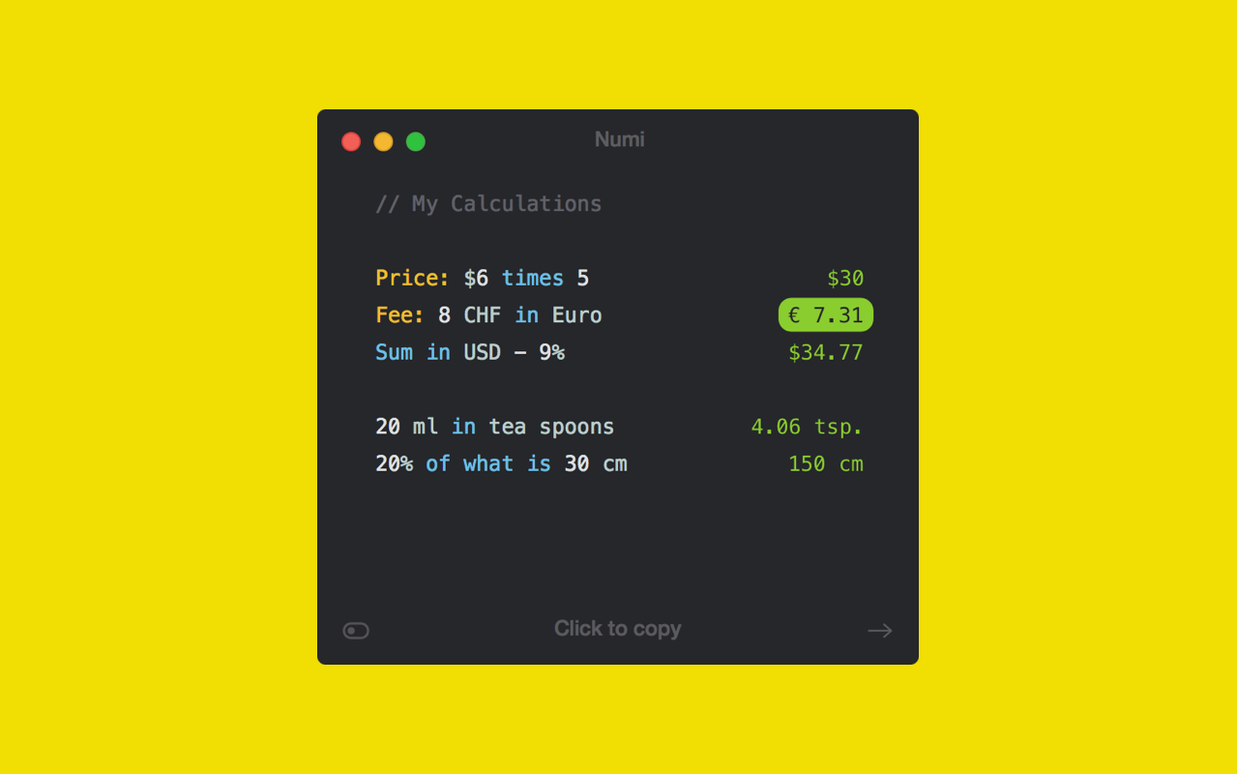
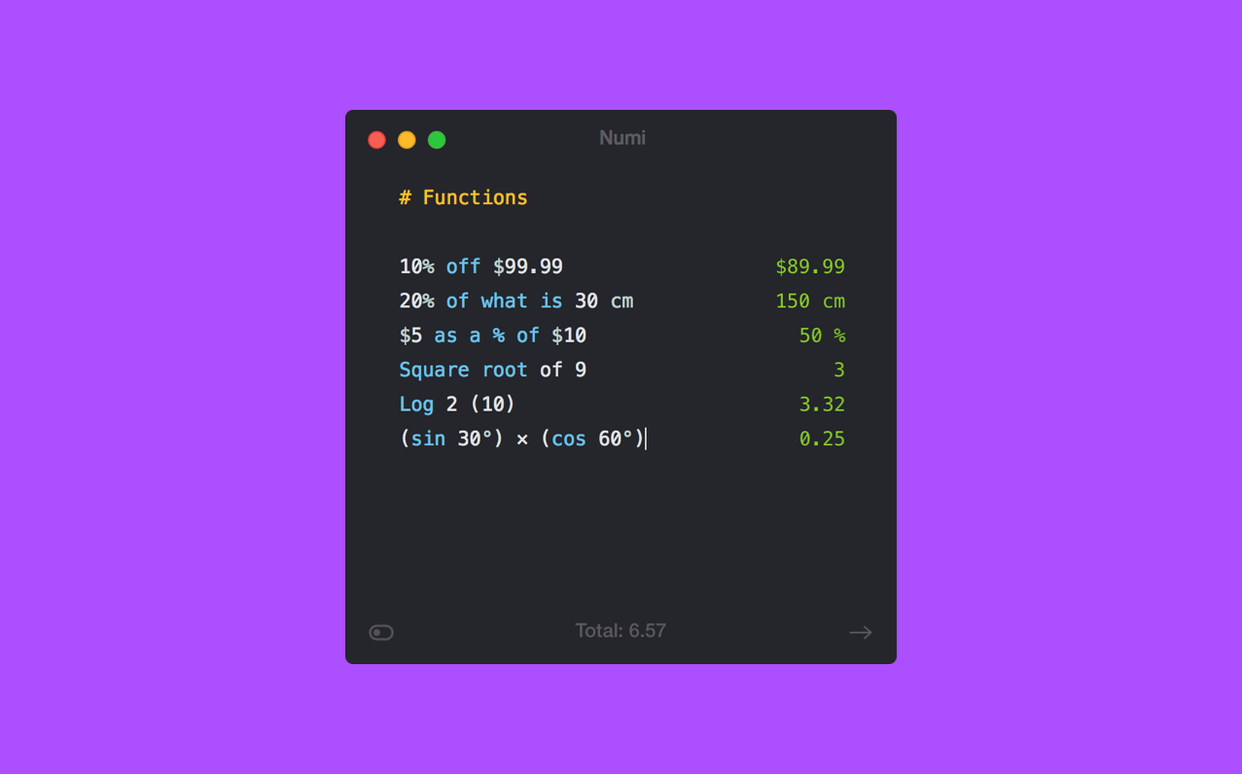
Numi is a Mac calculator that works the way you think — by typing. Instead of clicking buttons, you write out what you want to solve in plain text, and the answer appears beside it as you go.
Beyond the equals sign
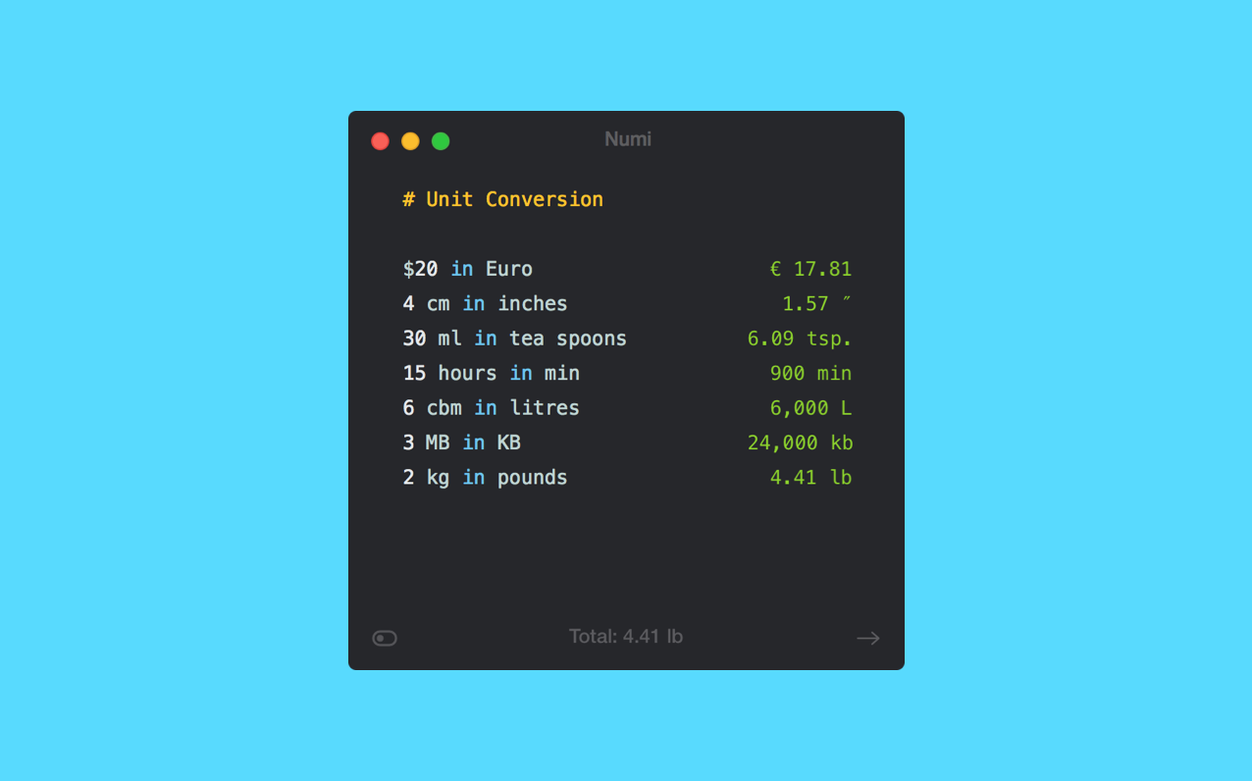
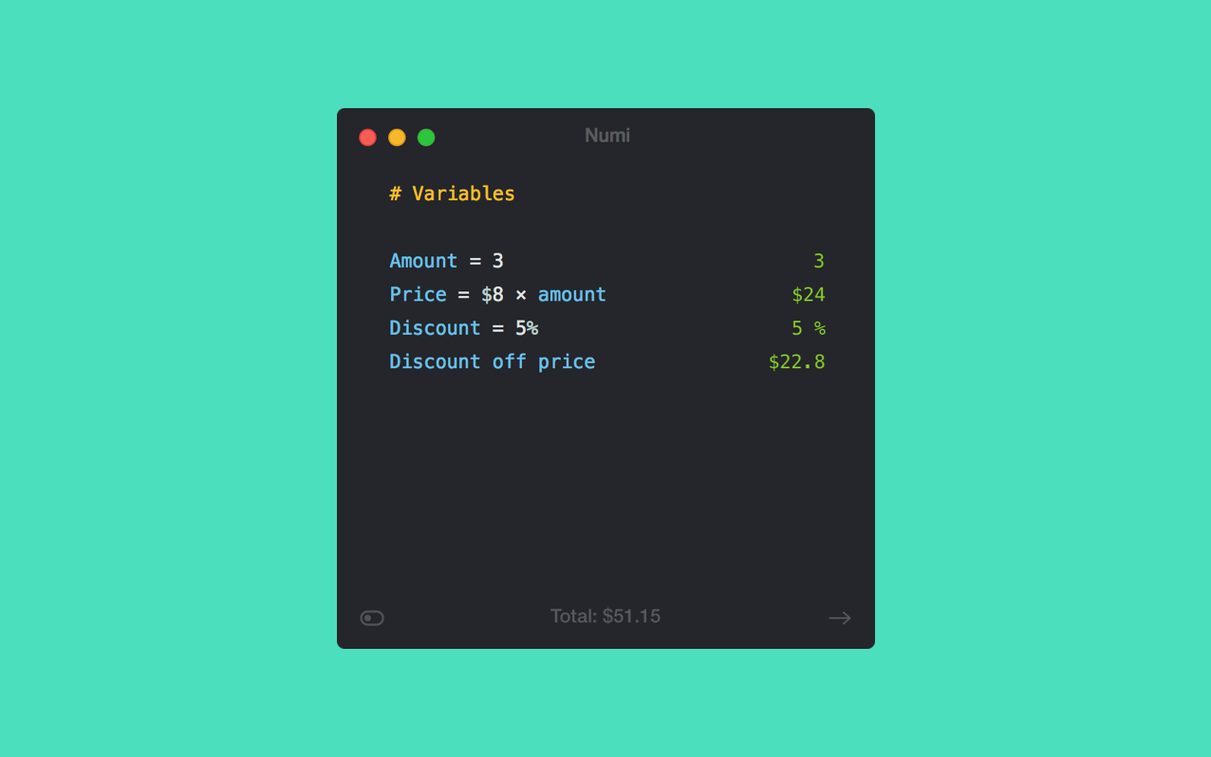
Anyone can open Numi and add a column of expenses, but the tool really opens up once you treat it as a scratchpad for interrelated problems. You can define variables on the fly — assign a day rate to rate, a shoot length to days, then type rate * days and edit either value later while everything downstream recalculates. Unit conversion sits right inside expressions too: 4 hours + 20 minutes in minutes works without menus or popovers. For screen-based work, Numi understands CSS units like px, pt, and em at a default of 96 ppi, which is useful when you are translating storyboards or title-safe guides into actual pixel dimensions. And because it syncs through iCloud, a scratch sheet of location-scout mileage calculations stays current whether you are at the desk or checking numbers on another Mac.
What the built-in calculator never offered
Apple’s own calculator is fine for quick arithmetic, but it has no memory of what you just did and no way to label intermediate steps. Numi keeps everything visible on one scrolling canvas — multiple calculations, notes, and units all in context. The app runs natively on Apple Silicon and Intel Macs back to macOS 10.13, and supports English, French, German, Spanish, Italian, Russian, Traditional Chinese, and Korean. That language breadth matters less for the interface than for how you write expressions: you can use commas or periods as decimal separators, and the parser follows the conventions of your system locale without getting in the way.
Numi sits in a niche between Soulver, Calca, and a plain text editor with a calculator taped to the side. Soulver shares the same notebook-plus-answers model and handles units cleanly, but it leans harder into spreadsheet-like line references and lacks the CSS unit support that makes Numi so handy for interface mock-up arithmetic. Calca — now largely dormant — offered a Markdown-friendly scratchpad where you could toggle between the expression and its result inline, a trick Numi does not copy; instead Numi keeps the computation to the right, which some people find easier to scan. Where Numi pulls ahead is the way it treats time zones and city-based time as first-class data. Typing time in Vancouver - time in Prague gives you the offset without looking anything up, and that is something neither Soulver nor the macOS Spotlight calculator gets near. If you only need quick single-line sums, the built-in Spotlight calculator or Alfred’s calculation workflow are faster — but they have no memory and no concept of units beyond what you spell out every single time.
iCloud sync breaks after macOS updates
A few rough edges show up once Numi becomes a daily tool. The most common is iCloud sync stalling after a macOS update: sheets stop appearing on other Macs, and the fix is usually to toggle Numi’s iCloud switch off and on again, then give it a minute to rebuild the index. Another quirk involves the em unit — Numi defaults to 16 pixels per em, which matches browser defaults but not every design tool, so checking your ppi assumptions against a known value before scaling a full layout saves a headache later. Some expressions that look straightforward to a human will trip the parser, particularly nested percentage subtractions like $200 - 15% - 5%. The workaround is to break them into separate lines with a variable, or to write them as $200 * 0.85 * 0.95, which is clearer anyway. Numi also does not handle currencies beyond simple conversion rates typed by hand; it does not pull live exchange data, so a line like 50 USD in CAD works only if you have already defined the rate yourself elsewhere on the sheet. On Apple Silicon machines the app runs without a hitch, but users on older Intel Macs sometimes see a brief beachball when opening a sheet with several hundred lines — splitting large scratchpads into separate documents keeps things snappy.
- macOS 10.13 or later
- Apple Silicon or Intel 64-bit Mac