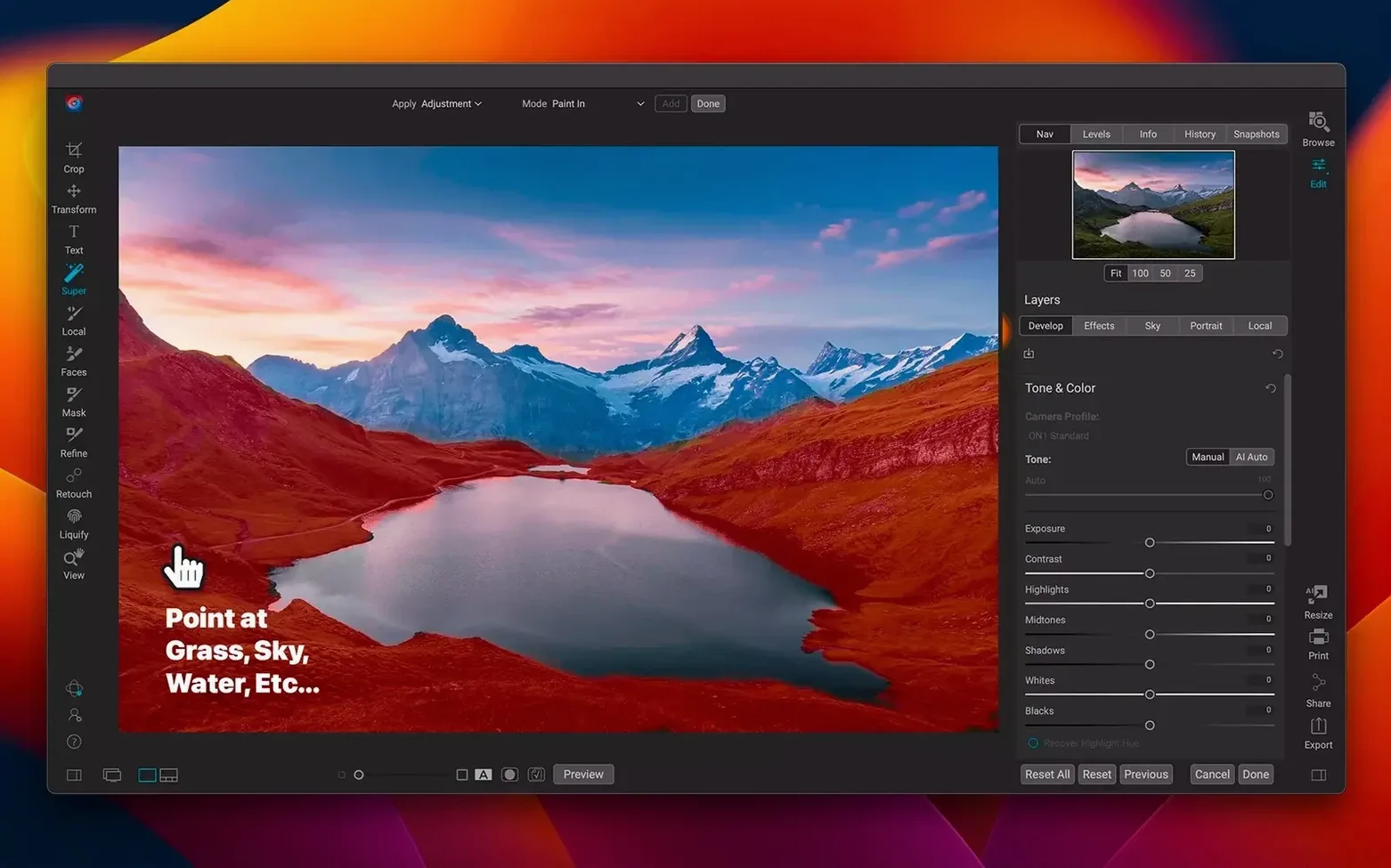
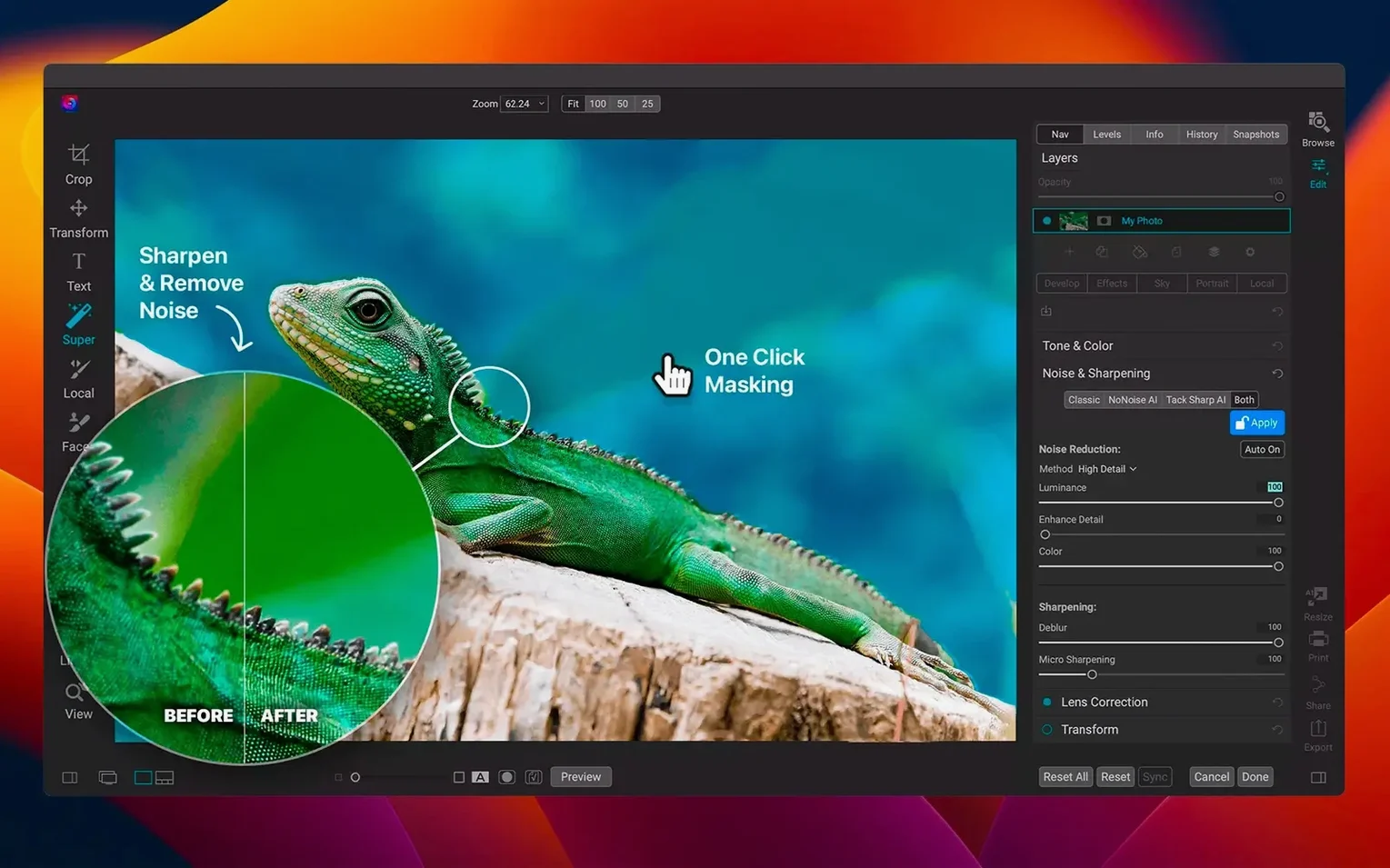
Super Select AI is where the edit often begins. You drag a rough rectangle across a sky, a jacket, or a face in a crowd, and the mask snaps to the subject with a precision that used to require ten minutes of careful brushing. It is one of those features that quietly rewires how you approach a frame — less cleanup work, more time shaping the light and colour that drew you to the scene in the first place.
The layered editor lets you composite multiple images, blend exposures, or drop in a texture without ever leaving the application. ON1 built this as a standalone space, not a plug-in bolted onto an organizer. You can stack raw files, add adjustment layers with their own masks, and reorder them freely — a workflow that feels closer to a compositing app than a conventional raw developer.
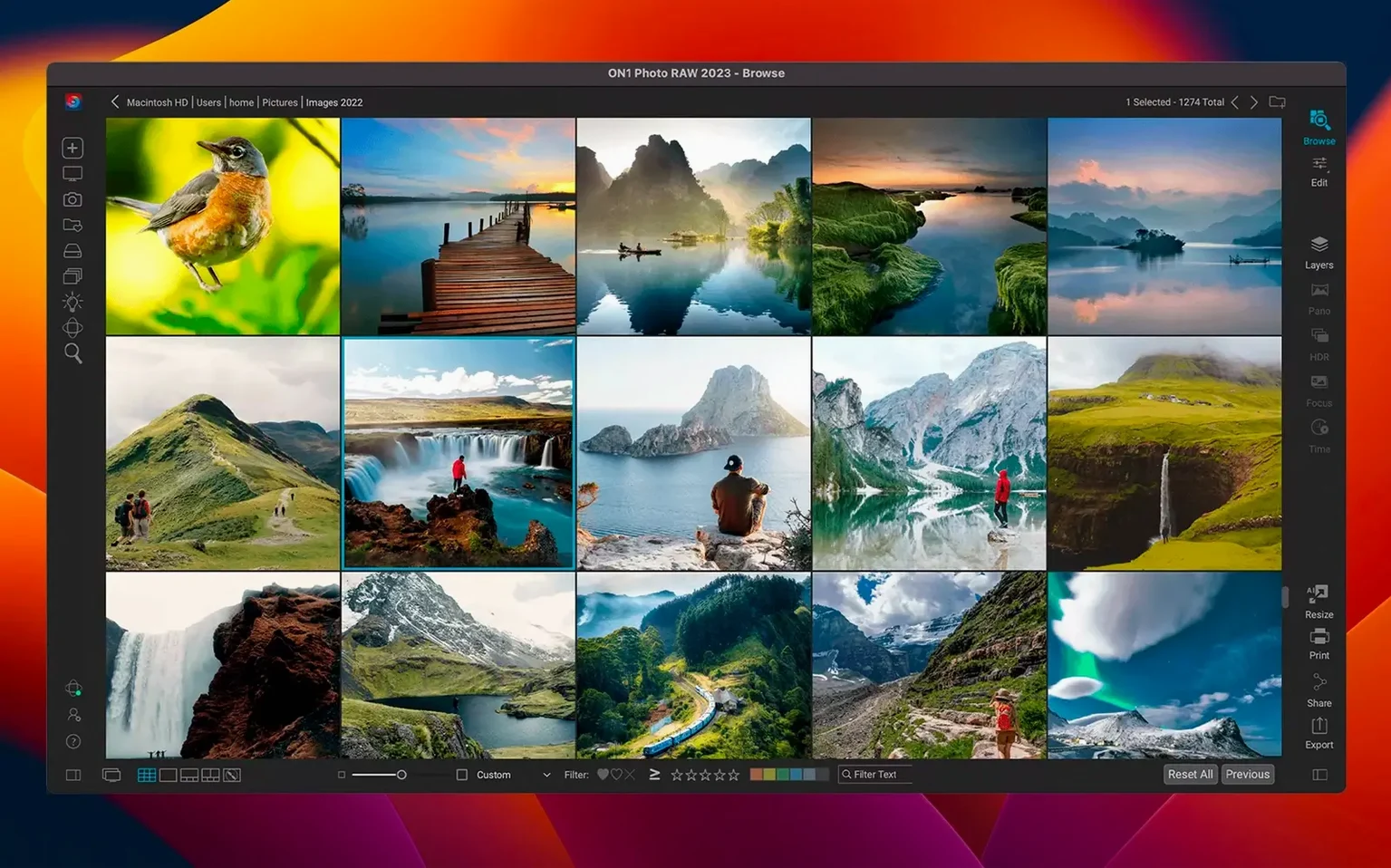
Organization runs deep, too. The catalog-based browser indexes drives on demand, and the AI-powered search finds frames by scene type, face, or even text in a photo. It turns a sprawling folder tree into something you can actually navigate by memory — the way you remember a shot, not the way a filesystem names it. The 2026.5.2 release sharpens this further with faster filter rendering and fresh lens profiles for recent glass.
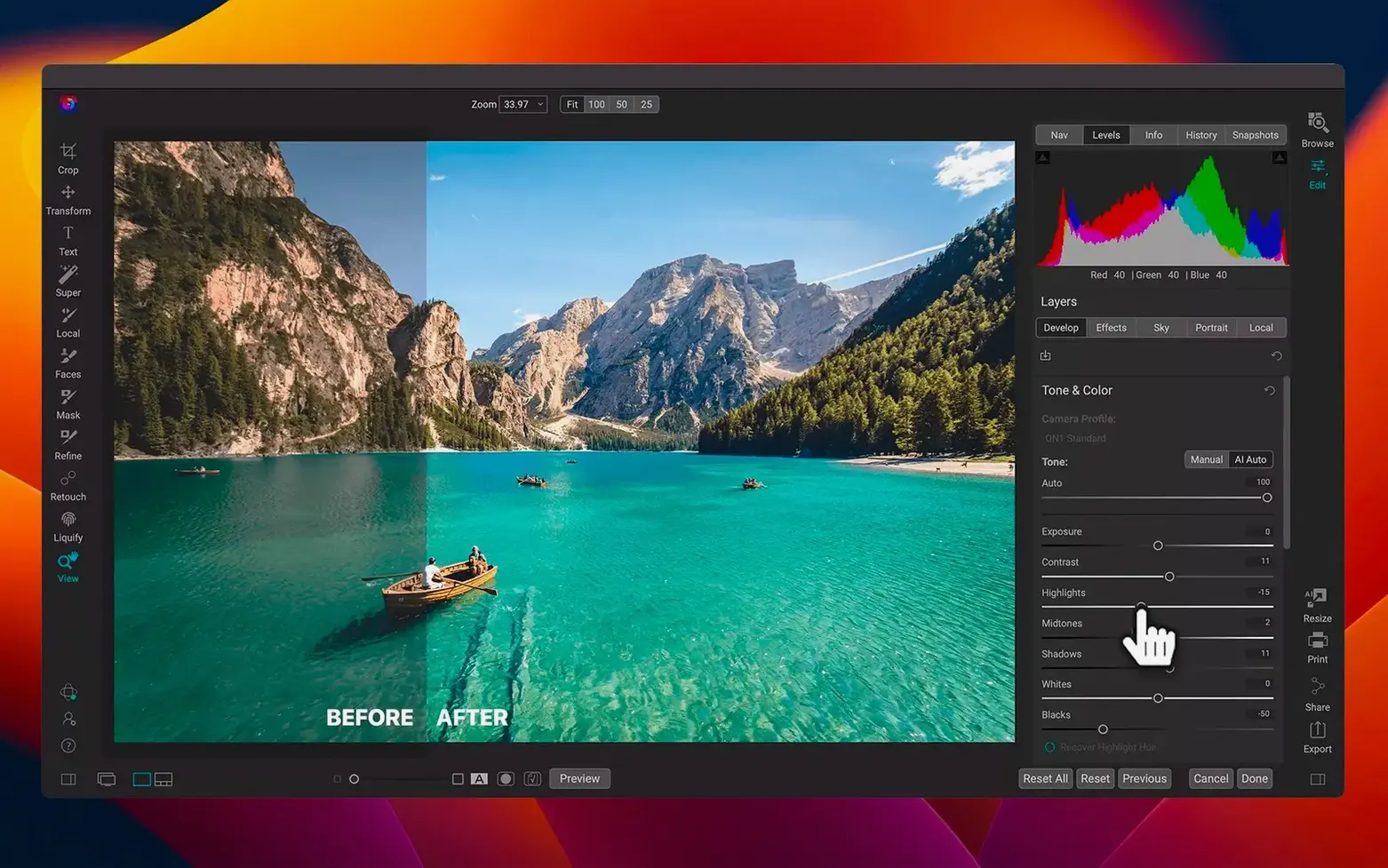
When the edit needs a distinct atmosphere, the effects module layers filters like a virtual darkroom rack. You can stack a diffusion glow over a cross-process curve, mask it to the highlights, and watch the image shift from clean digital capture to something with texture and mood. All of it stays live and non-destructive, ready to revisit when the light changes in your mind's eye.
Where ON1 sits in the daily toolchain
A lot of photographers bounce between a raw processor, a pixel editor, and a cataloguing app — three programs, three sets of shortcuts to remember, three places where a file can go missing. ON1 Photo RAW collapses that triangle into a single workspace, which changes how quickly you move from import to finished frame. You can hand off a layered PSD to Affinity Photo or Photoshop if a retouch calls for tools ON1 does not cover, but the round-trip is rarer than you might expect. The built-in portrait tools, frequency separation, and content-aware erase handle most of what a working photographer needs without leaving the library view.
Integration with macOS runs quietly in the background. The app writes metadata into XMP sidecars that Spotlight indexes, so you can search by keyword or caption from Finder without opening the catalog. Photos you export to the Files app or a shared iCloud folder carry their edits as rendered pixels, and ON1 respects Apple’s colour-managed pipeline — what you see on a P3 display matches the JPEG that lands on a client’s iPhone. If you shoot tethered, ON1 watches a hot folder and pulls in new raws as they arrive, which means Capture One is no longer the only Mac-native option for studio work.
ON1 Photo RAW also pairs well with the Shortcuts app for repetitive export jobs. You can build a shortcut that picks up the last batch of edited TIFFs, resamples them to a preset size, and drops them into a dated client folder — all triggered by a single click in the menu bar. It is a small thing, but after a long shoot, small things matter.
Where Lightroom catalog imports hit a wall
The most common headache new users hit is catalogue migration. If you have years of Lightroom collections, ON1’s import tool brings over ratings, keywords, and basic edits, but it does not translate every local adjustment perfectly. Gradients and radial filters convert to ON1’s own masking shapes, and occasionally a hue shift lands one or two degrees off. The fix is tedious but straightforward: open the migrated image, tweak the mask feathering, and save it back. After that, the edit belongs to ON1 and behaves as expected.
Another friction point is GPU acceleration on older Intel Macs. The 2026.5.2 update leans harder on Metal for filter previews, and a machine with only integrated graphics can stutter when stacking more than four or five effects on a high-megapixel raw. Switching the preview quality to Fast in the performance preferences usually smooths things out, and the final export renders at full resolution regardless. On Apple Silicon, these bottlenecks largely disappear — the Neural Engine handles AI masking without the fan ever spinning up.
Some people searching for an on1 photo raw download and running the installer hit a Gatekeeper block, especially on macOS Sequoia. The workaround is a one-time Terminal command to lift the quarantine flag, after which the app launches normally. It is a macOS security routine, not an app flaw, and it takes less than thirty seconds.
Four-second launches and scroll-smooth browsing
Launch times on an M2 or M3 MacBook Pro hover around four seconds with a library of twenty thousand raws — fast enough that the app feels like a utility, not a heavyweight suite. Browsing is scroll-smooth, and the new filter engine renders a five-layer effect stack almost instantly, where the previous version paused for a heartbeat. The 2026.5.2 lens profiles load at startup and apply during import, so distortion correction is already baked into the preview you first see.
Memory usage sits around two to three gigabytes during an editing session, climbing when you open multiple layered composites side by side. ON1 Photo RAW does not virtual-memory thrash the way some cross-platform ports do; it releases RAM when you close a tab, and Activity Monitor shows a tidy footprint. Stability has been solid across a week of heavy use — no crashes during batch exports, no corrupted catalogues after a forced quit, and only one reproducible flicker when scrubbing the zoom on a 16-bit Fuji GFX file, which a toggle of the GPU processing mode resolved.
On long editing days, the app stays responsive. You can leave it open overnight, come back, and pick up right where you stopped, with the undo history intact. For anyone who has nursed other raw developers through memory leaks and beachballs, that kind of quiet reliability is worth noting — not because it is flashy, but because it means the software stays out of the way and lets the images hold your attention.
The 2026.5.2 update brings faster filter performance across the board and adds new lens profiles for recently released cameras and lenses, improving automatic distortion and vignette corrections.
- macOS 13 Ventura or later
- Apple Silicon or Intel 64-bit Mac
Questions from the booth
Yes, the app runs natively on both Apple Silicon and Intel 64-bit Macs, with full support starting from macOS 13 Ventura.
It is a standalone photo editor and organizer that also includes a layered compositing editor and an effects module, all within a single application.