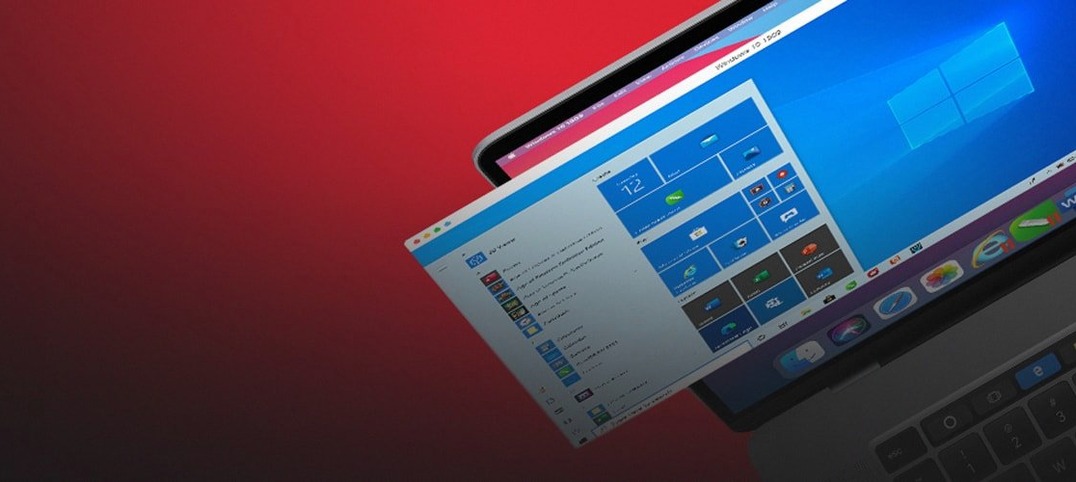
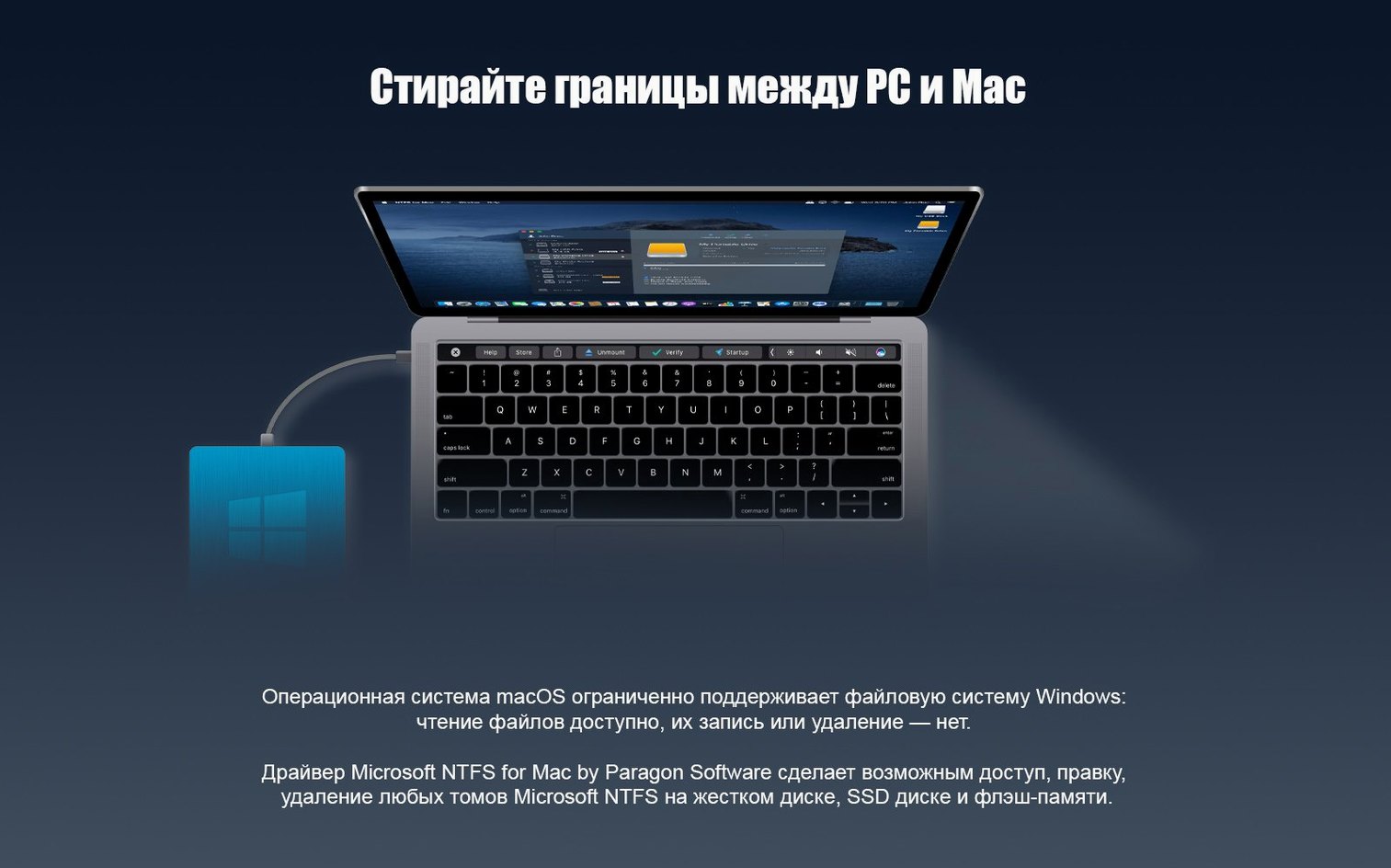
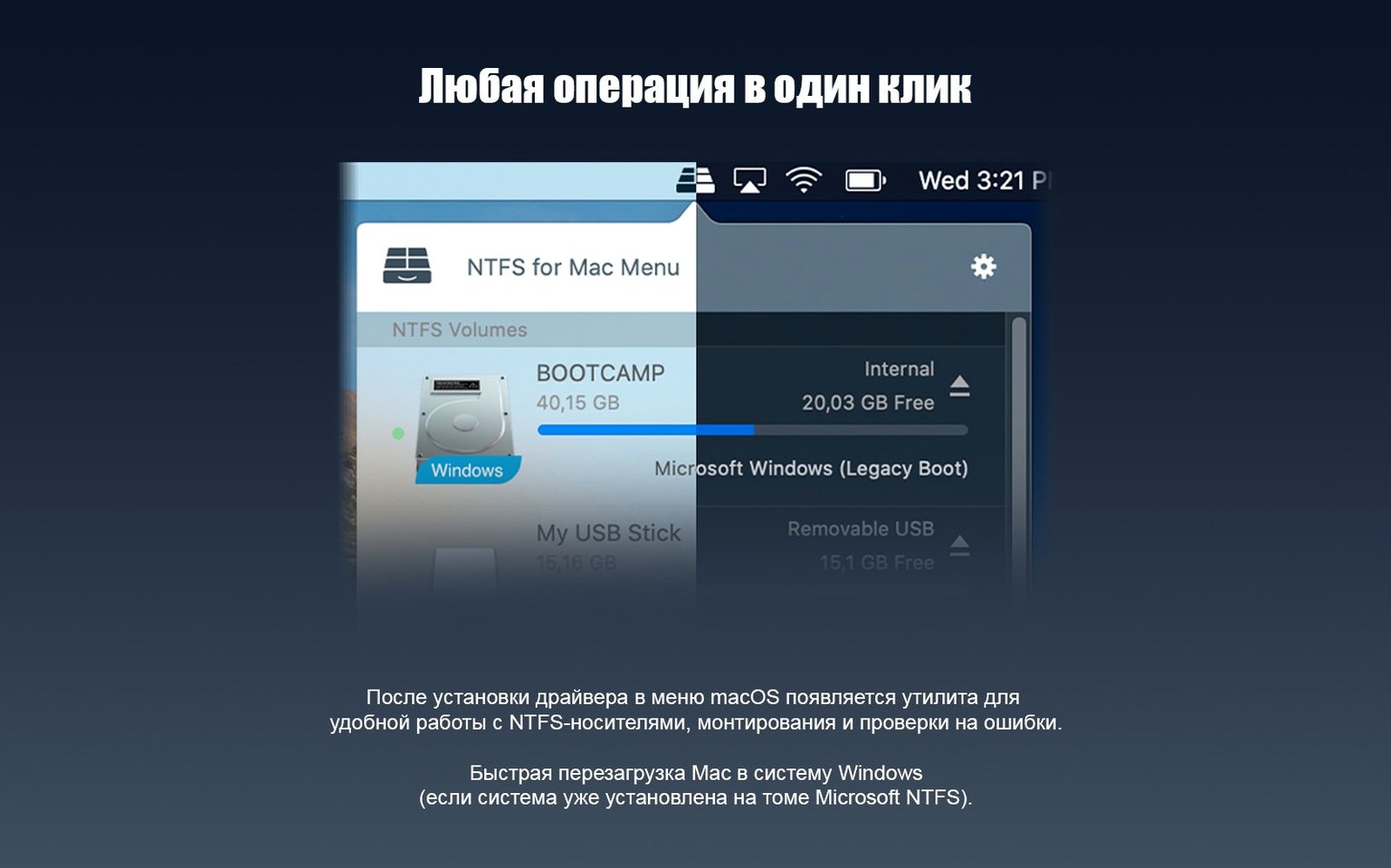
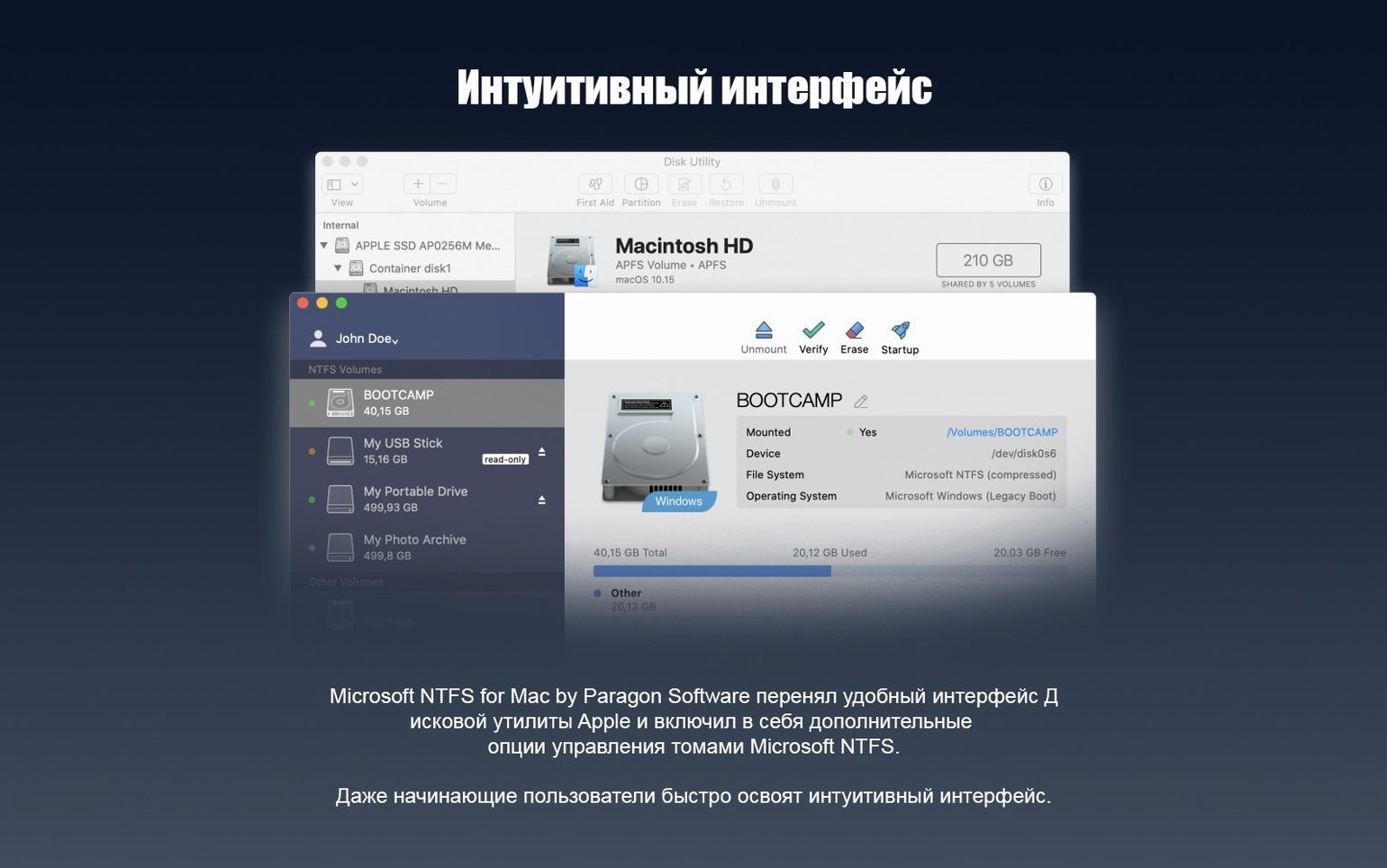
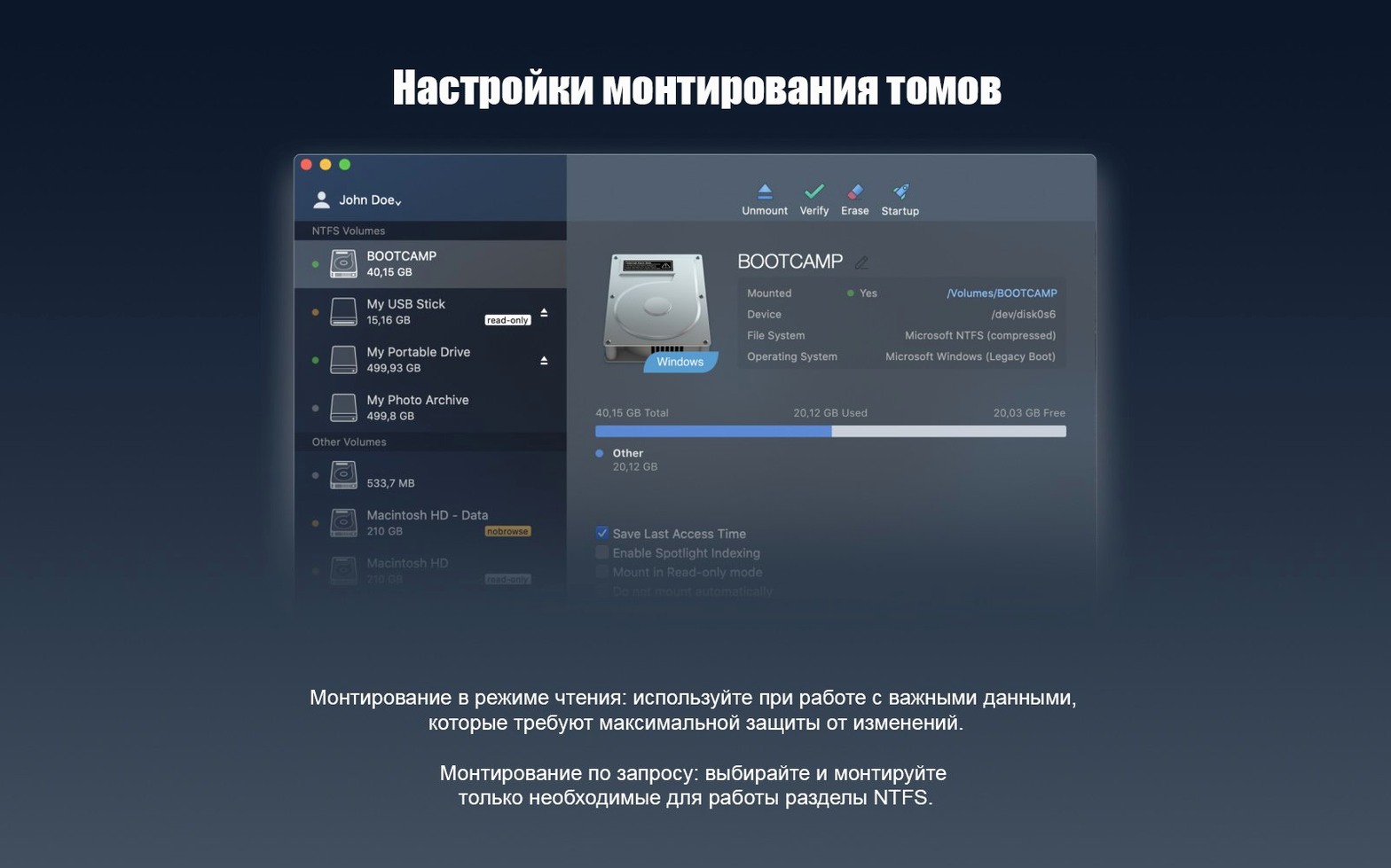
Windows formats its drives as NTFS — a file system macOS can read but has never been able to write to on its own. Plug in a portable SSD from a Windows machine and the Finder shows every folder, yet refuses to let you rename a single file or drop a new one onto it. Paragon NTFS for Mac closes that gap with a driver that slots into the system and makes NTFS volumes behave like any other connected disk.
Mounting a client drive without the read-only wall
Picture a morning edit session. A director hands over a rugged LaCie carrying the raw footage from yesterday's shoot, formatted NTFS on set. Before the driver, you would copy everything to your Mac's internal storage first — eating time and space. With Paragon installed, the orange drive icon appears on the desktop and you open it straight into DaVinci Resolve, pulling clips directly from the NTFS volume. Trimming, colour grading, exporting a reference file back to the same disk — the driver handles the low-level translation silently. You notice it only by what no longer happens: no greyed-out paste command, no error dialog when you try to save a project file alongside the footage.
Rebuilding a game library from an old NVMe
A few years of Steam installs sit on an NVMe drive pulled from a retired gaming PC, and you want to reclaim them for the MacBook's growing library. The enclosure connects over USB-C, the drive mounts instantly, and the entire folder tree is writable. You drag the Steam library folder to the Mac's external game drive, merging what you already have while skipping duplicates. Halfway through, you delete a deprecated Proton prefix taking up 80 GB — something the Finder simply would not allow without the NTFS driver in place. When the transfer finishes, the drive ejects cleanly with no forced reformat or workaround. It stays NTFS, ready to plug back into a Windows machine tomorrow.
A quiet translator between Finder and the disk controller
Paragon NTFS is not an app you launch. After the installer finishes and the system extension loads, it becomes a quiet layer between the Finder and the disk controller — a translator that intercepts write requests headed for NTFS volumes and packages them into a format the file system understands. That positioning means it plays nicely with almost everything that touches files. Time Machine ignores NTFS drives automatically; Spotlight indexes them without complaint. If you run Carbon Copy Cloner or SuperDuper for backups, you can point a clone task at an NTFS volume and it will copy block-for-block as if the disk were HFS+. The driver does not insert itself into the backup chain in any visible way, which is exactly what you want from something this low-level.
Virtualization tools like Parallels and VMware Fusion benefit in a subtler fashion. A Boot Camp partition sitting on the same Mac's internal drive appears as a mounted NTFS volume under Paragon — writable from the macOS side even while the Windows VM is shut down. That lets you drag a downloaded installer or a set of project files straight into the Windows file system without booting the virtual machine first. On Apple Silicon Macs, where Boot Camp is not an option, the same logic applies to external Windows-to-Go drives prepared on another machine: they mount fully read-write and you can manage their contents from the comfort of Finder tabs.
The one friction point worth knowing about is disk utility software. Tools that repair or verify volumes sometimes see the Paragon driver as an unknown filter and will ask you to unmount the disk before running a check. It is rare and mostly cosmetic, but if you use DiskWarrior or TechTool Pro regularly, expect an extra click now and then.
Video editors and DITs on mixed-setup shoots hit the NTFS wall hardest
Three groups of Mac users run headlong into the NTFS read-only wall, and for each the driver solves a slightly different problem. Video editors and DITs on mixed-setup shoots are the obvious first group. Camera magazines and shuttle drives come formatted NTFS from Windows-based ingest stations, and the ability to plug them directly into a MacBook on location — without a lengthy copy step — turns a 45-minute offload into a five-minute check-and-go. Colourists who receive reference stills back to the same drive for client approval keep everything on one volume, which cuts the risk of version drift between internal and external copies.
Developers working with cross-platform codebases are the second group. A Git repository stored on an NTFS external drive, shared between a Mac and a Windows tower, stays writable from both sides with no reformatting gymnastics. The same goes for game developers pushing builds to a test machine that runs Windows — the SSD shuttle between the two stations never needs to be exFAT, with all the file-size and journaling compromises that implies.
Then there is the quieter third group: people who simply live in two computing worlds and are tired of maintaining separate external storage for each. A family photo archive on a large NTFS drive, a music library curated over years in Windows, a collection of ROMs and ISOs that gets plugged into different machines depending on the evening's project — these are not high-stakes professional workflows, but they are the daily texture of a dual-OS life. Paragon removes the one persistent annoyance from that texture.
Sustained transfers saturate with a 90 GB mixed-file folder copy
The driver core rewrite that arrived with version 15 shows its work in sustained transfers. Copying a 90 GB folder of mixed file sizes — thousands of small source files plus a handful of large video containers — saturates the USB-C bus without the stop-start rhythm that older NTFS solutions sometimes exhibit. Small-file performance, historically the weak point of any file-system translation layer, holds up well: deleting a node_modules tree with tens of thousands of tiny JSON and JavaScript files finishes in roughly the same time as on an APFS volume on the same hardware. That is not laboratory-grade benchmarking, but it is the kind of real-world task where a slow driver makes itself known immediately.
Memory use is almost invisible. The kernel extension (or system extension, on newer macOS builds that support it) idles at a handful of megabytes and spikes only during active I/O. There is no menu bar icon, no background daemon polling the USB ports, no launch agent firing timers. If no NTFS drive is connected, Paragon simply does not exist as far as Activity Monitor is concerned. That restraint matters on laptops where every watt of idle draw counts against battery life — and it means the driver does not interfere with sleep, wake, or the long chain of power-state transitions that modern MacBooks navigate throughout a day.
Stability over weeks of uptime is the harder thing to convey, but it is the quality that separates a file-system driver you trust from one you uninstall after the first kernel panic. Through macOS point updates, through drives that get yanked without ejecting, through hibernation cycles where an NTFS volume stays connected while the Mac sleeps overnight, the driver rarely draws attention to itself. The one recurring edge case involves drives with existing file-system errors — a disk that Windows already flags as needing chkdsk will sometimes mount read-only under Paragon as a protective measure, which is the correct and conservative choice.
Settings to revisit after the first mount
The default configuration is deliberately spartan, but a few changes in the preference pane make daily use smoother. First: disable the automatic mounting of NTFS volumes if you regularly connect drives you only need on the Windows side. The preference sits under the General tab and toggles whether the driver claims every NTFS disk at plug-in or waits for you to mount it manually through Disk Utility. Leaving it off for a Boot Camp internal drive, for instance, keeps the Windows system volume safely unmounted during macOS sessions and reduces the chance of accidental writes to the wrong partition.
Second: turn on the File System Consistency Check option if the drive travels between machines often. It runs a lightweight verification on mount — not a full chkdsk, but enough to catch the kind of orphaned clusters that result from an unplugged cable — and prevents the driver from attempting writes to a volume that needs repair first. The check adds about three seconds to the mount time on a large drive, a delay you will not notice once, and will be grateful for the one time it saves a directory from corruption.
Third: if you share NTFS volumes across a network via SMB or AFP, look at the Advanced tab's permissions mapping. By default, Paragon translates Windows ACLs into POSIX permissions as best it can, but the result is sometimes overly restrictive for shared folders. Setting the volume to ignore ownership — the same checkbox Disk Utility offers for external drives — simplifies everything for a disk that moves between a home NAS, a Mac, and a Windows laptop. It is a small tweak with an outsized effect on whether a file copied from one machine opens without a permissions prompt on another.
Version 15 rebuilds the driver core for faster mount times and more consistent handling across different NTFS volume sizes. It also adds support for Windows 10 system compression, so compressed files copied from a PC arrive intact and readable on the Mac side.
- macOS 10.12 Sierra or later
- Intel 64-bit or Apple Silicon (ARM) processor
Questions from the booth
Yes, version 15 runs natively on both ARM-based Apple Silicon and 64-bit Intel Macs.
No extra steps are required — connect an NTFS disk and the driver grants full read and write access automatically.
Version 15 supports macOS 10.12 Sierra and all later versions.