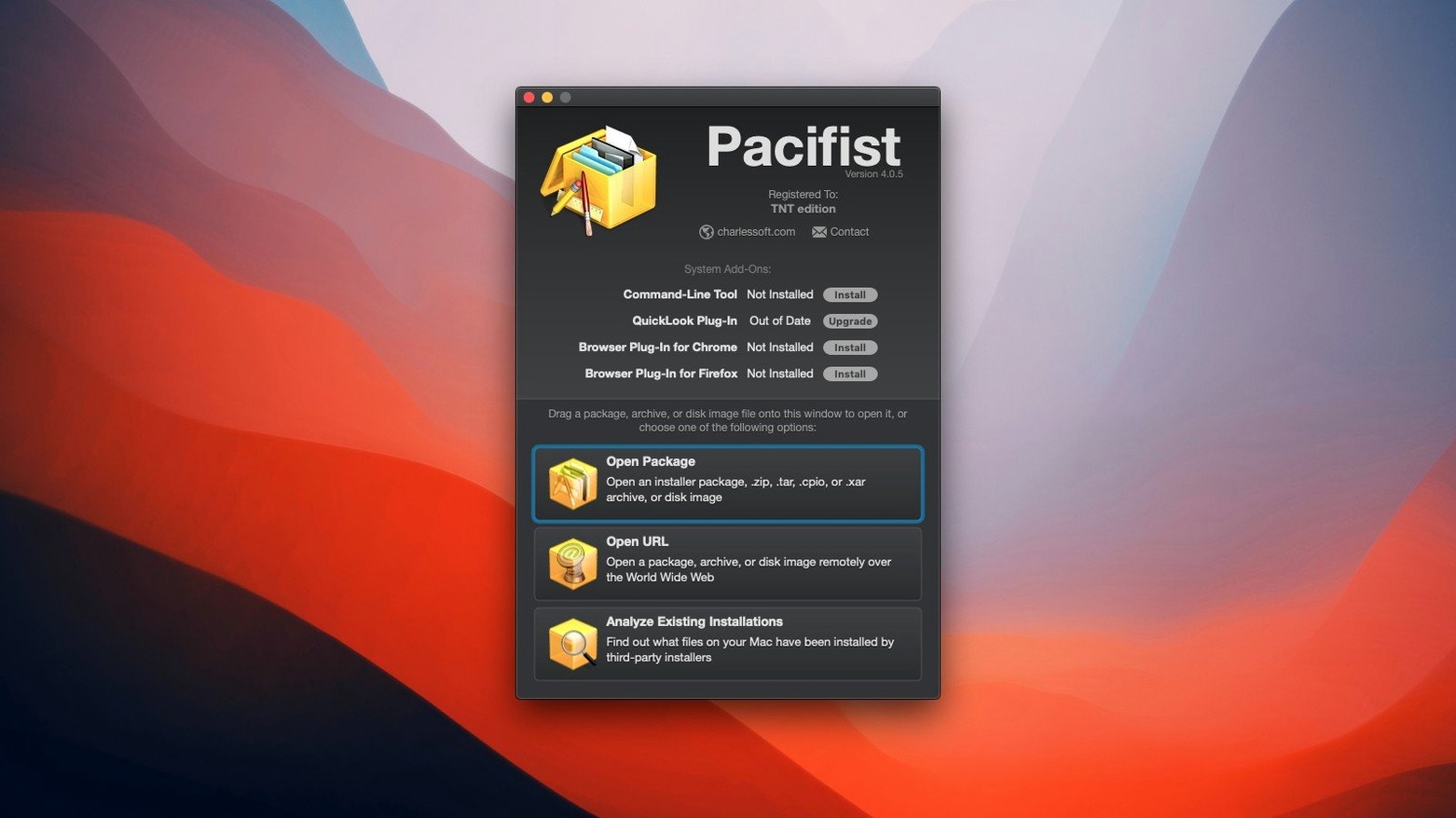
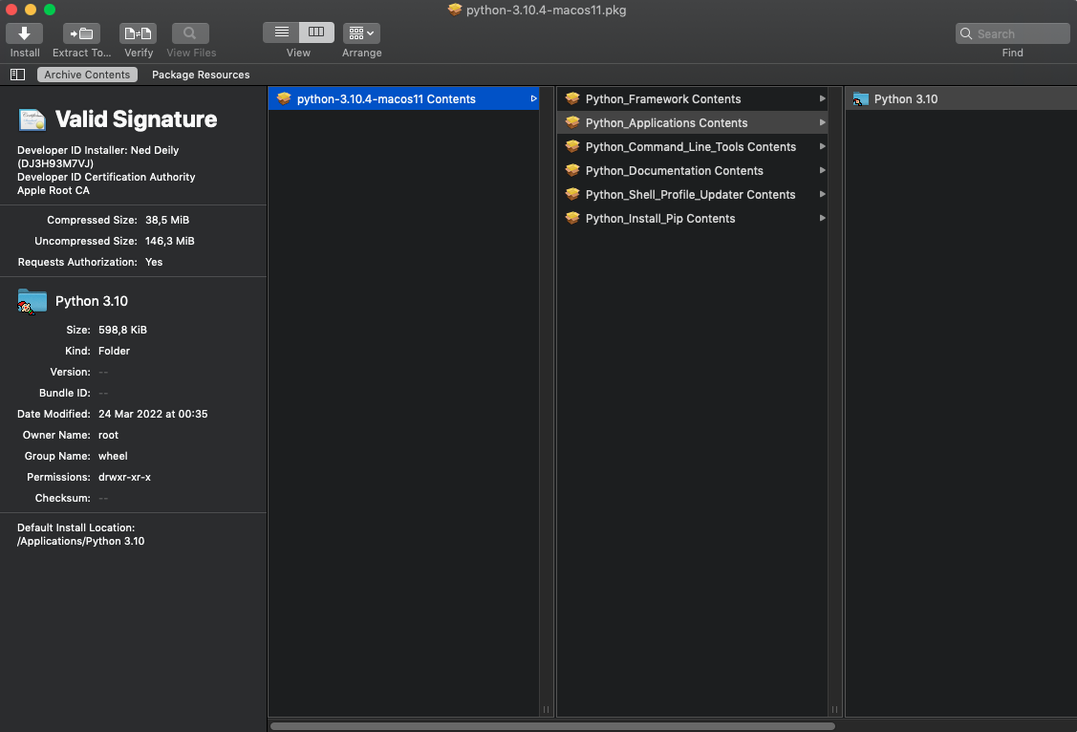
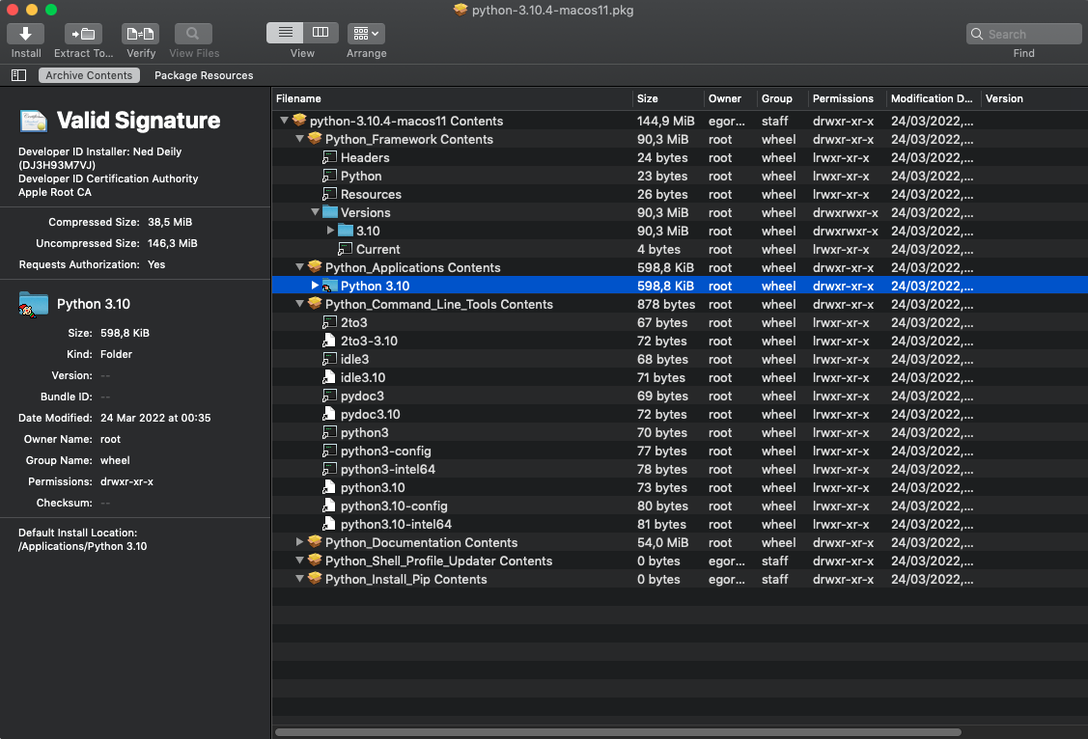
The first thing to reach for is the Extract command. Not the whole package—just one folder inside it. Pacifist opens macOS .pkg installers, .dmg disk images, and archives like .zip or .tar.gz as browsable hierarchies, and you can drag a single preference pane or kernel extension out while leaving everything else behind.
Two places to start exploring
- Open an Apple installer package. Drop a .pkg file onto the window and browse its payload. The app identifies whether kernel extensions inside belong to Apple or a third-party developer, which is useful when you are troubleshooting a stubborn kext after a system update.
- Pull files from a corrupted archive. When a .zip or .tar.bz2 refuses to expand in Finder, Pacifist often reads what it can and lets you salvage individual files while skipping the damaged sections.
Working with disk images without mounting them
Pacifist also opens .dmg files directly, bypassing the usual mount step. You get a flat view of the image's contents and can extract a single installer or document without ever attaching the volume. It is a small workflow shift that saves clicks when you are pulling assets from a stack of archived project drives.
Extracting a single audio driver from a combo update
Say you installed a macOS point release and your audio interface went silent. Rather than re-running the full installer—and having it overwrite custom settings you tweaked weeks ago—you can pull just the kext from the combo package.
Drop the .pkg onto Pacifist. The window populates with a folder tree that mirrors the installer payload. Navigate into System/Library/Extensions, find the kext that matches your interface, and select it. Hit Extract, choose a folder on your desktop, and Pacifist writes that single file out. No other system files touched, no permissions reset. From there you can manually place it in the Extensions folder, repair permissions, and reboot. The whole operation takes under two minutes, most of which is spent verifying you grabbed the right build for your OS revision.
Recovering a vanished color profile from an installer package
I keep Pacifist pinned to the Dock during the first week after any macOS update. Here is how a typical session unfolds.
Tuesday afternoon. A colleague messages that the colour profile she built for our grading monitor has vanished. I know it shipped inside a .dmg from the manufacturer two years ago, and I still have that disk image on an archive drive. I right-click the .dmg, choose Open With Pacifist, and the window fills with a flat list of the image contents. No mounting, no Finder sidebar clutter. I spot the .icc profile nested three folders deep, select it, and extract it straight to ~/Library/ColorSync/Profiles. The monitor snaps back to its calibrated state before my tea has cooled.
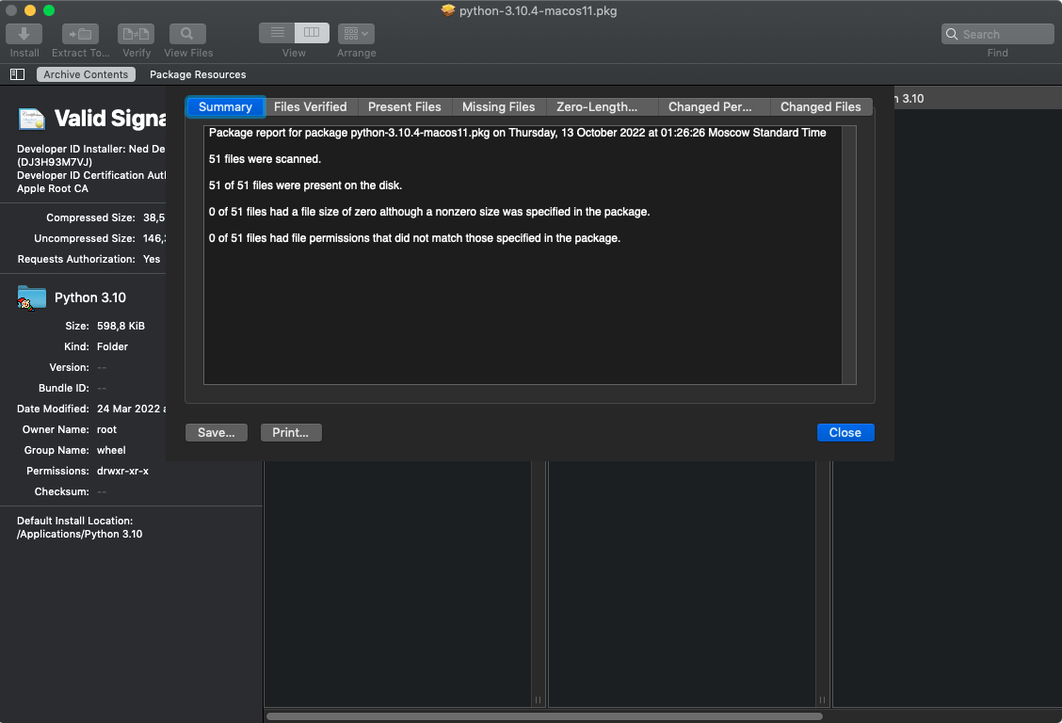
While the window is open, I also check the Applications tab to verify whether a recent Final Cut Pro update left any files behind. Pacifist scans the installed app bundle against its internal records and flags a missing framework—something the delta updater skipped. I make a mental note to reinstall that component later. The scan runs in the background; I switch to the archive tab and queue up a second extraction from a .tar.gz of location audio stems. Three files pulled, zero Finder freezes.
This rhythm—open, inspect, extract, close—becomes second nature. Pacifist never feels like a destination app; it is the tool you dip into for thirty seconds and leave.
Keep the extraction window open to pull multiple files at once
The defaults are sensible, but a few preferences reward early attention.
First, enable “Keep extraction window open after extraction finishes”. The default behaviour closes the progress sheet immediately, and if you need to grab a second file from the same package you will find yourself reopening it from scratch. Keeping the window alive turns a single extract into a browsing session.
Second, under the Extraction tab, check “Use administrator privileges when extracting” only when you know you are writing to protected directories. Leaving it off for day-to-day pulls into your home folder avoids unnecessary authentication prompts and keeps the workflow light.
Third, the QuickLook integration is worth a look—though the current build from the TNT team disables the plug-in. If you are running a version where it functions, it lets you peek inside .pkg files from Finder with a tap of the spacebar, which makes browsing a folder of old installers feel like flipping through a contact sheet.
Pacifist lets you extract, not just preview like Suspicious Package
Pacifist and Suspicious Package. Suspicious Package is a lightweight QuickLook plug-in that previews .pkg contents in Finder. It is fast, free, and ideal for a quick glance before you double-click an installer. But it stops at preview. Pacifist lets you extract, and it handles disk images and archives the same way it handles packages. If you only ever need to read package receipts, Suspicious Package does the job with less interface. If you need to pull files out—and do it across .dmg, .zip, and .tar formats without switching tools—Pacifist covers more ground.
Pacifist and The Unarchiver. The Unarchiver is the workhorse for expanding archives on a Mac, and it handles more obscure formats than Pacifist does. Where Pacifist pulls ahead is partial extraction. The Unarchiver decompresses everything; Pacifist lets you browse inside and take one file. For a corrupted archive, The Unarchiver will often fail entirely, while Pacifist can sometimes navigate past the damaged block and retrieve what remains intact.
Pacifist and the built-in pkgutil. The command-line pkgutil tool can expand flat packages and list their contents, and it ships with every Mac. It is scriptable and costs nothing extra. But its output is raw, and browsing a complex installer payload in Terminal is an exercise in squinting. Pacifist wraps the same capability in a browser that lets you see file permissions, sizes, and hierarchies at a glance. For a sysadmin writing automation, pkgutil wins. For a filmmaker pulling a missing codec from an old Final Cut Studio installer at 11 p.m., Pacifist is the tool you actually want open.
Version 4.1.4 brings compatibility with macOS Tahoe and sharpens the asset catalog parser, improving accuracy when extracting images. A handful of smaller bug fixes round out the update.
- macOS 10.14.6 or later
- Intel processor
- English interface
Questions from the booth
It opens macOS .pkg package files, .dmg disk images, and .zip, .tar, .tar.gz, .tar.bz2, and .xar archives.
Yes. When you open a package that contains kernel extensions, Pacifist identifies the installer used and flags whether each extension belongs to Apple or a third-party developer.