Most 3D tools force you to choose between the mathematical precision of solids and the freeform expressiveness of sculpting. The moment a design brief calls for both—a precisely engineered surface that blends into an organic, sculpted form—the usual pipelines fracture. Rhino was built for exactly that tension. It treats NURBS curves, polygon meshes, subdivision surfaces and point clouds as equal citizens in the same scene, so the transition from a reverse-engineered scan to a manufactured surface doesn't require switching applications mid-project.
Standout features and the work they perform
SubD Creases give subdivision surface modelling the kind of edge control that used to require awkward workarounds. You can pin a sharp crease along a specific edge while the surrounding surface stays smooth, which is indispensable when modelling consumer products where organic forms meet hard mechanical details. ShrinkWrap solves a tedious reverse-engineering problem: wrapping a clean, editable surface around a messy mesh scan. Feed it a point cloud or a dense triangle mesh, and it generates a tight-fitting NURBS or SubD envelope that you can actually work with downstream. The new render engine feels like a genuine generational shift, cutting the wait between material tweaks and visual feedback, while the Metal-based graphics keep large viewport scenes responsive on Apple Silicon Macs. And a more customizable interface means the tools you use every session finally sit where your fingers expect them, not where a default layout dictates.
Six thousand NURBS objects on an M1 Max without a stutter
Rhino has always carried a reputation for being lighter than its CAD contemporaries, and the native Apple Silicon build of version 8 confirms that instinct. On an M1 Max with 32 GB of RAM, a scene containing six thousand NURBS hulls and a dense ShrinkWrap mesh still orbits at sixty frames per second in shaded mode — no perceptible lag, no viewport tearing. The Metal-based display pipeline deserves credit here. Redraws feel smoother than they did under OpenGL, and the application no longer triggers the GPU spikes that could send a MacBook Pro's fans howling after twenty minutes of subdivision work.
Memory use sits in a comfortable middle band. A fresh session with an empty template idles around 400 MB. Load a mid-weight architectural model with linked Grasshopper definitions and the footprint climbs to about three gigabytes — entirely manageable on machines with 16 GB or more. The real restraint is disk throughput rather than RAM. Large point cloud imports from terrestrial scans (think a warehouse interior captured at five millimetre resolution) strain the read speed of slower external drives, so keeping active projects on the internal SSD makes a tangible difference during the first moments of import and during autosave.
Stability is not flawless, but it is predictable. Crashes tend to cluster around third-party Grasshopper plug-ins that have not been updated for the new data types in version 8, and around display driver hiccups on Intel Macs running dual external displays. Apple Silicon machines crash less often — perhaps once every three or four full workdays under heavy Grasshopper iteration. Autosave, set to ten-minute intervals by default, catches almost everything. If you lose work in Rhino 8, it is usually because you ignored the recovery prompt, not because the application failed to keep a recent backup.
A workflow from concept scan to clean solid
Imagine a prop designer handed a rough clay maquette and asked to produce a mould-ready positive. The maquette gets scanned into a dense triangle mesh — noisy, around eight million polygons, with the usual pockets and floaters around the base. Importing that mesh into Rhino via File > Import takes about forty seconds on a fast SSD. The first instinct might be to clean it with ReduceMesh, but that sacrifices the subtle curvature that the clay work put into the surface. A better path is to leave the scan heavy and let ShrinkWrap do the smoothing.
Select the mesh, run the ShrinkWrap command, and set the target to SubD with a point count that matches the scan's surface detail — anywhere from five to fifteen thousand points depending on the complexity of the sculpt. The resulting SubD envelope wraps the mesh tightly but ignores the deep crevices that were just scanner noise. Now the model becomes editable. Use SubD Creases along the parting line where the left and right halves of the mould will meet, locking that edge to a crisp zero-radius fold while the cheeks of the sculpt stay rounded. From there, convert the SubD to NURBS surfaces with ToNURBS, cap the open edges, and run a draft-angle analysis to confirm the part will release from a two-part mould. The whole process — scan to closed solid — fits inside a lunch hour, and no other application had to open a single file.
Tear off palettes and dock them to the screen edges on day one
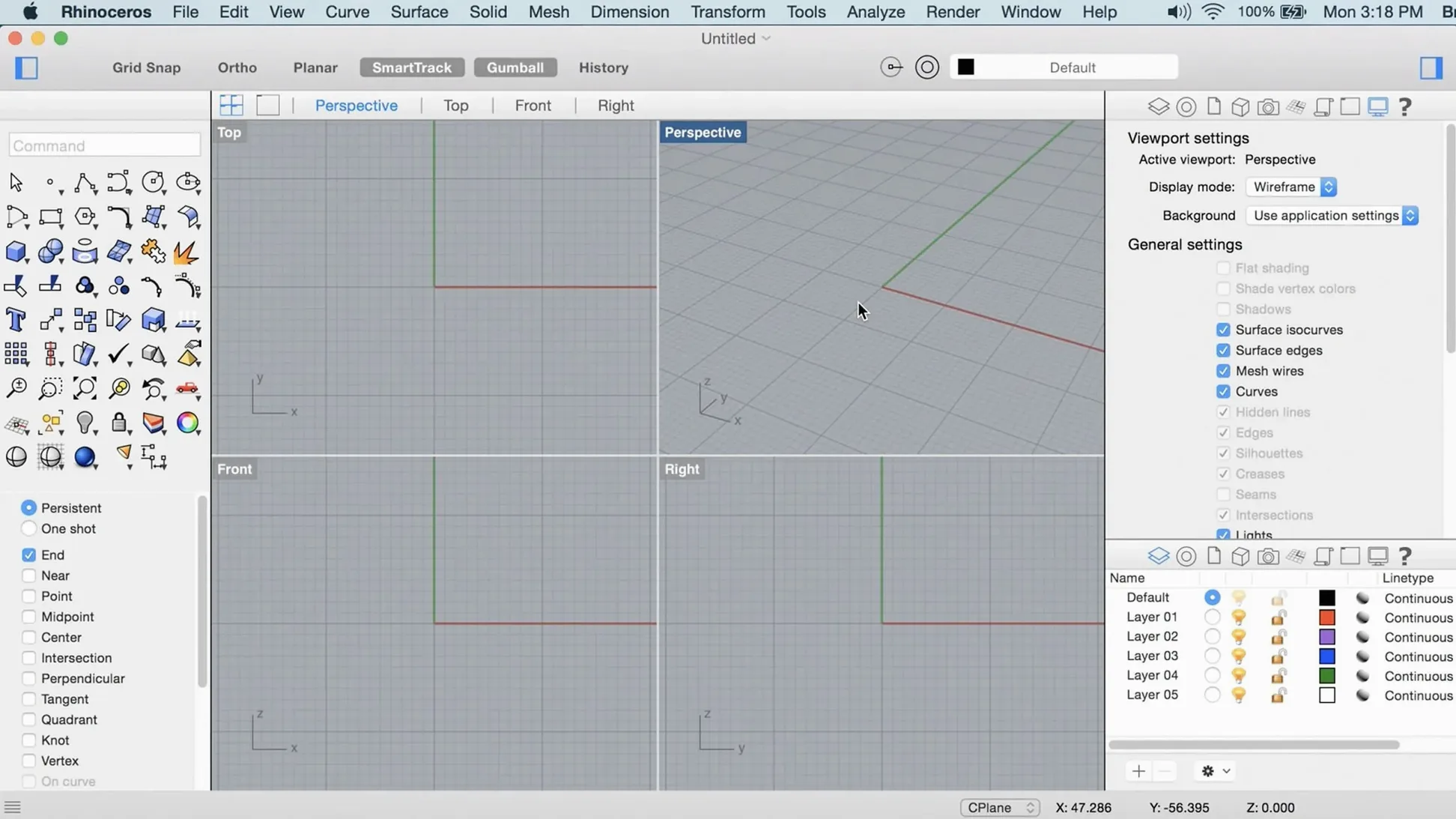
The interface feels sprawling at first, especially if you come from streamlined polygon modellers. Spend the first afternoon customizing it. Rhino 8 lets you tear off tool palettes and dock them to screen edges, collapse panels into icon strips, and save named workspace layouts for different project types. Setting up a modelling workspace with the SubD and transform tools prominent, and a separate analysis workspace with curvature combs and zebra stripes always visible, saves hours of menu diving later.
Turn on the new dark theme if you work late — it respects the Mac's system appearance setting but also offers a manual override in Rhino > Settings > Appearance. The default viewport background colour washes out light-coloured models; switch it to a mid-tone grey in Options > View > Display Modes > Shaded > Background to make highlight and shadow reads more immediate.
One of the quietest quality-of-life additions in version 8 is the PushPull tool, mapped by default to a long press on a SubD face. It works like the direct manipulation tools in sketch-based modellers but operates on NURBS surfaces too. Get comfortable with it early. Select a face, hold and drag, and Rhino calculates the extrusion with live boolean integration against adjacent bodies. It turns what used to be a four-command sequence into a single gesture.
Also worth doing on day one: set the autosave interval to five minutes instead of ten if your projects involve Grasshopper. A definition that runs a heavy physics simulation can lock the UI, and the tighter interval catches more state changes before a potential hang.
Run the Open Gatekeeper friendly script to bypass the install block
The most common hurdle on Mac is the Gatekeeper block during installation. The disk image mounts without issue, but double-clicking the installer triggers a security warning. The workaround is consistent across builds: run the included Open Gatekeeper friendly script, press Enter in Terminal when prompted, and then drag the application to the Applications folder. Some users report needing to run the script twice if macOS has updated its security database in the background.
A subtler issue involves the viewport turning black or freezing after waking a Mac from sleep with Rhino open. This appears tied to Metal's handling of display reconnection on external monitors. The fix is quick: switch the display mode to Wireframe and back to Shaded (Ctrl+Shift+S twice). If that does not clear it, toggling the Metal setting in Options > View > OpenGL (the panel still carries the legacy name) and restarting Rhino resolves the render pipeline state.
Grasshopper definitions ported from Windows can throw missing assembly errors when a plug-in references a Windows-only .NET library. The new Grasshopper data types in Rhino 8 do not backport, so a definition built with them in the Mac version may refuse to open on a Windows machine running Rhino 7. The safest cross-platform workflow is to keep Grasshopper definitions in Rhino 7 format until all collaborators have moved to version 8.
ShrinkWrap occasionally produces a surface that pulls too tightly into undercuts. The default offset distance is conservative; increasing it by half a millimetre in the command options panel lets the wrap bridge small concavities without losing the overall form. If the SubD output looks faceted rather than smooth, check the point count parameter — ShrinkWrap respects a density setting that defaults low for speed. Bumping it up before running the command avoids a second iteration.
ShrinkWrap replaces the half-day retopology ritual with a single command
The move to version 8 brought changes that surface not in feature lists but in the rhythm of a session. ShrinkWrap eliminated the half-day ritual of manually retopologizing scan data. Where earlier workflows required exporting to a dedicated retopology tool, Rhino 8 keeps the task internal, so the surface stays parametric and editable inside the same file. The practical result is fewer exported OBJ round-trips and fewer naming-convention errors when a file travels between team members.
The Metal-based graphics rewrite on Mac changed the feel of orbit-heavy work. Large architectural models that used to drop to single-digit frame rates in shaded-plus-edges mode now stay above twenty-five frames per second even with ambient occlusion enabled. The difference is not cosmetic — it means you can spot surface discontinuities while orbiting rather than needing to stop and render a frame.
The customizable interface arrived quietly but matters most to Mac users who have always felt the application carried a Windows-era layout logic. Tool palettes now snap to screen edges with macOS-native behaviour, and the command-line panel can be collapsed entirely for users who prefer the icon-driven modelling style more common on the platform. These are not bullet-point changes, but they make the application feel less like a port and more like a Mac application.
Grasshopper's new data types — including richer support for curves and brep topology — mean fewer custom C# components are needed for geometry interrogation tasks that used to require scripting. Teams sharing definitions between Mac and Windows report fewer compatibility breaks in version 8 than they did in version 7, though the advice remains to test any production definition on both platforms before committing a deadline to it.
Rhino 8 arrives with ShrinkWrap, a tool for generating tight NURBS or SubD wraps around meshes and point clouds. The Mac version gains Metal-accelerated viewport graphics and a much more customizable interface, letting you reorganize palettes and toolbars to match a long-running workflow.
- macOS 12.4 Monterey or later
- Apple Silicon or Intel processor
- 8 GB RAM recommended
- 10 GB available disk space
- A multi-button mouse with a scroll wheel is recommended