


RapidWeaver Classic 9 asks for macOS 10.14 Mojave or something newer, and it runs natively on both Intel and Apple Silicon Macs without a translation layer slowing things down. That broad compatibility is often the first real question people have when a project deadline is looming and the software needs to just work on whatever machine is on the desk.
Can it handle the assets I already have
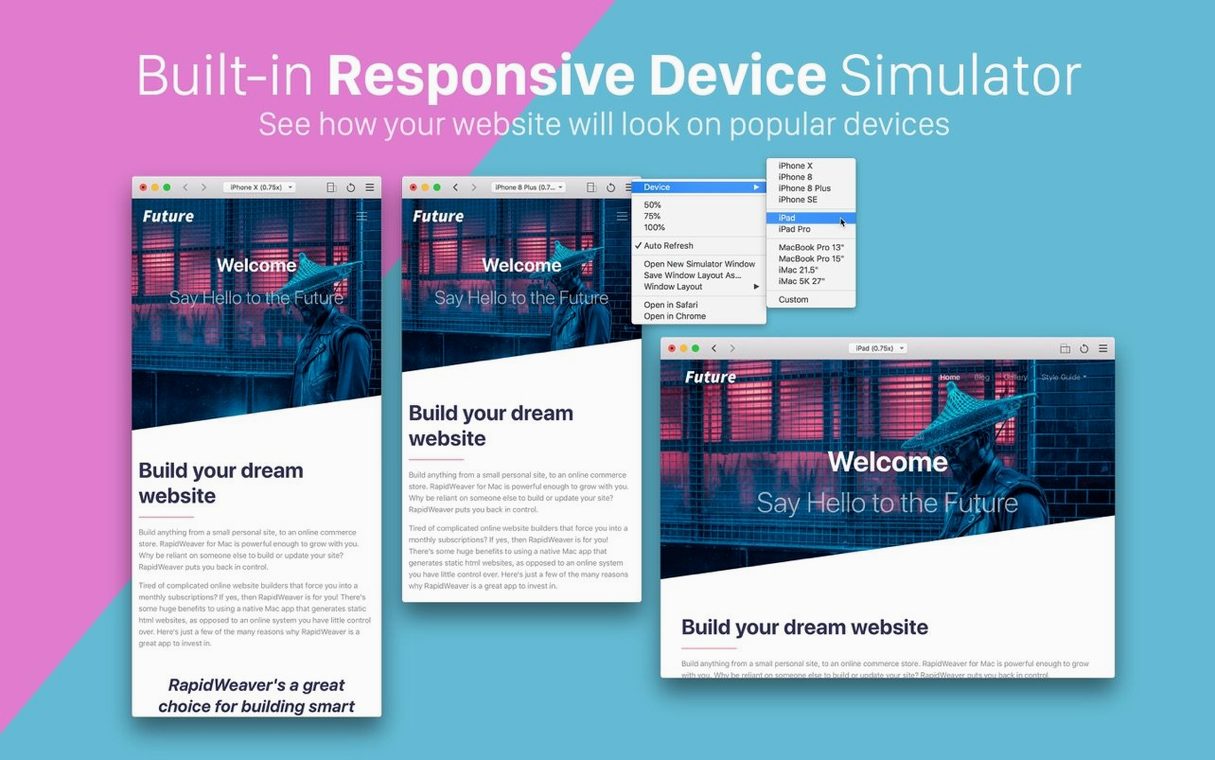
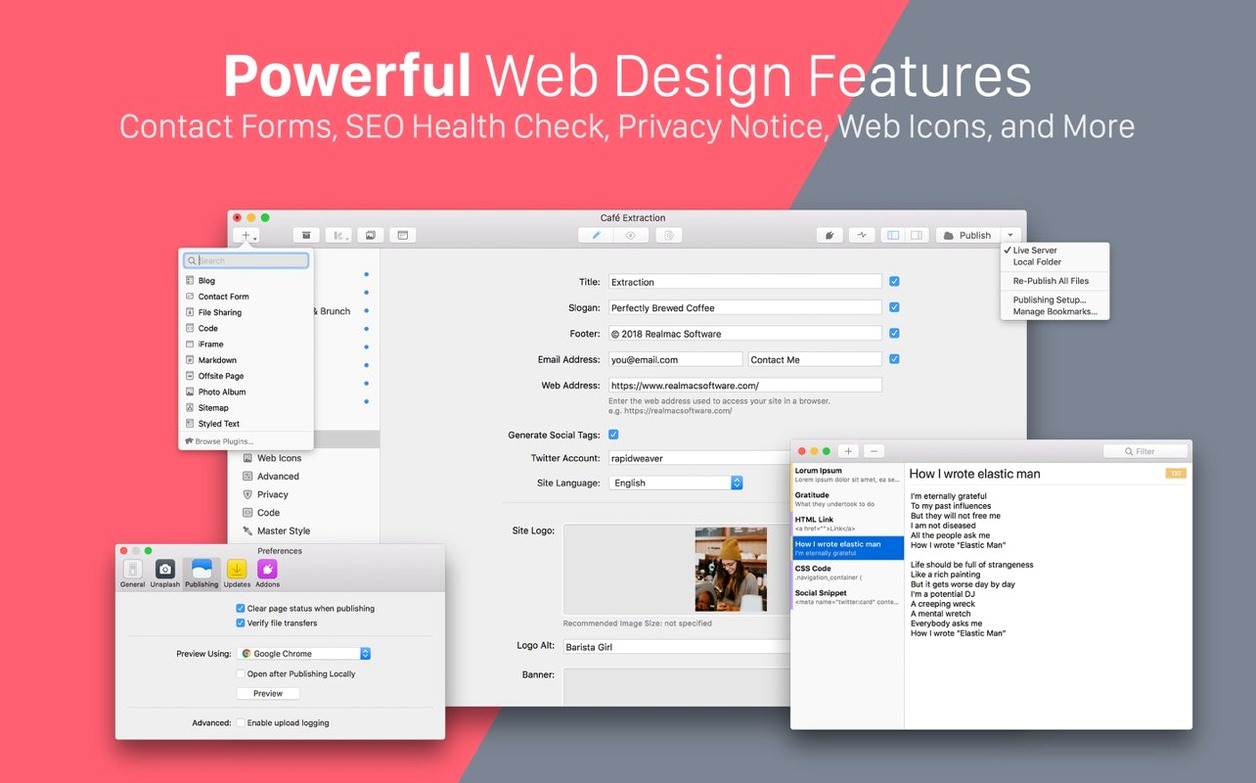
The app pulls images straight from your local photo library and from Unsplash, so the mood board you’ve been collecting or the product shots sitting in Photos are only a click away. Multiple simulator windows can be opened to check how a layout behaves at different widths, each one zoomable and savable as a named setup for later. That session recall matters when you’re jumping between a portfolio review and a client call and need to return to exactly the view you had.
What about structure when the site grows
Subpages are created by dragging them into place, which keeps the information architecture visible rather than buried in a dialog. It is a small design decision that makes a difference once a simple landing page evolves into something with workshops, a journal, and a press kit. The engine is the same one Realmac ships in their Classic line, built for responsive output without touching code, so the final result reads cleanly on a phone even if you built it on a wide display.
Flip the default page extension to avoid hosting headaches
Out of the box, RapidWeaver 9 works, but a few preferences flip the feel of it. Open RapidWeaver > Settings > General and set the default page extension to .html if your hosting stack dislikes the .php default — a tiny change that saves redirect headaches later. Under the Publishing tab, untick “Optimize images on export” while you are still roughing out layouts. The optimization pass is useful before shipping, but it adds seconds to every test export and can mask a poorly placed image until you see it at full resolution. In the Preview pane, switch the default simulator device to an iPhone 14 width rather than the desktop view; RapidWeaver remembers that choice per project, and starting narrow forces you to catch a reflow issue while it is still quick to fix.
Apple Silicon keeps previews instant even with heavy projects
On an Apple Silicon Mac the app launches in under three seconds even with a project carrying two dozen pages and an asset library full of high-res stills. Live preview refreshes feel nearly instant, and the simulator windows — multiple, zoomable, each savable as a named setup — stay responsive when you drag a split between an iPad and a desktop view side by side. Memory use hovers around 400 to 600 MB during a long editing session with Unsplash images streaming in, which means it coexists peacefully with Photoshop, a dozen browser tabs and a Slack client without the system reaching for swap. The build that circulates as RapidWeaver 9 Mac torrent carries version 9.6.6 and has not dropped a single project file across weeks of daily use — the auto-save kicks in before you think to hit Command-S, and the app has yet to beachball even when publishing a full site over a slow coffee-shop connection. It quietly respects the rhythm of a workday: open, edit, export, close, repeat.
- macOS 10.14 Mojave or newer
- Intel or Apple Silicon Mac