Who uses ProPresenter
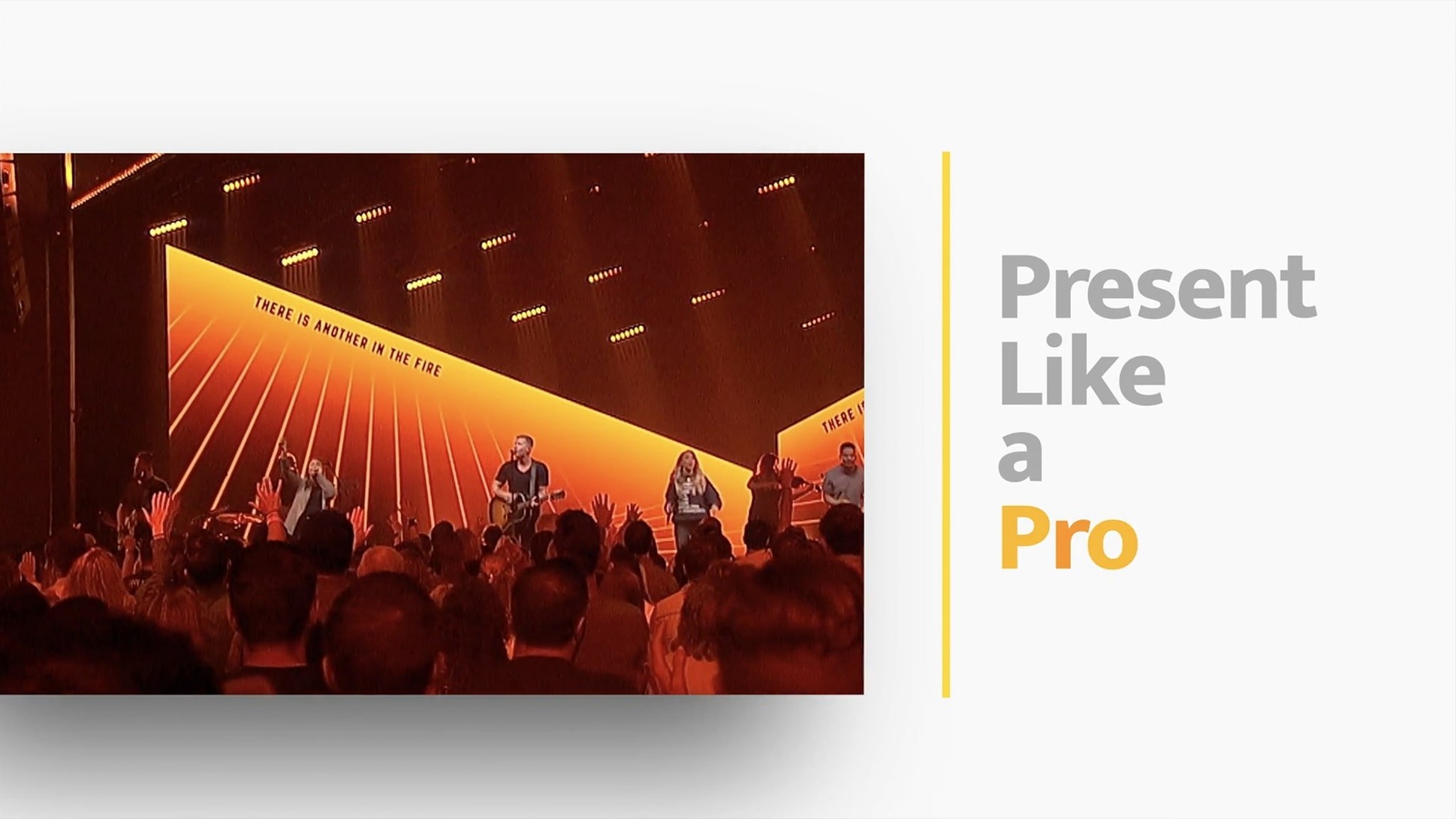
Walk into a weekend service at a mid-sized church, a corporate keynote in a hotel ballroom, or a broadcast control room during a live stream, and there is a good chance ProPresenter is running the screens. Renewed Vision built it first for houses of worship, but it has quietly become the multi-purpose presentation tool behind a surprising range of live productions — religious organizations, corporate events, and broadcast companies all rely on it.
A live show, step by step
Most presentations are built as a linear stack of slides. ProPresenter thinks in layers and destinations. Here is how a typical production comes together.
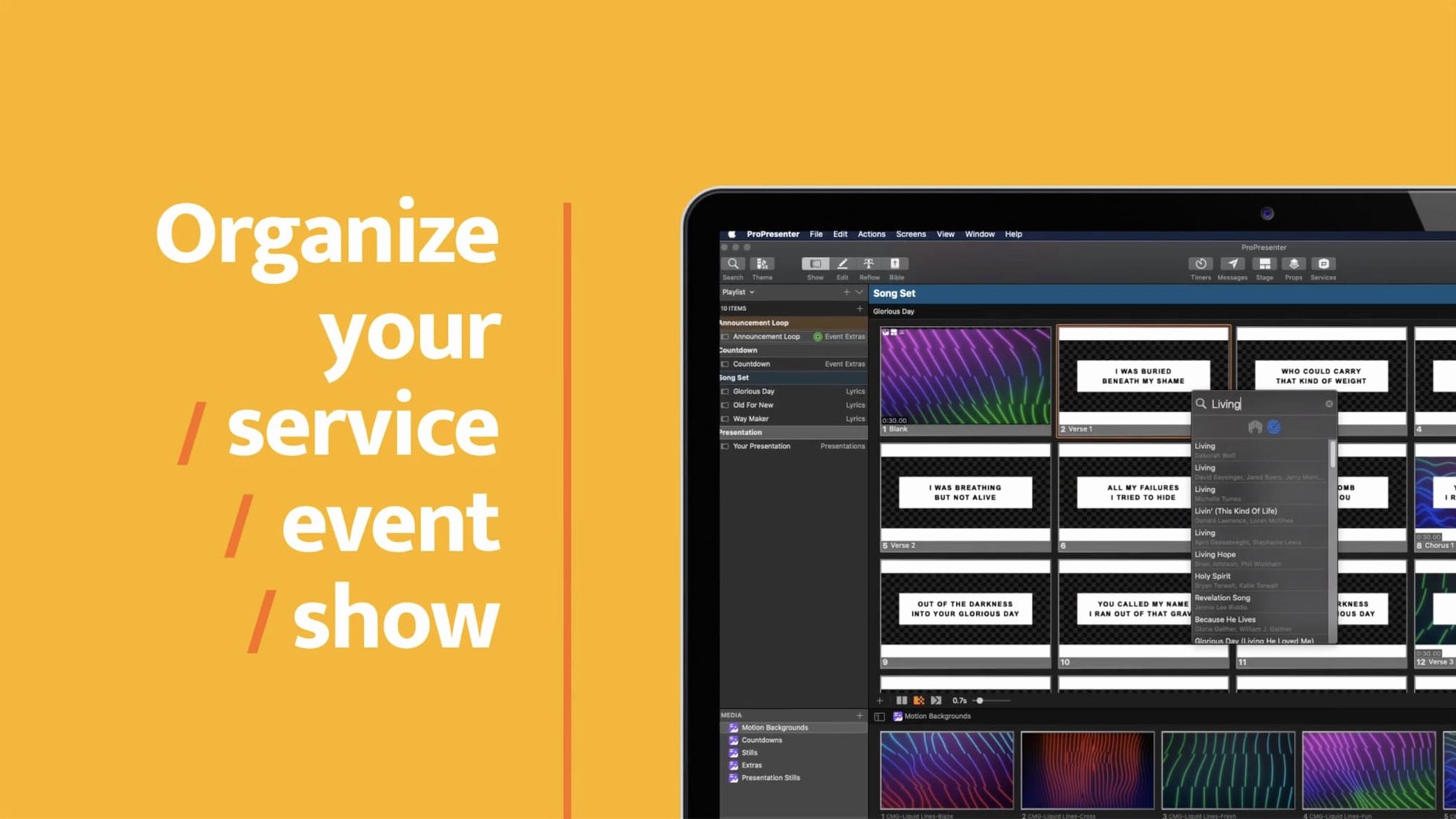
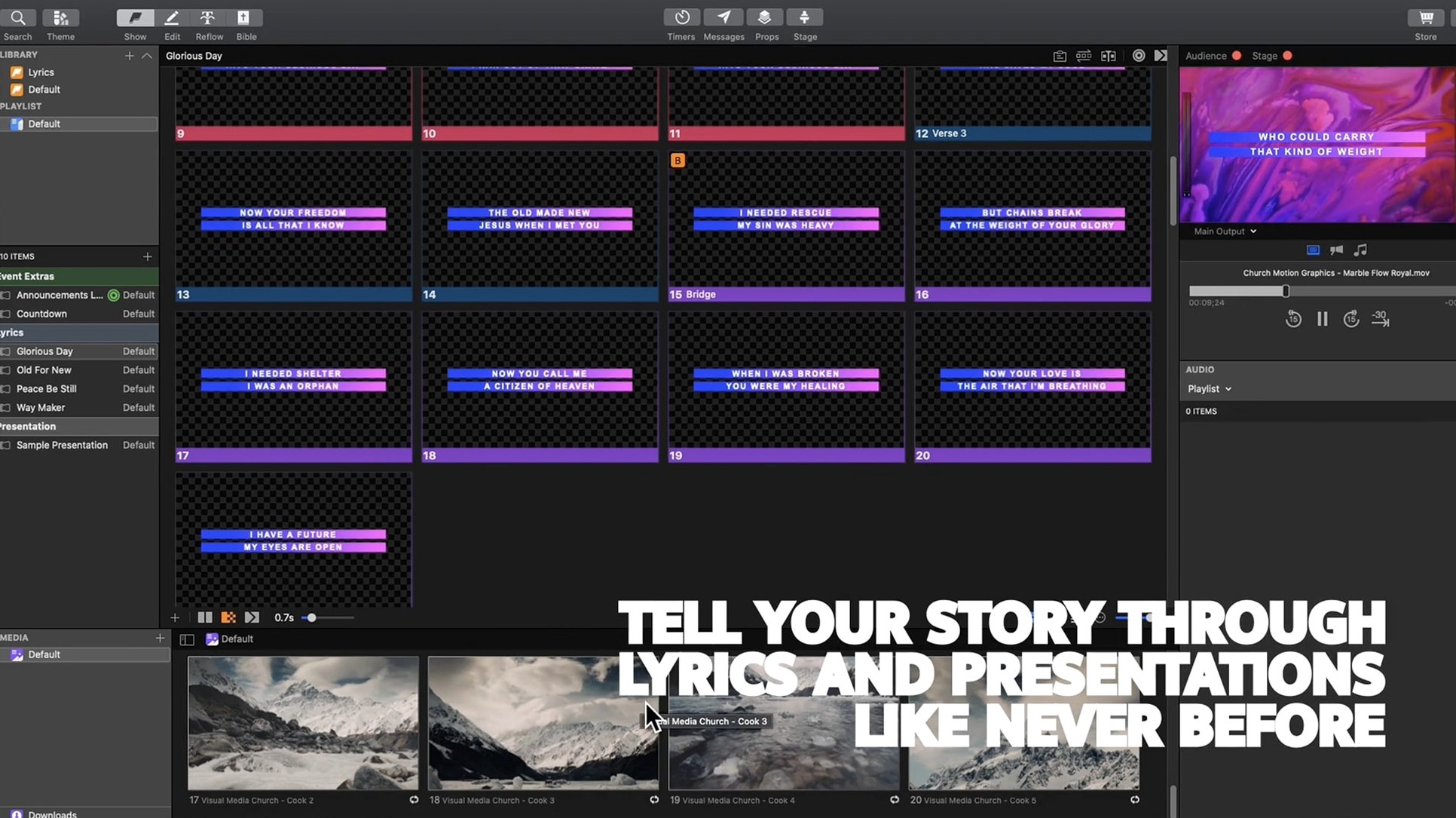
1. Build the sequence. You prearrange slide decks and soundtracks into a timed sequence that can follow a run-of-show or wait for a cue. HD video playback sits alongside stills and lyrics, all in one timeline.
2. Route the feeds. A single Mac can drive multiple stage displays, lobby screens, overflow rooms, and a separate clean feed for an online audience. Each destination gets its own look — confidence monitors might show timers and next-slide previews, while the stream feed gets lower-thirds and a moderated Twitter feed.
3. Go live. During the event, multi-camera streaming and recording run alongside the presentation. Output can be shared with other compatible applications on the same Mac, and additional broadcast tying is supported for more complex setups.
When a slide deck is not enough
PowerPoint handles a speaker and a projector. ProPresenter is for the moment when you need a lobby feed, a stage display, a live-stream overlay, and a timer for the band — all running from one machine, in sync.
Time as layers, not slides
People sometimes arrive at ProPresenter after years of wrestling with Keynote or PowerPoint, and the comparison usually comes down to how those apps treat time. Keynote is a design tool first — it rewards you for crafting a handful of beautiful slides that move with precision. PowerPoint is the office workhorse, built for decks that get emailed around and presented from a laptop in a meeting room. Neither assumes you are running a live event with a stage monitor, a lobby feed, and a stream overlay all firing at once.
ProPresenter starts from the opposite end: the show is the unit, not the slide. The playlist, the routing to multiple screens, the confidence timers, the way a song can sit in a library and be dropped into three different services without re-authoring — that structural thinking is absent from Keynote and PowerPoint because those apps were never asked to do it. Where Keynote offers more refined typography out of the box and PowerPoint offers deeper integration with an Office workflow, ProPresenter offers the sense that the software lives in the control booth, not on the speaker's MacBook.
On the streaming side, people sometimes weigh it against OBS Studio. OBS is remarkably capable for scene composition and encoding, but it is not a presentation manager — you cannot prearrange a service order with lyrics, scripture, and video cues, then hand a volunteer a remote and trust that the next song is two taps away. ProPresenter's multi-camera streaming and recording features are not a replacement for a dedicated broadcast suite so much as a way to keep presentation and stream in the same room, on the same timeline, without bolting two ecosystems together.
One Sunday morning, mapped out
Imagine a volunteer named Marcus, who runs visuals at a church of about four hundred people. He arrives at eight, opens the show file the worship director sent him the night before, and checks the sequence: opening countdown, two worship songs, a welcome slide, the sermon notes, a closing announcement loop. The stage display already shows the next lyric line in large type for the vocalists; the confidence monitor in the tech booth shows him the current slide and a timer counting down to the service start. When the stream goes live at nine, the online audience sees a different lower-third than the in-room screens — cleaner, with the church's name and the sermon title — while the lobby TVs loop a separate welcome graphic. Marcus never touches a second laptop. The band finishes early, he advances the song, the timer recalculates, and nobody in the room notices anything except that the screens feel calm.
That is the scenario ProPresenter was built for: not a designer's showcase, but a production that has to run on time, with a volunteer at the controls, across four different destinations at once.
Recurring events reshuffled weekly
The strongest fit is anyone running recurring live events where the same content gets reshuffled week after week. Worship teams and church media volunteers live in this pattern — song libraries, sermon series, seasonal graphics — and ProPresenter's library model means a lyric deck is edited once, not copied into five different Keynote files. Schools and conference venues benefit in a similar way: a graduation, an assembly, and a keynote share the same machine and the same routing logic, even if the content changes completely.
Broadcast and streaming operators get value from the multi-screen routing and the clean online feed, especially when the presenter in the room should not see the same graphics as the viewer at home. Smaller teams — a two-person AV crew, a solo operator at a convention center — find that the single-Mac architecture removes a lot of cabling and sync headaches that would otherwise require separate machines for slides, lower-thirds, and lobby content.
What these users share is not technical skill; it is the need to run a show with moving parts. If you present occasionally, or you are polishing a pitch deck, ProPresenter is more machinery than the moment requires. If you are responsible for what appears on more than one screen at the same time, it starts to make a different kind of sense.
Building one long deck instead of a library
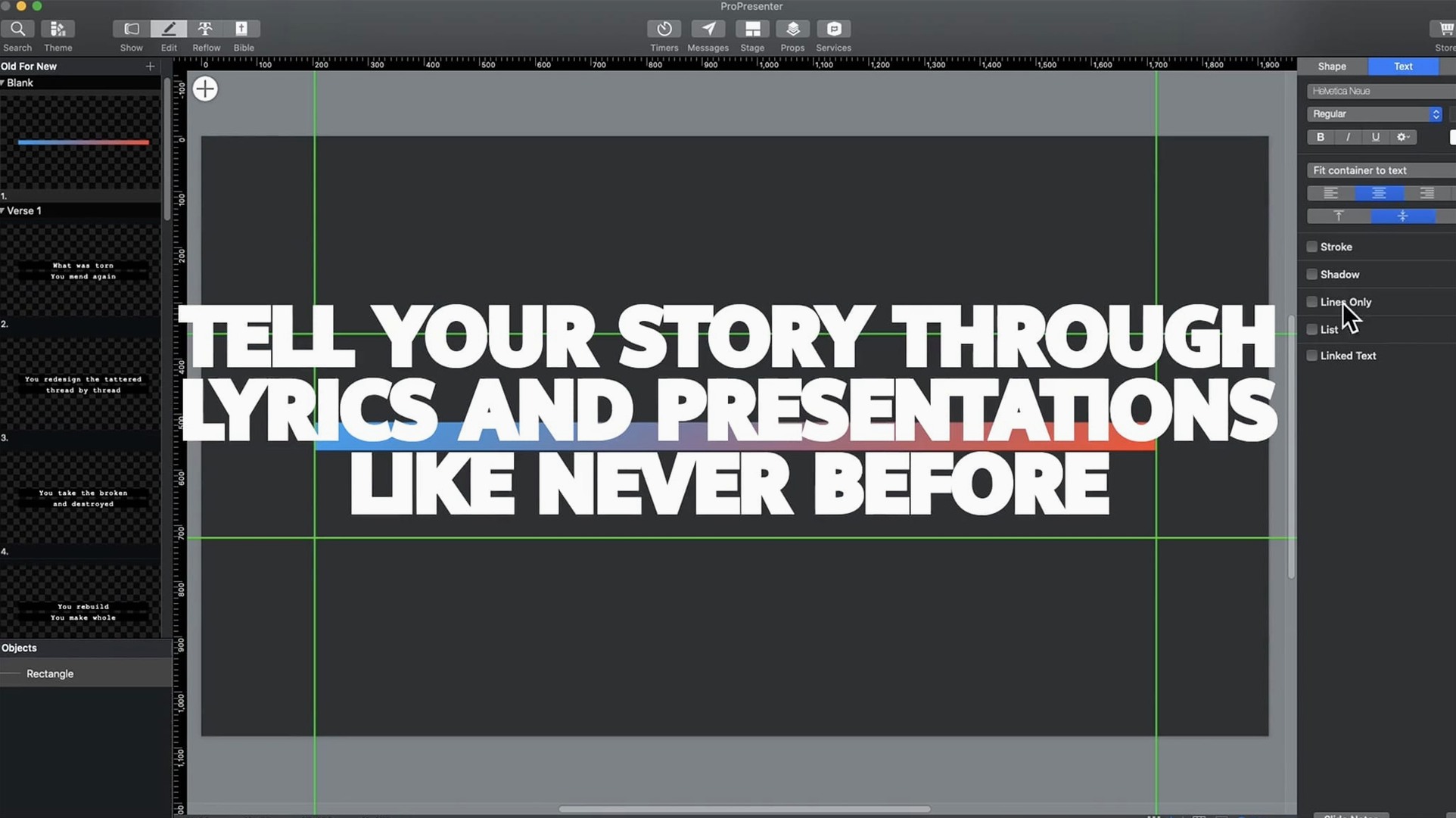
The most common early mistake is treating ProPresenter like Keynote — building one long deck and advancing through it manually. That works for a single-service Sunday, but it ignores the library and playlist structure that makes the app worth using. New users often re-create the same welcome slide three times instead of linking to one slide from three places in a playlist, then spend a month editing three copies whenever the service time changes.
Another frequent stumble is ignoring the output routing until the last minute. A beginner will build a beautiful stage layout, run it on the main output, and only realize during rehearsal that the online audience is seeing the confidence monitor — timers, previews, and all. Understanding which screen is an audience, a stage, or a lobby is the single biggest conceptual shift, and it is worth setting up deliberately before adding content.
Finally, there is the audio side. Video and soundtrack cues can be prearranged into sequences, but new users often drop a video into a slide and expect its audio to behave like a media player, then wonder why the next cue cuts it off. Learning how playback targets and audio routing work early saves a very awkward silence in the middle of a live service.
- macOS 10.15 or newer
- Runs on Intel and Apple Silicon Macs
Questions from the booth
Yes. It can drive multiple stage displays, lobby feeds, overflow rooms, and a separate online feed simultaneously, each with its own content and layout.