A florist tracking stem counts, a contractor running payroll for a crew of five, a café owner who wants yesterday's sales before the morning rush. Small businesses live in the details, and QuickBooks Mac Plus puts those details on a Mac desktop where they feel at home alongside Mail, Calendar, and a spreadsheet or two.
Transactions flow in while the coffee brews
- Connect your accounts. Link the business bank and credit card. Transactions flow into the dashboard automatically, so the morning starts with a clear view of income, expenses, and paid invoices rather than a stack of receipts.
- Enter what you sell. The inventory tool handles products and services in real time. Add a new candle line or a plumbing SKU, and stock levels adjust as invoices go out — no separate system required.
- Run payroll. Employee hours, deductions, tax calculations. All inside the same app that already knows the company ledger, so payroll numbers land in the right accounts without double entry.
- Look ahead. Reports can project income and expenses 90 days forward. Useful when a slow month is coming and you need to time a supply order, or when a big invoice is due and you want to see it land before it arrives.
Automatic tax calculation runs quietly in the background across sales, payroll, and reports. It is not flashy, but it means the quarterly filing panic shrinks to a review session. The whole application lives on the Mac — no browser tabs, no constant login — which suits a business owner who already organizes everything else in Finder and Apple's apps. It speaks the same desktop language, just with a ledger underneath.
A quiet Tuesday with the ledger open
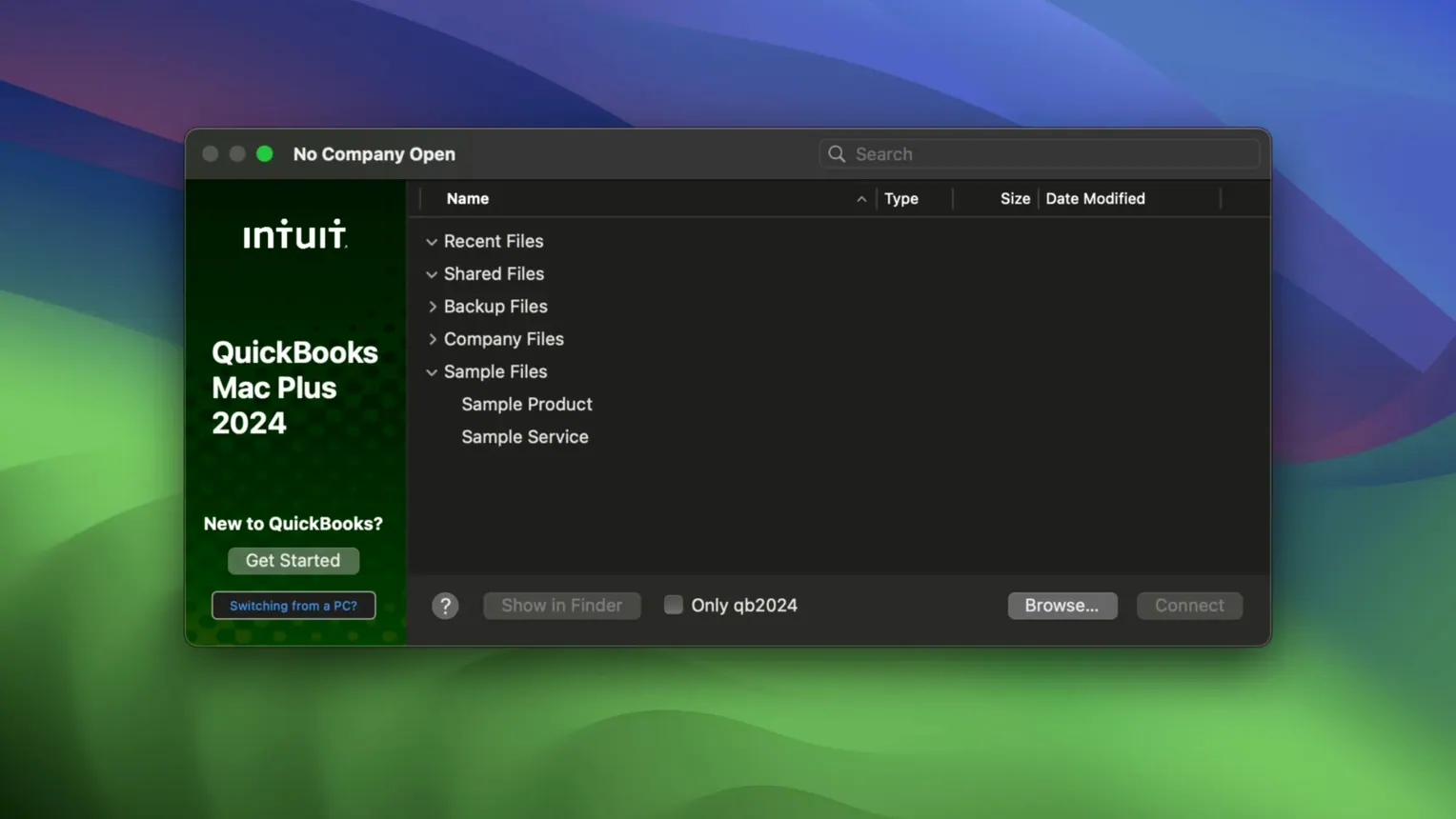
You arrive at the desk with coffee, open the Mac, and double-click the company file. The dashboard wakes up first — income, expenses, paid invoices — and you can see at a glance that three clients paid overnight and the coffee supplier's automatic debit went through. No browser, no login screen, just the numbers where you left them.
Next, receipts. You spent the morning at the wholesaler and now three paper slips sit on the desk. You open the receipt capture tool, snap each one with the Mac's camera, and attach them to the corresponding expense entries. The app stores them inside the company file, not in some cloud folder you will forget about six months from now. Later, when the accountant asks about the July supply run, the receipts are right there in the transaction history.
Midday, an email from a client asking for a revised invoice. You open the original, adjust the line items — two fewer units of the walnut shelving, add delivery — and the tax recalculates before you even notice. You save the PDF to the desktop, drag it into a reply, and close the invoice window. The inventory count drops by the right amount without a second thought.
Before shutting down for the day, you run the 90-day projection report. A quiet month is coming, and the numbers confirm it: income dips in six weeks, but the rent payment still lands on the first. You schedule a reminder to hold off on the large stock order until the big February invoice clears. The app does not make the decision for you, but it hands you the map.
A full ledger on your Mac, no login required
QuickBooks Mac Plus is not the only desktop accounting app for macOS, but it occupies a specific niche: a full-featured, locally installed ledger that does not require a subscription login or a permanent internet connection. That puts it in a small group.
AccountEdge Pro shares the local-install philosophy and offers deep inventory and payroll tools aimed at retail and manufacturing. Its interface, however, carries decades of legacy design — dense menus, small type, a learning curve that can feel more like a commitment. QuickBooks Mac Plus modernized its layout without abandoning desktop conventions, so the dashboard, invoice builder, and reports feel closer to a contemporary Mac app. AccountEdge rewards patience; QuickBooks Mac Plus rewards familiarity.
Xero lives in the browser and thrives on collaboration — multiple users, remote accountants, real-time bank feeds. It is elegant and fast, but it is not a Mac app. You cannot open it offline, you cannot store your company file on your own drive, and you do not control when the interface changes. For a sole proprietor who wants the books to live on the machine, Xero feels like rented space. QuickBooks Mac Plus feels like a filing cabinet you own.
GnuCash is free, open-source, and runs natively. It handles double-entry accounting with rigour and supports a startling range of report configurations. But it thinks like an accountant, not like a small business owner. Invoicing, receipt capture, and payroll are either absent or require workarounds. GnuCash suits someone who enjoys the craft of bookkeeping; QuickBooks Mac Plus suits someone who wants the craft to stay out of the way while they run a florist shop or a plumbing business.
From shoebox to tax filing in one app
Imagine a freelance photographer who has let the books slide. Receipts are in a shoebox, invoices are scattered across email, and the quarterly filing deadline is three weeks away. Here is a recovery workflow that turns chaos into a filed return.
Start by creating a fresh company file and connecting the business bank account. The app pulls in the last four months of transactions automatically. Spend an afternoon categorizing — equipment purchases, travel, software subscriptions — using the batch-categorize tool. Each receipt from the shoebox gets photographed and attached to its matching transaction. The shoebox empties.
Next, rebuild the missing invoices. Open the invoice builder, pull up the email records from each client, and enter the work with the correct dates. Tick the "paid" box for the ones that cleared the bank, and the income side of the ledger snaps into shape. The dashboard now shows a real picture: actual revenue, actual expenses, actual profit.
With the books current, open the tax summary report. Sales tax collected, deductible expenses, payroll withholdings if there were any assistants — all calculated from the transactions you just entered. Export the report as a PDF, hand it to the accountant, or use the numbers to fill out the filing directly. The entire recovery took two days of focused work, and the company file now holds every receipt, invoice, and bank entry in one searchable place.
For the business owner who thinks in files, not subscriptions
QuickBooks Mac Plus is built for the business owner who already lives on a Mac and wants the books to live there too. It rewards the person who thinks of software as files, not as services — someone who backs up a company file to an external drive, who values offline access, and who prefers opening an app over opening a browser tab. Sole proprietors, freelancers with inventory, and small retail shops with a handful of employees will find the most natural fit.
Bookkeepers who manage multiple clients appreciate the company-file model. Each client is a separate file, stored locally, portable on a USB drive, and never mixed. The app handles payroll and sales tax for each entity independently, so switching between a bakery and a landscaping business is a matter of closing one file and opening another. No user switching, no web portal logins — just Finder and a double-click.
It is less suited to teams that need simultaneous multi-user access, or businesses that have outgrown desktop accounting entirely and moved to ERP systems. But for the Mac-native small business — the one running on Apple Mail, Notes, and a calendar that syncs to an iPhone — QuickBooks Mac Plus slots into the dock without asking the owner to change how they work. The ledger becomes another Mac app, not a separate world.
Version R10 brings two practical additions for anyone who has ever lost a company file at the wrong moment. A new Backup Save As option gives control over manual backups, and company-specific backup locations mean you can keep each business's safety net in its own folder. Small changes, real peace of mind.
- macOS 12 Monterey or later
- Apple Silicon or Intel Mac
Questions from the booth
Yes, the inventory tool lets you enter products and services and tracks stock levels in real time as invoices and purchase orders are processed.
It does. Payroll is built in, with automatic tax calculations that pull from the same company data as the rest of your books.
The dashboard covers income, expenses, and paid invoices, and you can generate reports that project income and expenses up to 90 days ahead.