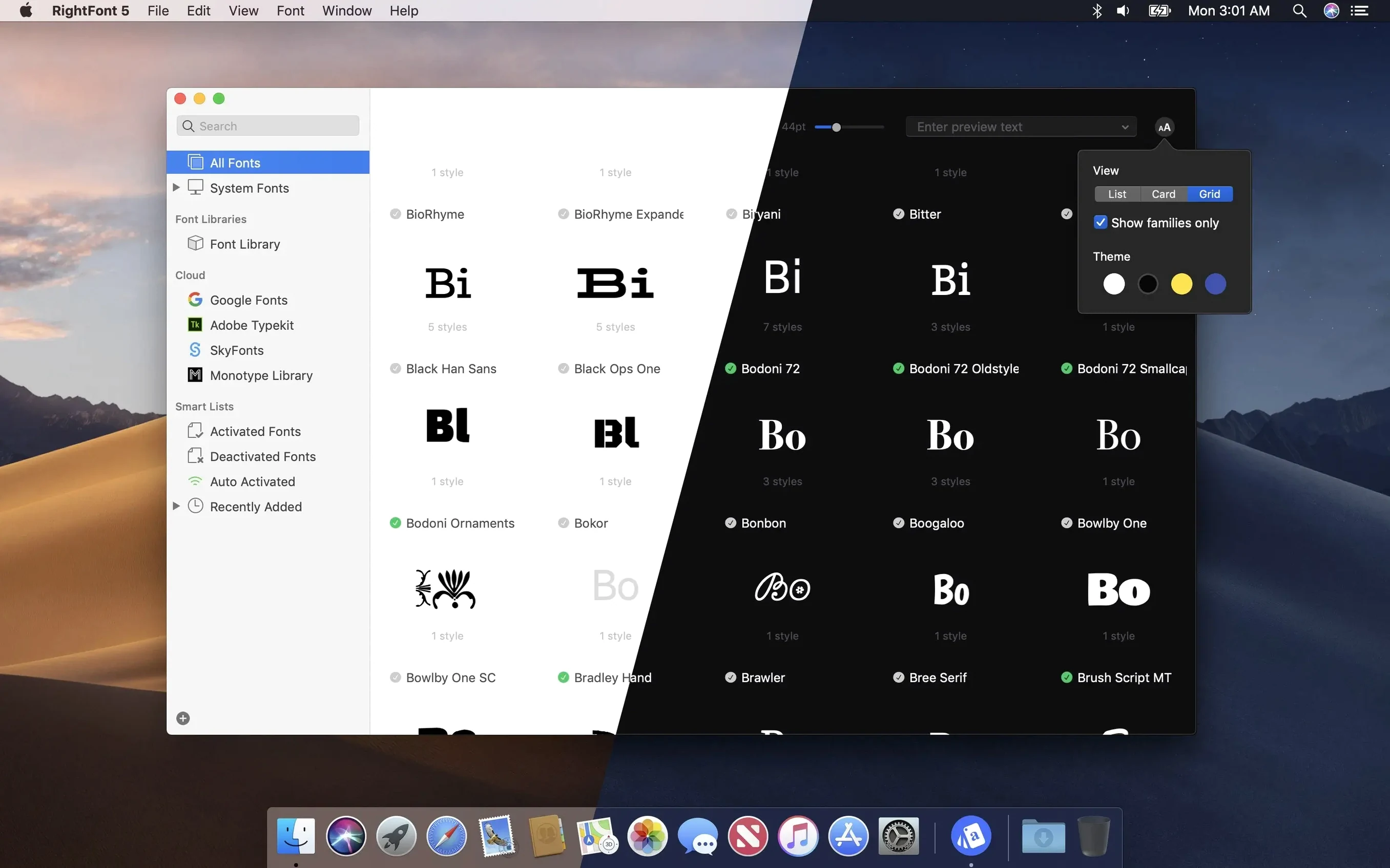
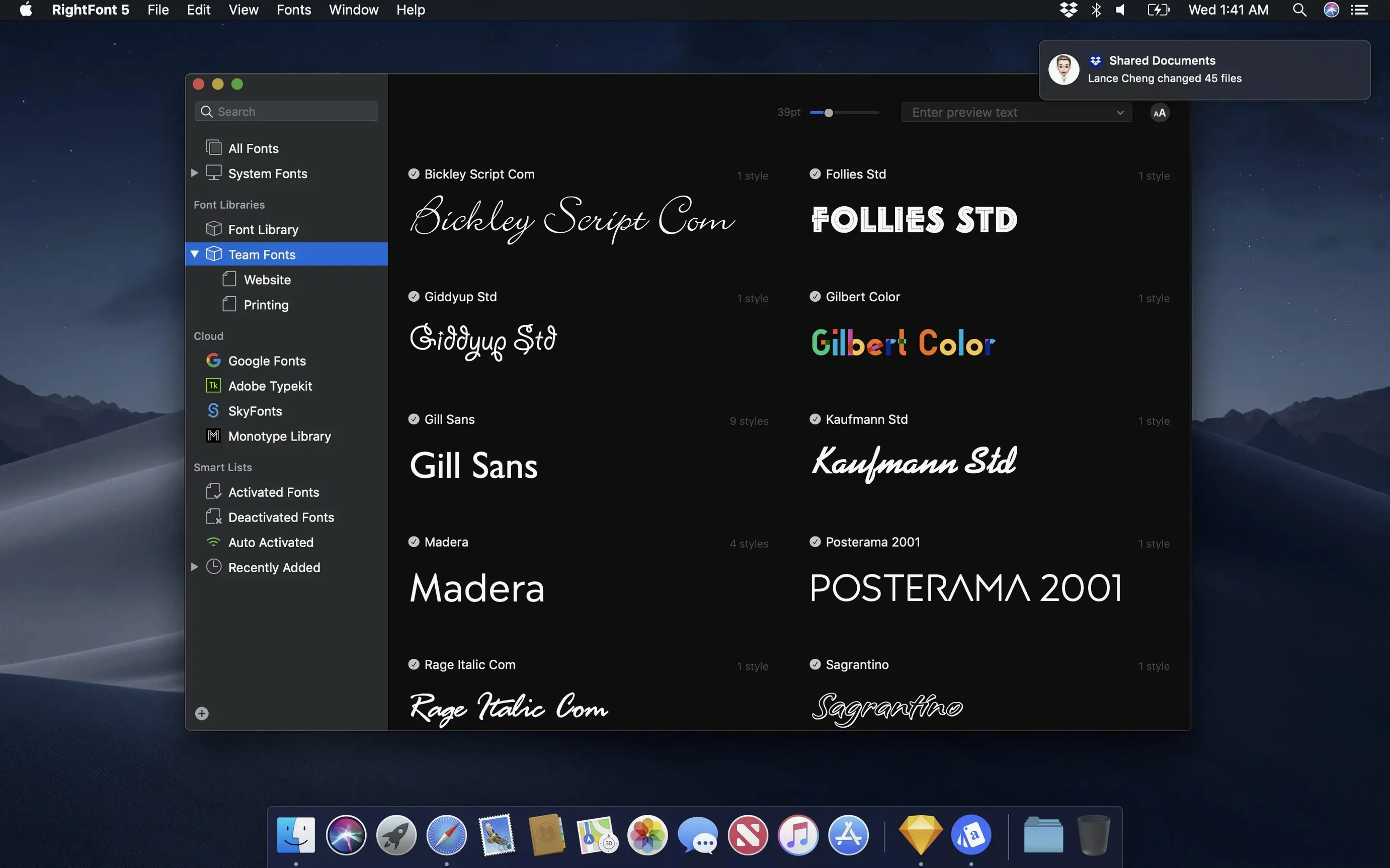
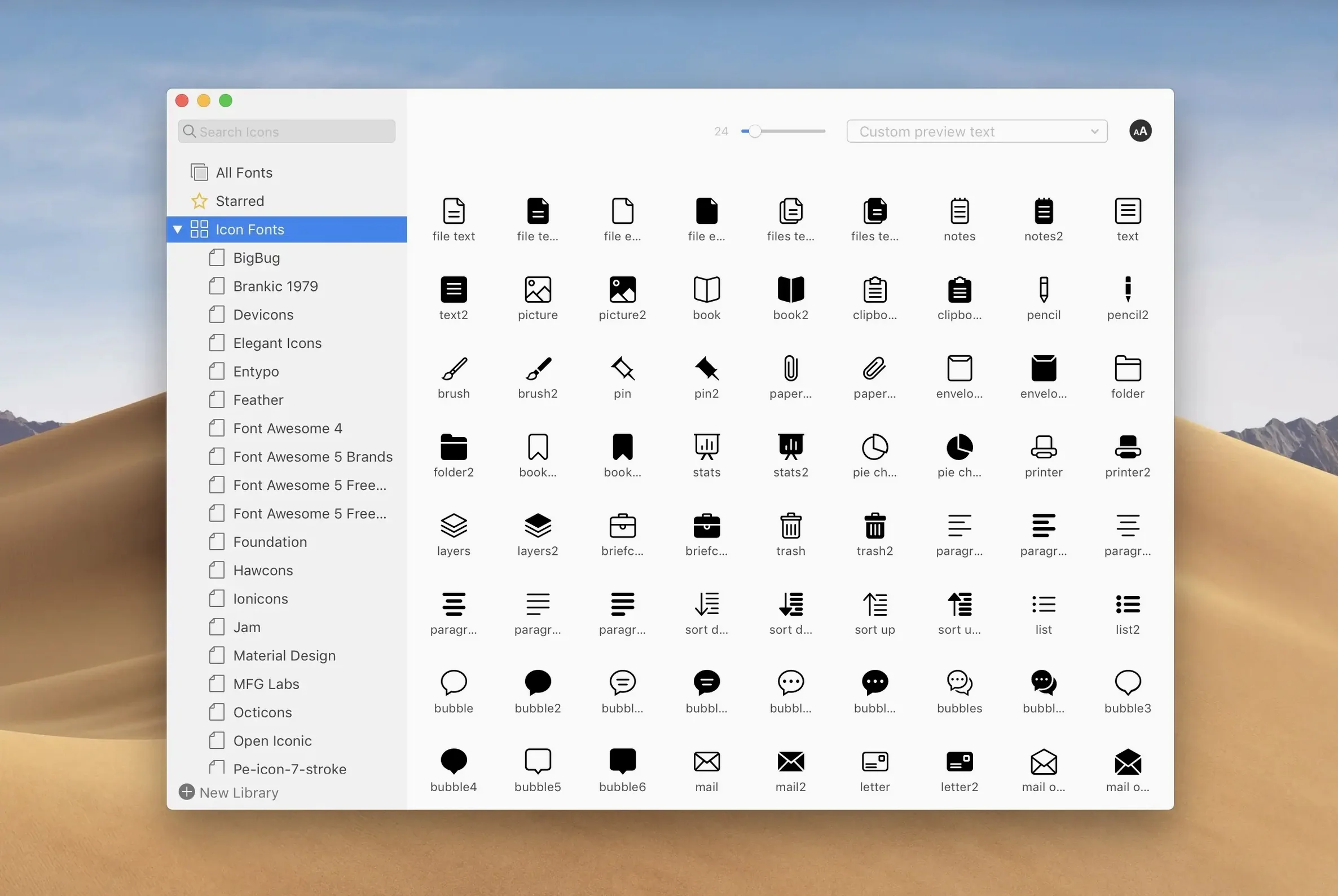
RightFont 10.2.1 runs on any Mac with macOS 11 or newer, with native support for both Intel and Apple Silicon machines. It sits quietly in the menu bar, keeping thousands of fonts at your fingertips without weighing down your system—a lightweight library that feels more like a well-organized darkroom than a database.
The font library isn't just a list; it's a workspace. You can group typefaces into collections that make sense for a particular film, a recurring client, or a specific mood. Drag a set of period-appropriate serifs into a folder for that documentary prologue, or gather every weight of a workhorse sans-serif you use in lower thirds. Those lists can move with you—export them for a collaborator or archive them before a system migration.
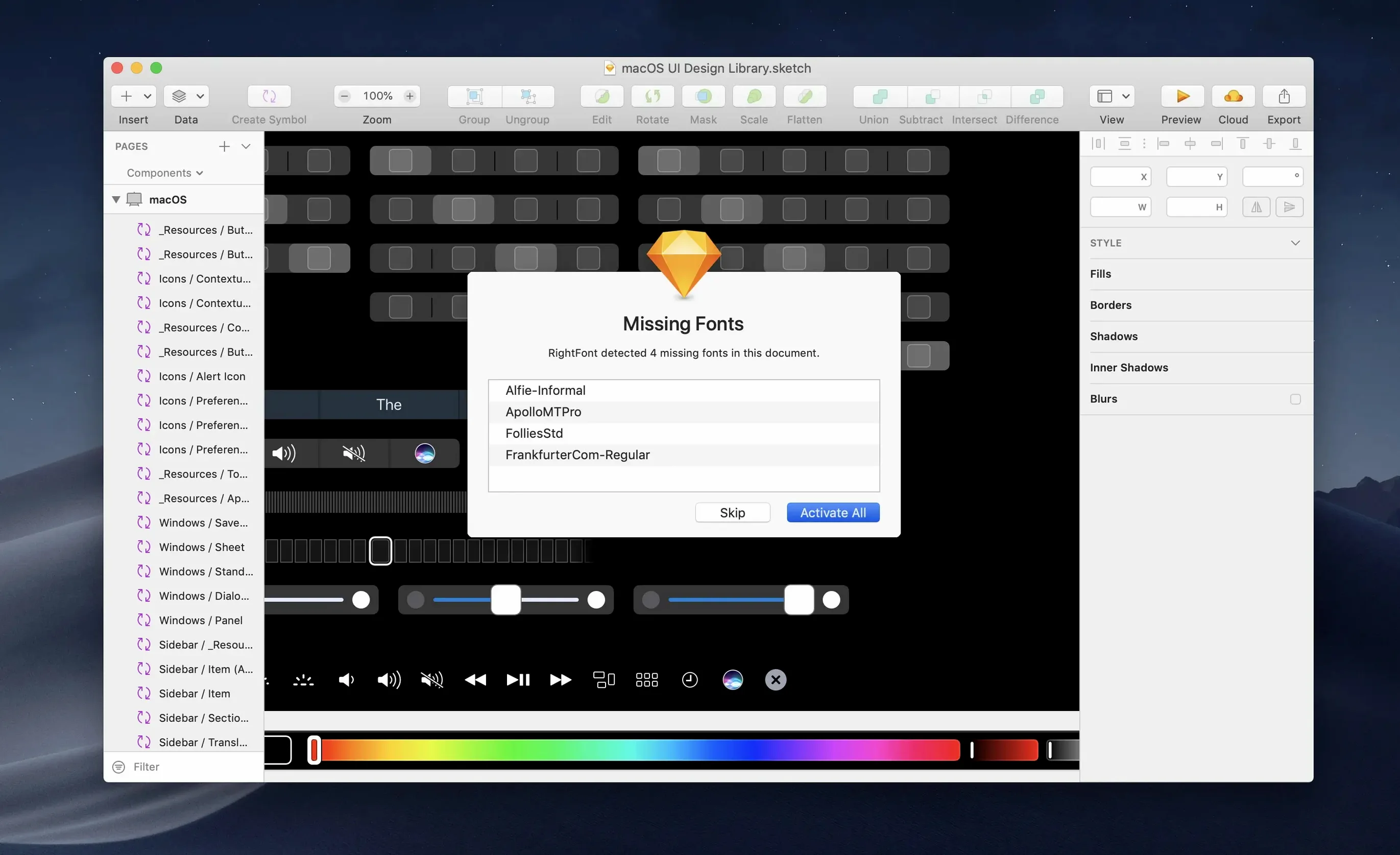
What sets RightFont apart is how it speaks to the tools you already compose in. Double-click a typeface in the app and it instantly changes the selected text layer in Adobe Illustrator or Sketch. The instant search narrows results as you type, so finding the right cut of a typeface becomes a fluid, almost unconscious gesture rather than a detour from the work. Version 10.2.1 sharpens this further with specific fixes for Adobe Illustrator, QuarkXPress, and macOS 27, alongside more reliable font imports and clearer progress feedback that tells you exactly when a batch has finalized and which files were skipped.
Tag management also got quieter attention: subtags can now be pulled back into the main Tags section, letting you reshape your organizational logic as your font collection evolves. No rigid hierarchies, just a structure that adapts as a project's needs shift.
RightFont is wonderfully frictionless until it isn't. The most common stumble happens when fonts refuse to activate inside Adobe apps. The usual culprit is a mismatched auto-activation plugin—RightFont installs its own, but an older plugin from a previous font manager can quietly interfere. Quit your Creative Cloud applications, head to ~/Library/Application Support/Adobe and scan for leftover font-management bundles. Remove anything that doesn't belong to RightFont, then relaunch. A second snag involves fonts that appear in the library but remain greyed out in menus. This almost always traces back to a duplicate: the same family exists in both a user-installed location and a system folder. Use RightFont's classification sidebar to isolate by Duplicate status, then resolve conflicts by deactivating the older version rather than deleting it outright, so you can backtrack if a project file expects the earlier cut.
Imported batches sometimes stall on the finalization stage, a behaviour the 10.2.1 update addressed. If you still see the progress bar hanging, the import isn't broken—it's chewing on a corrupt or unsupported file buried in the batch. The improved import panel now lists exactly which files were skipped, so you can quarantine those .ttf or .otf outliers without starting over. For persistent refusals, dropping the offending file into Apple's Font Book first often reveals whether the file itself is damaged, saving you a spiral of troubleshooting inside RightFont itself.
Building a title sequence font shortlist
Say you're scoring titles for a short film set in 1970s Prague. You need type that carries the weight of that era without becoming pastiche. Here's a path through RightFont that turns the search into something methodical rather than a late-night scroll through endless specimens.
Start by creating a new font list called Prague Titles. Open the classification filter and select Serif and Display—you're not after body text here. Narrow the weight range to Medium through Bold, since thin strokes will vanish against the moving image. Now type a sample phrase directly into RightFont's preview field: the protagonist's name, or a line of dialogue that anchors the tone. As you scroll through the filtered results, the preview updates instantly, and you can adjust the point size with a slider to approximate how the type will read on screen. Flag anything promising by dragging it into your list. When you have six or seven candidates, select them all and use the menu bar quick-preview to cycle through each one at full-screen size—a far better gauge of on-screen presence than a thumbnail grid.
From here, double-click your top three choices while a text layer is active in Illustrator or Photoshop. RightFont swaps the typeface without disturbing kerning or tracking, so you can evaluate each option in the actual composition. By the time you settle, the shortlist itself becomes a document you can export and share with the director or colourist, complete with the preview text you used for the initial cull.
First days with RightFont
Before you import anything, take ten minutes to build your tagging vocabulary. The tags you create on day one—monospace, condensed, rough, screen-credits—will shape how you find things six months from now. Resist the impulse to mirror foundry names or file dates; those are already searchable. Instead, tag by how a typeface feels or where you'd use it. A tag like cold-open will outlast any project folder.
Set your Adobe auto-activation preferences early. In RightFont's preferences pane, enable auto-activation for Illustrator, InDesign, and Photoshop individually rather than globally. When a document requests a font, RightFont will activate it from your library and deactivate it when you close the file, which prevents the creeping system slowdown that comes from keeping hundreds of fonts live indefinitely. If you work across multiple Macs, spend an afternoon exporting your core font lists to a shared folder and importing them on each machine. The folder structure and tags travel intact, so you're not rebuilding your organizational logic from scratch.
Finally, train yourself to use the menu bar drop-down instead of opening the full window. From that compact panel you can activate a font, browse recent additions, and toggle auto-activation—enough to keep you in flow without pulling focus from the timeline or canvas. After a week, the gesture becomes muscle memory, and the full app window opens only when you're composing, not when you're just reaching for a tool.
RightFont 10.2.1 tightens the relationship between your font library and the software you design in. Imports are more reliable now, with a clearer progress window that shows a finalization stage and lists unsupported files rather than leaving you guessing. Tag management has been reworked so subtags can be dragged back into the main Tags section, giving you more freedom to reorganize on the fly. Behind the scenes, this release also addresses specific issues in Adobe Illustrator, QuarkXPress, and macOS 27.
- macOS 11 or newer
- Compatible with Intel and Apple Silicon Macs
Questions from the booth
Yes. When you double-click a font in RightFont, it activates and changes the font of the currently selected text layer in supported software like Adobe Illustrator and Sketch, without you having to manually assign it.