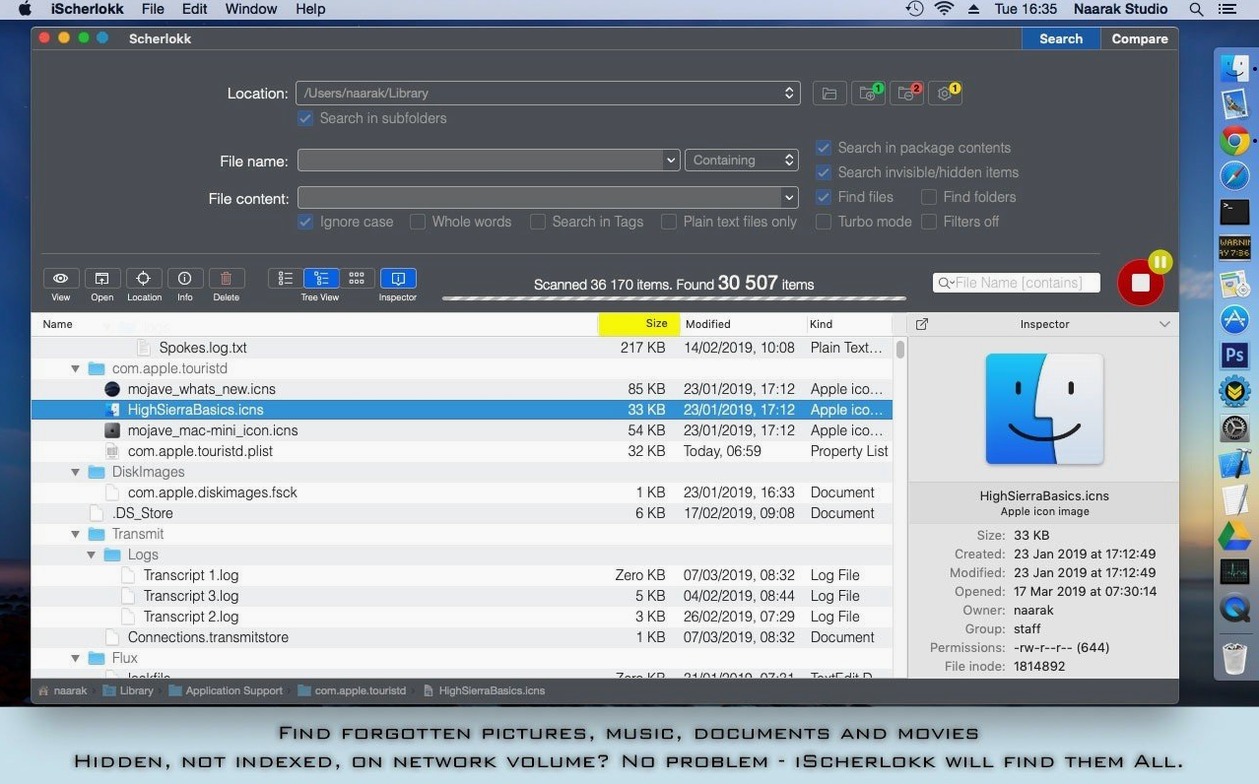
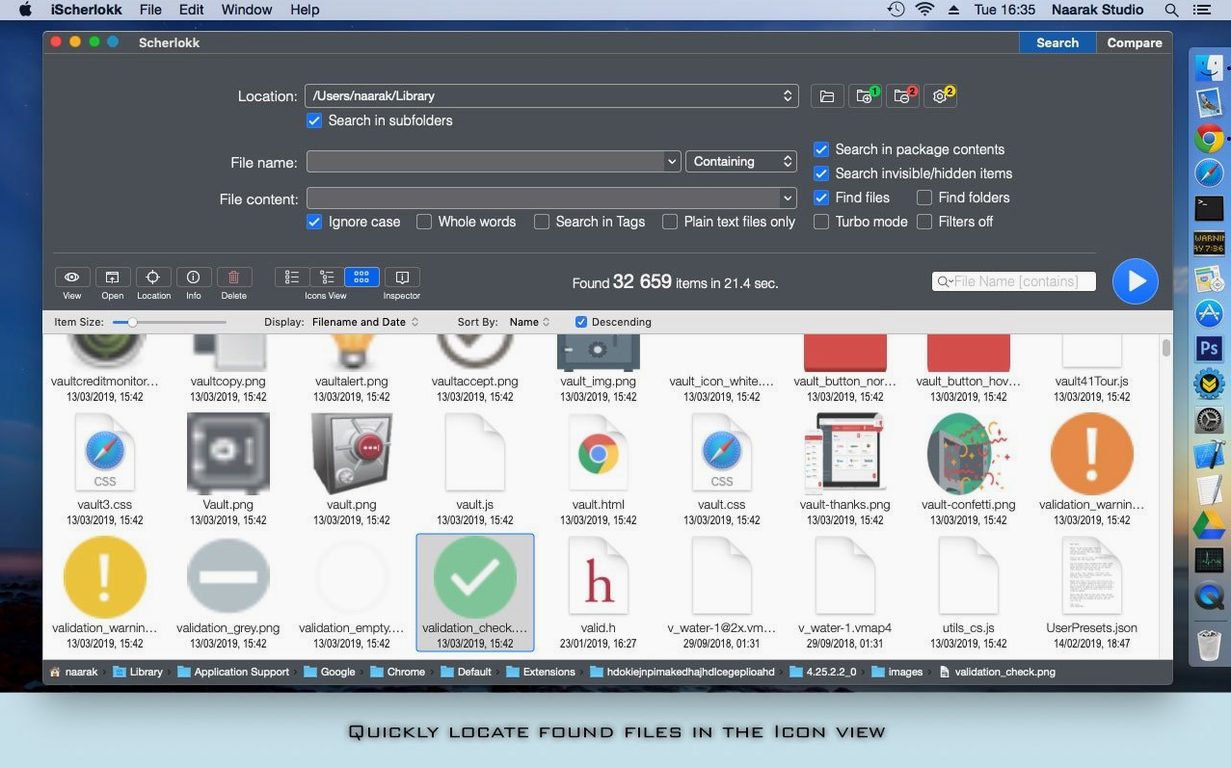
You remember a fragment of a script buried somewhere in a Final Draft folder on an old FireWire drive. The drive spins up, Finder churns, and Spotlight returns everything except the file you need. That is the moment Scherlokk steps in. You point it at the drive, restrict the search to plain text files, and type a few words you know are in the dialogue. It finds the file without touching anything else on the disk, reading only what matches.
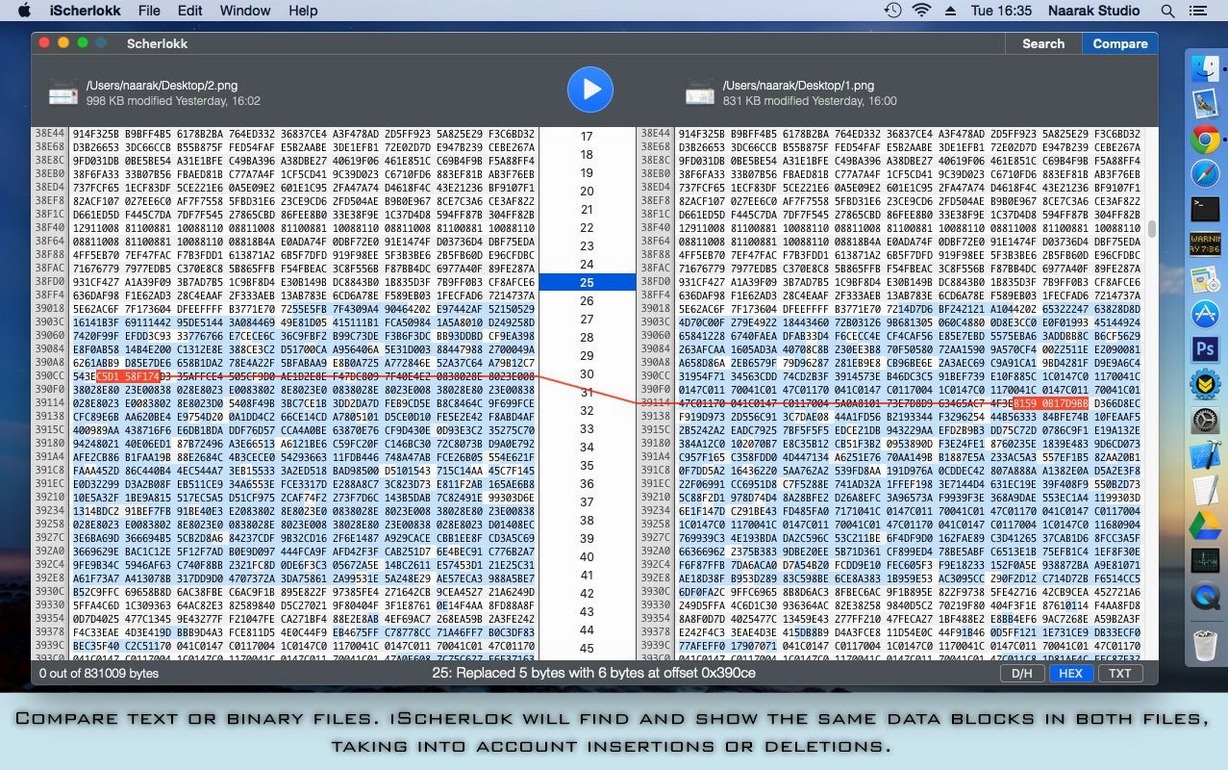
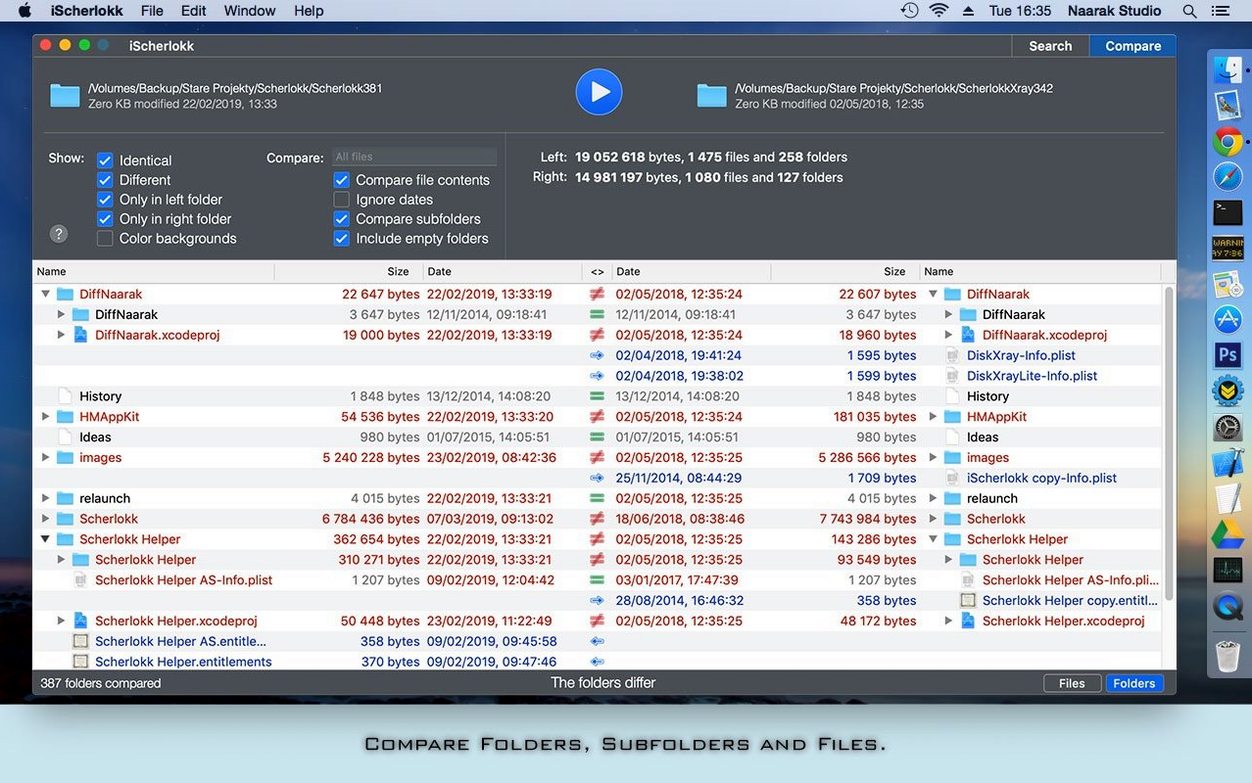
The tool does two things cleanly. It searches for files by name, content, size, date, or kind, and it compares two files side by side. The comparison view marks insertions and deletions, which is useful when you have two revisions of a scene and need to see exactly what changed between drafts. It handles text and binary files with the same straightforward diff display.
Scherlokk reaches places Finder overlooks. It searches network drives over AFP, SMB, and FTP, and it talks to Thunderbolt and FireWire devices without fuss. The first time you run it, macOS asks for Full Disk Access permission so it can look inside all folders. Granting that is the only setup required before a truly thorough search.
Naarak Studio keeps the feature set narrow. No background indexing, no automatic watchers. You launch it, set your criteria, and close it when you are done. On a machine running macOS 10.15 or later on either Intel or Apple Silicon, it stays out of the way until you need to find something specific.
Version 7.7.2 arrived without fanfare, but a few small corrections from earlier 7.x builds now mean the comparison view stops flickering when you scroll through large diffs. That alone makes an afternoon of reconciliation between two script drafts feel less like a visual endurance test. The search field behaviour has tightened up too — earlier versions sometimes ignored a freshly pasted path until you pressed Return twice. Now a single Return triggers the search, which sounds minor until you watch someone muscle-memory their way through a dozen queries and get tripped up every other time.
A quiet addition worth knowing: the current build handles APFS snapshots more gracefully. If you point Scherlokk at a Time Machine backup volume, it no longer stalls enumerating the same file across multiple snapshot dates. It still lists every instance — that is the point — but the directory tree populates without the beachball.
The first few days
On day one, grant Full Disk Access before you do anything else. Without it, Scherlokk will skip protected folders silently, and you will wonder why a search for .env files across your home directory returns nothing. The permission prompt appears once; if you dismissed it by habit, reopen System Settings, find Privacy & Security, and toggle the switch manually.
Learn the location bar early. It accepts drag-and-drop from Finder, and typing a tilde for your home folder works as expected. Restricting a search to a single directory is almost always faster than scanning an entire volume, even though Scherlokk’s engine reads directly from the file system without depending on Spotlight. The difference is noticeable on network mounts — narrow the scope to a single SMB share and the results arrive in seconds instead of minutes.
If you often search the same folder set, save your criteria as a search template. The Save button is unobtrusive, tucked near the bottom of the criteria panel, but once you build a few presets for common locations, you will reach for them more than you expect.
Speed, stability and what it asks of the machine
Scherlokk is not threaded aggressively. It uses a single scan thread per volume and lets the system scheduler manage I/O. On an Apple Silicon Mac, searching a 4 TB external drive by content — looking inside every text file for a string — keeps one efficiency core busy and barely touches the performance cores. Memory usage hovers around 120 MB during a content scan and drops back under 40 MB once results are displayed.
Network searches over AFP or SMB can feel slower than local scans, but that is the wire, not the app. Scherlokk does not prefetch file contents until you click on a result, so the initial directory walk completes quickly even on a congested NAS. FTP searches are naturally slower still, limited by the protocol's stateless round-trips.
Stability has been uneventful across a week of daily use — no crashes, no hangs, no sudden spikes in swap. The only quirk is that quitting the app mid-scan leaves no background process behind. Naarak Studio's search engine cleans up after itself the moment the window closes, which is a small mercy on a laptop running off battery.
- macOS 10.13 or later
- Apple Silicon or Intel 64-bit