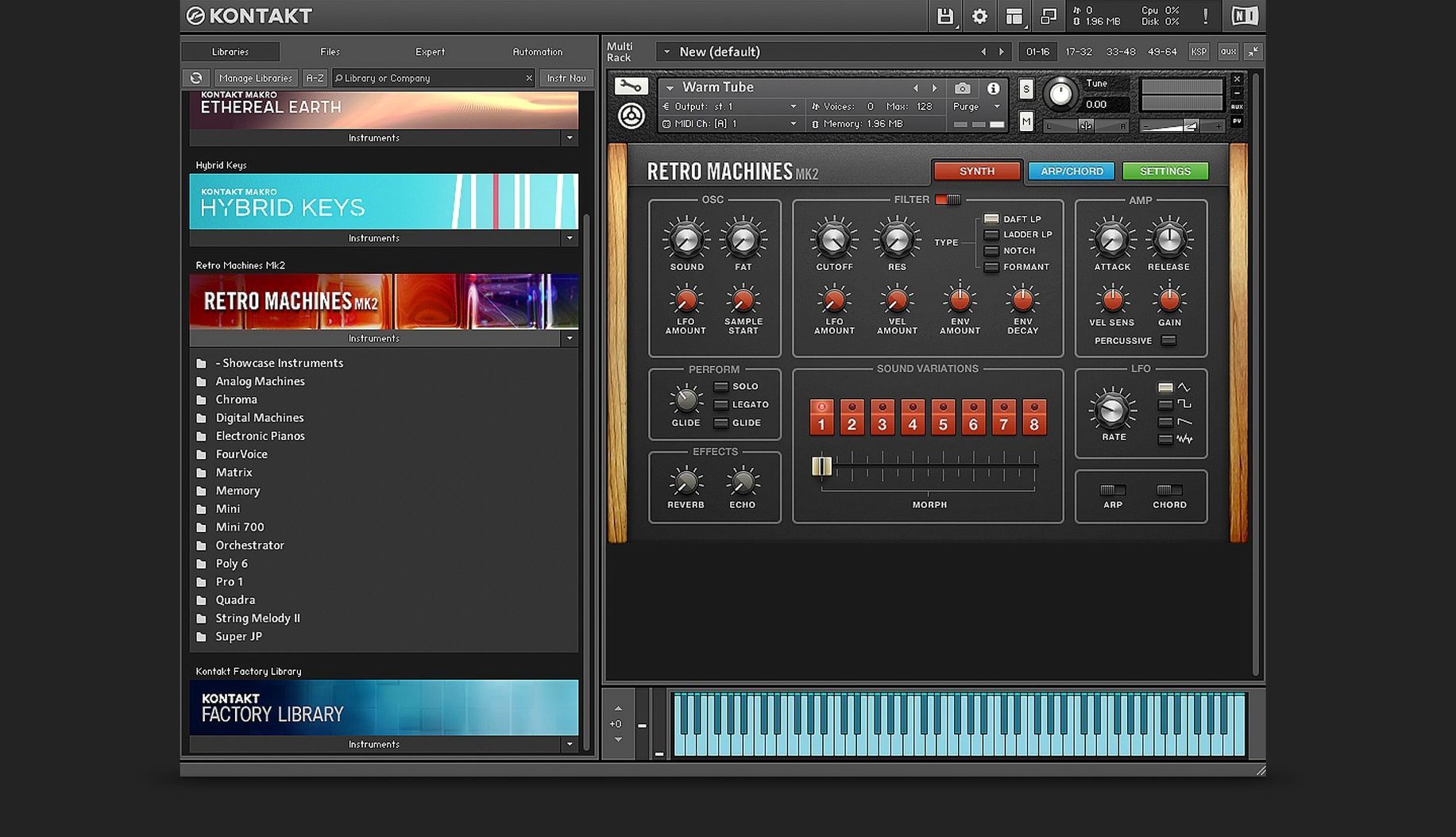
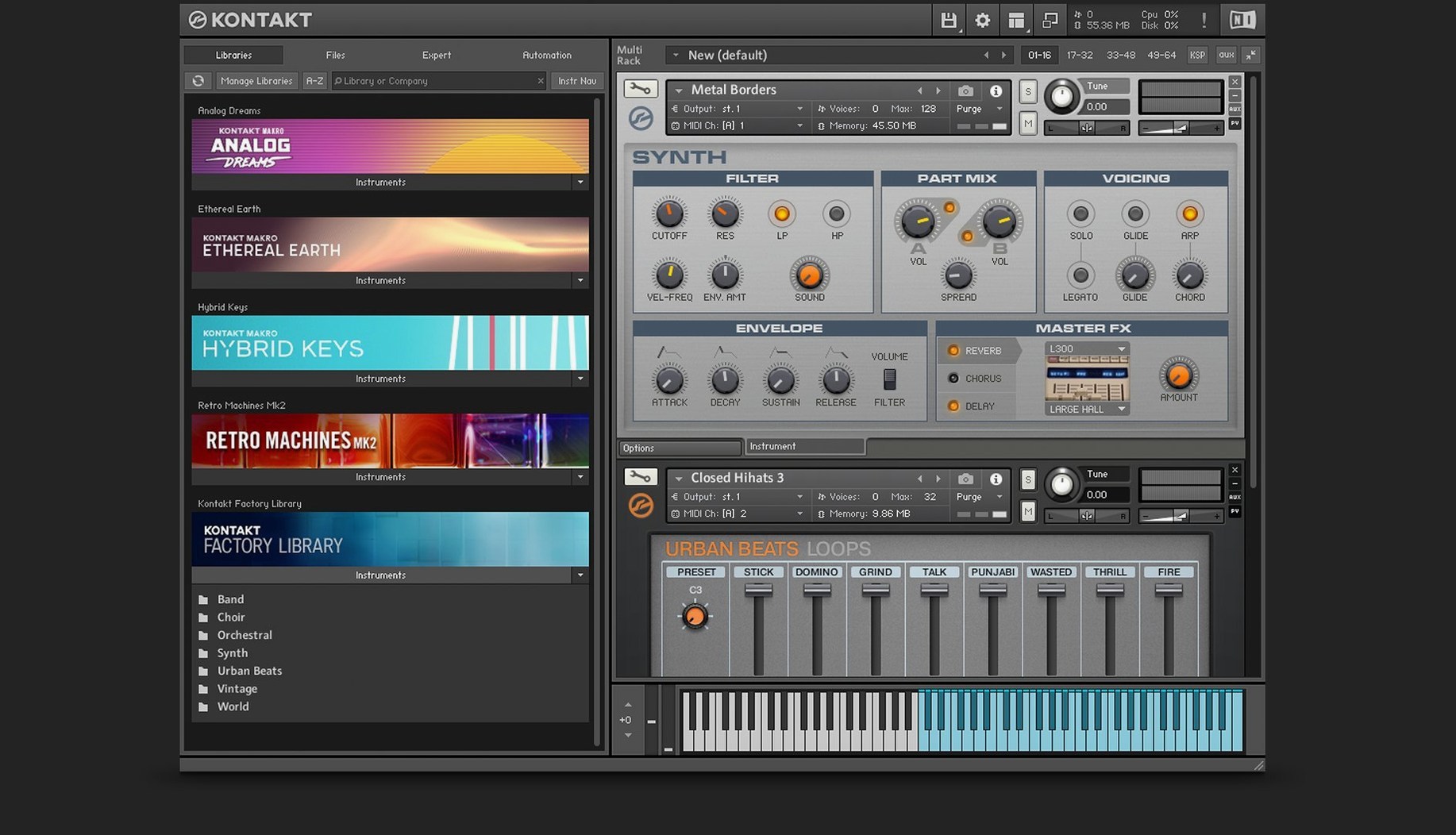
Kontakt is a software sampler that behaves like a deep instrument workshop, where raw audio becomes playable, expressive material. Version 8.13.1 runs on macOS 14 and newer, on both ARM and x86 64-bit architectures. The update introduces Tools for manipulating MIDI, a side pane that connects those Tools to instruments, and Leap, a performance environment for loops and one-shot samples.
The Default view feels calmer than older versions. I opened a recorded piano note, dragged it into the mapping editor, and set the root key. From there, the Wavetable module let me stretch the sample into a pad, with a modulation oscillator adding slow movement and a second Form shaper reshaping the upper harmonics. Komplete Script sat underneath the whole thing, ready for finer control than I needed that evening. The standalone app was enough; no DAW session open, just me and the sound.
Building custom instruments and performing loops standalone
- Building sample-based instruments from your own recordings
- Performing loops and one-shots through Leap without a host
- Running as a standalone instrument or inside a DAW
- Working with Native Instruments libraries via Native Access for activation and updates
MacOS 14 required with Komplete Script as the current build path
- Requires macOS 14 or newer
- Komplete Script and Komplete UI are the current paths for instrument building
- Kontakt 8 Player is the streamlined companion for running libraries, not building them
When things don't sound right
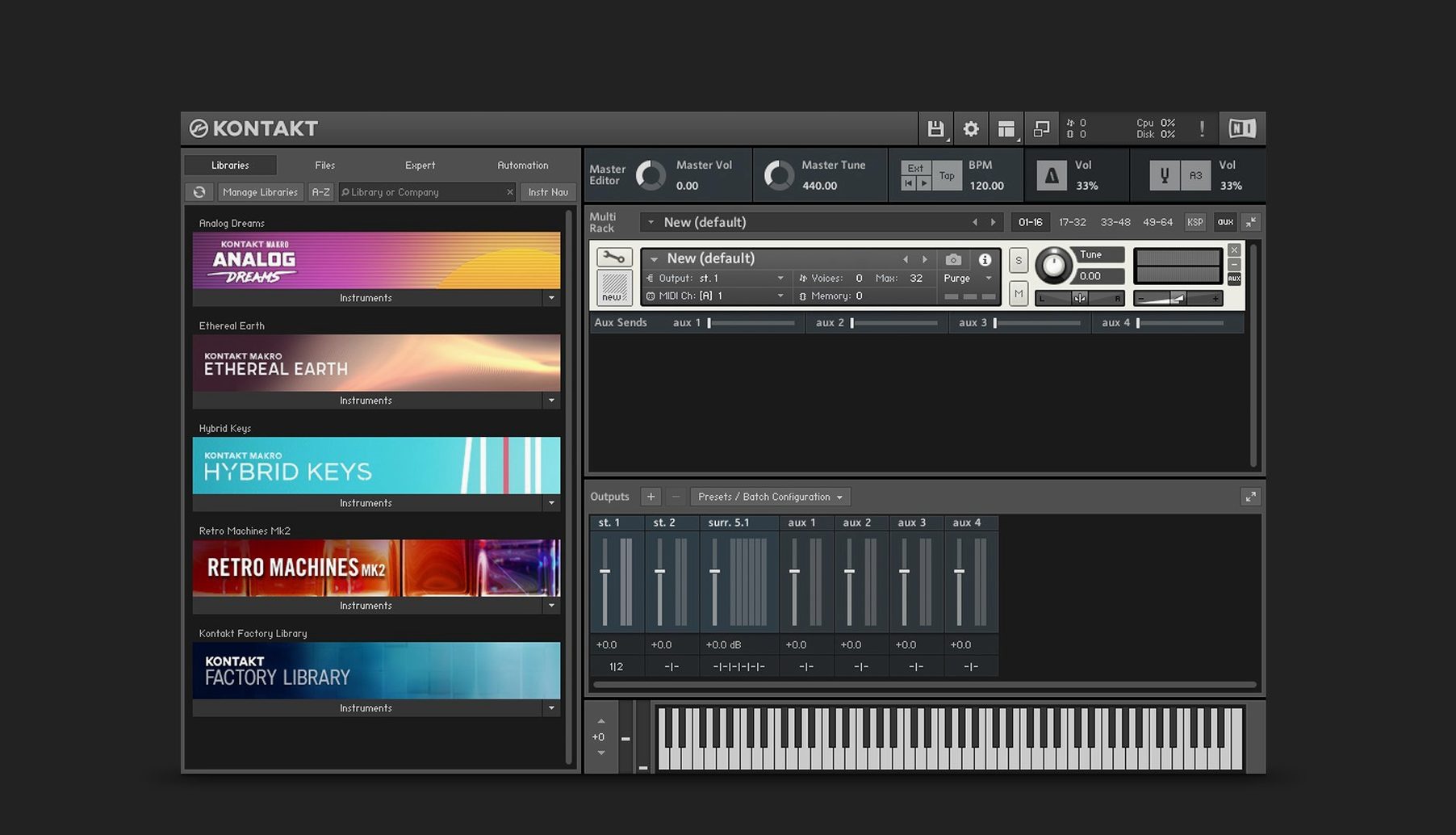
Most early frustrations with Kontakt trace back to a few predictable places. The first is output routing. You load a library, play a note, and hear nothing, even though the MIDI indicator blinks. Almost always, the instrument's internal bus is pointing to an output that doesn't exist in your session, or the Kontakt instance itself is routed to a muted channel. The fix is in the Outputs panel, where you can reset the default mapping in a few clicks. If you are working standalone, check that the audio interface selected in Preferences is the one actually connected; Kontakt does not always gracefully fall back when a device disappears.
Another recurring snag is library content that refuses to locate its samples. After migrating to a new machine, using a kontakt 7 for mac installation, or simply moving folders around, instruments load but show "missing samples." The batch re-save function, buried under the file menu, walks your entire library collection and rewrites the internal paths. It is slow but thorough. Avoid clicking "skip missing" repeatedly and hoping for the best; the problem compounds across sessions.
CPU spikes with dense Wavetable patches are also common. The second Form shaper in particular can pile on harmonic energy that pushes a voice count higher than expected. The Adaptive Resonance mentioned in the Russian documentation helps here, automatically taming filter peaks that would otherwise eat headroom and trigger crackling on sustained chords. If you hear clicks that are not from your audio buffer size, try pulling back the Resonance knob on any active filter, or reduce the unison voices in the Wavetable module's modulation oscillator.
A keystroke hides the Tools-to-instruments side pane instantly
A handful of workflow details took me months to notice. The side pane that connects Tools to instruments can be shown or hidden with a single keystroke; once it becomes muscle memory, you stop staring at the border of the window wondering where your MIDI modifiers went. In Leap mode, right-clicking a sample slot opens a menu for quick normalization and fade shaping that is faster than loading an external editor, especially when you are sketching rough loop arrangements late at night.
The new Default view remembers your last browser state. If you always start a session by searching for a particular piano or bass, pin it. Kontakt will open directly to that filtered list instead of showing the full library tree. Small thing, but it shaves ten seconds off every cold start. The instrument bus system, which arrived with Kontakt 6 and carries forward here, also deserves a second look. Sixteen internal stereo buses let you process different articulations of the same instrument through separate effects chains inside a single instance, avoiding the clutter of multiple Kontakt tracks in your DAW. Route the close mics to one bus with Solid Bus Comp, the room mics to another with a touch of Tape Saturator, and blend them on the main output.
MIDI Tools arrive as drag-and-drop processing blocks
The leap from earlier builds to 8.13.1 is most visible in how you interact with MIDI. Tools are not just a menu addition; they sit as discrete, drag-and-drop processing blocks that can re-pitch, re-time, or re-harmonize incoming notes before they ever reach the sampler engine. That changes the feel of writing parts, because you can experiment with a simple chord progression and let a Tool break it into arpeggios or humanize its velocity, all without touching the piano roll in your DAW. The side pane makes these connections visible, so you can stack two Tools and see exactly which feeds into which.
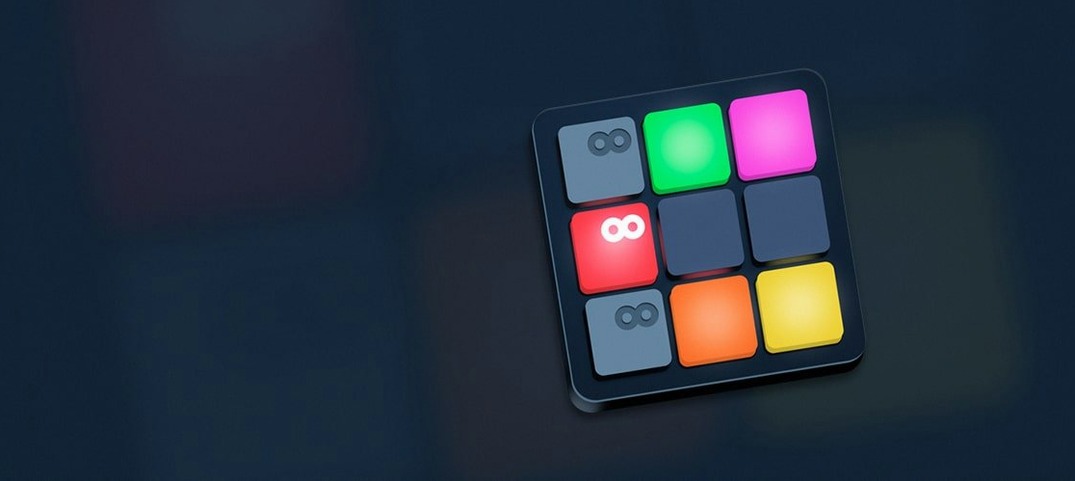
Leap, meanwhile, turns Kontakt into something closer to a performance instrument for loop-based material. One-shot samples can be triggered, pitched, and manipulated in real time, and the Wavetable module's modulation oscillator adds a layer of rhythmic movement that follows your playing speed. If you have ever tried to build a live set around audio loops and MIDI instruments inside the same plugin, this closes the gap. The Komplete UI framework, introduced with this version, also means that instruments built with the current tooling scale properly on high-DPI displays, which older libraries simply did not. Text that was once blurry on a Retina screen now renders sharp.
Let Native Access finish scanning before opening standalone
After dragging the disk image open and running the installer, the first job is letting Native Access finish its library scan. Do not interrupt it. Once scanning completes, open Kontakt standalone first, not the plugin, because the standalone version builds its database independently and a clean first launch prevents the DAW from timing out while waiting for Kontakt to finish indexing. Set your audio interface and sample rate in standalone Preferences, then close it. When your DAW loads the AU or VST version afterward, it inherits a stable config.
Next, create a small test project with three tracks: one instrument from a factory library, one empty instance for dragging your own samples, and one instance loaded in Leap mode. This small setup surfaces routing, buffer, and permissions issues immediately, before you are deep into a session. If you are coming from a Kontakt 5 Mac torrent or an older iteration, the instrument bus system and Komplete UI libraries expect modern path structures; some legacy third-party instruments may need a batch re-save to behave predictably.
Build a few custom snapshots of your favourite instruments with the Tools chain baked in, and save them to the user library. Future sessions start faster when your go-to strings already have a slight humanize Tool applied. Finally, open Leap on an empty track and drop in a handful of one-shots from your own field recordings. Even if you do not plan to use them immediately, the exercise teaches you the drag-and-drop behaviour and the quick right-click editing options, which pay off later when a project needs unexpected texture.
ARM builds load large libraries faster without UI latency
On an Apple Silicon machine running macOS 14, the ARM build of 8.13.1 loads large libraries noticeably faster than Rosetta-translated versions I remember from earlier releases. The Komplete UI rendering does not add perceptible latency; scrolling through a thousand presets in the browser feels fluid, and the Wavetable module's real-time visual feedback on the modulation oscillator stays responsive even with multiple voices ringing out. Memory usage for a typical orchestral template sits around a few gigabytes, which is what you would expect for deeply sampled instruments, but the disk streaming is efficient enough that I rarely hear the fans spin up unless I am layering several Wavetable patches with long release tails.
Stability in long sessions has been solid, with one caveat: third-party libraries built on older scripting frameworks occasionally cause the plugin to hang when you switch presets rapidly. The workaround is to load such instruments in their own Kontakt instance, isolating any script crashes from the rest of the project. For everything built on Komplete Script or the current factory content, I have not seen a single unexpected quit across dozens of hours of editing and playback. Standalone mode remains the quiet pleasure it has always been, turning the Mac into a focused instrument that starts cold in seconds and stays locked to the audio interface without any DAW-related overhead. Whether you picked up a kontakt 7 free download for mac in the past or are stepping straight into this build, the day-to-day experience is calmer, sharper, and less cluttered than the version number alone suggests.
Kontakt 8.14 arrives as a substantial housekeeping update, smoothing out several rough edges while quietly expanding what the interface can do. The header redesign that began in earlier releases now reaches instruments and effects, giving the rack a more consistent visual language. Over in the sidebar, content lists and presets finally sit apart from one another — separate, dynamically adapting sections that make browsing feel less like sifting through a single long drawer. The Default View gains a global parameter editor and patch-saving, which means you can tweak and commit without switching contexts. Leap instruments have been folded into the main Instruments section, so that separate tab is gone. On the fix side, a crash loading older instruments in versions past 8.11.1 is resolved, along with a flickering-and-freezing problem in Cubase on Windows, a clipped interface on some legacy libraries, and a memory-reporting glitch in Classic View headers. There is also a fix for snapshot-switching disrupting the audio engine on certain Apple Silicon machines, a DAW process that hung around after closing a project with Kontakt loaded, and a long-standing memory leak that apparently dates back to version 6.3.2. Under the hood, Komplete UI moves to 1.10, and there is now Claude AI integration in Komplete UI Builder for turning Figma layouts into interface prototypes — a detail that hints at where the tooling is headed. LFO-to-DAW tempo sync and Program Out routing in effects chains also get corrections.
- macOS 14 or later
- Apple Silicon or Intel 64-bit processor
Questions from the booth
Yes, Kontakt 8 works as a standalone instrument in addition to loading as a plug-in inside a host sequencer or DAW.