When a Mac already holds your editing suite, your field recorder folder and a few trusted plug-ins, a new DAW can feel like an intruder. Logic Pro enters more like a neighbour who shares your cables. It reads Final Cut Pro X XML, so a composer can import a timeline’s markers and tempo cues without rebuilding the map by hand. An editor can rough out a stereo mix and hand it back to picture without the usual format wrestling.
How does it talk to Final Cut Pro?
Through XML import and export. You bring a sequence in with its roles and markers intact, score underneath, then send a mixed stem out that drops straight back onto the timeline. It keeps the conversation between picture and sound from turning into a shouting match.
What about sounds I can play right away?
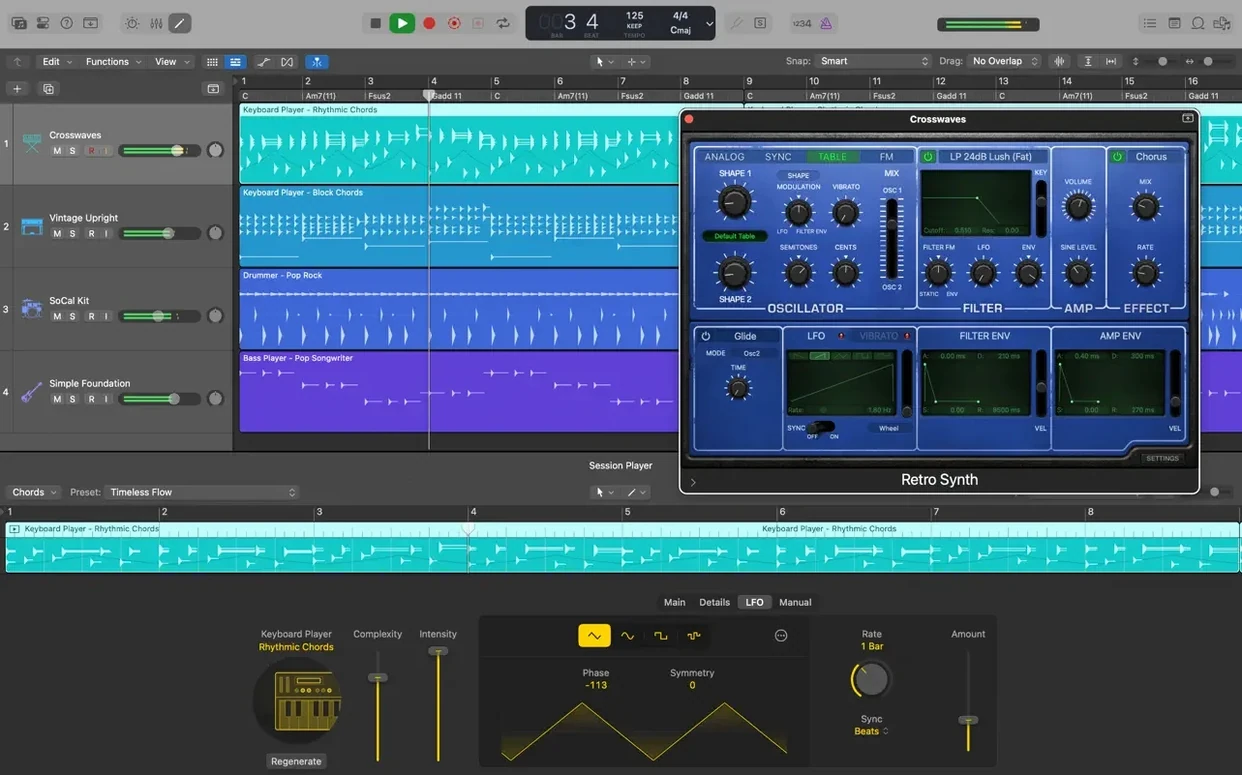
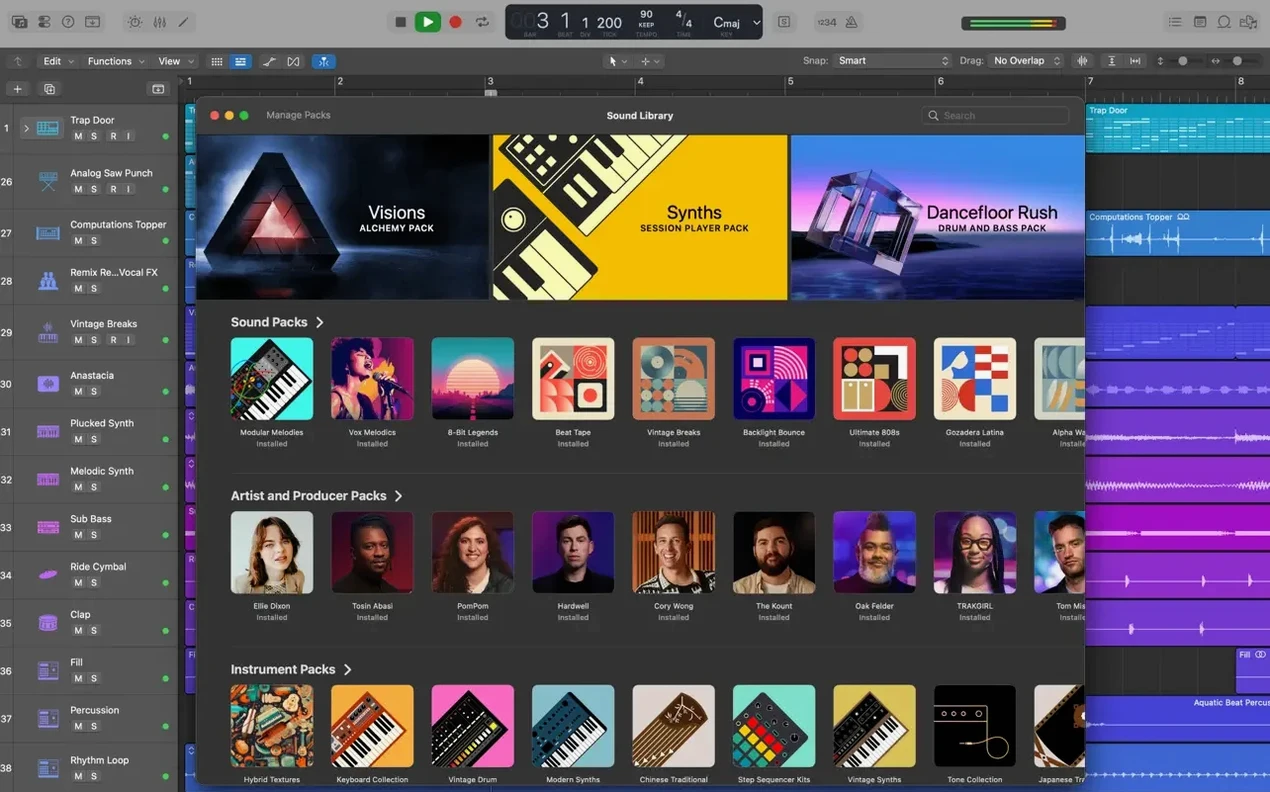
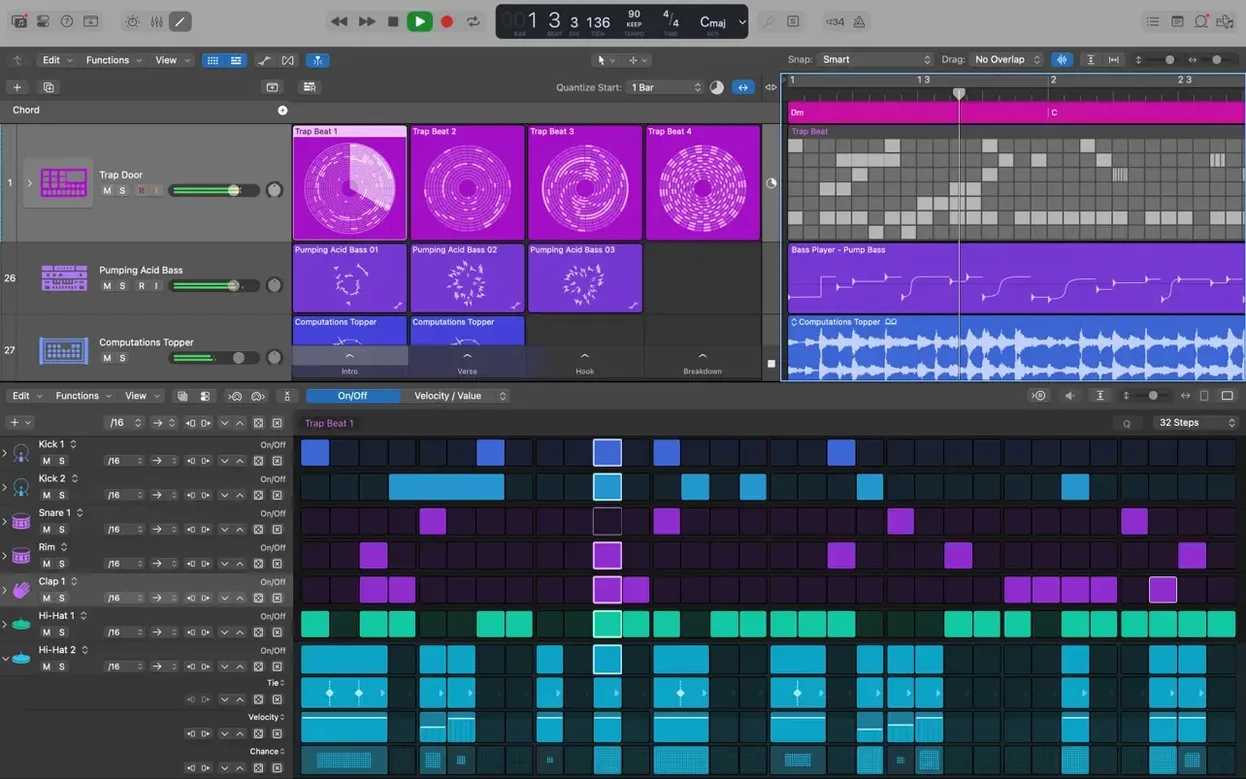
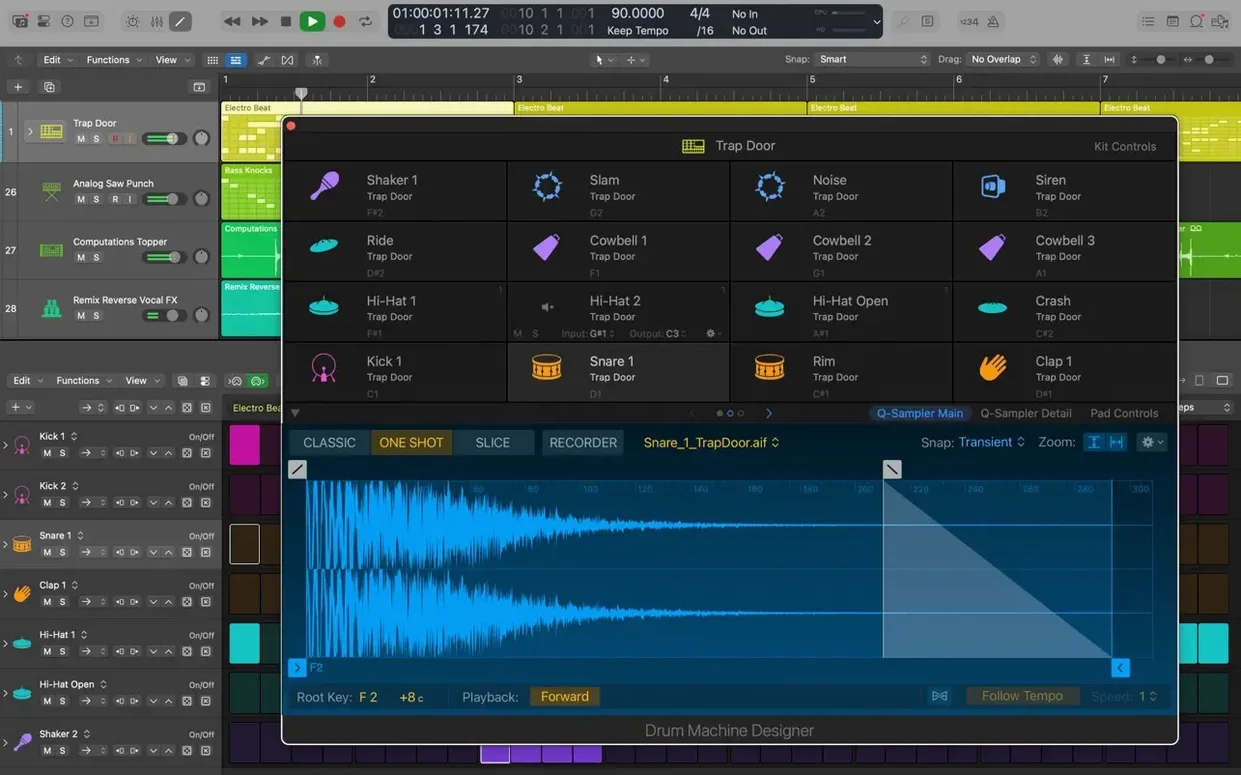
The Sound Library gives you over a thousand sampled instruments and more than 2,800 instrument and effect patches. Drum Machine Designer lets you reshape electronic beat sounds on the fly, while 28 virtual drummers cover styles from brushed jazz to stadium rock without dialling in a single MIDI note.
Can I build guitar tones without a pedalboard?
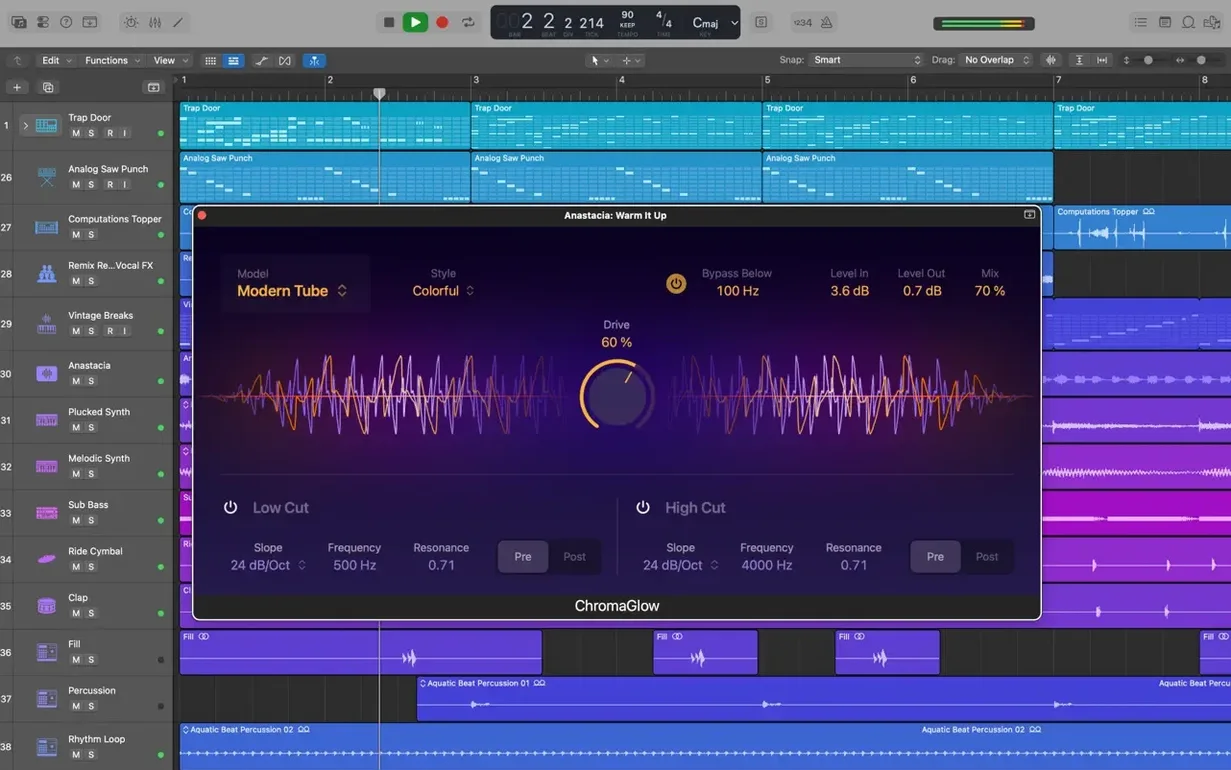
Amp Designer models vintage and modern amps, cabinets and mics — you drag together a signal chain that would cost a wall of gear in the physical world. Combined with Selection-based Processing, you can render a string of effects onto a single audio region and clean up the timeline as you go.
Pick and choose your Sound Library download instead of grabbing the full 63 GB
Do I need to be online? Not after the initial setup. Once the Sound Library has downloaded — and you can pick which parts you want, so you are not stuck pulling down 63 GB of pipe organ and cinematic percussion if you are only here for the synths — the app runs entirely locally. No phone-home checks, no cloud authentication pinging a server mid-session.
Will it read my old projects? Logic 5 sessions and everything since open without a conversion ritual. That is twenty years of backwards compatibility, which means the stray ideas you bounced out in 2007 can resurface without archaeology. The one caveat: 32-bit Audio Unit plug-ins from that era will not load, because the app runs 64-bit only. If a track relied on a dusty freeware tremolo from a developer who vanished in 2010, you will see a placeholder and a prompt to find a replacement.
Can I move it between a studio Mac and a laptop? Yes. The project format is the same regardless of which machine you open it on. iCloud and GarageBand export from an iPad or iPhone let you start a sketch away from the desk and pull it into a full session later. The heavy lifting — Flex Pitch, a hundred-track mix with convolution reverbs — just asks for hardware that can keep up, not a different file format.
Crossfade edge dragging is back in 12.3.1
Version 12.3.1 is a quiet, practical update rather than a feature showcase, and it fixes a handful of annoyances that anyone working fast will recognise. The right edge of a crossfade can now be dragged and extended again — a small thing until you are smoothing edits on a vocal comp at two in the morning and the waveform refuses to budge. Cursor Tool modes activate immediately instead of waiting for the pointer to twitch first, which removes a fractional but cumulative lag across a long editing session.
Projects with video no longer quit unexpectedly when MIDI is playing, which matters if you score on the same machine you picture-edit on and cannot afford a crash during a playback for a director. The Score editor now respects Staff Style changes made in the Inspector, so printouts for session musicians actually reflect what you intended. And a beat-mapping transient relocation bug — the kind of subtle drift that could throw a tempo map out of alignment — has been put back in order. The update also improved performance on tracks stuffed with many regions, meaning less beachballing when you are comping from dozens of takes.
Switch multithreading to Playback Tracks for heavy virtual instrument sessions
Logic Pro ships with sensible defaults, but a few preferences reward a quick visit before your first real session. Open Audio > General and switch Multithreading to Playback Tracks if you work with a lot of virtual instruments; the alternative, Playback & Live Tracks, reserves a core for the currently selected track, which is useful for recording but can starve a large mix. While you are there, enable Quick Punch-In and Automatic Management of Channel Strip Objects — the first saves you from fumbling for a key command when an overdub idea strikes, the second keeps your Mixer from bloating with unused strips.
Under Display, turn on Show Help Tags if you are still learning where everything lives; turn them off once muscle memory takes over and you want every pixel back. The Cycle pre-processing checkbox, buried in Audio > General, tells Logic to buffer the bar before a cycle jump so playback is already rolling when the region loops — subtle, but it makes a difference when you are listening on repeat for a detail in the reverb tail. Finally, set your Recording Delay in the same pane by running a quick loopback test with a cable: even a few samples of offset compound across a drum tracking session, and Logic remembers the value per audio interface, not globally.
Output Device often jumps to an unpowered monitor or disconnected interface
No sound on playback. Nine times out of ten the Output Device in Audio > Devices has switched itself to a monitor speaker that is not powered on, or to an interface that lost its connection. Check the device, then check the I/O Assignments in the Mixer — a track routed to Output 3–4 on an interface that only has two outputs will play silence without complaint.
System overload messages. The “System Overload” dialogue appears when a single core gets hammered. Bounce a software instrument track to audio (right-click the track header, Bounce in Place) and disable the original. Do the same for tracks with heavy latency-inducing plug-ins like linear-phase EQs. Increasing the I/O Buffer Size in Audio > Devices to 256 or 512 samples gives the machine more breathing room during mixing, though you will want it lower — 64 or 128 — when recording.
Flex Pitch artefacts. Extreme shifts in a vocal note can leave a warbly, phasey residue. Instead of dragging a single note by a fifth, split the region first and process the smaller fragment with a gentler adjustment, or use Vocal Transformer as a plug-in for creative pitch work and leave Flex Pitch for subtle correction. The algorithm favours modest nudges.
Audio Unit plug-ins not showing up. A restart usually rescans the components folder, but if a plug-in stubbornly refuses to appear, open Logic Pro > Settings > Plug-in Manager and run a manual rescan. Failed units appear in a list; you can force a retry individually. Third-party plug-ins must be 64-bit and installed in the standard /Library/Audio/Plug-Ins/Components directory.
Latency while tracking. Toggle the orange Low Latency Mode button in the control bar — it temporarily bypasses plug-ins that add significant delay, like look-ahead limiters and convolution reverbs, so your headphones feed comes through tight. Remember that sends to busses with those plug-ins will also be muted while the button is lit, so the cue mix might sound drier than you expect.
Ableton treats music as performance with non-linear clip launching
Ableton Live approaches music as a performance. Its Session View lets you launch clips non-linearly, which makes it a natural choice for electronic artists and live sets, and its warping engine is extraordinarily fluid for tempo experiments. Logic Pro leans harder into linear arrangement, comping and scoring — it is a studio desk rather than an instrument panel. Where Live feels like a sketchpad that rewards improvisation, Logic rewards the long session: comping a vocal across twenty takes, building a tempo map from a freely played piano part, printing stems for a mix engineer. Both host Audio Units, but Live’s Max for Live ecosystem gives it a modular dimension that Logic does not try to match.
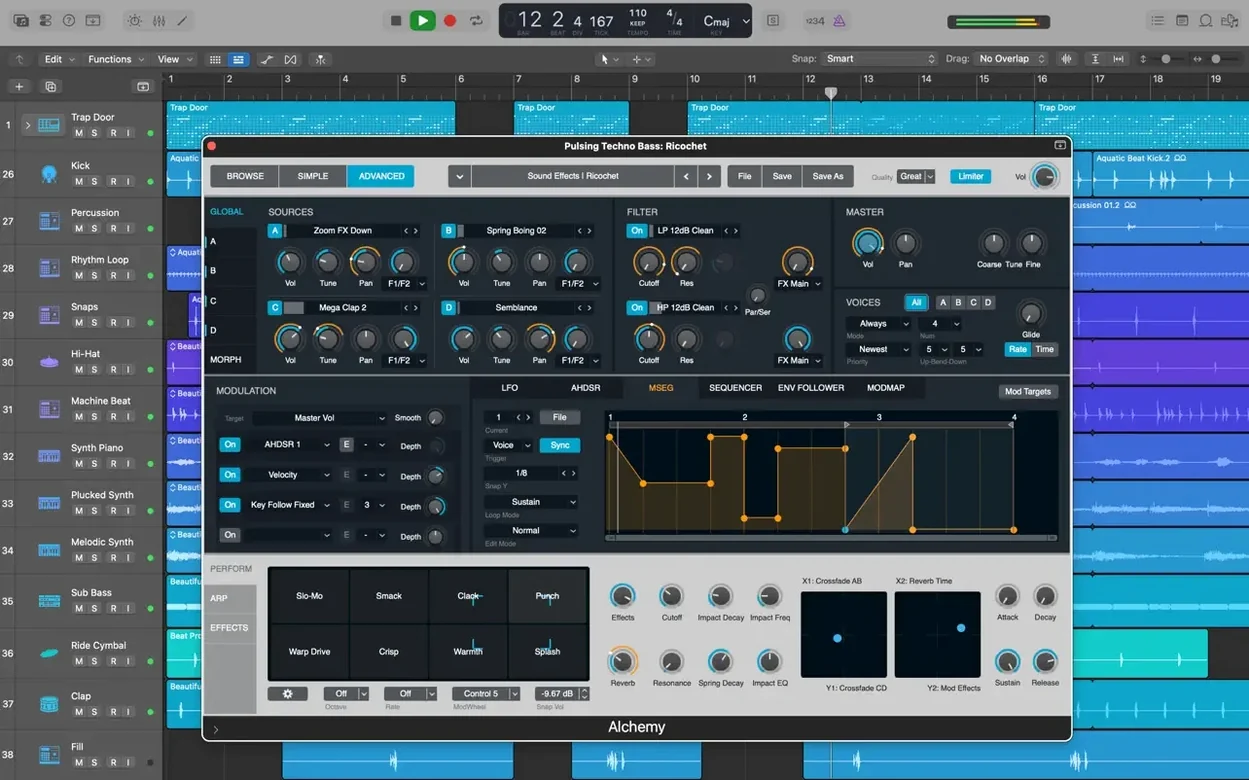
Steinberg Cubase has deep roots in MIDI sequencing and its chord track, expression maps and arranger track are genuinely powerful for composers working with orchestral templates. Logic’s Score editor is more polished for producing readable sheet music, and its built-in sound library — Alchemy, the drummers, the loops — gives a newcomer a fuller starting palette without reaching for third-party instruments. Cubase feels like a toolkit assembled over decades; Logic feels like a studio where the console, the tape machine and the outboard rack all share a design language because the same company built them all.
PreSonus Studio One has a clean, modern interface and a drag-and-drop workflow that lowers the barrier for beginners — dropping an effect onto a region rather than a channel strip, for instance, or the way the Project page handles mastering and assembly. Logic matches it with Selection-based Processing but goes further on the bundled content: Studio One includes fewer instruments and loops out of the box, and its notation features are more rudimentary. Where Studio One feels lean and immediate, Logic feels larger, denser, and more willing to let you lose an afternoon inside Alchemy or Sculpture tuning a physical model of a bowed metal bar that nobody asked for but that suddenly fits the cue.
Version 12.3.1 brings back several small but sorely missed moves. You can once again relocate beat mapping transients, and the Score responds properly when you switch Staff Style in the Inspector. The right edge of a crossfade now drags out without protest. MIDI playback in projects with video no longer causes unexpected quits, and tracks carrying many regions feel lighter under the hand.
- macOS 15.6 or later
- Intel or Apple Silicon Mac
- 4 GB RAM
- Display at 1280 × 768 or higher
- 64-bit Audio Unit plug-ins required
- 6 GB free disk space for minimum installation
- 63 GB free disk space for the full Sound Library
Questions from the booth
Yes — projects roundtrip through iCloud, and you can also export a GarageBand for iPad song directly into Logic Pro to continue working with the full mixing and scoring tools.
It handles mixing in stereo or full surround, letting you position audio across a multi-channel space for film, game audio or installation work.