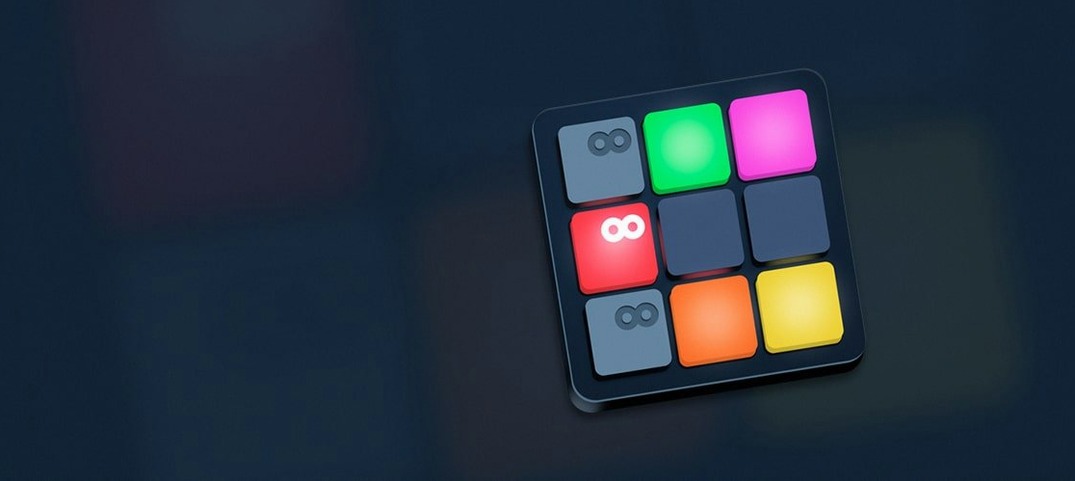
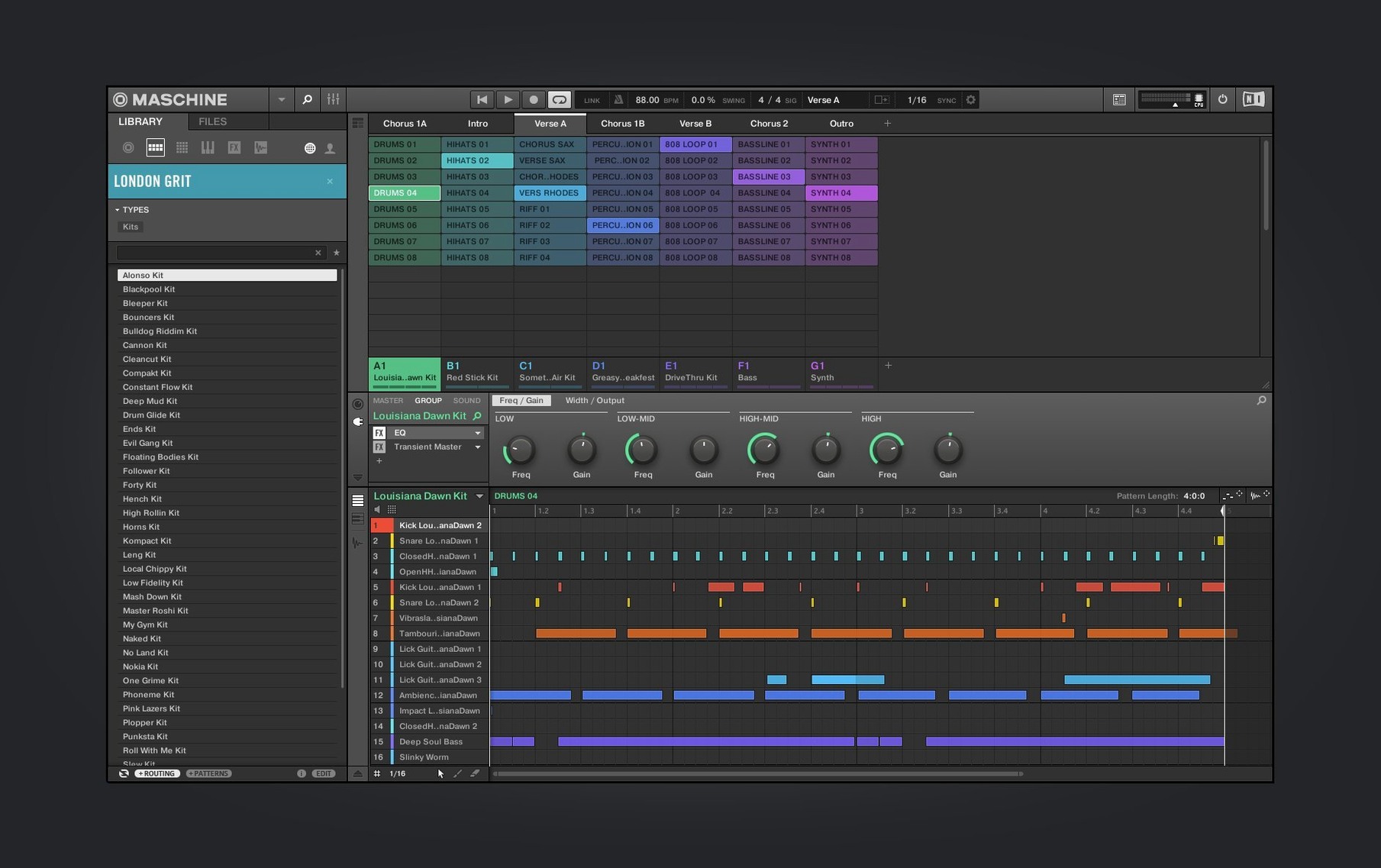
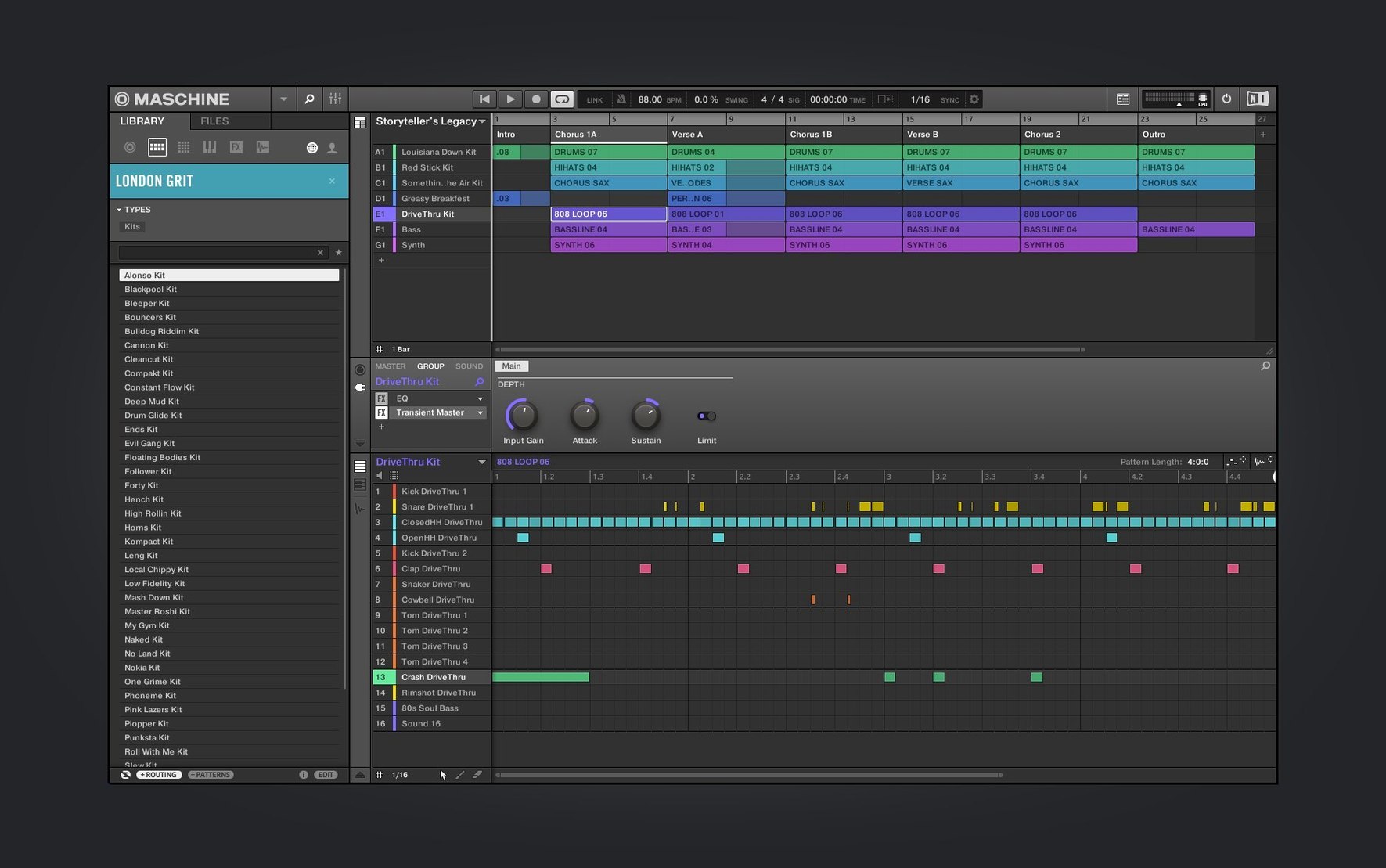
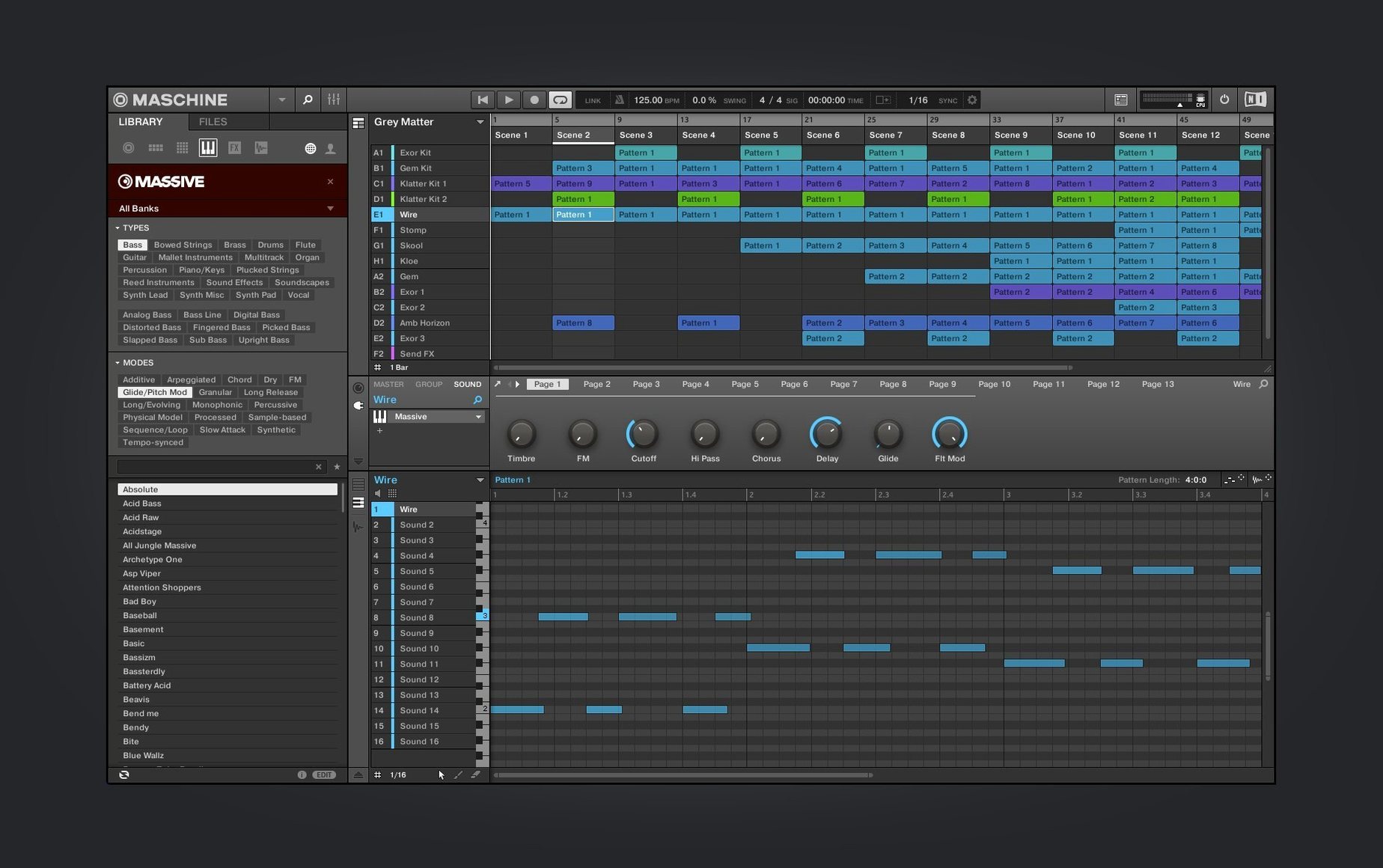
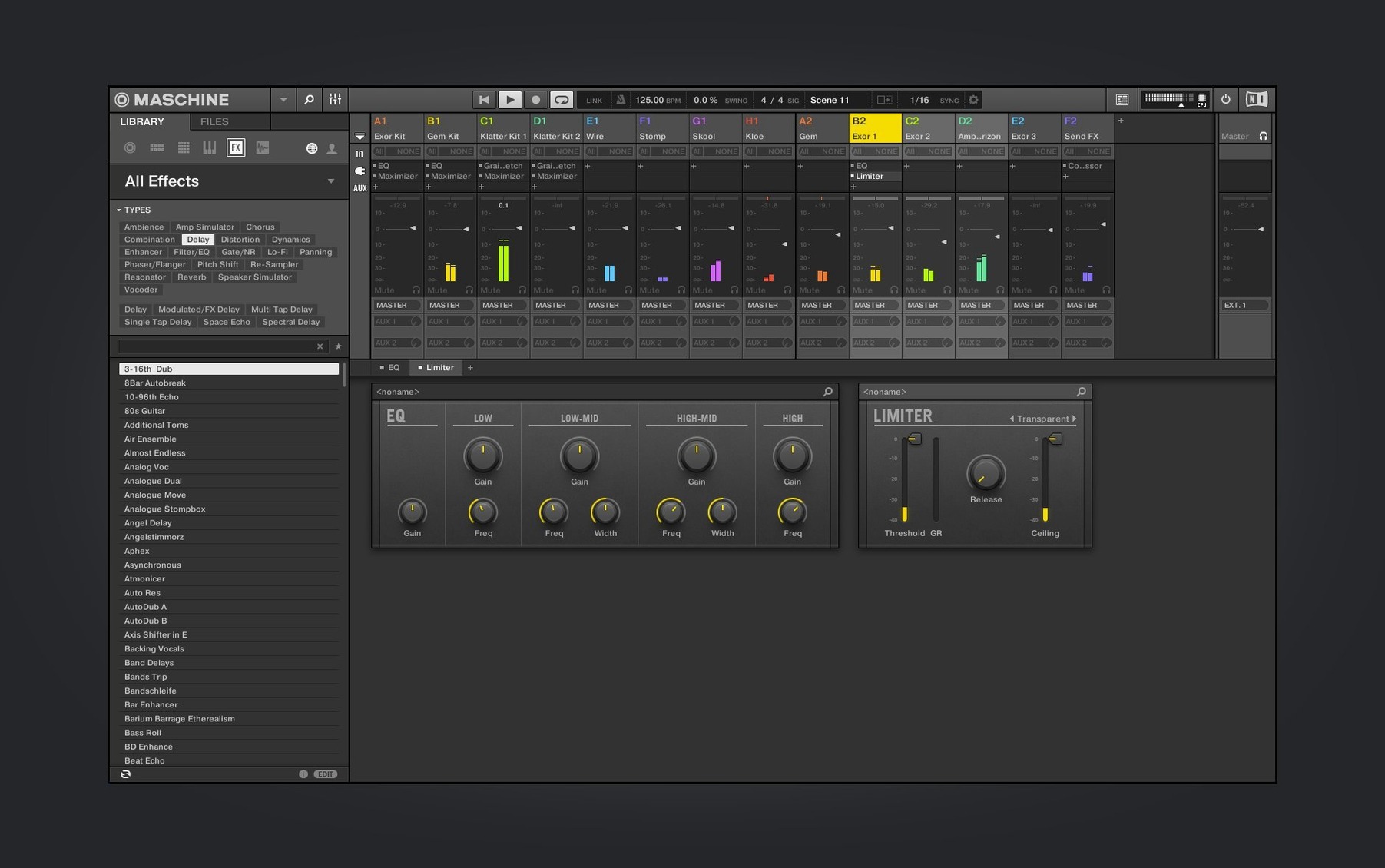
Maschine is a beat-making environment where software and hardware lock into a single, tactile workflow for sampling, sequencing and performing. Version 3.6.0, running standalone or as a plug-in on macOS, continues a long redesign arc that refines the Mixer view and deepens controller integration for those who already know their way around the grid.
The sampler and sequencer, beyond the basics
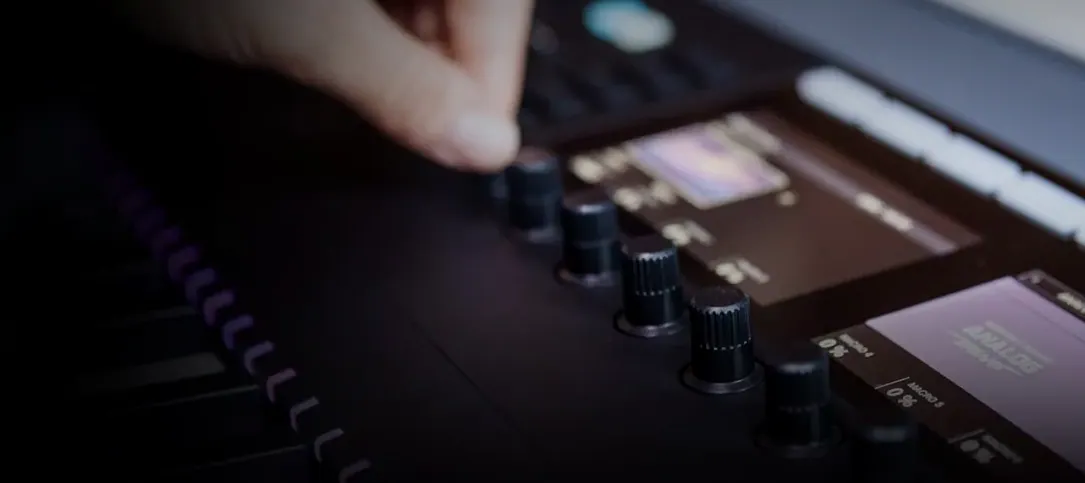
The high-performance sampler in Maschine handles more than one-shot triggering. You can slice a loop across the pads, map the fragments chromatically, and stretch or pitch individual hits without leaving the hardware. The integrated drum sequencer supports step automation per lane, so a hi-hat pattern can shift its sample start or decay on beat sixteen while the kick stays locked. Effects sit directly on the channel and group strips — compressors, reverbs, delays and modulation tools that respond to the same knob assignments as the mixer, making it possible to build a full arrangement without touching the mouse.
The evolving mixer and controller landscape
With 3.6.0, the Mixer view redesign reaches further into the routing logic: group and send levels feel more immediately readable, and the visual feedback now matches the signal path more closely. The Audio, Poly Synth and Drum Synth modules also received a UI overhaul in this version, cleaning up the parameter layout in a way that rewards muscle memory. NKS Connect support arrives with this release, starting with the AKAI MPK mini IV, which means that controller’s display and knobs now map directly to NKS-compatible instruments and effects inside Maschine. For anyone building a hybrid setup, that tighter handshake between a portable keyboard and the software’s internal browsing and mixing turns the screen into something you glance at rather than drive from.
The first days with Maschine 3.6.0
After the installer finishes and you launch the standalone app, the new welcome screen greets you with demo projects and direct links to tutorial videos. Open one of those projects before you build anything from scratch. Poke at the patterns, mute groups, twist the macro knobs while the transport runs — it teaches you the signal flow faster than reading a manual. The redesigned Audio, Poly Synth and Drum Synth interfaces land with a cleaner parameter hierarchy, so map a few knob assignments on your controller right away and save the template. A small investment there means every future session starts with volume, filter cutoff and a send level already under your fingers.
Spend an hour with the loop slicing on material you know well. Drop a drum break or a melodic phrase onto a pad, let Maschine detect the transients, and audition the slices from the hardware. Adjust the sensitivity until the chops feel musical rather than mathematical — the software tends toward tight cuts by default, and pulling a slice marker back by a few milliseconds often glues the groove. Once you have a slice set you like, apply the setting as a template for future imports through the slice menu. That alone will make the first week feel less like setup and more like composing.
A crate-digger’s afternoon
Consider a producer who builds sample-based hip-hop from second-hand vinyl and field recordings. They drop a noisy piano phrase into Maschine, slice it across eight pads, then pitch three of those slices down by a fifth while leaving the rest at the original key. The integrated drum sequencer runs a pattern of kicks and snares beneath it, the snare triggering a short room-reverb send. A second group holds a bass line played from the MPK mini IV through NKS Connect, the controller's display reflecting the loaded instrument without a trip to the computer screen. By the end of the afternoon they have a two-minute arrangement built entirely from the hardware, the laptop pushed aside except for naming and saving the project.
Built for loop-stackers and live fader performers
Maschine rewards producers who think in patterns and textures rather than linear timelines. If you build tracks by stacking loops, muting parts, and performing fader moves rather than drawing automation curves with a mouse, the workflow fits. Live performers who trigger scenes and tweak effects on stage get immediate value from the hardware integration — the mixer and group routing mean an entire set can live inside one project file without touching the DAW. Sound designers working with sliced field recordings or vocal fragments also gravitate toward Maschine because the sampler treats audio as a malleable material spread across the pads, not just a waveform in a track lane. Users coming from a traditional DAW background who want to break out of screen-heavy production habits often find the shift to a controller-first environment disorienting at first, then liberating. The ones who stick with it tend to be the ones who enjoy committing to decisions: printing effects, resampling a loop, moving on.
Starting fresh with a kick on pad one
You power on the hardware, launch the standalone application, and the welcome screen fades into the last project. Instead of continuing it, you start a fresh file and load a drum kit into the first group. A kick on pad one, a snare on pad two, a closed hat on pad three. You tap a four-bar pattern with the metronome ticking, correct a late snare hit with the step sequencer, then add a shaker on the offbeats with the pad perform mode set to fixed velocity. The pattern loops.
A second group receives a bass sound from the Poly Synth module, its interface now cleaner and quicker to navigate than in earlier versions. You record a two-bar line with the pads in chromatic mode, quantize it lightly, then open the mixer view to dial the bass group into a compressor sitting on the drum group's send. The screen shows the gain reduction clearly — the redesigned mixer makes the signal path legible at a glance. You slice a vocal sample into sixteen fragments, assign the best four to pads, and play them back in a new scene that drops the drums to half-time. By the end of the session you have three distinct scenes, a handful of effects doing real work, and a project that feels like a song rather than a loop. You save it, export a reference mix, and leave the arrangement for tomorrow.
Version 3.6.0 brings a redesigned UI for the Audio, Poly Synth and Drum Synth modules, alongside continued work on the Mixer view redesign. NKS Connect support now links compatible controllers like the AKAI MPK mini IV directly to NKS instruments and effects, with NKS Mode integration for browsing and control mapping.
- macOS 13 or later
- Intel and Apple Silicon supported