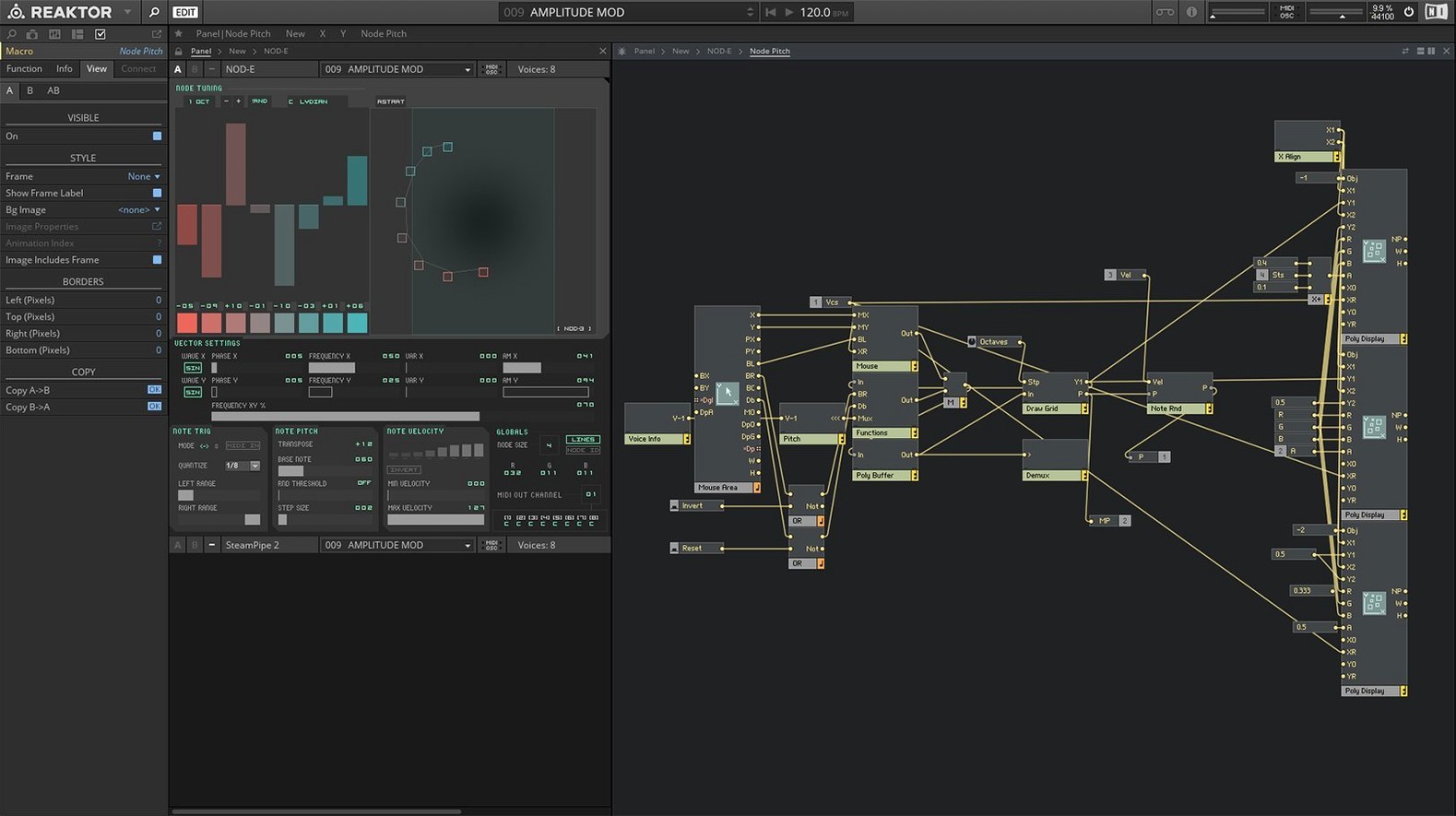
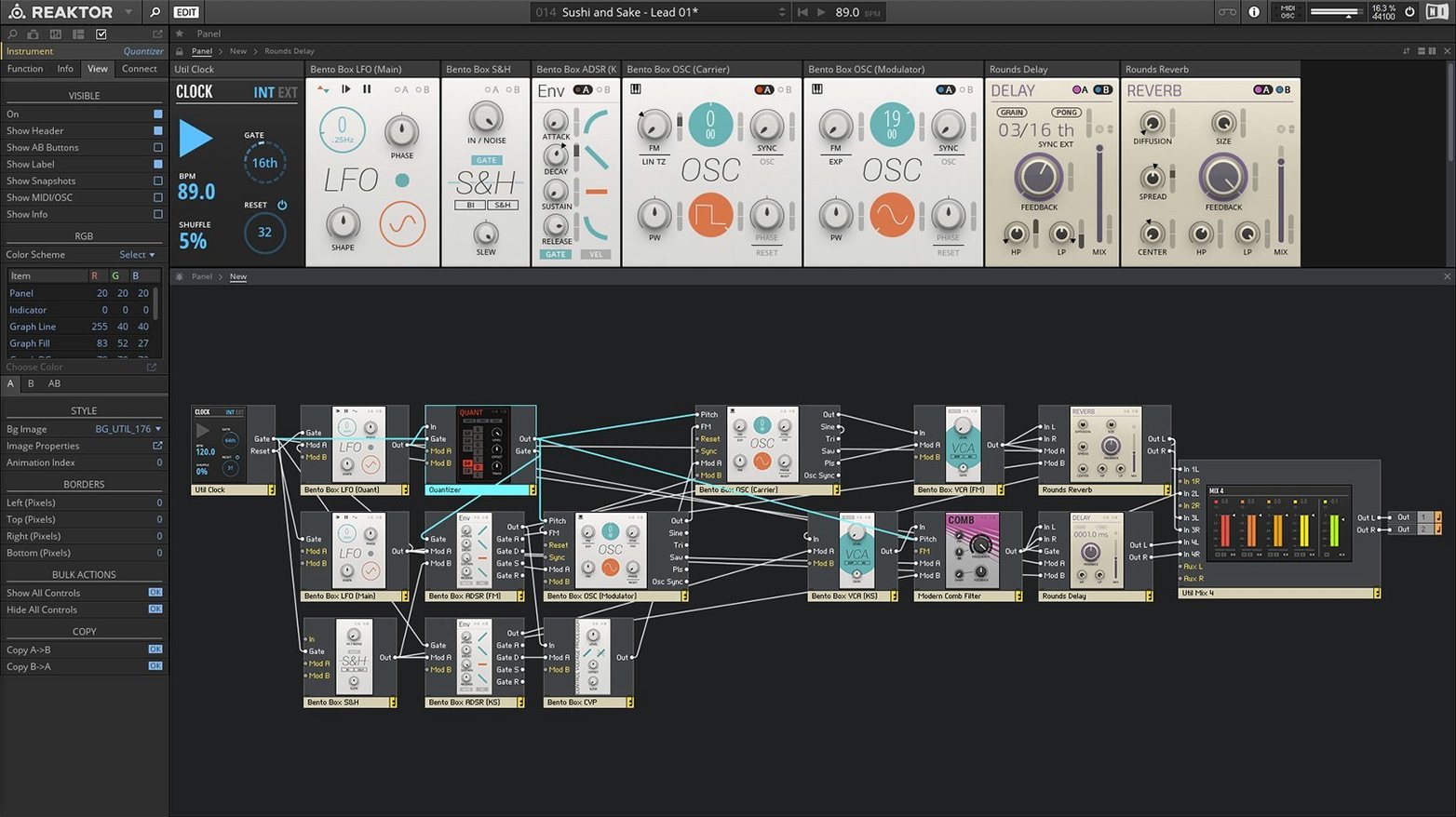
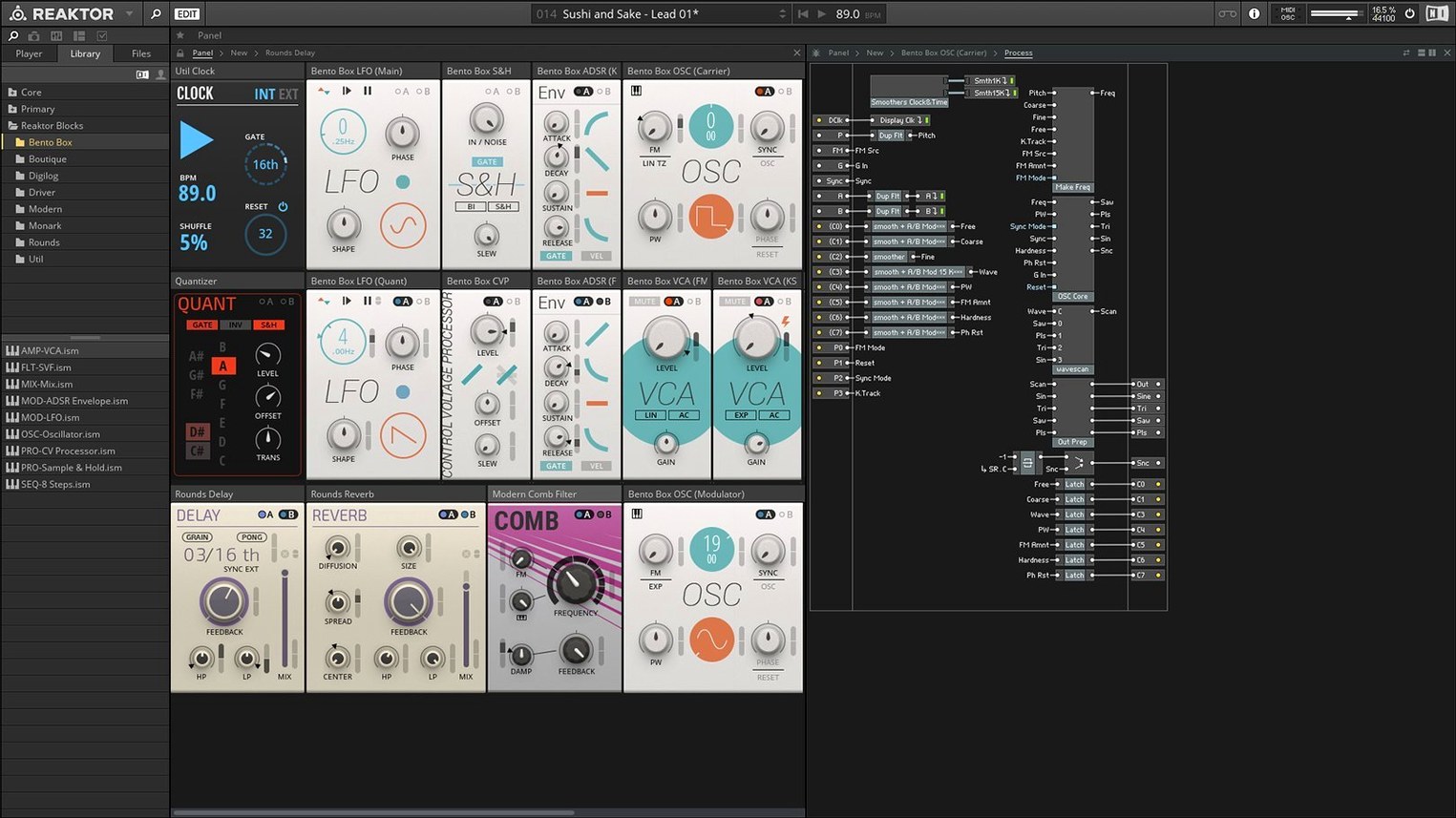
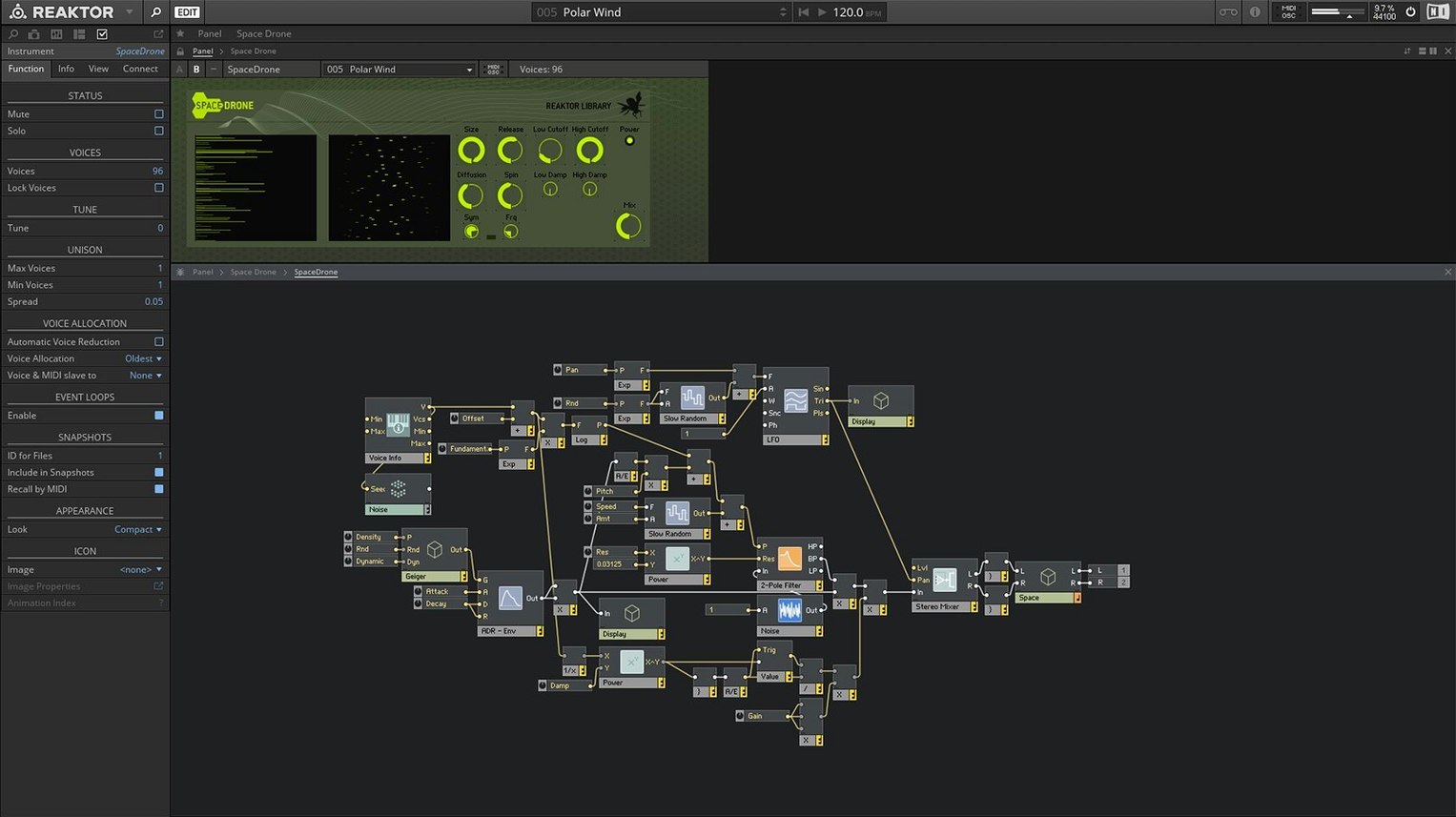
Version 6 opened up something rare: the engine itself. Reaktor Core Technology lets you shape DSP at a low level, drawing structures that define how oscillators, filters and signals behave, without ever leaving the rack view. It arrived alongside 23 new instruments, from west-coast synths to spectral processors, all built on the same wiring you can inspect and rework.
That is the quiet promise of Reaktor. It is an instrument, an effects processor and a modular construction yard rolled into one. For some, it is a place to grab Blocks — virtual Eurorack modules with patch cables and a famously playful sequencer — and start patching. For others, it is a laboratory: open a factory ensemble, unscrew the panel and trace the signal flow through macro after macro until you understand it well enough to break it.
The community library tips this further. Thousands of user-built synths, drum machines, reverbs and chaotic noise boxes sit alongside the official offerings, many with the same care and eccentricity you would expect from a bedroom inventor. A grain-cloud instrument one week, a physical-modeling string resonator the next — the library shifts constantly.
It runs natively on Apple Silicon and integrates with KORE, so rack setups recall cleanly alongside Kontakt and the rest of the NI ecosystem. There is no single way to use it. Some treat it as a bottomless preset bank; others never touch a factory ensemble at all. Both approaches are right.
The audio buffer sweet spot that prevents crackling
The default install favours safety over responsiveness. Open the Preferences panel — the gear icon in the standalone header or the plug-in wrapper — and head straight to the Audio tab. The sample rate will likely sit at 44.1 kHz. If your interface runs at 48 kHz or higher, match it here; mismatched rates force real-time resampling inside every loaded ensemble and chew through CPU cycles you could spend on a second Blocks voice or a denser grain cloud.
Buffer size deserves a deliberate choice, not a set-and-forget habit. For patching and sound design, drop it to 128 or 64 samples — the immediacy of a knob twist hitting the engine with almost no latency changes how you dial in a kick drum or tune a waveguide. Bump it up to 512 or 1024 when you move to arrangement and the patch is already singing. Reaktor’s multiprocessing toggle lives one tab over in System. Enable it unless an ancient third-party ensemble misbehaves; modern Blocks and Core-based instruments thread well across performance and efficiency cores.
One more worth flipping early: the Interface tab holds a scaling option that defaults to a cramped 100% on high-DPI displays. Set it to 150% or 200% and the patch cables suddenly have room to breathe. Nothing slows down learning a new ensemble like squinting at monospace labels designed a decade ago.
When a blank library panel points to a missing folder
A blank panel where the library should be is almost always a database hiccup. Reaktor looks for its content in a specific folder — typically ~/Documents/Native Instruments/Reaktor — and if the installer placed the factory ensembles elsewhere, or you moved them after a reaktor 6 download to save space, the browser shows nothing. Open Preferences, click the Paths tab and add the actual folder. Rescan, and the racks reappear.
Apple Silicon users occasionally see an ensemble load as a black window. This is Rosetta reaching for an OpenGL draw call that the native rendering path misses. Right-click the standalone app in Finder, choose Get Info and tick “Open using Rosetta.” The performance hit is minor for most patches, and the interface draws correctly. Native Instruments lists OpenGL 2.1 as a requirement, and this workaround bridges the gap on machines where the Metal-to-OpenGL translation layer stumbles.
Another frequent snag: MIDI notes pass through the DAW but Reaktor stays silent. Check that the ensemble actually receives on the channel your controller sends. Many Blocks patches default to Omni, but some user-library instruments lock themselves to channel 1. Click the side panel’s MIDI tab and verify the routing. While you are there, confirm that the clock source is set to External if you want the sequencer to follow your DAW transport rather than drift.
If a community ensemble refuses to load and throws a cryptic “primary macro missing” error, the creator built it in an older Reaktor version and saved it with dependencies outside the standard library. Reaktor 6 reads version 5 and 4 files, but missing user macros break the chain. The fix is to open the ensemble in edit mode, locate the greyed-out macro, and either delete it or substitute a known-working equivalent from the Core library. It is a small repair job that teaches you more about the patch than the manual ever could.
A patch you can build in an afternoon: generative bassline generator
Start with an empty ensemble and drop a Clock module from the Built-In > MIDI category. Leave it at 120 BPM for now — you will modulate it later. Patch its output into a Note In module’s gate input, then feed the note value from a Random module set to range 36–60. The sequence is already running when you hit play, but it sounds like a robot dialling a phone.
Shape it. Insert a Scale Quantizer between the Random and Note In modules and select a minor pentatonic from the dropdown. Now the random voltages snap to musical intervals. Add a Sample and Hold before the quantizer, clocked by the same Clock module but with a divide-by-3, and every third step holds its pitch while the rhythm marches on — instant syncopation.
For the voice, wire a simple subtractive chain: an Oscillator set to sawtooth, a State Variable Filter in low-pass mode with cutoff around 400 Hz, and a VCA with an envelope triggered by the gate signal. The filter cutoff needs movement. Patch a slow LFO — triangle wave, rate 0.3 Hz — into the filter’s CV input at about 15% depth. The bass breathes.
Finish by routing the audio through a Chorus and a Delay, wet/dry both set low. Save the ensemble, drop it into your DAW, and let it run for eight bars. Record the MIDI output to a separate track while you tweak the Random module’s range and the Clock’s BPM. By the end of one session you have a patch you understand at every node, and MIDI you can edit into a proper arrangement.
The edit button unlocks what factory macros hide
The mistake that wastes the most time is treating Reaktor like a fixed-instrument plug-in. Opening a factory ensemble, twisting a few macro knobs and closing the window skips the entire point. The edit button is not an advanced feature; it is the invitation. Click it on day one, even if all you do is follow a cable from an oscillator to an output. Knowing that everything is porous — that you can swap a filter, rewire modulation, or gut the panel entirely — changes what you attempt next week.
Another early misstep: collecting hundreds of user-library ensembles before learning to navigate one deeply. The library is vast enough that you could browse for months and never finish a track. Pick three ensembles that sound different — a Blocks drone patch, a physical-modeling string machine, a grain-cloud texture — and commit to understanding how each routes audio and control signals. After ten hours with those three, you will recognise patterns that repeat across the entire ecosystem, and the next download will make sense in minutes rather than days.
Beginners also tend to ignore CPU budgeting until a patch crackles. Every Blocks oscillator, every spectral processor, every feedback delay loop costs cycles. Reaktor shows the current load as a percentage in the header bar. Watch it while you build. If you hit 70% before adding the reverb, swap a high-quality oscillator for a Core Cell equivalent, reduce polyphony on voices that do not need it,
Version 6 introduced Reaktor Core Technology, a visual environment for building custom low-level DSP modules from scratch. It also added 23 new instruments to the factory library.
- macOS 10.15 or later
- Intel or Apple Silicon Mac
Questions from the booth
Yes, Native Instruments lists Reaktor 6.5.0 as compatible with Apple Silicon Macs, either running natively or via Rosetta 2.