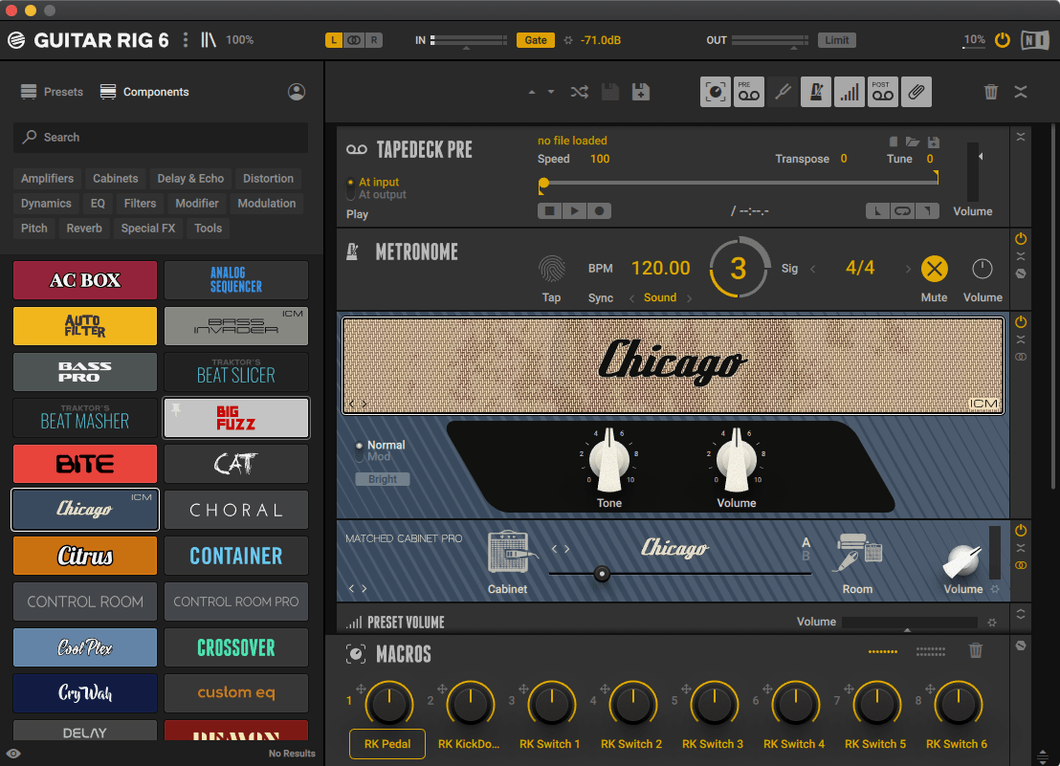
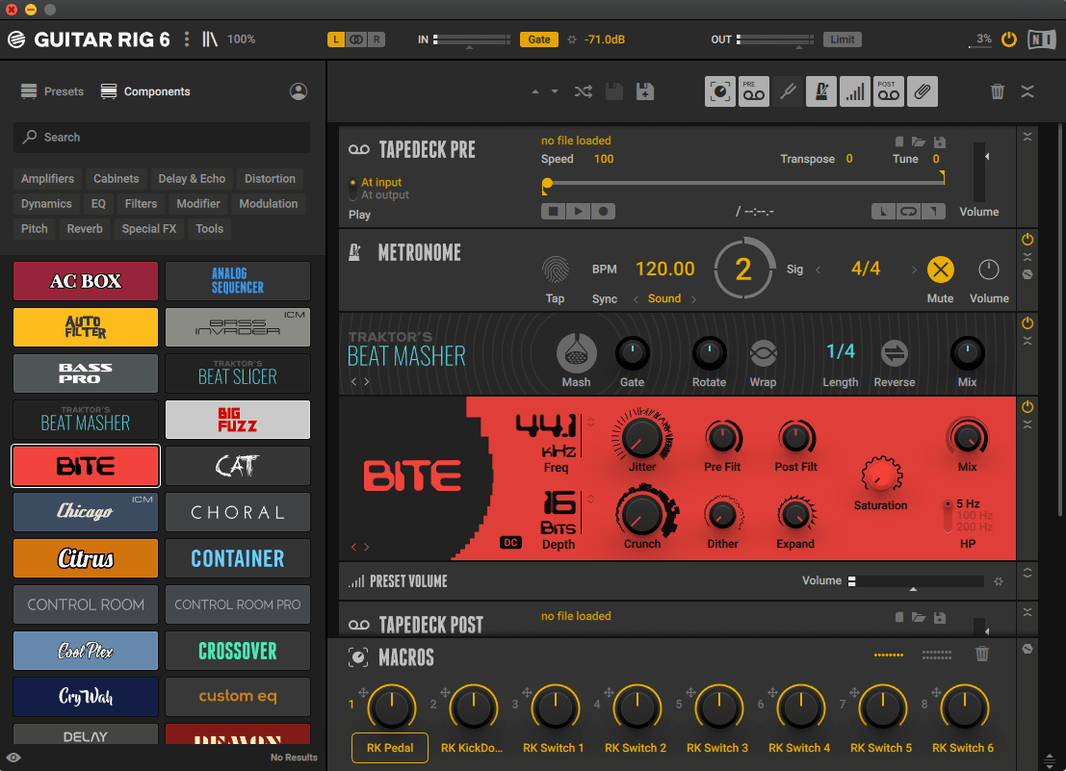
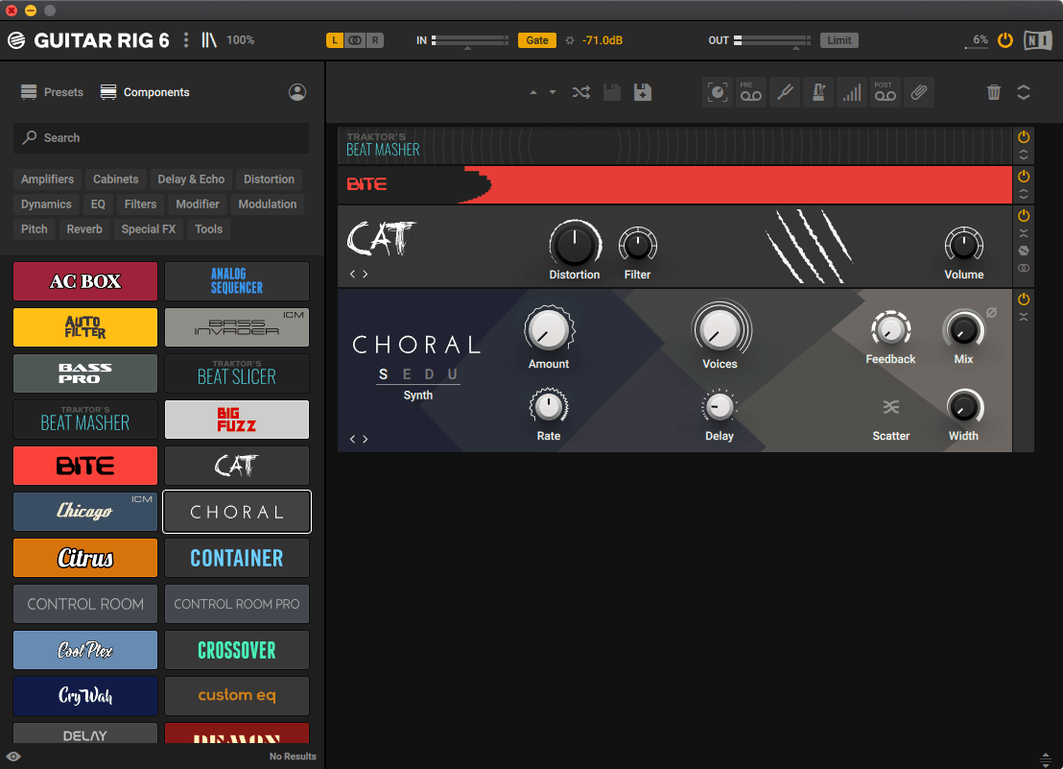
Guitar Rig 7 Pro loads as a stand-alone application and in four plug-in formats — VST3, AU, and AAX among them — so it slots into a Mac recording setup without forcing a single way to work. It is, at its core, a multi-effects rack and amp simulator for guitar and bass, built around complex effect chains that can be routed far beyond a simple pedalboard.
Opens as an AU, VST3, or AAX plug-in — and a stand-alone patch builder
As an Audio Unit, it opens directly inside Logic Pro, GarageBand, and other AU hosts. The VST3 and AAX versions reach Cubase, Nuendo, and Pro Tools sessions, while the stand-alone app works for practice and patch building without launching a DAW. That breadth means the same presets move with you from late-night headphone jams to a full tracking session.
Builds parallel splits, blends, and sequenced effect chains
The interface is aimed mainly at experienced users who want to split, blend, and sequence effects in parallel. It supports configurations that go well beyond a simple signal chain, with quick access to tools and effects once the layout is set. A tuner and a volume preset with multiple options are included, so basic utility is covered without adding separate plug-ins.
Does it make sense alongside existing studio tools?
Because it appears as a single plug-in that houses an entire rack, it reduces channel-strip clutter in larger sessions. You can call up a complete bass tone or a layered clean-amp spread from one insert slot, while still sending individual elements out to other Mac processing tools downstream.
Home recordists with a go-to chain versus quick-fix seekers
Guitar Rig 7 Pro clicks hardest with two kinds of Mac users. The first is the home recordist who already owns an audio interface and a decent pair of monitors or headphones, and who keeps returning to the same handful of amp tones but wants them to sit better in a mix. For that person, the rack approach removes the friction of juggling separate cabinet impulse responses, EQ curves, and reverb tails across half a dozen plug-in slots. Everything lives inside one window, and the tag-based preset browser — filtered by style, gain level, or instrument type — cuts the time between opening the plug-in and actually playing.
The second group is producers who treat the electric guitar as a colour in a larger arrangement rather than the centrepiece. When a song calls for a vibrato-drenched lead that ducks behind a vocal or a bass line that needs to push air without dominating the low end, the parallel routing inside Guitar Rig becomes genuinely useful. You can run a dry signal alongside a heavily processed chain and blend them to taste, all without leaving the interface.
What it does not pretend to be is a beginner's first amp sim. The sheer number of options — split paths, modulation routing, container components — assumes you know what a compressor threshold does and why you might place a noise gate before or after a distortion stage. If you are still learning those fundamentals, the first few sessions can feel like staring at a patchbay in a dimly lit rack room.
Under eight seconds to ready on Apple Silicon from an NVMe drive
On both Intel and Apple Silicon Macs running macOS 11 or later, Guitar Rig 7.0.2 loads quickly from an NVMe drive — the stand-alone app is ready in under eight seconds on most modern machines, and the AU plug-in appears in Logic Pro with negligible scanning delay once Native Instruments has done its initial validation pass. In daily use, switching between presets is immediate. There is no audible gap or loading spinner, which matters when you are auditioning tones mid-session and do not want to lose the thread of an arrangement.
CPU usage depends almost entirely on how ambitious the chain becomes. A straightforward amp-and-cabinet patch with a touch of plate reverb barely registers on an M1 or M2 chip — think two to three percent of a single performance core. Stacking multiple amp models with convolution-based cab simulation, a stereo pitch shifter, and a complex delay network pushes that figure higher, though the architecture seems to distribute the load across available cores without spiking unpredictably. One practical takeaway: if you run several instances inside a dense DAW project, it is worth freezing or bouncing tracks that use the more elaborate racks, just as you would with any processor-heavy virtual instrument.
Memory footprint is modest for what it does. A typical instance sits around 180 to 220 MB of RAM, which stays flat even when you cycle through dozens of presets in quick succession. I have yet to see the memory graph creep upward over a long editing session, suggesting the preset-loading routines clean up after themselves properly.
First days with Guitar Rig — what actually helps
The thing that saved me the most time during the first week was ignoring the factory preset list entirely and starting from an empty rack. Drop in a single amp component, choose a cabinet model that matches roughly what you would use in a physical room, and play for ten minutes before adding anything else. Guitar Rig's amp simulations respond to input gain in ways that are easy to misdiagnose if you are simultaneously adjusting compression, EQ, and reverb. Isolating the amp and cab first gives you a baseline you can return to when a chain starts sounding overcooked.
A second habit worth forming: use the volume preset with multiple options to level-match between patches early. Nothing skews your perception of tone faster than a three-decibel loudness jump, and Guitar Rig makes it straightforward to set a consistent output level across different racks. The metronome with sync settings is also more useful than it first appears — not just for practice, but for dialling in delay times and modulation rates that lock to a project tempo when the plug-in is hosted inside a DAW. Tap the sync button and the dotted-eighth echoes fall exactly where they should without manual calculation.
One more tip for the first days: the stand-alone application is the better environment for building your own preset collection. Without the distraction of a timeline and mixer, you hear details in the stereo field that are easy to miss when the arrangement is playing. Build the tone in stand-alone mode, save it, then pull it up inside your DAW session as an AU or VST3 insert.
What shifted in the latest versions
Version 7.0.2 is a maintenance release, not a feature drop, and the official downloads page lists it primarily for Guitar Rig 7 Player compatibility. What that means in everyday use is quieter: fewer unexpected quits when recalling sessions with complex split routings, and more predictable behaviour on Apple Silicon Macs running macOS 13, 14, and 15 — the three versions Native Instruments explicitly lists as supported for both Intel and ARM architectures. For a certain type of Mac user who has been searching phrases like guitar rig 7 torrent or guitar rig mac torrent across forums, the appeal of this version is that it runs cleanly on current hardware without the compatibility gymnastics that older releases sometimes demanded on Apple Silicon machines. The same goes for those still holding onto a guitar rig 6 torrent or a guitar rig torrent from earlier years — the jump to a build that installs via a standard disk image and typical installer procedure, as this one does, removes a layer of friction that used to be part of the experience. A guitar rig mac crack search can lead people to versions that run well on Monterey and later; 7.0.2 was built with those operating systems in mind, and the interface language remains English throughout, with no partial localisation to trip over in menus or the preset browser.
Version 7.0.2 is the current release listed on the official downloads page, bringing the Guitar Rig 7 engine to Mac users on the latest update track.
- macOS 11 or later
- Intel and Apple Silicon Macs
- Stand-alone, VST3, AU, and AAX hosts