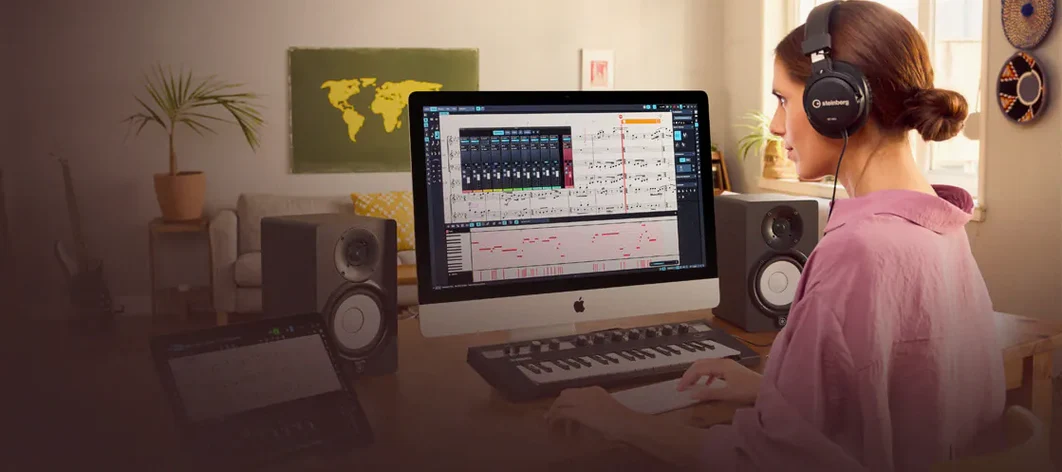
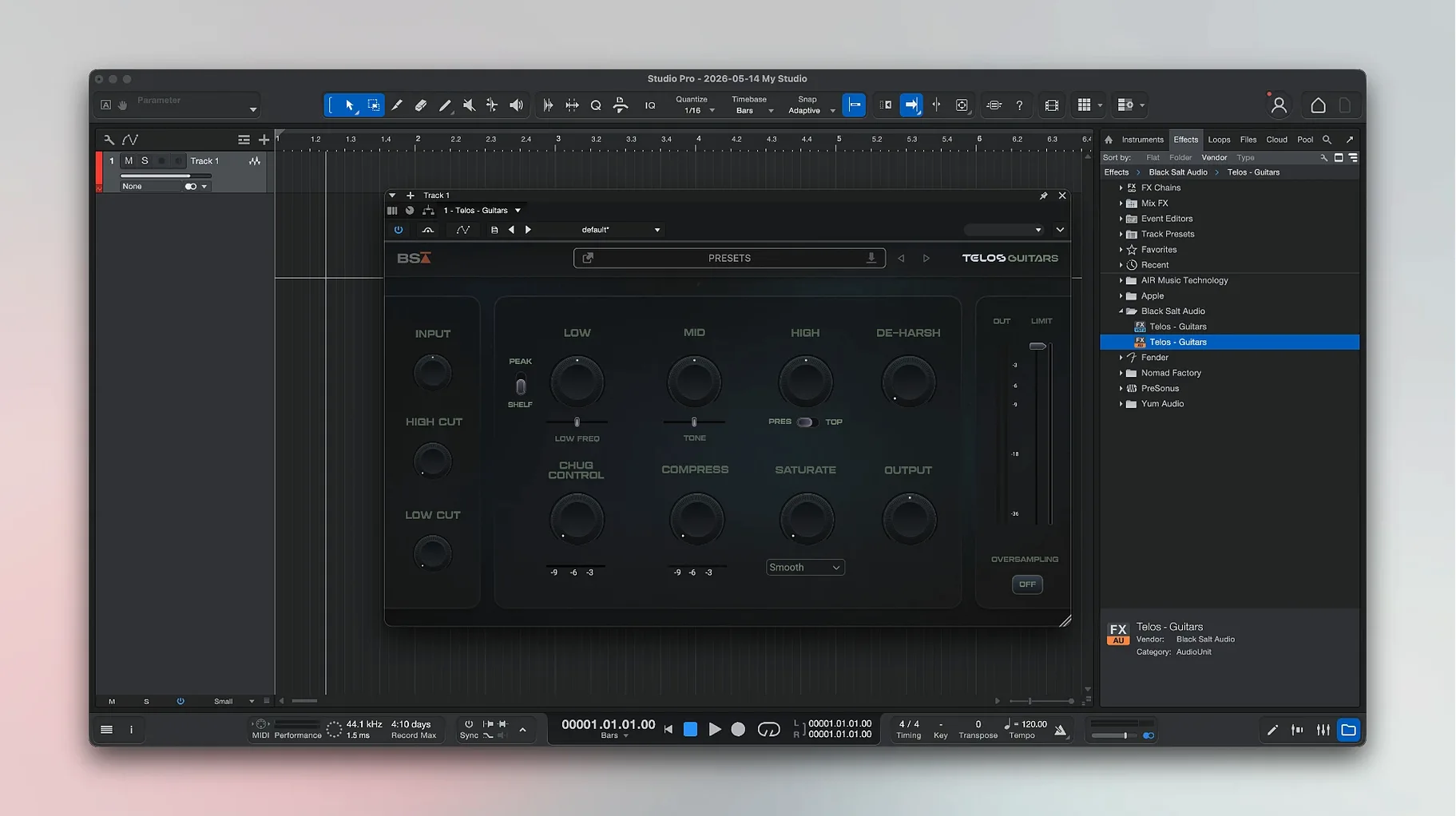
The producers who reach for this workstation tend to record their own parts — guitars, basslines, a stray vocal idea — and want the tools for shaping them close at hand. It comes from Fender and PreSonus, built for songwriters and home studios on macOS Ventura and above, running natively on Apple Silicon and Intel 64-bit machines.
Laying down a take
Plug in a guitar or a microphone and the app gives you a set of modelled effect pedals and amp presets to dial in a tone before you commit to tape. You can split a full mix into separate stems — vocals, drums, bass, and other instruments — without extra software.
Editing and cleaning up a session
Recorded audio can be converted into MIDI notes, which makes rewriting a bassline or fixing timing feel less like surgery. The built-in Audio Batch Converter now compensates for plug-in latency, so processed exports land exactly where they should on the timeline.
Building an arrangement
The Launcher now includes Freeze Instrument Track, letting you lock a soft synth part to free up CPU without bouncing manually. Mustang and Rumble native plug-ins also respect automation properly when Direct Monitoring is on, which keeps fader moves tight during playback.
Drop the buffer to 128 before the latency sabotages your rhythm take
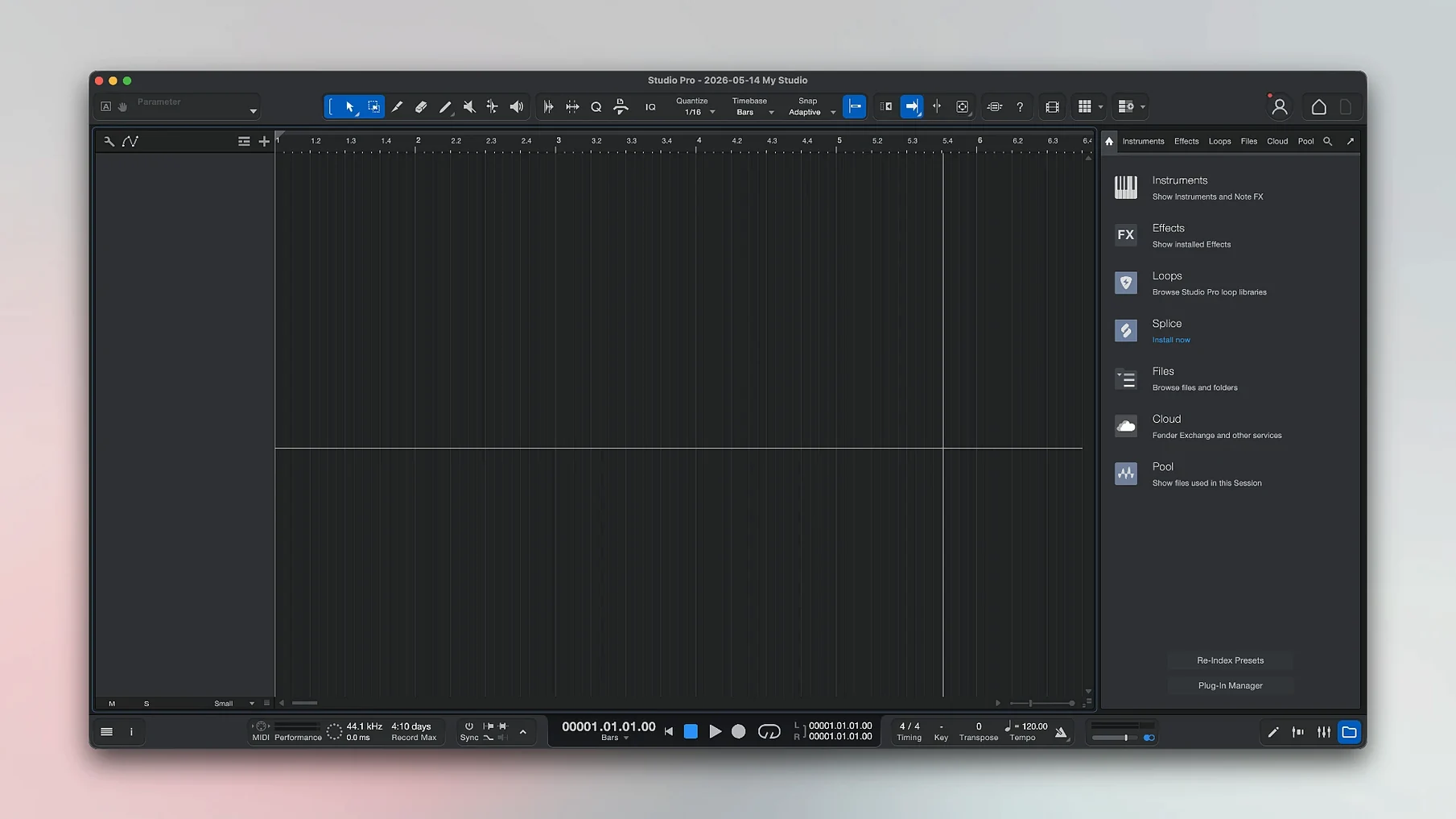
Open the Audio Setup panel first. The default buffer size ships at a conservative 512 samples, which works for mixing but introduces enough latency to throw off a tight rhythm part. Drop it to 128 or 64 while tracking — you can push it back up when you switch to mixing later. If you are using a Fender Mustang or Rumble amp as your interface, tick Direct Monitoring in the same panel; the 8.1.1 update fixed automation behaviour here, so fader rides now translate cleanly through the hardware.
The second setting lives in the Advanced tab: enable “Loop record takes to layers.” Without it, each pass overwrites the last. With it, you get stacked takes inside a single track lane, which makes comping a vocal or solo from three or four passes far less tedious. While you are there, set the default fade length to 10 ms — the factory zero tends to click on hard edits, and a tiny fade fixes that without softening transients.
One more worth knowing: the chord track visibility toggle. It sits off by default. Turn it on, and the app listens to your recorded audio and suggests chord names above the timeline. It is not always right about inversions, but for sketching a bridge or handing a chart to a collaborator, it saves half an hour of guesswork.
Guitar and bass parts that behave like the hardware, not repackaged DSP
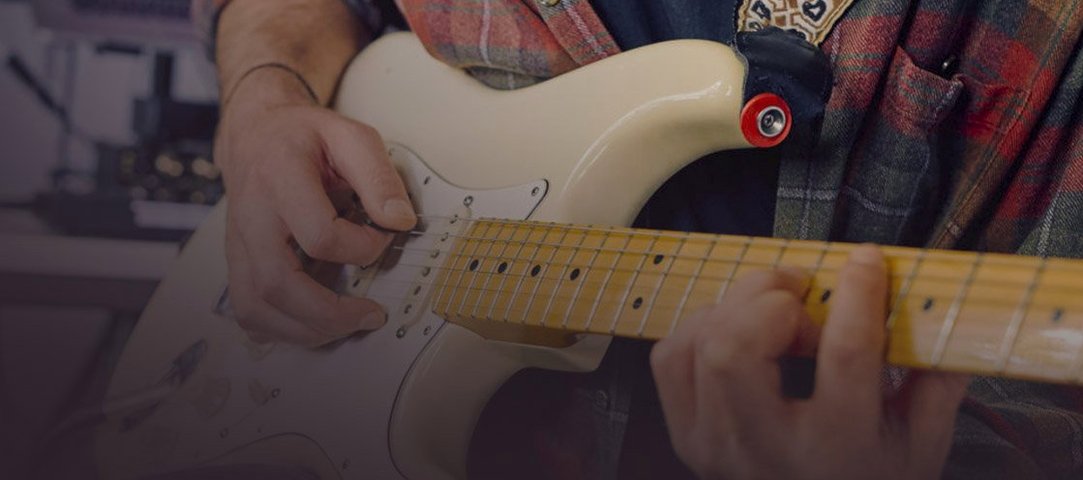
Guitarists and bassists who record themselves are the obvious fit — the Fender-branded amp models and pedal emulations are not repackaged generic DSP. The Mustang and Rumble plug-ins behave like the hardware, down to the gain staging, so a player moving between a physical amp and the desk gets a familiar response. Anyone tracking DI and re-amping later will lean on this daily.
Songwriters working alone get a different kind of value. The stem separation lets you pull apart a rough phone recording or a two-track demo and isolate the vocal, drums, or bassline for rebuilding. That turns a voice memo into the skeleton of an arrangement without re-recording everything. Producers who work across genres appreciate the audio-to-MIDI conversion for the same reason — a hummed melody becomes editable notation faster than transcription by ear.
Users who tend to search for a fender studio pro torrent often run small project studios on a single Mac, and this app does not demand a sprawling outboard setup to sound full. The instrument library and processing chain are self-contained enough that a laptop, an interface, and one good microphone cover a lot of ground. If your sessions rarely exceed 24 tracks, the included tools handle the job without chasing third-party plug-ins.
A stem-splitting workflow, end to end
Say you recorded a band rehearsal on a stereo field recorder. Drag the file into an empty session. Right-click the clip and choose “Separate to Stems.” The app analyses the audio and creates four new tracks: Vocals, Drums, Bass, and Other. Give it fifteen seconds for a three-minute file.
The split is not perfect — hi-hat bleed sometimes ends up in the vocal stem — but it is clean enough to work with. Mute the original stereo track. Solo the drum stem and dial in some EQ to tighten the kick. Now solo the bass stem and run it through a Rumble amp model with a touch of drive. The vocal stem gets a high-pass filter around 120 Hz and a light compressor. What started as a rough reference becomes a mixable session in under five minutes, and the chord track above the timeline gives you a harmonic map to write overdubs against.
If you need the stems outside the app, select them all and open the Audio Batch Converter from the File menu. The 8.1.1 update added latency compensation here, so rendered files align sample-accurately when you bring them into a video editor or send them to a collaborator running different software.
A four-track template with Mustang and Rumble inserts ready on day one
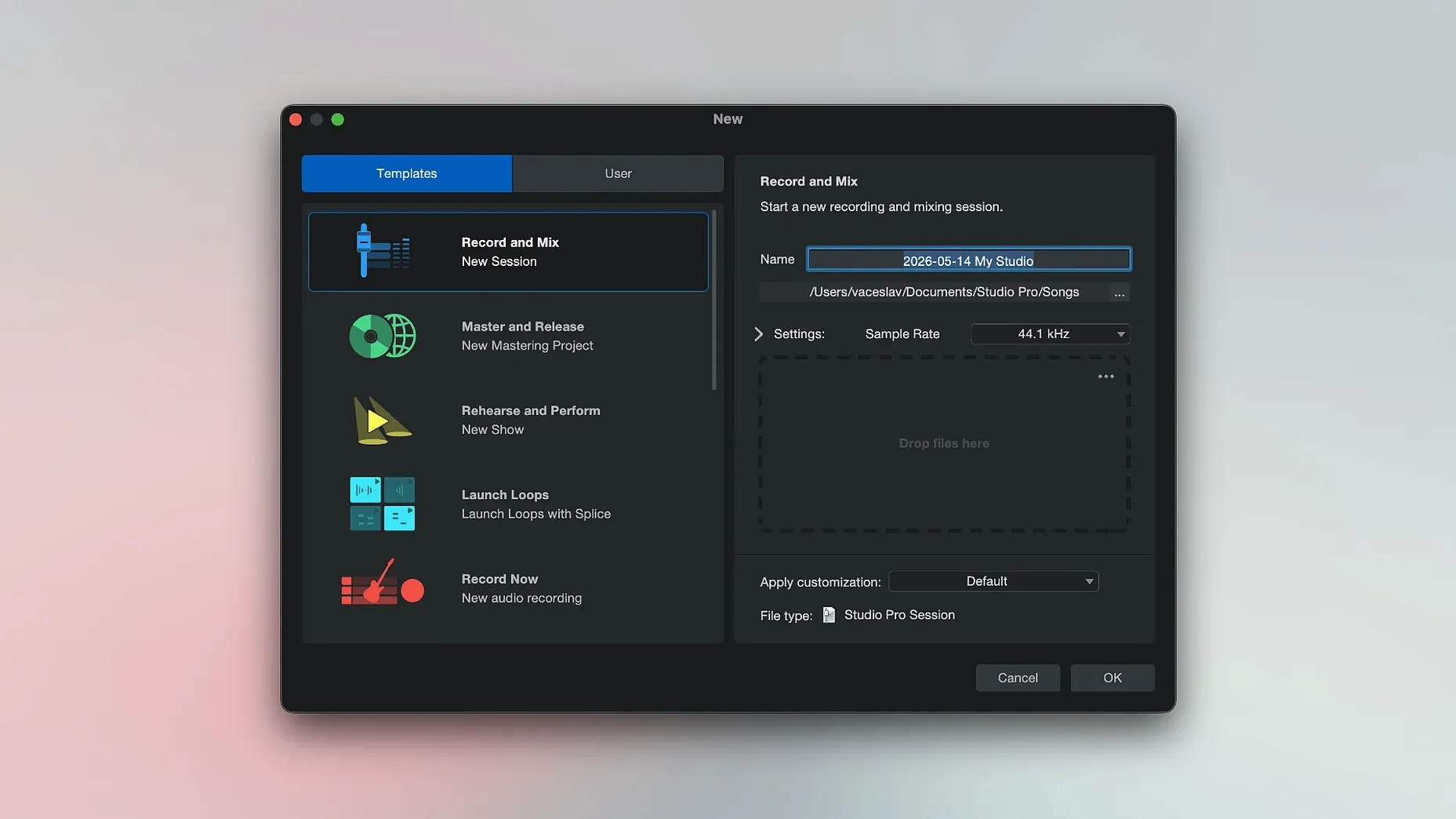
Create a template session on day one. Set up four tracks — a DI guitar input with a Mustang amp in the insert slot, a bass track with a Rumble model, a vocal track with a light compressor and EQ, and a stereo aux with a room reverb. Save it as “Sketch Template” and set it as the default in Preferences. Every time you open the app to capture an idea, the basic signal chain is already routed. Less clicking means more playing.
Learn the freeze shortcut early. Select any instrument track and press Shift-Command-F. With Freeze Instrument Track now available in the Launcher as of 8.1.1, you can lock CPU-heavy parts without hunting through menus, and unfreezing is just one click when you need to tweak a note. If you came looking for a fender studio pro 8 torrent because your old DAW choked on virtual instruments, this single habit changes how many tracks you can run on the same machine.
Tag your presets. The amp and pedal browsers let you assign colour-coded tags to favourites. Spend ten minutes after a session marking the tones you actually used — “bridge crunch,” “clean verse,” “lead with slapback” — and recalling them later is instant. The preset library is deep enough to get lost in, and a little housekeeping upfront prevents option paralysis when a writing session has momentum.
Finally, right-click the transport bar and enable “Pre-roll before record.” Two bars of playback before the red light hits gives you time to settle into the groove, and it makes punch-ins on a DI guitar part feel less abrupt. A small thing, but after a few days it becomes muscle memory.
Version 8.1.1 is a maintenance release that tightens a few practical corners. The Audio Batch Converter now compensates for plug-in latency, Mustang and Rumble native plug-ins follow automation correctly when Direct Monitoring is enabled, and Freeze Instrument Track has been added to the Launcher.
- macOS 13.5 Ventura or newer
- Apple Silicon or Intel 64-bit processor
Questions from the booth
Yes, it can split a recording into separate stems such as vocals, drums, bass, and other instruments.