Max runs on any Mac that boots macOS 11 or later, with full support for both Intel processors and Apple Silicon chips. It is a 64-bit application, and while the disk space it occupies depends on the bundled content you choose to install, a standard setup is lean enough for modern laptops. If your machine can handle a DAW, it can handle Max.
A patchbay for ideas
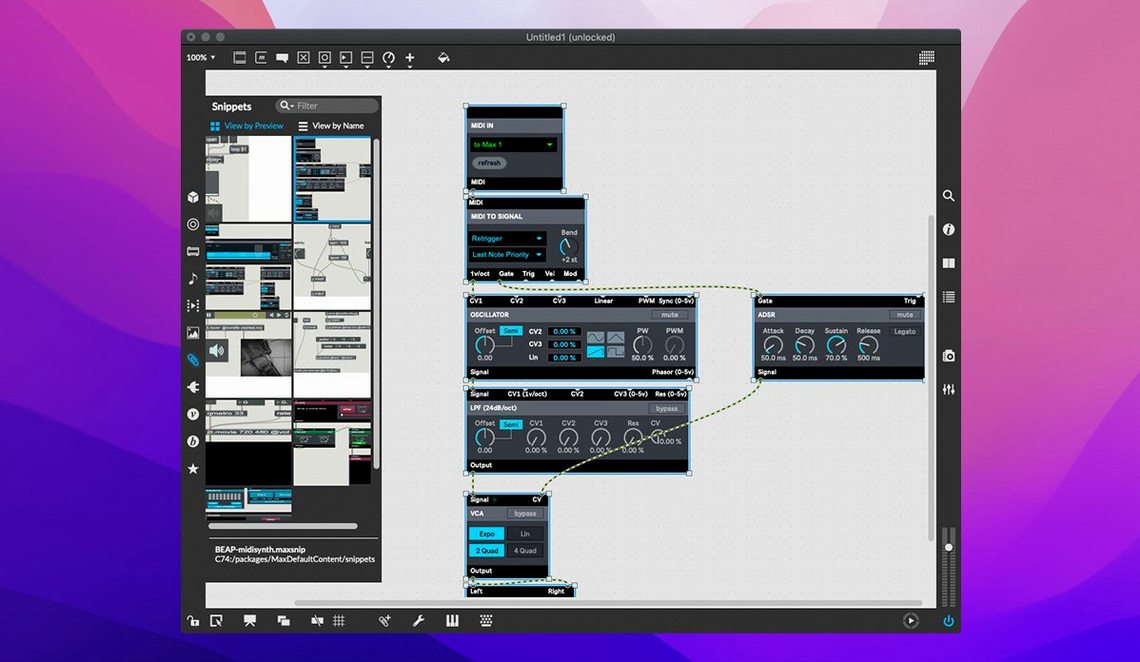
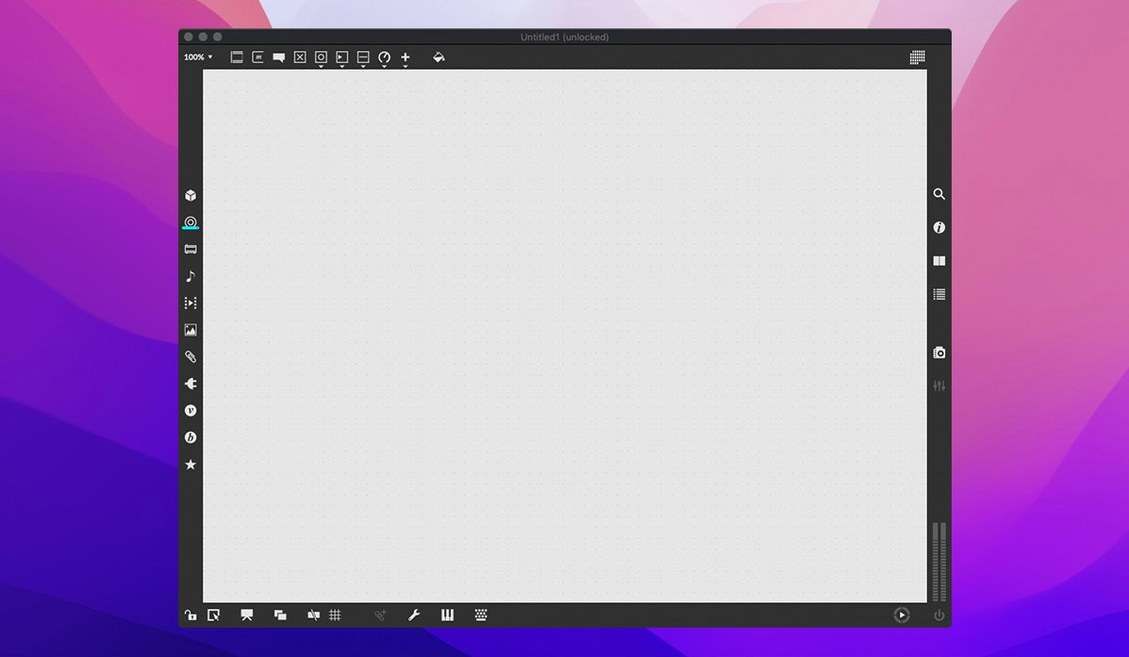
Under the hood, Max is a visual programming language built around objects — small, self-contained modules that do one thing well. You connect them with virtual patch cords to route MIDI, process audio, generate video, or talk to the outside world through hardware and network protocols. The canvas is blank when you open it. What you build is limited mainly by memory and processor speed, since Max can juggle multiple tasks and applications at once.
- Sound and music — built-in MIDI input and output streams, plus the MSP signal-processing engine for synthesis, sampling and effects.
- Visuals and video — QuickTime movie playback and Jitter, the matrix-processing toolkit for real-time 3D, shaders and generative graphics.
- Learning and debugging — interactive help with working demonstrations for every object, plus a debugger with foreground and background modes, message tracing, an object inspector, and smart copy-and-paste.
- Export and embed — RNBO v1.3.5 is bundled, letting you export patches as standalone code for hardware, plugins or web audio.
Who finds a home here
Max attracts people who think about process as much as outcome — composers building custom sequencers, installation artists wiring sensors to soundscapes, sound designers prototyping interactive audio for games, and live performers who need an instrument that rewires itself mid-set. It does not assume you want to emulate a tape machine or a mixing desk. It assumes you might want to build your own, then tear it apart and build something else.
First settings that change the feel of the workspace
Out of the box, Max is ready to patch, but a few tweaks in the Preferences window make a difference you feel within the first hour. Open Options → Preferences and head straight to the Performance tab. If you are working on a laptop with a Retina display, lowering the UI Poll Interval can noticeably reduce fan spin during long sessions without affecting audio responsiveness. On an Apple Silicon Mac, check that Audio Driver is set to Core Audio and the sample rate matches your interface — mismatched rates are the silent culprit behind half the "no sound" moments people report after a max 9 download.
Next, visit the Editor pane. Enable Auto-align patchers on open and increase the default font size by a point or two if you are on a high-DPI screen. The patch cords themselves can be set to curved or angled in the Look and Feel section; curved cords reduce visual clutter in dense patches, and the setting applies globally. These are small shifts, but they shape how long you stay comfortable inside a growing canvas of objects.
Common snags and ways through them
One recurring stumble after a max msp download is a blank audio output. The patch runs, the meters flicker, but no sound reaches the speakers. The fix lives in the Audio Status window, not the patch itself. Open it from the Options menu and confirm the output device and driver are selected — Core Audio on macOS, not the No Audio or Ad_ drivers that can become default after an OS update. A second pair of eyes on the DSP Status toggle helps too; if the audio engine is switched off, the patch is effectively mute no matter how carefully it was built.
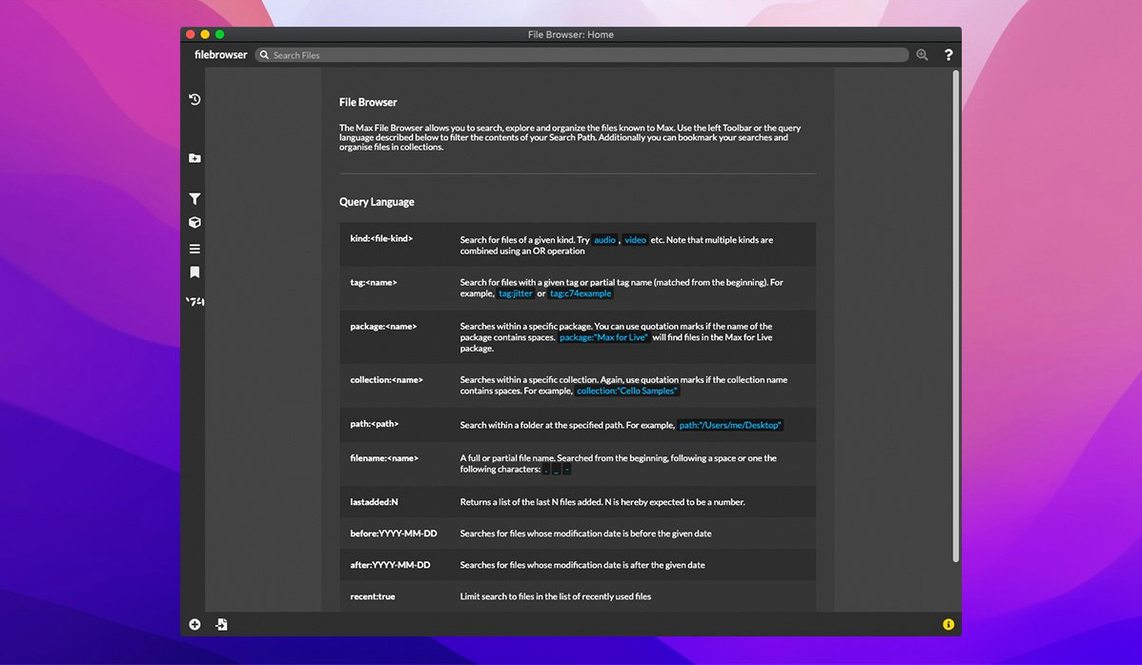
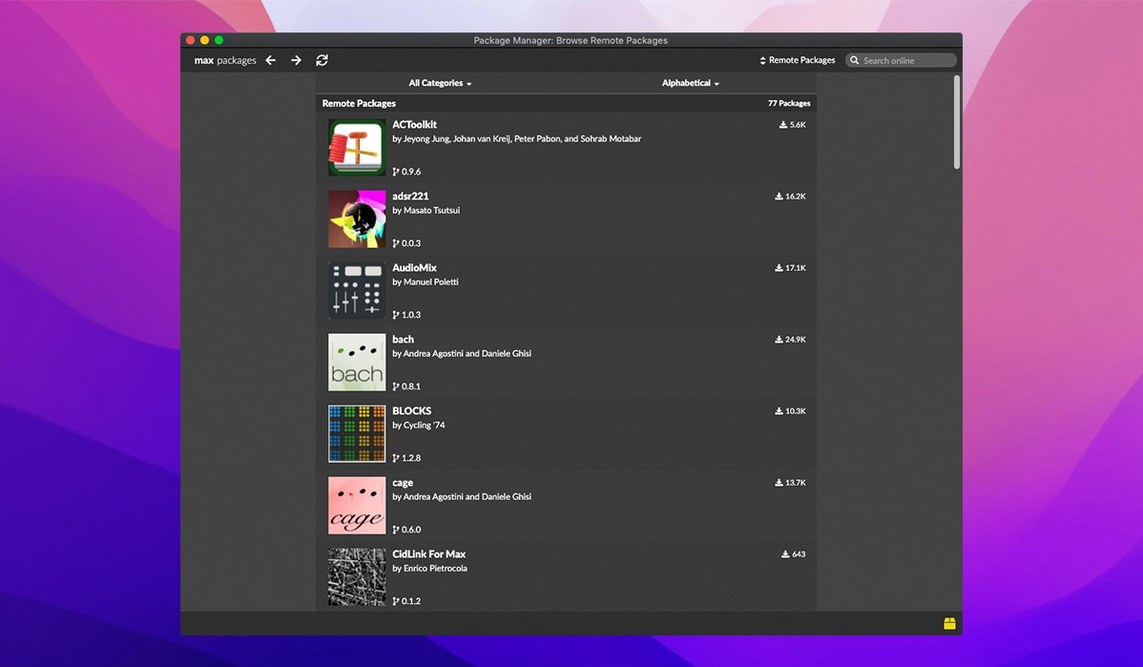
Another early hurdle is object names that refuse to autocomplete. Max relies on a search path that scans specific folders for externals and abstractions. After any max 9 free download and first launch, go to Options → File Preferences and verify that the user library path points to your documents folder. If you installed community packages or RNBO exporters, add their containing folders here. Restarting Max after this step rebuilds the object database, and autocomplete returns.
Patches that open with missing objects — shown as blank boxes with dashed borders — usually mean an external was compiled for a different architecture. Since version 9.0.9 runs natively on both Intel and Apple Silicon, older externals built only for x86 may not load on an ARM machine. Running Max under Rosetta from the Finder’s Get Info panel is a stopgap while you track down updated versions.
Generating and processing audio that flows into your DAW
A frequent question is whether Max 9 replaces a DAW or sits alongside one. It does not aim to be a linear recording environment; it excels at generating and processing material that flows into a DAW through virtual audio routing or MIDI. People who download max msp often pair it with Ableton Live through the built-in Max for Live bridge, but the standalone application is self-contained and works without any other music software.
Another common query is about project portability. Patches saved on a Mac open without conversion on Windows, provided the same externals are present on both systems. The bundled RNBO exporter takes this further — patches can become VST or AU plugins, or even web audio nodes that run in a browser, which is handy when a collaborator does not own a copy of Max at all.
Version 9.0.9 is a maintenance release that bundles RNBO v1.3.5 for code export, adds button assignments for parameter banks in live.banks, and squashes a crash in the Inspector that could trigger when editing or closing a text field. The web-based text editor also gets a fix for listing externals and subpatcher files.
- macOS 11 or later
- Intel or Apple Silicon Mac (64-bit)
Questions from the booth
Yes, interactive help files with working demonstrations exist for every object, so you can open a functioning example, inspect its wiring, and tweak it in real time.
The bundled RNBO v1.3.5 lets you export patches to run as standalone code on hardware, in DAW plugins, or in web audio contexts.