Why three workspaces matter
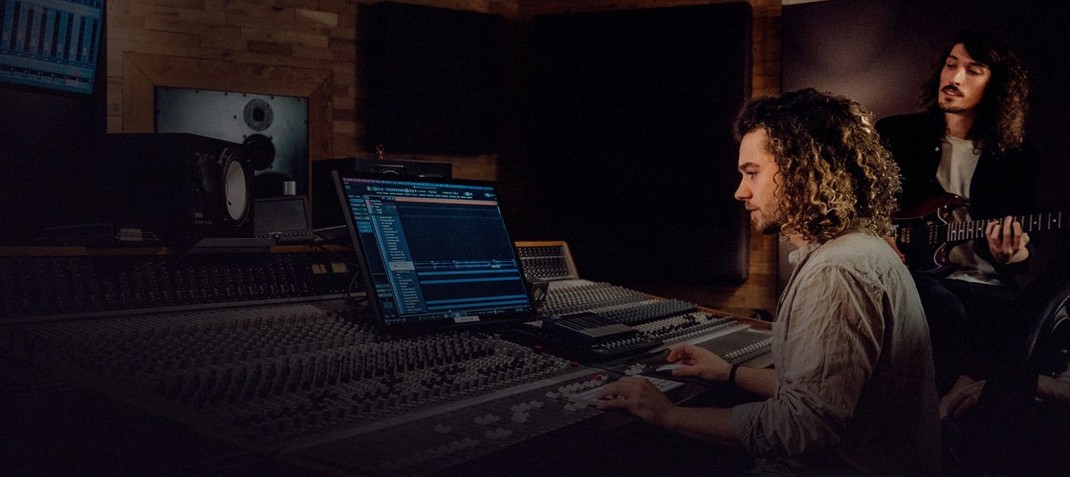
A song might start as a loose MIDI phrase on a ROLI Seaboard, then demand careful comping, then need to breathe inside a dense mix. Switching mental modes that often can feel like tripping over cables in the dark. Bitwig Studio carves the process into three dedicated views — Arrange, Edit, and Mix — so you aren't wrestling one window into doing three jobs at once.
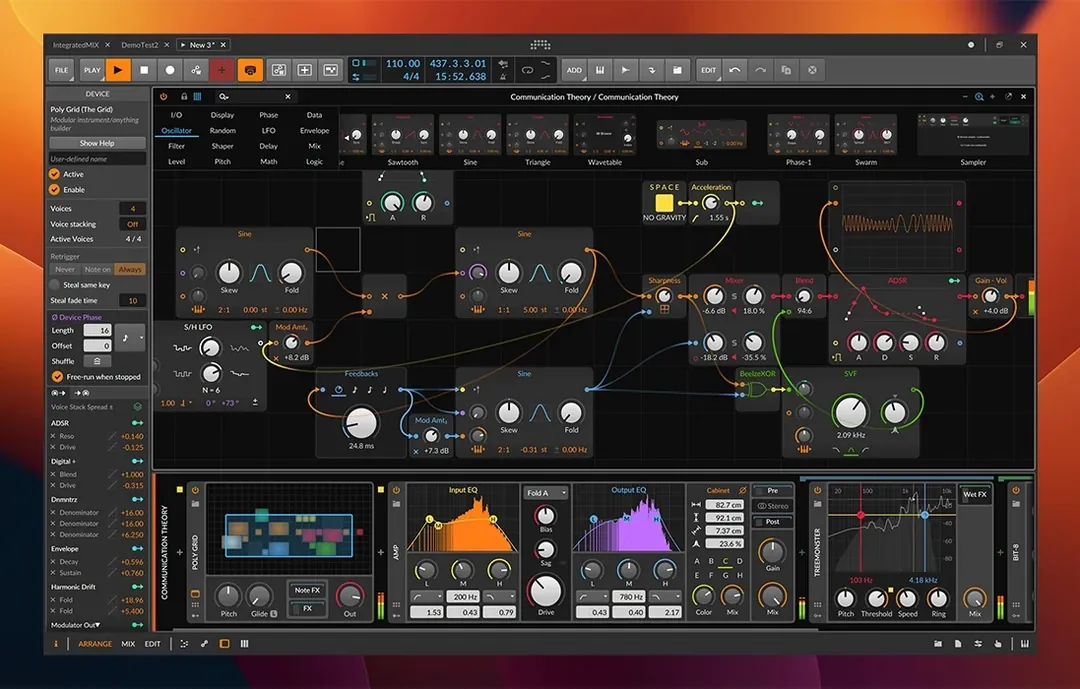
The Arrange view holds the long arc: sections, layering, the architecture of a piece. When a take needs attention, the Detail Editor opens inside the Edit workspace for nondestructive clip editing without leaving the timeline. And when the arrangement feels solid, the Mix workspace strips everything back to faders, sends, and the modulation routing that runs through almost every device.
That modulation system is the quiet engine here. Almost any parameter can be nudged, bent, or reshaped by envelopes, LFOs, or MIDI signals coming from expressive controllers like a LinnStrument. It pushes the software beyond a linear tape-machine mindset toward something that reacts while you play — whether you are shaping a synth line in the studio or triggering scenes live.
The Sampler, rebuilt
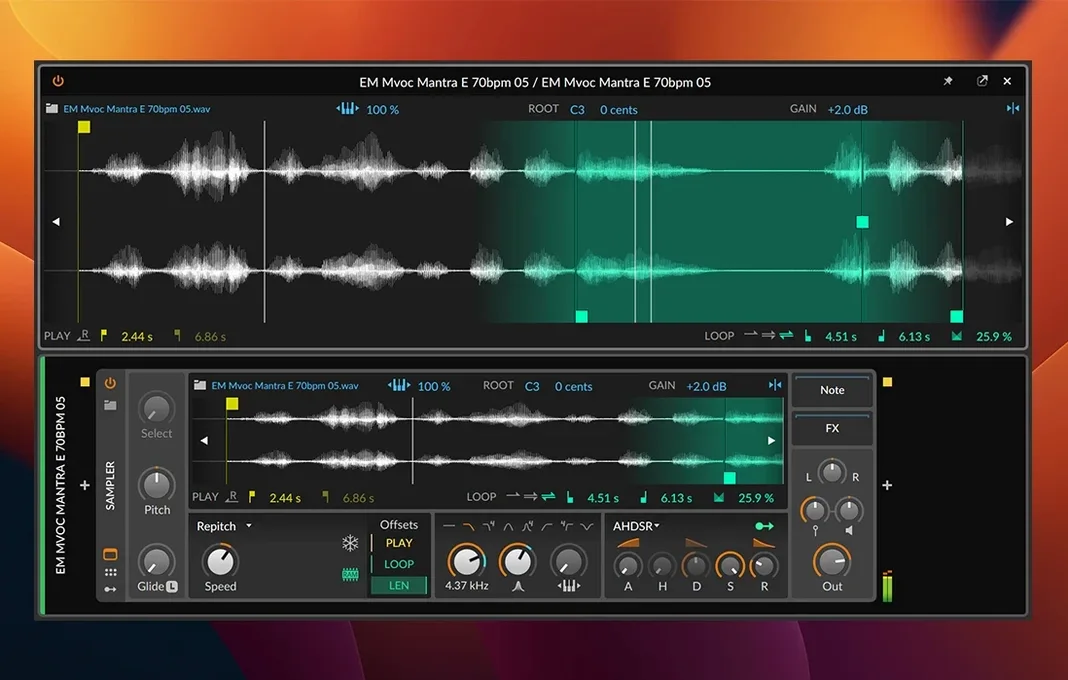
The 6.1 update reworks the Sampler from the ground up. Slicing turns a breakbeat into playable fragments on a grid. The new Spectral mode stretches transients into glassy, time-smeared textures, while Fragments scatters grains into unpredictable clouds. Automatic pitch and tempo detection means you spend less time warping and more time twisting the results through the modulation matrix.
A customizable interface lets you strip panels back for a live set or spread them wide during a deep arranging session. It runs on macOS 12 Monterey and newer, speaking the language of both Intel and Apple Silicon machines.
Where Bitwig lands in a Mac studio
I keep Bitwig on the same machine as Resolve, because the two share a certain philosophy — modular panels, an aversion to pop‑up windows, and a timeline that doesn't punish you for changing your mind halfway through. Audio gets piped between them via BlackHole when a short needs a quick sound‑design pass: synths from Bitwig printed straight into a Resolve timeline, no bouncing, no Finder detour.
The DAW also talks cleanly to macOS at the file level. Drag a clip from the Arrange view onto a Desktop folder and you get the audio file, timestamp intact. Core Audio handles the interface routing without a third‑party mixer panel getting in the way, and Ableton Link keeps it in step with other apps running on the same machine — a Max patch ticking in the background, or a drum machine app I open when I want a different texture for a chase scene. MIDI Clock out means hardware stays locked too, provided your interface passes it reliably.
One less obvious fit: the modulation system works overtime when you pair it with IAC Driver, macOS's built‑in virtual MIDI bus. You can send an LFO from Bitwig's Grid to another application entirely — a lighting tool, a VJ app — and have it follow the same curve as a filter sweep. It's the kind of glue that costs nothing extra and makes the DAW feel less like a closed room.
Collaborators can send Ableton projects instead of stems
The first question is usually about the path of least friction: does it read projects from other DAWs? Bitwig opens Ableton Live Sets directly, clips and devices included, which spares you the ritual of exporting stems when a collaborator sends a session. It doesn't read Logic projects, though — that bridge still goes through MIDI export and audio stems, which is fine for a one‑off transfer but not something you'd do daily.
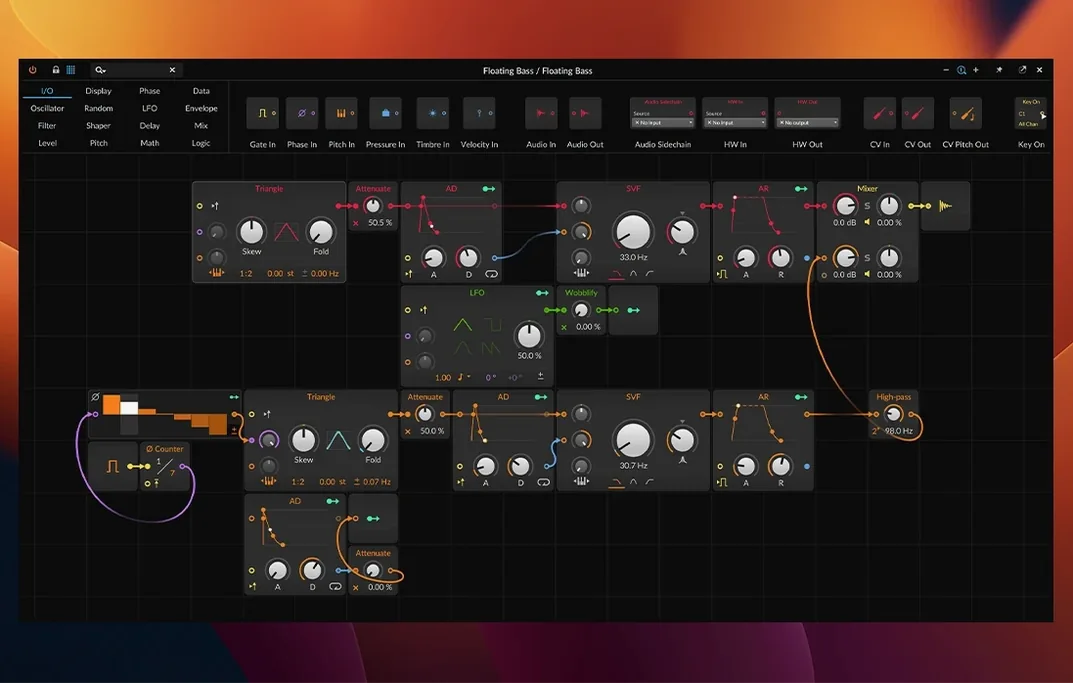
Another common thread is whether the built‑in devices are enough to start working without hunting down third‑party plugins. The eighty‑plus devices cover synthesis, sampling, convolution reverb, and a chain of dynamics tools that includes a capable limiter. You can finish a track inside the stock library, and the Grid — a modular patching environment — extends that further. But people who rely on a specific modelled compressor or a Kontakt library will still reach for those, and the sandboxing that isolates plugins from the audio engine means a crash rarely takes the whole session down.
And yes, people ask about the bitwig torrent route — a quiet acknowledgement that a version exists in that space — but the install steps here are straightforward and the activation instructions are included. The software settles into macOS without drama, provided you give it the mic and disk permissions it asks for on first launch.
Under the hood: speed, memory, and the silence between edits
On an Apple Silicon Mac, the app launches in a few seconds and sits lightly. A session with thirty tracks, half of them running through the Grid or the new Spectral sampler, tends to stay responsive even when the buffer drops to 128 samples on a modest interface. The real‑time audio thread doesn't spike during clip launching, which matters if you're switching scenes from a MIDI foot controller with a room watching.
RAM use tracks what you load. Drum racks and short samples barely register; a full orchestral template with multisampled instruments pushes the footprint above eight gigabytes, which is expected. What stands out is how little it pages to disk. The audio engine holds its ground during a heavy export, and I've bounced an hour‑long live recording without a dropout, the progress bar moving in steady increments while I kept working in another Space on the same machine.
The sandboxed plugin architecture earns its keep here. A wobbly VST doesn't bring down the transport; the DAW mutes the offending device and keeps playback rolling. That one detail has saved more late‑night sessions than any feature I can name.
Switch off the aggregate device to lock in predictable latency
Open the Dashboard on first launch and switch the audio engine to your interface directly — Core Audio's aggregate device option works, but a single dedicated interface keeps the round‑trip latency predictable. While you're there, set the default clip gain to taste; Bitwig ships with a conservative -6 dB, and I lift it to 0 dB for sound design work where I want the raw sample to hit the chain at full strength.
Next, visit the Shortcuts tab and bind the three workspaces to F‑keys or a Stream Deck. The Arrange‑Edit‑Mix triad sings when you can switch views without reaching for the mouse. Map the "Toggle Detail Editor" to something close to your left hand — it's the command you'll use most once you start comping.
Finally, under File Management, enable "Collect and Save" by default for new projects. It ensures every sample, impulse response, and Grid preset travels with the project file. Months later, when you open that sketch again, nothing will be missing. It's a small checkbox that prevents a quiet kind of heartbreak.
The Sampler receives a thorough rebuild in version 6.1, adding slicing, Spectral mode, and Fragments mode. Slicing maps transients across the keyboard for quick breakbeat manipulation. Spectral mode stretches audio into ethereal, frequency-domain textures, while Fragments scatters grains into unpredictable rhythmic clouds. Automatic pitch and tempo detection now handle the analysis for you, so a dropped-in loop snaps to the project without manual warping.
- macOS 12 Monterey or newer
- Intel or Apple Silicon processor
Questions from the booth
Spectral mode transforms sampled audio into frequency-domain material, allowing time-stretching and resynthesis that turns a single note into a shifting, glassy pad.