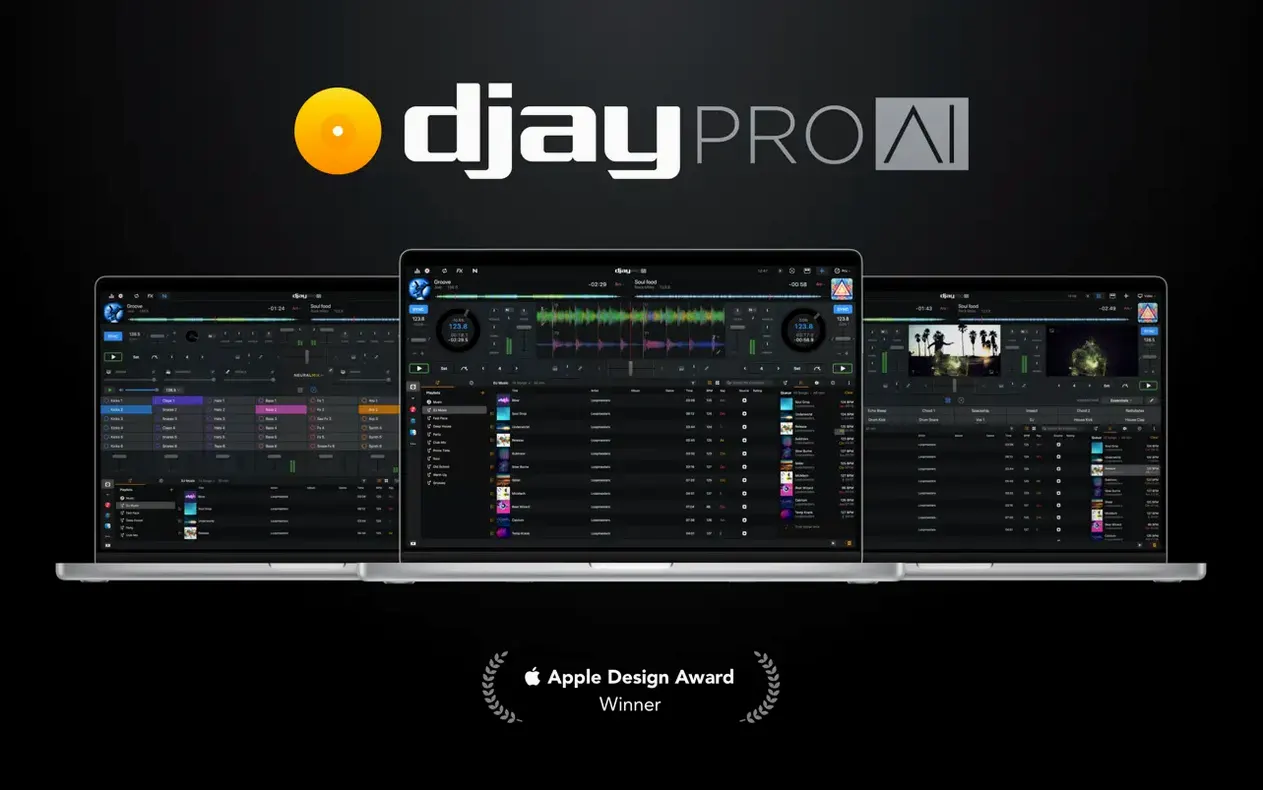
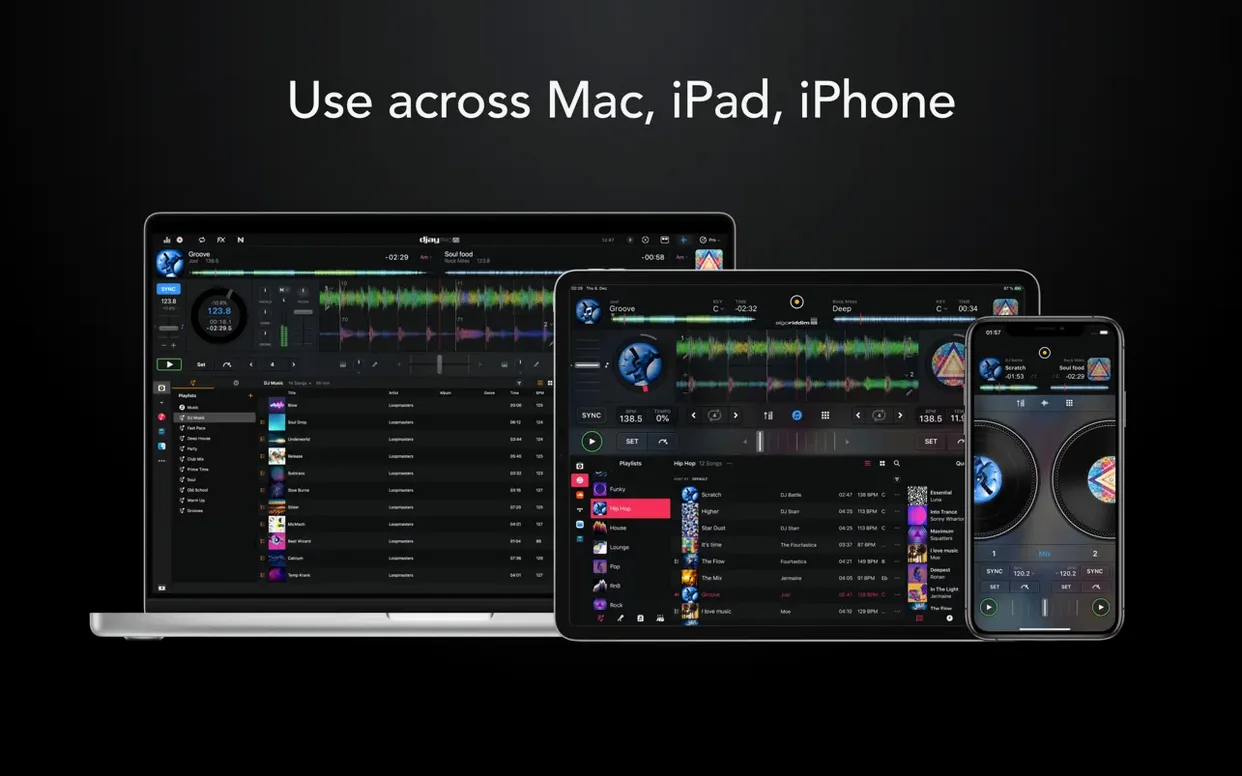
More than 100 MIDI controllers are plug-and-play ready, and Ableton Link keeps everything in time with external gear. djay Pro runs natively on Apple Silicon and Intel, so a 64-bit Mac from Catalina onward is all you need to open a set that pulls from a local library or a streaming catalogue.
How do the stems actually perform?
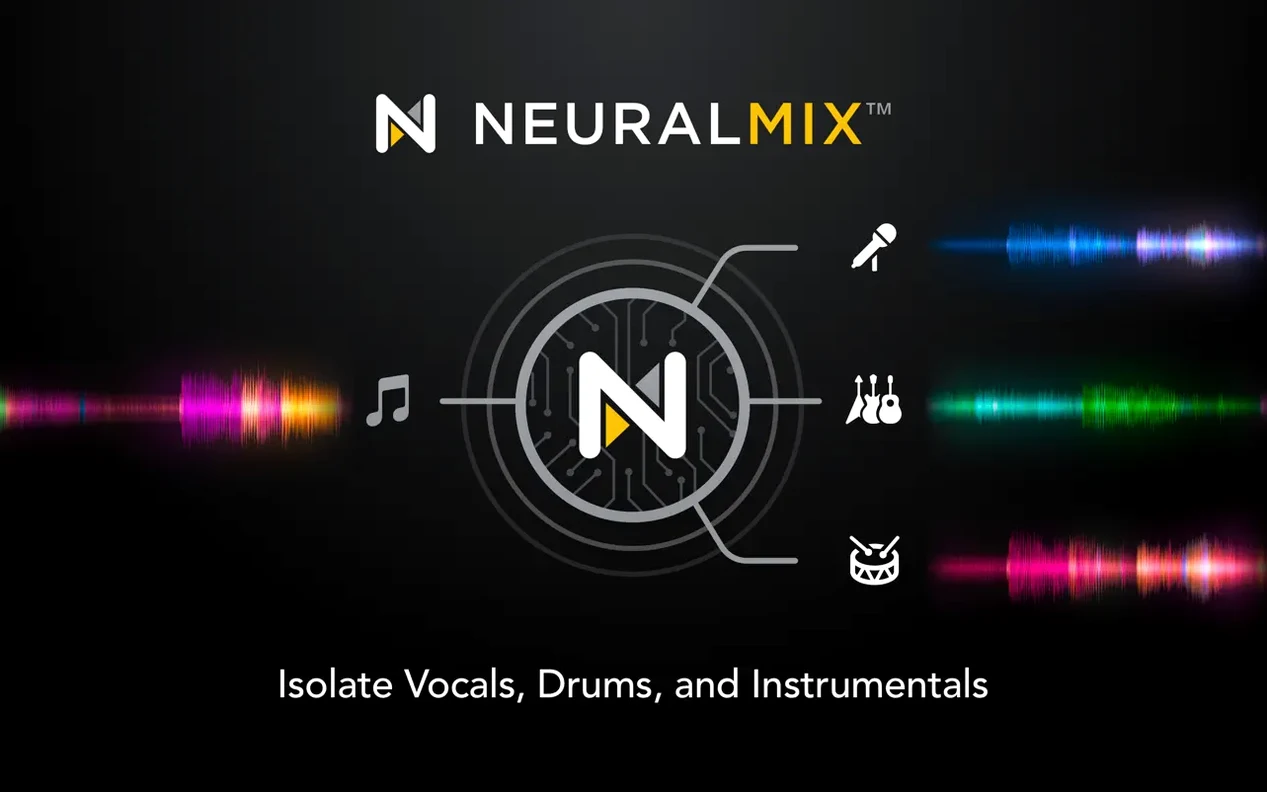
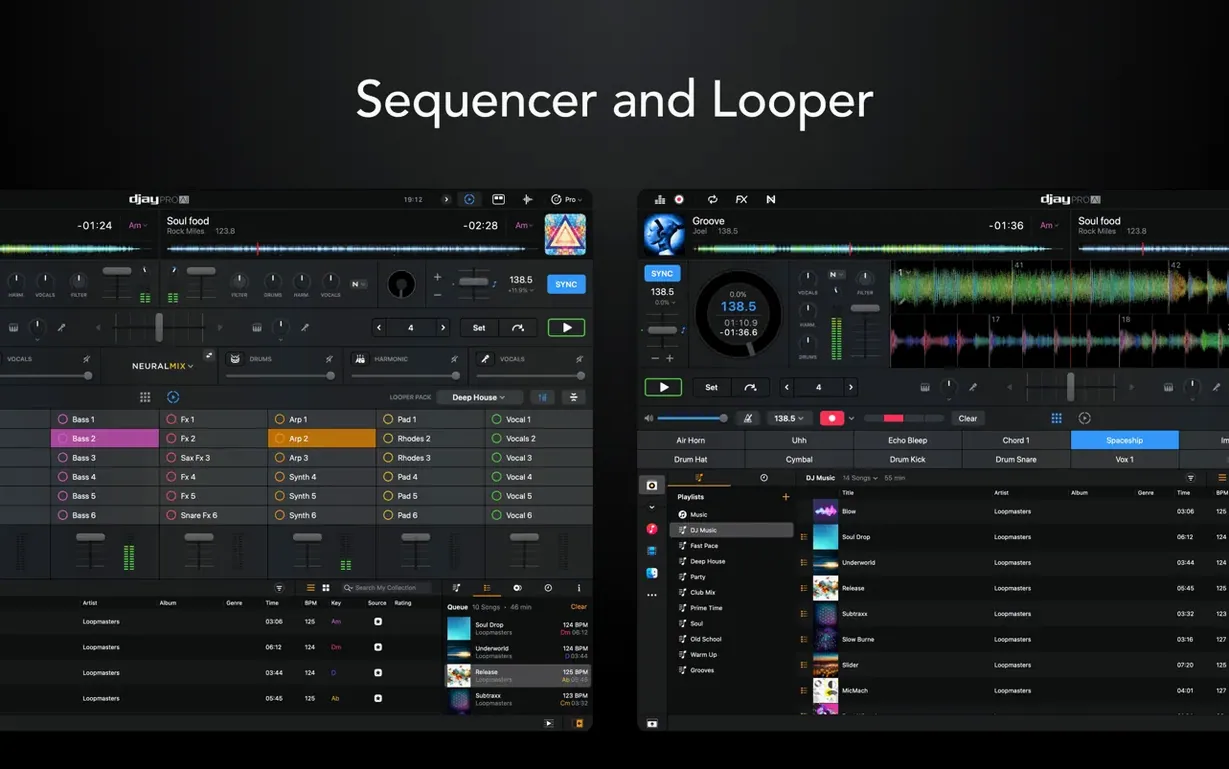
Neural Mix separates any track into vocals, drums, bass, and instrumental layers in real time. You can drop a vocal out of a chorus, swap drum patterns between songs, or let a bassline ride under an acapella — all with on-screen faders, no pre-rendered files.
What does the sequencer bring to a DJ set?
It is a step-based beat maker layered over the decks. You sequence kick, snare, and hi-hat patterns that lock to the playing track’s tempo, which turns a quiet bridge into a percussive build without touching an external drum machine.
RANE One display support and MIDI beat-jump control
Version 5.6.9 brings native display support for the RANE System One, cleaner playlist browsing on CDJs, and smoother cue-point jumping on motorized platters — even during a scratch or spindown. MIDI actions can now change beat-jump duration, so a single knob twist adjusts phrase lengths on the fly.
Multi-channel audio routes and a 40-effect rack beyond mobile
Same lineage, different scale. Algoriddim builds djay Pro for the Mac with multi-channel audio routing, full video mixing, and a sprawling effects rack — more than 40 audio effects with per-parameter control — that goes well beyond what a phone screen can hold.
Building a vocal-drop transition from start to finish
Say you have a soul track with a warm, busy instrumental and a pop acapella you want to tease in over the final chorus. The goal is a clean, gradual swap where the old vocal recedes and the new one rises, while the soul drums keep the floor moving. Here is how that workflow looks inside djay Pro.
Load the soul track onto Deck A and the pop acapella — or a full pop track with strong vocal isolation — onto Deck B. Tap the Neural Mix button on Deck B and mute its drums, bass, and instrumental layers, leaving only the vocal fader open. On Deck A, keep everything unmuted for now. Set a four-bar loop on Deck A just before the chorus ends so you have a runway to work with.
Bring Deck B's channel fader up slowly over eight bars, letting the pop vocal bleed in over the soul instrumental. At the same time, drag Deck A's vocal fader down inside Neural Mix. By bar six, the old vocal should be nearly gone and the new one sitting clearly in the mix. If the acapella drifts, nudge the pitch bend buttons — they respond with the kind of granularity that makes beatmatching feel physical even without a controller.
After the transition lands, you can cut Deck A's remaining instrumental with a high-pass filter sweep or let it ride underneath for a few bars before pulling it out. Save the whole sequence as a cue-point chain if you plan to reuse it. The whole process takes under a minute once the muscle memory is there, and the result sounds like a planned remix rather than a live fader move.
No controller needed: mouse mixing, Automix, and the built-in looper
Does djay Pro work without a controller? It does. The on-screen decks, waveform view, and keyboard shortcuts are responsive enough for full mouse-and-keyboard mixing. Automix can handle background music while you step away, and the looper and sequencer are accessible by touchpad or mouse. That said, the app really opens up with a MIDI controller — jog wheels, cue buttons, and dedicated filter knobs make the difference between a careful set and a relaxed one.
Will it read my existing iTunes or Music library? Yes. djay Pro pulls directly from the macOS Music app, including playlists, ratings, and BPM data. It also integrates with streaming catalogues, and version 5.6.9 tidied up how those playlists appear on CDJ-style hardware screens, so scrolling through folders mid-set feels less cluttered than before.
How much of a hit do the stems take on an older machine? Neural Mix runs on the device, not in the cloud. On an M1 MacBook Air, four-deck playback with stems active on two decks barely nudges the CPU past 25 percent. On an Intel Mac with a 2.6 GHz i7, the same setup hovers around 40 percent, with the fan spinning up after ten minutes of heavy use. It is usable, but closing other audio apps helps. The app lets you freeze a stem separation once it is loaded, which locks the CPU draw and keeps things stable during a long set.
Can I record a video mix? Yes. The video engine handles mixing of music videos and visual loops across decks, and you can record the output — audio and video together — straight to disk. Some DJs use it to pre-record sets for social media, and the hardware integration extends to video crossfaders on supported controllers.
Neural Mix adds a one-second analysis ring on Apple Silicon
Launching djay Pro on an Apple Silicon Mac feels immediate — under three seconds from dock click to the library view. Loading a track with Neural Mix active adds about a second of analysis, during which a thin progress ring circles the deck. Once loaded, switching stem layers is instant, with no dropout or buffer glitch even when yanking three faders at once.
Memory use sits around 600 MB with two decks playing and stems off. That climbs toward 1.1 GB if you enable stems on all four decks and keep the sequencer running. It is not lightweight, but for a real-time audio separation engine driving waveforms at 60 frames per second, it is disciplined. I have left it running through a three-hour Automix session without a crash, though I did notice the waveform zoom stutter once when the Music library was re-indexing in the background — pausing Spotlight fixed it.
On Intel hardware, the experience is a little more brittle. The RANE System One integration in 5.6.9 helps because it offloads display rendering to the hardware screen, freeing up the Mac's GPU for waveforms and effects. If you are on an older Intel machine, keep the video mixing window closed when you are not using it — the extra render pass is the quickest way to push an integrated GPU past its comfort zone.
A session with djay Pro, minute by minute
It is 9 p.m. and a playlist of forty tracks sits in the Music app, curated over the week. I plug in a RANE System One — the native display flickers to life with the library view — and open djay Pro. The app recognises the controller within a couple of seconds, mapping the jog wheels, cue pads, and performance pads to their default layout.
The first track loads onto Deck A. I tap the Neural Mix icon and watch the waveform split into colour-coded bands: orange for drums, blue for bass, green for instrumental, purple for vocals. It takes about a second. I twist the bass knob on the controller and the blue band dims in the waveform — a small but useful piece of visual feedback that tells me the filter is live before I hear it in the monitors.
Deck B gets a second track with a heavier kick pattern. I set a beat jump to four bars using the new MIDI action from 5.6.9, assigned to a rotary encoder on the RANE. A twist shortens it to two bars for a tighter phrase. The sequencer gets a simple pattern — kick on the one, snare on the three — and I slide its volume up during a breakdown. The room fills with a percussive layer that did not exist in the original recording.
By 9:45 p.m. I have layered three tracks across four decks, using stems to pull the vocals from one, the bass from another, and letting the sequencer hold the rhythm together. The looper catches an eight-bar guitar phrase from Deck C and I let it cycle while I cue up the next transition. CPU temperature is warm but not alarming, and the audio buffer has not clicked once.
Phasey Neural Mix on mono recordings and the watery residue fix
Neural Mix sounds phasey or thin on certain tracks. The algorithm works best on full, modern mixes with clear stereo separation. Older mono recordings or lo-fi tracks can confuse the separation, leaving a watery residue in the instrumental layer. Try rolling off the high end of the separated stem with the built-in EQ — it masks the artefacts without dulling the overall mix. If a track is essential but the stems sound poor, freeze the separation during a loud section of the song, where the algorithm has more harmonic data to work with.
A controller is recognised but the jog wheels feel laggy. Check the latency setting in djay Pro's audio preferences. The default buffer of 256 samples works for most setups, but motorized platters like those on the RANE System One sometimes need a drop to 128 samples for tighter response. The 5.6.9 update specifically improved cue-point jumping during platter spindown, so if scratching feels off, make sure you are running the current version.
The sequencer drifts out of sync with a live track. The sequencer locks to the master deck's beat grid, not to an external clock, unless Ableton Link is active. If the beat grid on your track is slightly off — common with disco or live drum recordings — tap the grid edit button and nudge it by hand. Once the grid is right, the sequencer snaps back into place.
Video mixing causes dropped frames. Lower the video preview quality in the settings from high to medium. The output recording remains full resolution, but the on-screen preview draws less power. On Intel Macs with integrated graphics, closing other GPU-heavy apps — browsers with open tabs, design tools — frees up just enough headroom for smooth playback.
The release notes for djay Pro AI 5.6.10 are available on the Algoriddim website, detailing the latest fixes and refinements from the developer.
- macOS 10.15 or later
- Apple Silicon and Intel 64-bit
Questions from the booth
It integrates with several streaming catalogues directly inside the media library, so you can mix tracks without downloading them first.
Yes. The app includes a video mode with transitions, visual effects, and the ability to output a mixed video feed for projection or streaming.