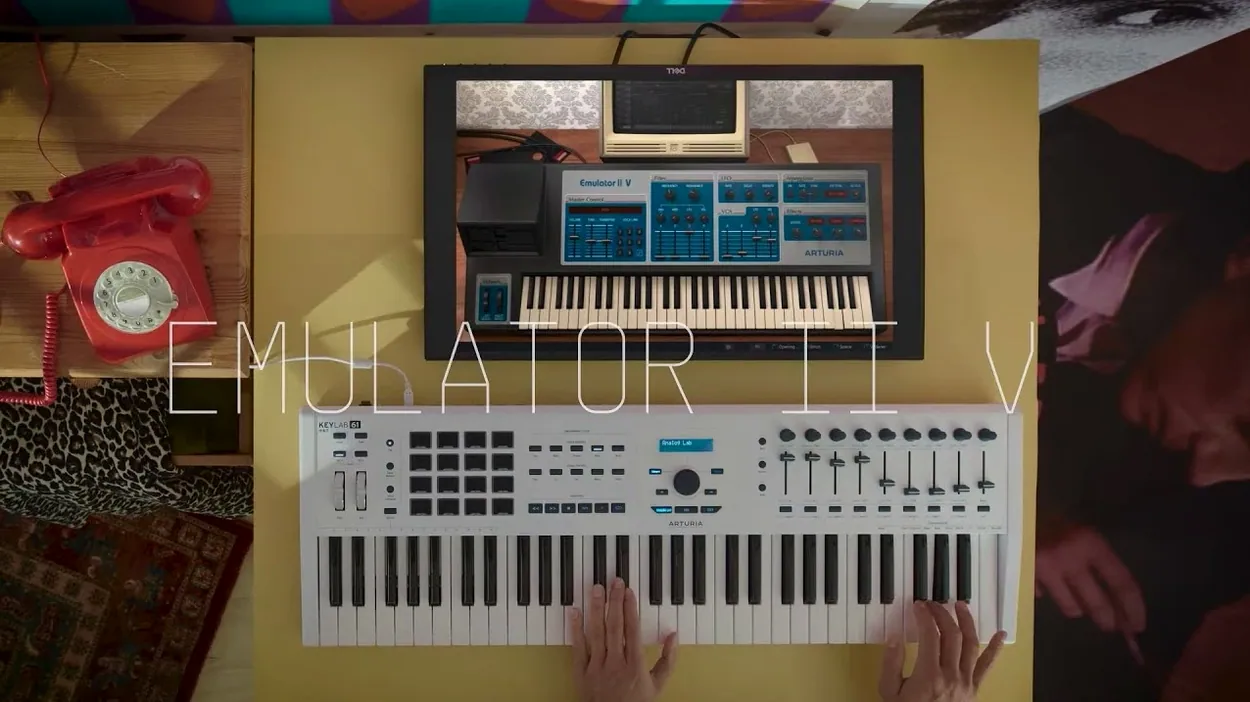
You have a lead line humming in your head and a Rhodes patch pulled up, but the track needs texture that feels physical — tape-warped and slightly unstable. Loading the Emulator II V inside your DAW, you pull up the factory library and start layering. The first thing you check is that it appears correctly in your host. It runs as a VST, AU, or AAX plug-in on Apple Silicon or Intel Macs under macOS 11 and later, slotting into Logic, Ableton, or whatever you are arranging in without fuss.
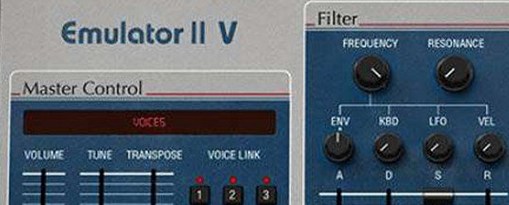
- Create an instrument track and insert the Emulator II V. The interface draws the original hardware's front panel, but click a voice and the editable parameters expand — VCF, ADSR per layer, plus a second ADSR for the VCA.
- Assign samples across the keyboard. The engine models the original 8-bit companding and 27.7 kHz sample rate, so a piano or choir fragment instantly carries that hollow, grainy imprint from 1984.
- Stack a second layer. Each one gets its own LFO and filter, and the recreation lifts polyphony to 32 voices, so you can hold a chord with a long release without voices cutting out.
- Push the signal through the added effects section. A touch of chorus and the modelled output stage turns a clean sine into something that sits against a drum break with no extra EQ.
Arturia built this instrument on their TAE technology, recreating circuit behaviour rather than just wrapping samples in a pretty skin. What comes out of the speakers is the same grit that defined early Depeche Mode and Pet Shop Boys records, with modern modulation routing tucked behind the panel for when you want an LFO to sweep the sample start point.
Mistakes that flatten the sound before you hear it
Loading a sample and leaving every control at noon is the quickest way to miss what the instrument actually does. The Emulator II V models the original's output transformer and companding curve, which means the signal path expects you to push it. A quiet sample dropped straight into a mix often sounds thin and digital, because you are hearing the raw 27.7 kHz playback without the gain staging that woke the hardware up. Crank the voice's output level until the modelled VCA starts to saturate — the harmonic thickening that appears just before clipping is half the character.
Another habit I see: people pull up a preset, switch off the effects, and judge the dry tone in isolation. The original Emulator II was rarely heard dry on a record. Its chorus circuit and the slight high-frequency roll-off from the output stage were baked into the sound people remember. Bypassing everything leaves you with a sterile 8-bit sampler, which is not the same instrument. Leave at least the output stage engaged and dial the onboard chorus to about 10 o'clock before you decide whether a patch works.
The third mistake is ignoring the arpeggiator as a sound-design tool. It is not just for sequenced eighth-note patterns. Set it to a fast rate with a short gate, map it to filter cutoff via the mod matrix, and you get a rhythmic pulse that breathes with the sample. The original hardware never did this, and it is one of the quiet additions Arturia wove into version 1.6.2 that turns a nostalgic recreation into something you can build a track around.
Running it beside Pigments and Synclavier V in Logic
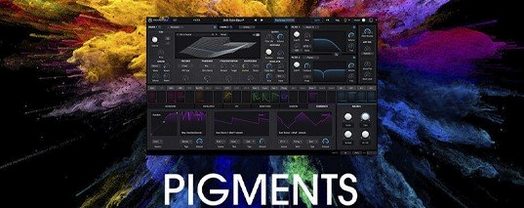
The Emulator II V opens as an AU, VST, or AAX plug-in, so it slots into any DAW that supports those formats on a Mac. I tend to run it inside Logic alongside Arturia's own Pigments or the Synclavier V, because the three instruments cover different territory without overlapping. Pigments handles wavetable synthesis and granular textures; the Synclavier V brings additive and resynthesis engines with that early digital sheen. The Emulator II V anchors the low end of that trio — its 8-bit crunch and transformer saturation make sampled bass and lo-fi keys sit in a mix in a way that a cleaner instrument never does.
It also plays well with macOS features that musicians overlook. The Audio Unit version exposes its parameters to Logic's Smart Controls, so you can map the filter cutoff and sample start to a MIDI controller without opening the plug-in window. On an Apple Silicon Mac, the native ARM build loads quickly and handles 32-voice polyphony without the fan spinning up, even with multiple instances across a session. If you use the Standalone version outside a DAW, you can route its output through BlackHole or a similar virtual driver and sample its processed signal straight back into your arrangement — a feedback loop that turns a single choir stab into a washed-out pad in about thirty seconds.
Native ARM build skips Rosetta entirely
Does it work on an M1 or M2 Mac? The current build runs natively on ARM and Intel, so there is no Rosetta translation layer involved. It is a universal binary, and the installer handles both architectures without you needing to choose. macOS 11 is the floor — anything newer is fine.
What does the package include beyond the plug-in? The 250 factory presets are the backbone, built from the original Emulator library, Synclavier samples, and a set of modern recordings processed through the same engine. Installation instructions and activation steps are inside the package, and you do not need a separate Arturia account or Software Center to get it running if you follow the included notes.
Will it replace a hardware Emulator II? Not quite, and that is honest. A real Emulator II weighs about twenty kilograms, runs hot, and loads samples from 5.25-inch floppies at a speed that tests your patience. This plug-in gives you the sample engine, the companding, the filter behaviour, and the output-stage colour, plus polyphony and an arpeggiator the original never had. What it cannot give you is the physical act of slotting a disk and waiting. For a studio session where you need that sound in thirty seconds, it is the more practical tool.
Can I load my own samples? Yes — drag a WAV or AIFF onto the interface and it maps across the keyboard with the same processing chain as the factory library. The engine downsamples to the modelled 27.7 kHz rate on the fly, so a 24-bit 96 kHz piano recording comes out the other side sounding like it was archived on a floppy in 1985.
- macOS 11 or later
- Intel or Apple Silicon processor