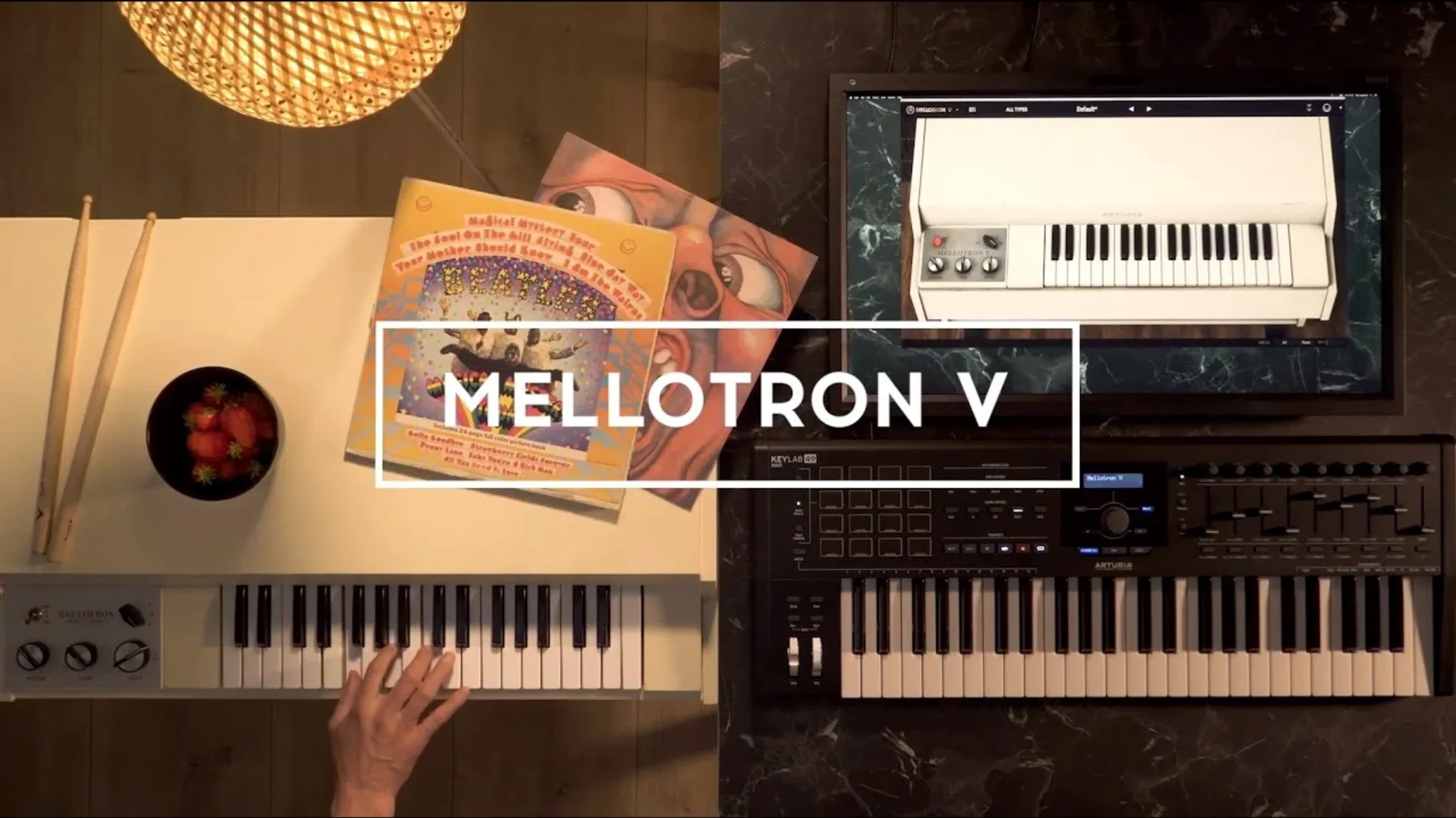
If you've ever spent an evening nudging a cassette emulation's wow and flutter to get a pad to sit right, the Mellotron V feels like the next logical obsession. It doesn't just serve static samples — it models the playback mechanism that made the original keyboard so unstable and so alive. Every note passes through virtual tape heads, with controls for mechanical noise, motor rumble and the subtle pitch wander that comes from a capstan that's never quite round.
The track row as a palette, not a preset
At the centre is a track row divided into 96 chromatic semitones, each one a slot you can fill from the factory library or with your own WAV, AIFF or FLAC files. A single track blends up to two factory samples and eight of your own, which means you can layer a dusty string section under a field recording and still have room for something stranger. The real character lives in the noise and tape controls — dial in flutter until a chord wavers like heat off asphalt, or push the mechanical noise into the foreground so every key press carries the clunk of a machine waking up. Built-in effects sit downstream, but the mix-defining moves happen before you ever reach them.
Finding a sound and losing it again
The 1.9.3 update quietly fixed something that matters in a late-night session: favourite presets now sort correctly when shuffle is on, and searching through the patch list no longer feels like rifling through a filing cabinet in the dark. Playlists appear as soon as you recall a project, so the sound you half-remembered at 2 a.m. is exactly where you left it. That's the strange gift of this plugin — it encourages you to build something fragile, a tone that depends on tape age and motor inconsistency, then makes sure you can find it again when the track needs it.
Picture a composer working to a locked cut on a damp November evening. Picture design is almost done — the director wants the cue to feel like a half-remembered public information film, something shot on 16mm and left in a basement. She opens Mellotron V, pulls up an old choir bank, and immediately starts dialing the tape age forward. Not because she has a spec in mind, but because she's listening for the moment the top end softens into something less pristine. A little motor rumble underneath. The flutter nudged just past musical, so a held chord never quite settles. She builds a second track from a recording of her own voice run through an old cassette deck months ago, mapped across the lower octaves, and blends it behind the factory strings. The result isn't a pad — it's an atmosphere with a location. The cue lands without anyone in the room saying "Mellotron."
Drag samples straight onto keys without a menu dive
A few things in Mellotron V won't announce themselves, and they're worth knowing about if you're the sort of person who scrolls past the quick-start guide. Dragging a sample onto a key in the track row does exactly what you'd hope, but holding Option while dragging copies that sample across all 96 slots in one motion — useful when you want to build a uniform user bank and then selectively replace octaves. The Right-click menu on any loaded sample offers "Clear Slot" and "Normalize," the latter being oddly handy after importing quiet field recordings that need to match the level of the factory tapes.
The tape speed control isn't just a global tuning offset. When you've loaded your own samples, changing speed affects pitch and the character of the tape emulation in tandem, so a vocal phrase dropped an octave picks up the lower head bump and saturation that a simple pitch shifter would miss. If you hold Shift while turning the speed knob, the increments jump in semitones rather than cents, which makes it much faster to tune a user sample to the rest of the track.
Crank the key-release clatter for instant mechanical grit
The defaults are clean and polite, which is the polite way of saying you should change them. First stop is the mechanical noise section: the key-release clatter is set quite low out of the box. Raise it until you can hear the mechanism disengaging, then pull it back just a hair. It's one of those things you stop noticing consciously, but its absence makes the instrument feel oddly weightless. Next, open the envelope and shorten the release slightly from its factory setting — the original Mellotron's notes cut off almost abruptly when the key was released and the tape pad lifted, and a long release can make a part feel like a synthesizer instead of a playback machine.
If you're using your own samples, switch the tape emulation from the default tape type to one of the aged varieties and listen to what happens in the low mids. The difference is subtle on a single note and cumulative across a chord. Finally, assign a MIDI controller to the flutter depth and ride it during the take. A static flutter setting sounds like an effect; a moving one sounds like playback. That's the distinction the whole instrument is built on.
Version 1.9.3 (5306) tidies up the browsing experience with playlist editing improvements, better preset and playlist naming, and fixes for favourite preset management. Preset search is faster and more predictable, and several bugs have been squashed.
- macOS 11 or later
- Intel or Apple Silicon Mac
- 64-bit host application
Questions from the booth
You can import WAV, AIFF and FLAC audio files into the user sample slots, with each track supporting up to eight user samples alongside the factory content.