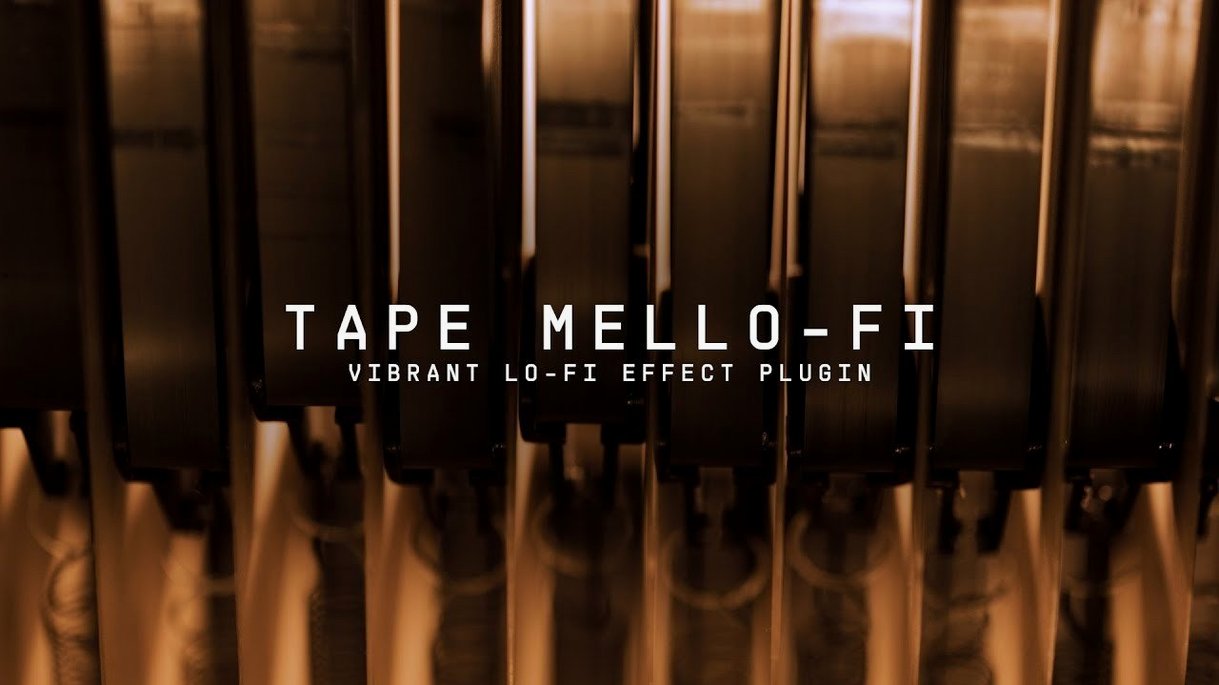
Arturia Tape MELLO-FI is a lo-fi effect plugin that applies the aged, tape-driven character of a vintage Mellotron to any audio track. It runs on Apple Silicon and Intel Macs with macOS 11.0 or later, and loads as an Audio Unit, VST, or AAX plugin in most major hosts.
A simple signal path with a distinct finish
- Insert the plugin on a drum bus, vocal, or synth track — anything that would benefit from a layer of dust and drift.
- Set the input drive and let the modelled tape stage add saturation, flutter, and a softened high end.
- Blend in the noise and mechanical artefacts to taste, then shape the output with the low-pass filter.
Derived from Arturia's Mellotron V, the plugin captures the same preamp and tape path without requiring the instrument itself. The result lands somewhere between a worn cassette and a dimly lit control room — a chill atmosphere for sources that need to sit further back in a mix.
A producer working on a lo-fi hip-hop beat drops Tape MELLO-FI onto an SP-404-style drum bus. The kick, already sampled from vinyl, gains a gummy midrange bloom, while the hi-hats lose their digital edge and tuck themselves into the stereo field. A slight nudge of the flutter control introduces the kind of pitch instability you would expect from a cassette that has lived in a shoebox since the early nineties. With the noise blend set low, the track breathes without drawing attention to the processing itself — exactly what the arrangement needs when the vocal sample is the emotional anchor.
Taming the low-end mud its drive stage adds with Logic’s Channel EQ
Tape MELLO-FI works well as an insert in Logic Pro, where it can be paired with the stock Channel EQ to carve away any low-end mud the drive stage introduces. In Ableton Live, dropping it before a hybrid reverb on a return track yields a degraded tail that feels distant and tactile at once. The plugin also respects macOS audio routing conventions — it appears in the Audio Units folder without fuss and responds consistently to automation across hosts. If you use a utility like Audio Hijack to process system audio, MELLO-FI can sit in the chain as an Audio Unit effect, though you will need a host that loads plug-ins; the plugin has no standalone mode.
A handful of snags and their fixes
A common stumble is inserting the plugin and hearing nothing — usually the noise blend is turned all the way down and the input signal is too quiet to excite the tape stage. Crank the input drive first, then reintroduce noise. Some users report that MELLO-FI does not appear in their DAW after installation; this is almost always a mismatch between the plug-in format scanned and the one installed. Run the Arturia Software Center, confirm the component, VST, and AAX boxes are ticked, and restart the host. On Apple Silicon machines, launching the DAW in native mode is recommended; Rosetta can add latency that exaggerates the flutter into something closer to a warped record than tape age. If the low-pass filter darkens a mix too aggressively, try placing it earlier in the chain and using an EQ afterward to restore a little air — the filter is steep and rewards a light touch.
Version 1.4.1.6566 of Tape MELLO-FI is listed on Arturia's downloads and resources pages for macOS 11.0 and later, matching the current release available through Arturia Software Center.
- macOS 11.0 or later
- Apple Silicon or Intel processor
- Audio Unit, VST, or AAX plugin host
- Arturia Software Center for activation
Questions from the booth
No. The plugin is derived from Mellotron V, but it works as a standalone effect on any audio source. A Mellotron V instrument is only required if you want to use it within that instrument's own processing chain.
Tape MELLO-FI lists macOS 11.0 or later as the minimum requirement, with support for both Apple Silicon and Intel Macs.