Picture a late-night session at the desk, a tense cue open on the timeline. The bass line needs to shift from a clean sub to something corroded and back again over four bars. Instead of automating five separate plugins and praying the timing holds, you load a single insert on the track and start stacking effects into a sequence.
On inserts — shaping a single source
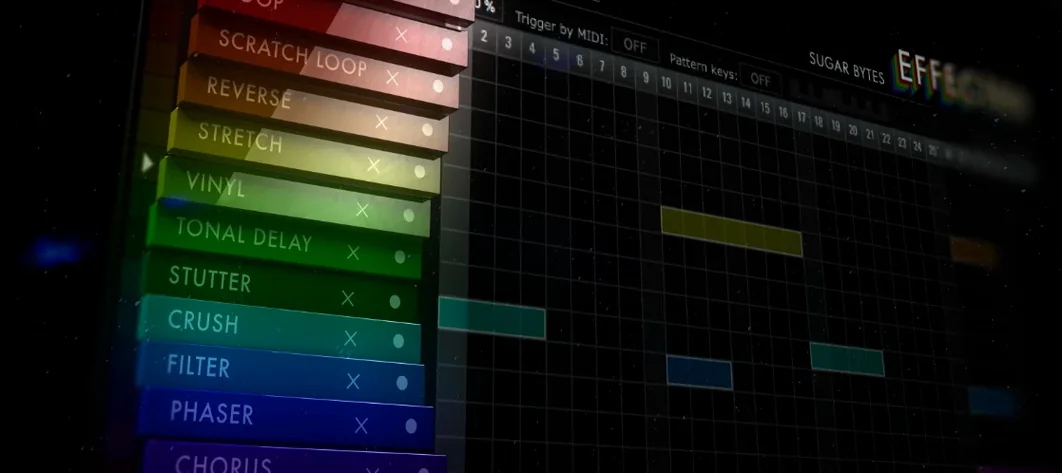
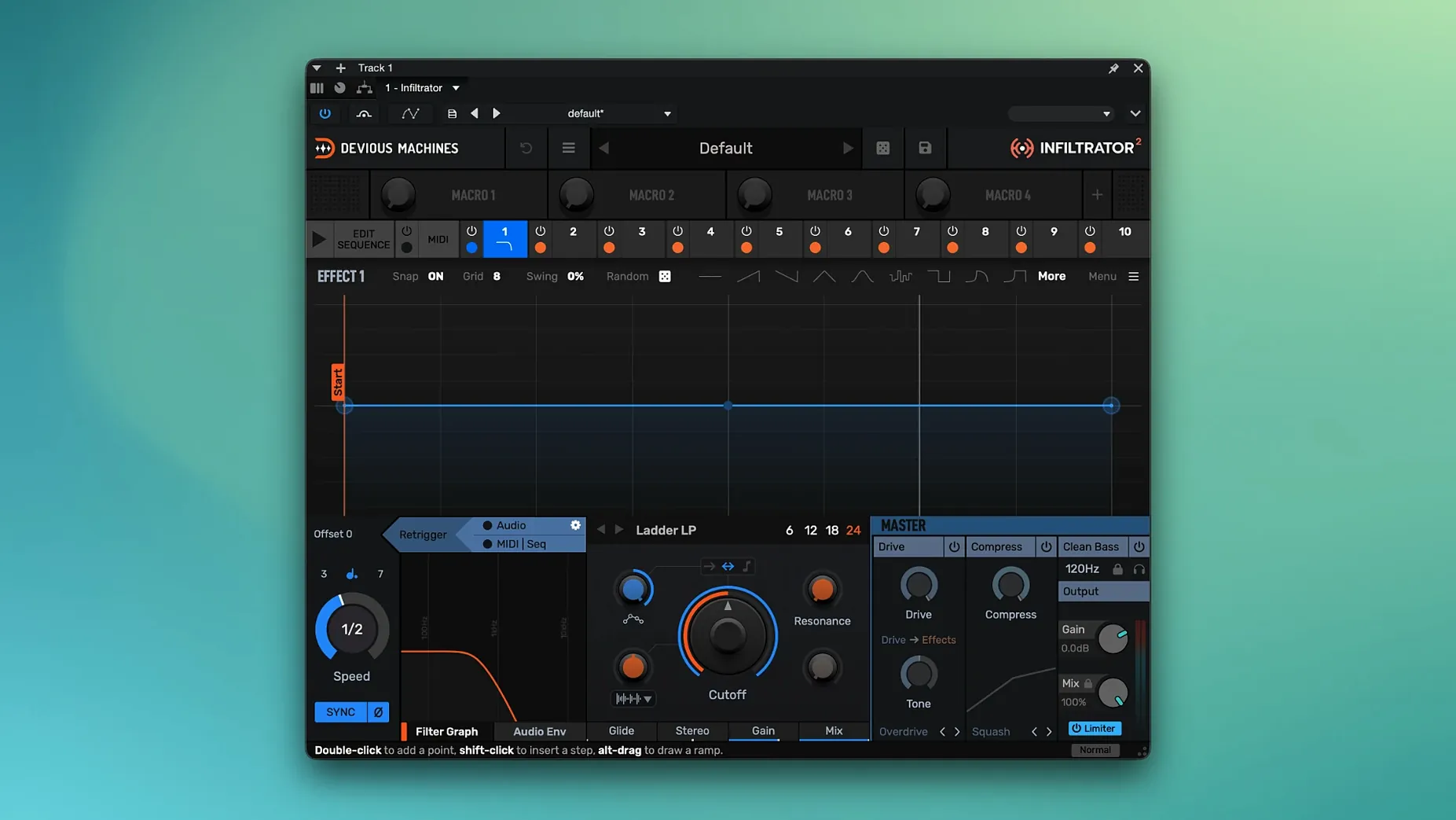
On a synth or drum track, Infiltrator 2 turns one channel into a stage for up to ten effects at once. A compressor feeds into a bit-crusher, then a modulated filter with custom beat divisions, all triggered by the DAW's transport so the movement locks to the arrangement without drawing a single automation lane.
On aux tracks — a return that performs
Place it on a send for parallel processing and it becomes a reactive bus effect. You might dial in a liquid analog filtering curve that sweeps across the decay of a reverb tail, giving the whole mix a sense of atmosphere that shifts with the song's structure.
On the master bus — final polish and grip
Across the stereo output, the new output limiter added in version 2.5 reins in peaks while the sequencer applies subtle, tempo-synced saturation moves that glue a scene's dynamics together, a final bit of tension and texture before the render hits the picture edit.
Set the envelope follower lookahead before you build a single chain
Open the plugin, and the first thing that stares back is the effect grid. Before dragging a single module in, I head to the global settings tucked into the top bar. The envelope follower's lookahead time defaults to a value that works for percussive material but can smear transients on vocals or field recordings — dropping it to 2 ms or less tightens the response. Right next to it, the sequencer's trigger mode should match how you work. If you are building a filter sweep that follows the timeline, switch it to transport sync. If you want the sequence to restart every time a kick drum hits, set it to MIDI trigger and point it at the right note. That one toggle changes the whole feel of a patch.
Another habit worth forming early: set the output limiter ceiling before you start auditioning chains. Some effect combinations — a resonant comb filter feeding a distortion with generous makeup gain — can spike unexpectedly. The limiter, new in version 2.5, sits at the end of the signal path and catches those peaks without colouring the tone much at moderate settings. I set mine to -0.5 dB with a fast release and leave it there. It is not a creative tool so much as a safety net that lets you push modules harder without wincing at the meters.
Where beginners tend to trip
The most common mis-step is loading eight effects onto a hi-hat loop and wondering why everything turned to static. Infiltrator rewards restraint as much as excess. Every module has an output gain control, and the cumulative headroom disappears fast. A good rule of thumb: if the chain has more than four active effects, pull each one's output down by a few decibels and watch the internal meters. The plugin does not clip internally in the destructive way older digital gear does, but pushing into the red on every stage produces a congested, flat sound that no amount of post-processing can undo.
Another error is ignoring the modulation depth per parameter. When you assign the main envelope or an LFO to a filter cutoff, the default range often spans the full parameter sweep, which can sound garish. Dial the modulation amount back to 40 or 50 percent and then adjust the parameter's base position so the movement orbits a musical spot instead of careening through the entire frequency spectrum. Small shifts in a comb filter delay time or a phaser centre frequency often do more to sell a sound than dramatic sweeps.
Some users treat Infiltrator like a static insert and never touch the sequencer, missing half the point. You do not need to program a full sixteen-step pattern to benefit. Even a two-step sequence that alternates between a dry pass and a wet one creates a call-and-response texture that breathes with the track. Start with one module, sequence it on and off, then layer a second modulation lane once the first feels locked to the tempo.
Break free of straight note grids with custom beat divisions
Version 2.5 brought two features that quietly reshaped how sessions unfold. The custom beat divisions for tempo-synced effects mean you are no longer stuck with straight quarter notes and dotted eighths. A filter sweep can follow a quintuplet grid, a triplet delay can sit against a straight hi-hat pattern, and the groove possibilities open without nudging MIDI notes around the arrange window. I find myself reaching for the triplet and dotted options far more than I expected, especially on synth pads that need a looser, less robotic pulse.
The output limiter, mentioned earlier, erased a workflow headache. Before it arrived, you either inserted a separate limiter after Infiltrator — breaking the single-plugin convenience — or you rode the master output gain conservatively and left headroom unused. Having it built into the signal path means you can design a chain, push it, and trust that the peaks will not clip the next plugin on the channel strip. In practice, it saves about thirty seconds of routing every time you build a new patch, and those seconds add up across a session.
Alongside other Mac multi-effects
Put Infiltrator next to Kilohearts Snap Heap, and the difference is philosophy as much as feature count. Snap Heap excels as a modular playground where you wire effects freely and modulate with a clean, node-based system. It feels like a laboratory. Infiltrator feels more like a performance instrument — the step sequencer is the centre of gravity, and everything bends toward rhythmic movement. If you build chains you want to play with transport-synced envelopes and pattern-based modulation, Infiltrator gets there faster. Snap Heap rewards deep custom routing, but you do the sequencing elsewhere.
Compared with Soundtoys Effect Rack, the contrast sharpens. Effect Rack sounds gorgeous — the individual effects carry that Soundtoys character — but the modulation options are simpler, and the sequencer is absent. You can automate parameters from your DAW, but you cannot build a pattern of effect states that steps through on its own. Infiltrator trades a bit of that analog-modelled warmth for sheer sequencing muscle. The Devious Machines filters are no slouch either; the liquid analog-style sweeps hold their own, but Effect Rack's saturation stages still feel richer when you push them in isolation.
Glitchmachines Fracture XT sits in a related corner but aims for chaos. It wants to tear sounds apart, and its modulation engine leans toward randomization and extreme transformations. Infiltrator can get abrasive — a bit-crusher into a ring modulator will do that — but the sequencer makes the destruction repeatable and musical. Fracture XT is for one-shot impacts and unpredictable fills; Infiltrator is for motifs that return, evolve, and lock to the grid.
The 2.5 update introduces an output limiter and custom beat divisions for tempo-based effects, giving the sequencer tighter rhythmic control. The current Mac build is 2.5.26.
- macOS 10.11 or later
- Apple Silicon or Intel processor
- VST, VST3, AU, or AAX host