Sixty-three seconds of screen time. That is the exact length of the closing shot I needed to score last week, and the cue had to breathe without drowning the dialogue. FabFilter's Total Bundle landed on my Mac at the right moment.
What does the mixing chain look like for a single cue?
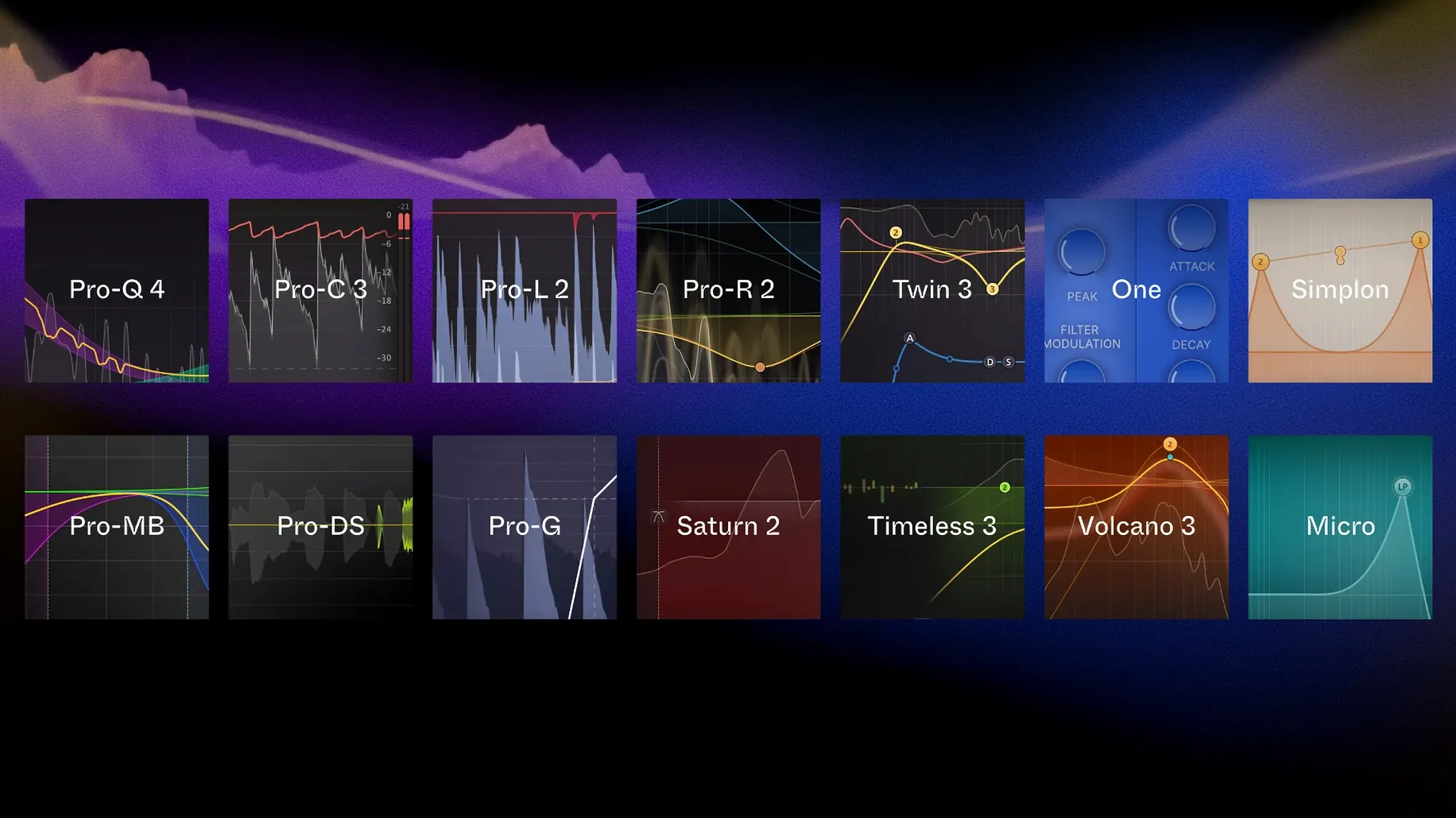
The piano stem runs through Pro-Q 4 first, pulling back 300 Hz so the cello has room. A gentle high shelf opens the felt. Nothing surgical, just carving.
How does the bundle handle the low end?
Pro-MB sits on the master bus in dynamic phase mode, keeping the double bass from bulging when the bow digs in. The band only tightens when the transient demands it.
What gives the cue its final shape?
Pro-L 2 with the transparent preset catches the peaks, and Timeless 3 sends a short stereo tap to the right channel. The echo arrives late enough that you feel the space before you notice the effect.
Dialogue cleanup in a short film: a start-to-finish workflow
I had a scene shot in a kitchen with a fridge humming at roughly 180 Hz. The actor's voice was clear, but the low drone sat under every syllable like a bedsheet. Here is the chain that pulled it out without making the voice sound like a telephone.
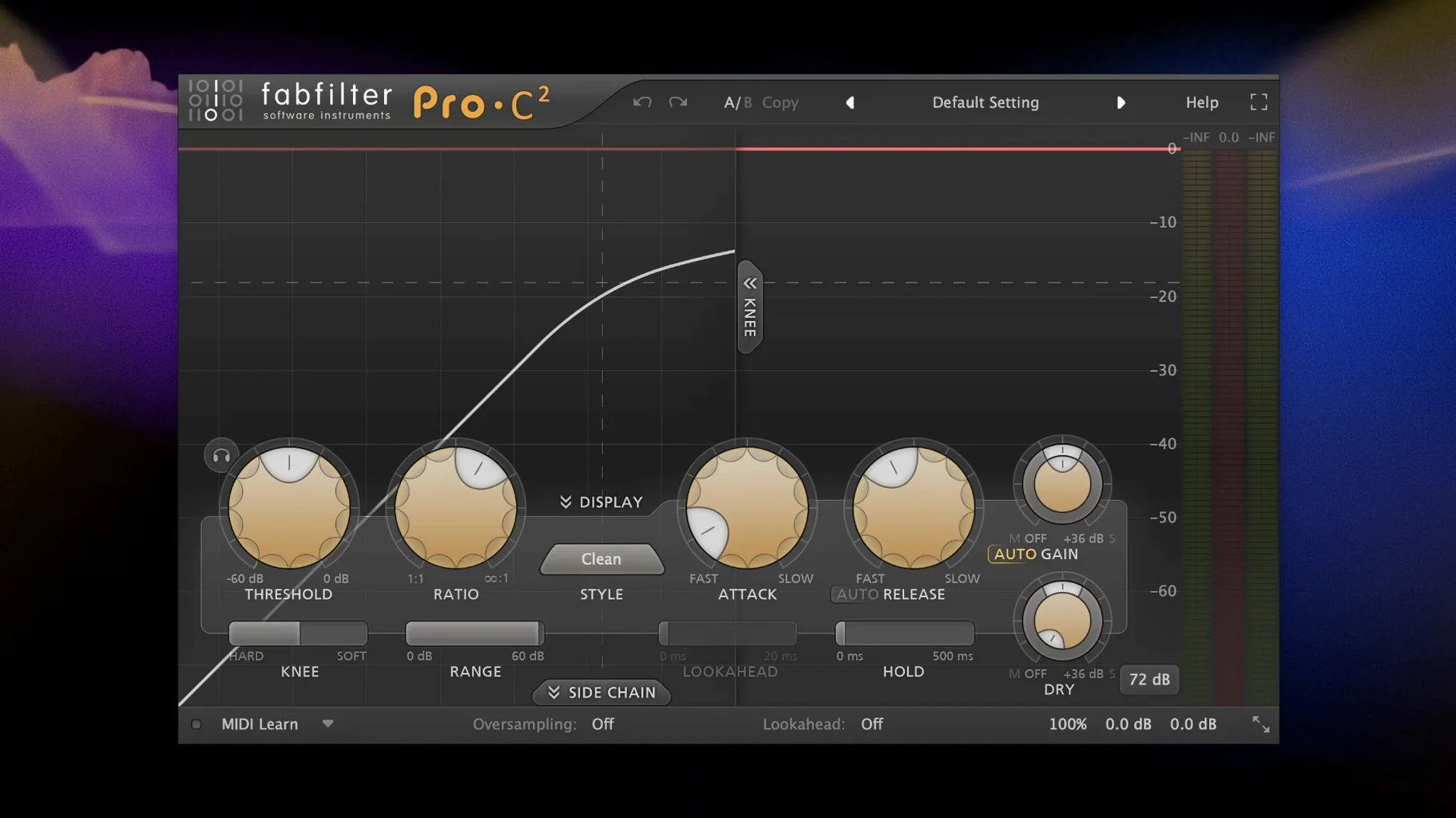
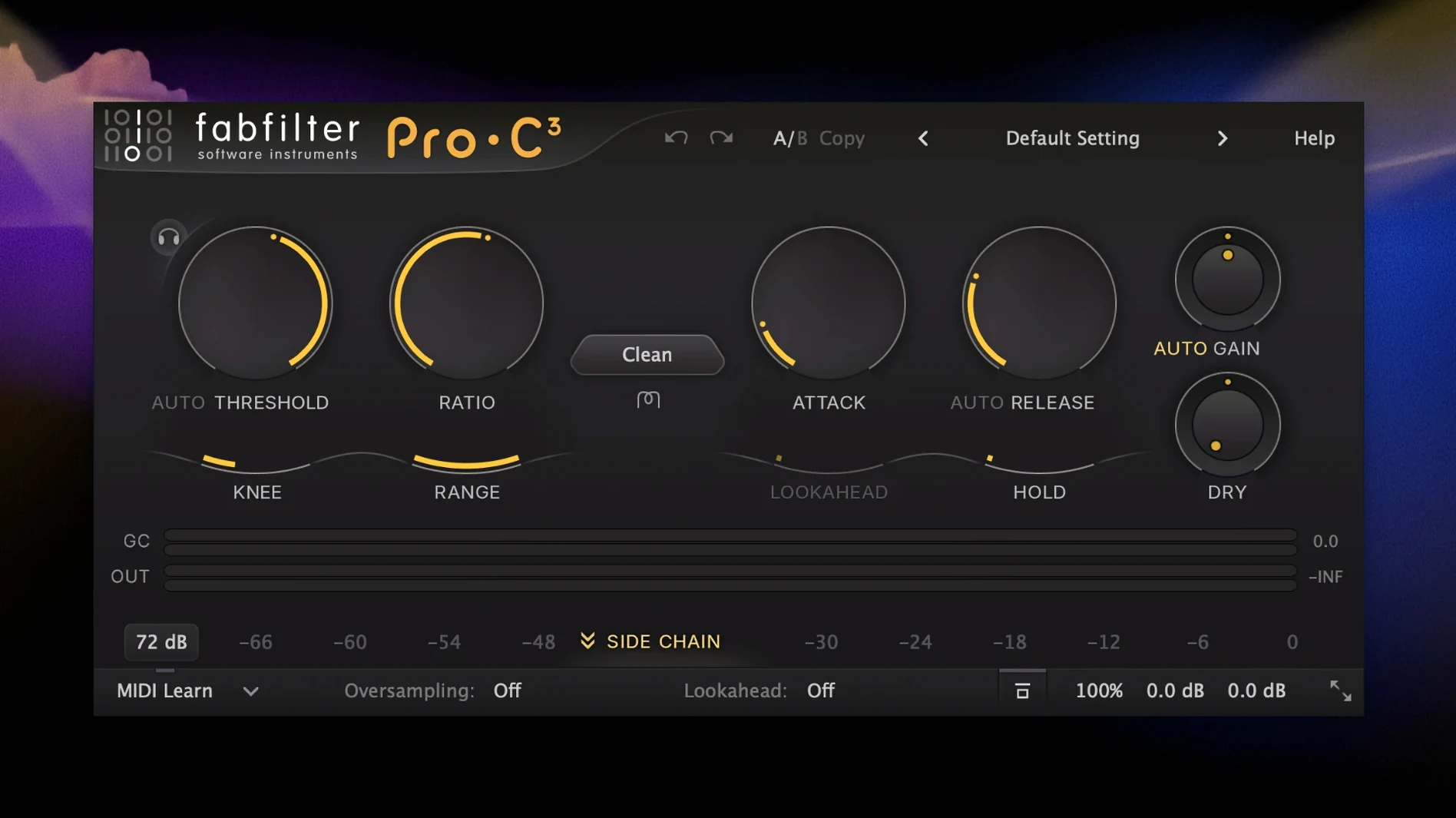
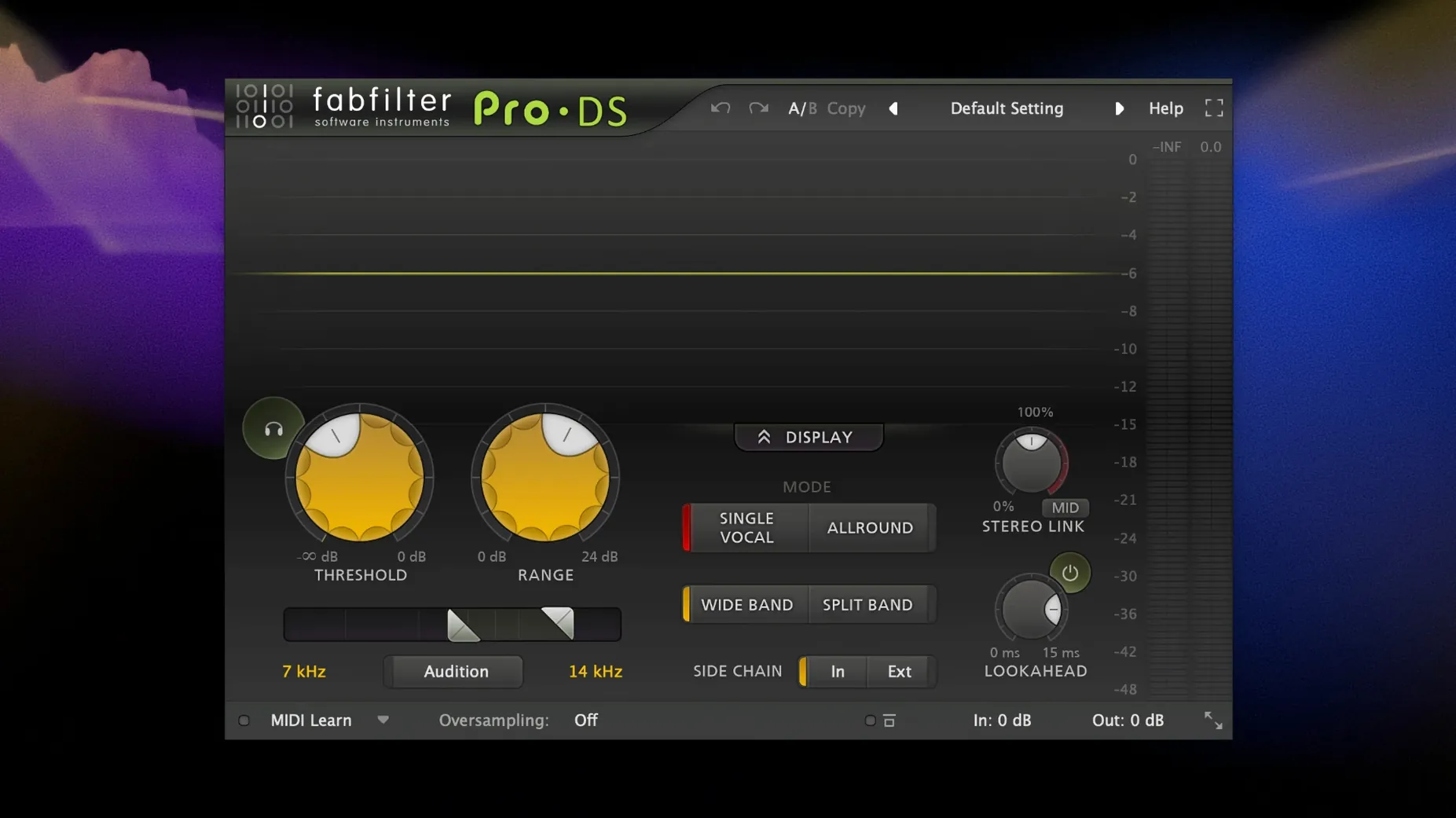
Step one was Pro-Q 4 with the dynamic band engaged. I set it to bell mode at 180 Hz, narrowed the Q to about 8, and let the dynamic threshold trigger only when the fridge overtone pushed above the actor's natural chest resonance. A static cut would have thinned his voice during the quieter lines; the dynamic band stayed transparent until it needed to work. Step two: Pro-DS 2 in wideband mode caught the sibilance the condenser mic had sharpened on the tile backsplash. I set the threshold by looping a phrase with three hard S sounds and backed it off until the gain reduction meter flickered only on the esses, not on the actor's breath intakes. Step three was Pro-G on the room tone between lines. I set the range to 12 dB rather than full gating, so the background never dropped to digital silence. The hold time stayed at 80 ms, just long enough to let the natural room decay trail off naturally. The fridge was still present between phrases, but at a level that felt like a room rather than a problem. Last in the chain, Pro-C 2 in clean mode with a 2:1 ratio and soft knee gave the dialogue a consistent body. Attack at 10 ms let the initial consonant transients through; release at 40 ms followed the natural rhythm of speech. I did not need makeup gain because the compressor was only catching the peaks the boom swing had left uneven. The actor sounded like he was still in the kitchen, just a kitchen with a quieter fridge.
Switch the Pro-Q 4 analyzer to pre-processing for a truer picture
FabFilter plug-ins ship with sensible defaults, but a handful of preferences change how they feel under your hands. I adjust these on every fresh install.
In Pro-Q 4, switch the spectrum analyser to pre-processing. Out of the box it shows the signal after your EQ curve, which looks prettier but hides what you actually need to fix. Pre-processing mode shows the raw input so you see the resonance before you cut it. While you are in the settings, enable the piano display on the frequency axis; it maps notes to the keyboard so you can identify a ringing F# from a floor tom without squinting at the numbers. In Pro-L 2, the first thing I change is the meter mode. The default shows gain reduction as a solid bar, but switching to the scrolling waveform view reveals how the limiter is reshaping transients over time. You can spot over-compression in the waveform shape before your ears register the fatigue. Set the true peak ceiling to -1.0 dBTP instead of the default 0.0. Inter-sample peaks on streaming services will punish a full-scale ceiling, and the decibel of headroom costs you nothing in perceived loudness. For Pro-R 2, open the advanced panel and reduce the modulation depth to roughly 60 percent. The default depth adds lovely movement on sustained piano and strings, but on dialogue and percussion it introduces a subtle chorusing that fights your centre image. At 60 percent the tail still breathes without wandering. In Saturn 2, immediately turn on HQ mode for any band you are driving above 30 percent. The aliasing in standard mode is not obvious in isolation, but summed across a busy mix those folded harmonics pile up in the high frequencies and harden the top end. HQ mode keeps the saturation clean above 10 kHz.
A mastering engineer's Saturday morning
Clara masters indie rock records from a treated room in her apartment. She works fast because the bands she loves cannot afford three rounds of revisions. Saturday morning she receives a six-track EP. The mixes are 80 percent there, but the low end is inconsistent across tracks and the vocal level wanders between the louder choruses and the quieter verses the band insisted on keeping intimate.
She loads the first track into her DAW and inserts Pro-Q 4 on the monitoring bus, not on the audio. A shallow 2 dB cut at 400 Hz across the entire EP gives all six tracks the same midrange pocket, compensating for the monitoring bump her room has at that frequency. She disables the EQ before export. On the actual master bus, Pro-MB handles the low end variance. She sets one band from 20 to 120 Hz with a 2:1 ratio and a slow 80 ms attack; the band only engages on the two tracks where the bassist dug in harder. The processing is invisible because the threshold catches the excess without reshaping the note attacks. For the vocal inconsistency, she inserts Pro-C 2 before the limiter in mid-side mode. The side channel gets no compression; the mid channel gets a 1.5:1 ratio with the sidechain filter set to focus on 800 Hz to 4 kHz, where the vocal energy lives. The compressor ducks the entire mid image by 1 to 2 dB on the loud choruses and stays idle on the verses, so the band's dynamics are preserved while the vocal level evens out. Pro-L 2 finishes the chain with the modern preset, pushing for -10 LUFS integrated with a true peak ceiling of -1.0 dBTP. She watches the waveform view as the chorus hits, confirming the snare transients are rounded but not flattened. The EP plays back with the same low-end weight on every track, and the vocal sits in the same pocket whether the singer is whispering or shouting. She sends the files by lunchtime.
Dynamic bands now grab transients sooner and let go cleaner
Pro-Q 4.13 brought a subtle shift I noticed within the first session. The dynamic band detection feels faster on transient material; a snare drum hit triggers the cut sooner and releases more cleanly than the previous build, which sometimes let the initial transient sneak past before the band clamped down. For everyday work this means fewer manual fader rides to catch the first millisecond of a peak. Pro-R 2.06 refined the decay curve in the small and medium room presets. Earlier versions had a faint metallic tail on close-miked vocals in the bedroom preset; the new build rolls off that ringing without changing the reverb time. I stopped reaching for a separate de-esser after the reverb. Pro-C 3.02 added a lookahead option in the clean and classic modes that was not in the initial Pro-C 3 release. With 1 ms of lookahead engaged, the compressor grabs the transient before it fully passes through, which is useful on bass guitar where the attack of the pick can spike 6 dB above the sustain. The difference is not dramatic on the meters but it is audible in the pocket; the bass sits tighter against the kick without additional EQ carving.
Clear the stale AU cache when validation hangs your DAW
One of the common issues with the fabfilter total bundle 2026 release is plug-in validation failure on older DAWs. If Logic Pro or Ableton Live hangs during the AU scan, the culprit is usually a stale component cache. Delete the com.apple.audiounits.cache file from your user Library, restart the DAW, and let it rebuild the inventory. The plug-ins validate cleanly on a fresh scan. Another snag: the Pro-R 2 interface can feel sluggish on Intel Macs when the decay visualizer is running. Disabling the visualizer in the plug-in settings restores the responsiveness without affecting the audio engine. Some users on the fabfilter total bundle v2026 build report that Saturn 2 presets do not recall modulation assignments correctly when loading a session from an earlier version. The workaround is to save your custom Saturn patches as user presets after the update rather than relying on the session recall for old instances. If a session opens with a blank modulation matrix, re-insert the plug-in and load the preset fresh. A final point that shows up in discussions about a fabfilter cracked install: the plug-in windows can appear off-screen if you previously used a multi-monitor setup that no longer exists. Holding Option while launching your DAW resets the window positions for all plug-ins. If that fails, deleting the FabFilter preference file from ~/Library/Preferences forces a full UI reset on next launch.
- macOS 10.13 or later
- Apple Silicon or Intel 64-bit Mac