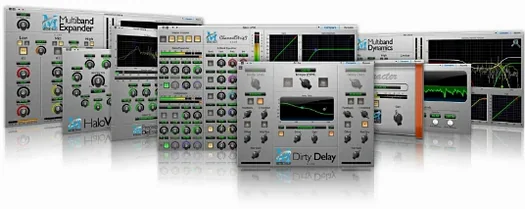
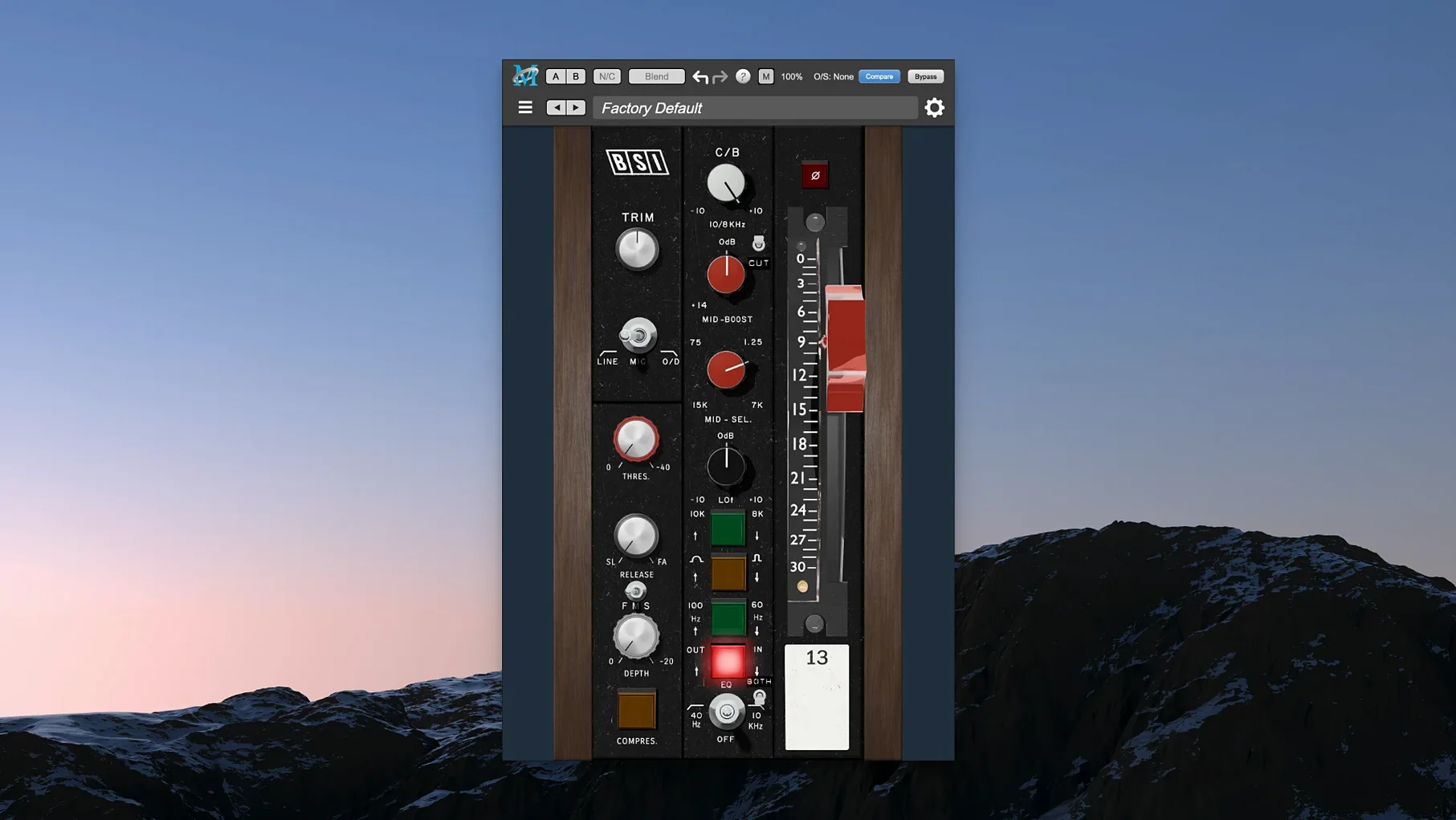
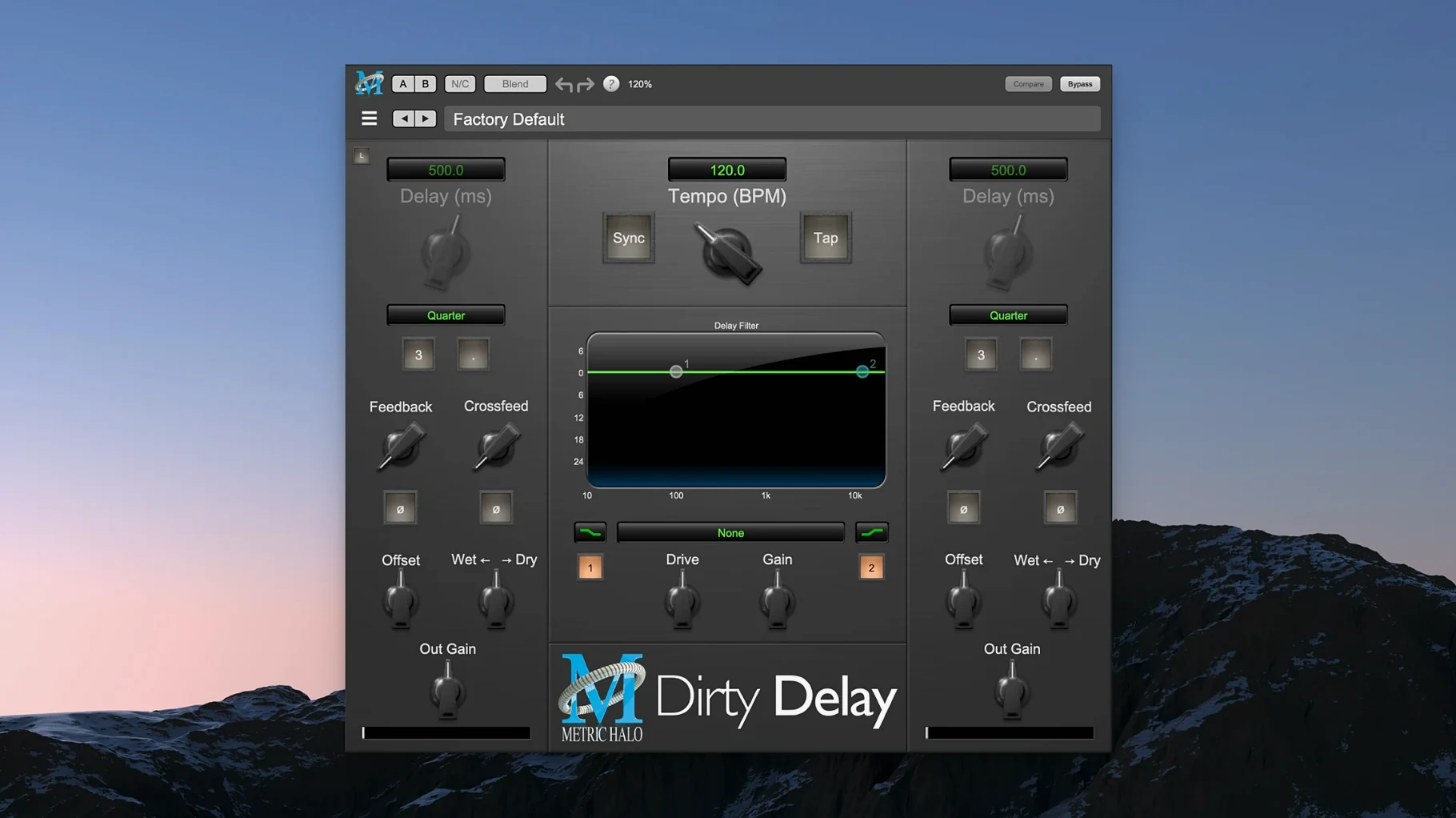
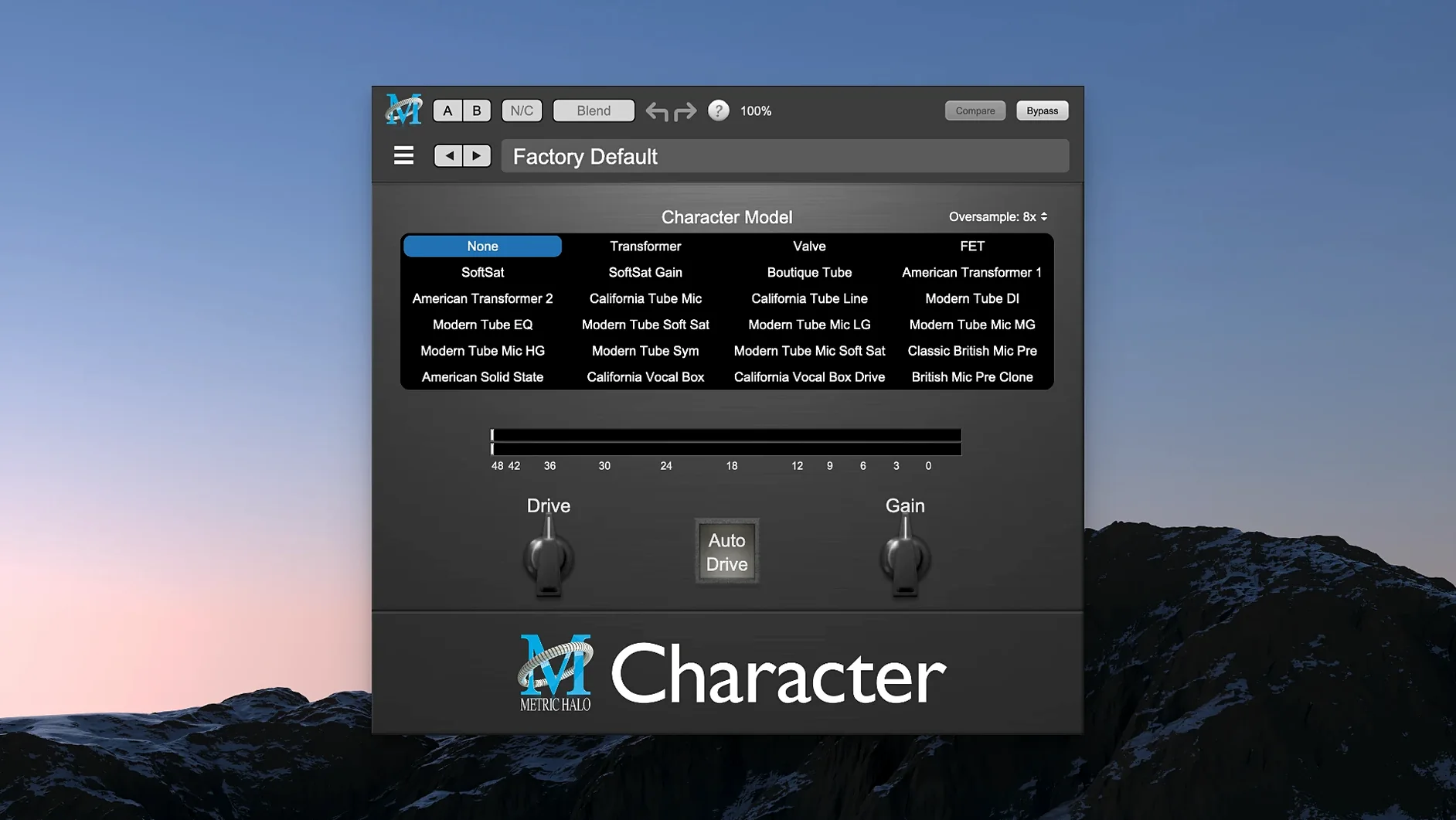
Transient Designer on the drum bus, nudging the attack of a snare that felt buried. That is where I often reach into this bundle first — not for broad strokes, but to fix one specific thing that pulls a mix sideways. The Production Bundle collects Metric Halo's processing into a single toolkit, and its character is less about console emulation than about clean, deliberate control that does not get in the way of a scene's emotional arc.
What lives on tracks and what lives on buses
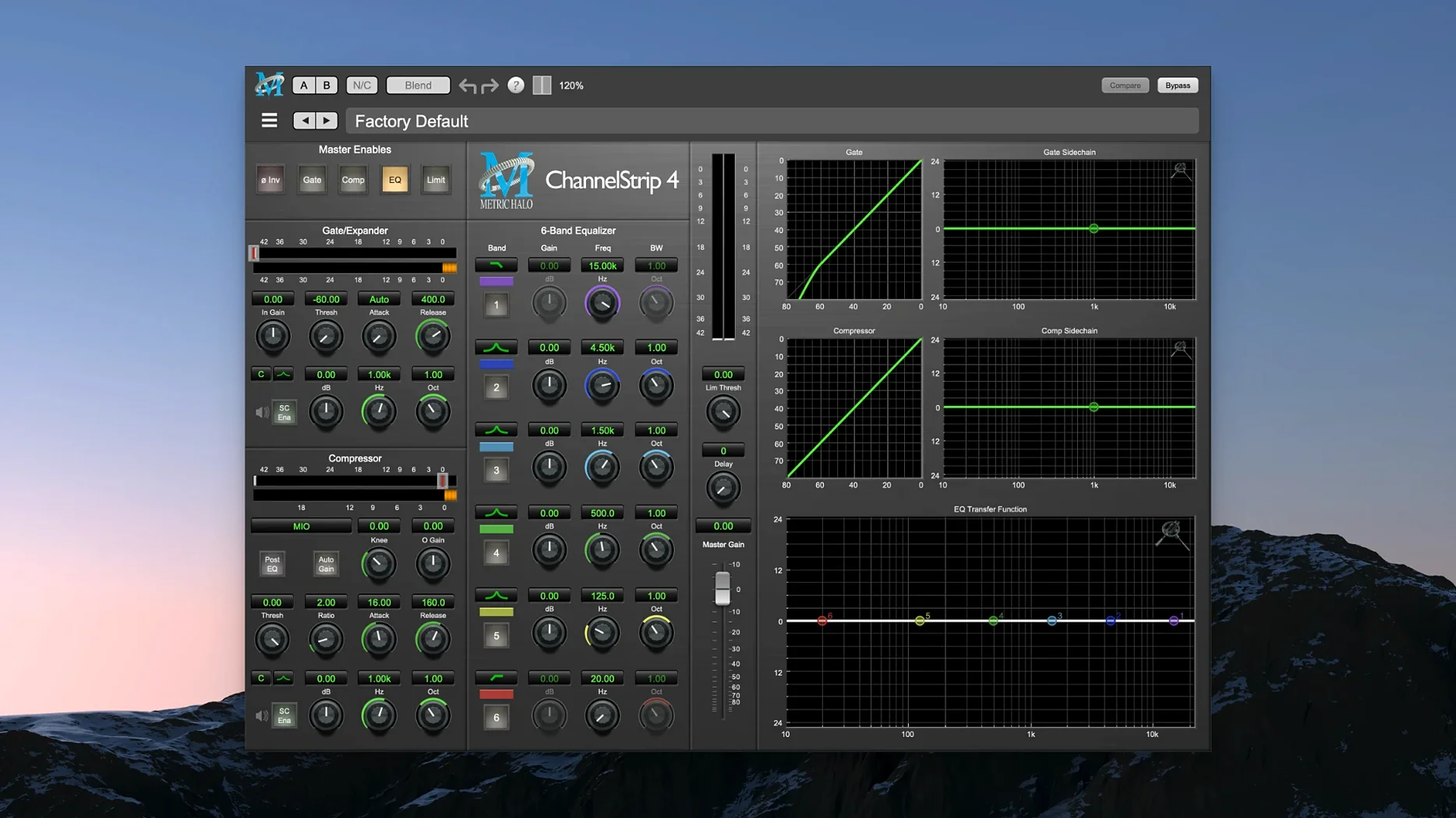
ChannelStrip tends to sit on individual tracks: a full channel strip with a four-band EQ, a compressor/limiter, a gate/expander, and sidechain routing that I lean on for dialogue cleanup in my shorts. MIOStrip is its leaner sibling — same core idea, fewer CPU cycles, useful when a session is already heavy with picture and sound design layers. Precision De-Esser handles sibilant dialogue without dulling the air around it, which matters when a whispered line has to carry tension. On the low end, Thump works differently than a standard EQ boost; it synthesizes subharmonic content, adding weight to footsteps or a room tone that needs to feel threatening without muddying the mix. HaloVerb, the algorithmic reverb, lands on a send — a short tail for Foley, something longer for a score stem that needs distance.
The mastering chain, when a short is picture-locked
Once the edit is final and the stems are printed, ChannelStrip moves to the master bus. Its metering is detailed enough to catch peaks I missed during the creative mixing stage, and the compressor's character stays transparent unless I push it. That transparency is the bundle's signature: tools that solve problems without imposing a sonic fingerprint. A film mix needs to translate from headphones to a small theatre, and the bundle's low CPU footprint means I can keep it on the monitoring chain while rendering picture without fear of dropouts.
What the point releases actually changed
Version 2025.05 did not announce itself with a splash screen or a redesigned interface. What arrived instead was a quiet reworking of the rendering pipeline on Apple Silicon that showed up in practical terms: sessions that used to beachball momentarily when opening the ChannelStrip window on a dense mix now open instantly. The plug-in windows draw at the native refresh rate of the display, which sounds like marketing until you spend an afternoon automating EQ bands and realize the knobs no longer lag behind the mouse cursor. Small thing, but it makes the difference between staying in the flow and drifting out of it.
Under the hood, the developers re-tuned the denormal handling for ARM processors. In everyday use, that means silent tracks with heavy plug-in chains no longer chew CPU cycles on near-zero signals — a detail that matters most during playback gaps in a film mix, where a dozen muted dialogue tracks used to keep the fans spinning for no reason. The bundle also gained better multi-instance memory sharing, so loading five instances of HaloVerb across five send channels now reuses the same impulse buffer instead of duplicating it.
Drag the sidechain filter to 300 Hz for a smarter gate
ChannelStrip's gate section has a sidechain filter tucked into a dropdown that many users overlook. Dragging it up to around 300 Hz turns the gate from a blunt broadband tool into something that opens only on the body of a vocal, ignoring footsteps and low room rumble. On a film dialogue track, that single move cleans up more than a full pass with a noise reduction plug-in — and it is right there on the channel you are already using.
Thump has a wet/dry blend that works differently from a typical mix knob. It crossfades between the synthesized subharmonic and the dry signal using an allpass phase alignment, so there is no comb filtering when you dial it back to thirty percent. Useful on a score stem where you want the low strings to feel heavier without sounding like you added a separate sub-bass track. The blend range goes from zero to one hundred percent in one-percent increments — narrower than a typical fader, but it is the right resolution for the job.
HaloVerb's early reflection section can be collapsed entirely, leaving only the late diffuse tail. Hold Option while clicking the early reflection level fader and it snaps to minus infinity. Same modifier works on the modulation depth controls across most of the bundle — a quick way to zero out settings without hunting for the default button.
Interface stays legible on P3 displays thanks to color profile detection
The bundle reads the systemwide color profile on launch, which keeps the interface legible on the P3 displays of newer Macs without washing out the metering. It also respects macOS audio routing, so an aggregate device set up in Audio MIDI Setup appears in the plug-in's sidechain picker without additional configuration — handy when you are using a separate interface for talkback and need to duck the monitor feed from within the DAW.
AUv3 is not part of the picture, which keeps the focus on the desktop DAW environment — Logic Pro, Reaper, and Digital Performer all load the bundle without sandboxing oddities. In a film post workflow, I often run ChannelStrip inside Logic while simultaneously referencing stems in IINA or another media player via BlackHole routing; the plug-in does not fight the system for audio priority, which is a low bar but one that not everything clears. With the metric ab torrent floating around the community, more people are discovering that the bundle's Apple Silicon optimization holds up under real session loads, not just in spec sheets.
Thump and ChannelStrip together form a deceptively capable sound design chain when paired with the Finder's column view for dragging in field recordings. Drop a footstep file onto a track, insert ChannelStrip for high-pass and compression, follow with Thump at a low blend setting, and you have weight and presence in under a minute — no sample library browser required. The plug-ins stay out of the way of that impulse-driven workflow, which is what makes the bundle feel at home on a filmmaker's machine rather than just an engineer's.
- macOS 11 or later
- Apple Silicon native
Questions from the booth
The Precision De-Esser is built specifically for reducing sibilance in vocal tracks, and it preserves the natural air around the performance.