Editors and composers who finish their own audio tracks reach for this bundle when the mix feels almost there but won't translate across a phone speaker, a cinema array, and a laptop. Mastering The Mix packs ten plugins into a single toolkit, each addressing a specific problem that crops up late in a project — harsh frequencies hiding in dialogue, low-end that balloons on a subwoofer, a master that never quite matches the loudness of a reference cue.
Runs natively on Intel and Apple Silicon across every major DAW
The bundle runs on macOS 10.15 and later, with native support for both Intel and Apple Silicon processors. Plugins ship as VST, AU, and AAX, so they slot into Logic Pro, Ableton Live, Pro Tools, and most other DAWs without bridging. All ten tools — FUSER, REFERENCE, RESO, BASSROOM, LIMITER, MIXROOM, EXPOSE 2, LEVELS, ANIMATE, and FASTER MASTER — share a common installer and a single activation path. The interface language is English throughout, with large, readable metering that stays legible on a MacBook display during late-night sessions.
How the tools shape a mix
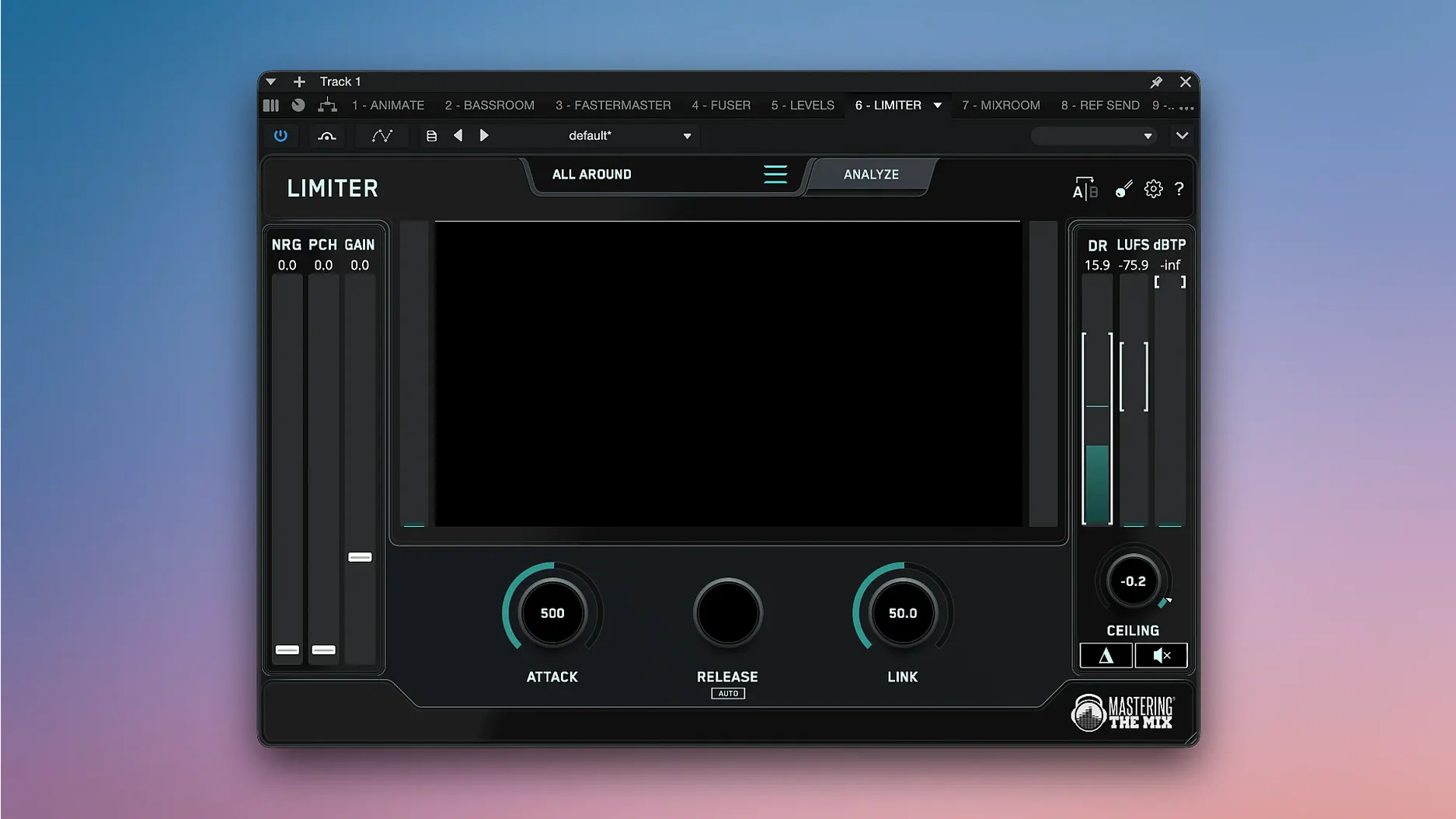
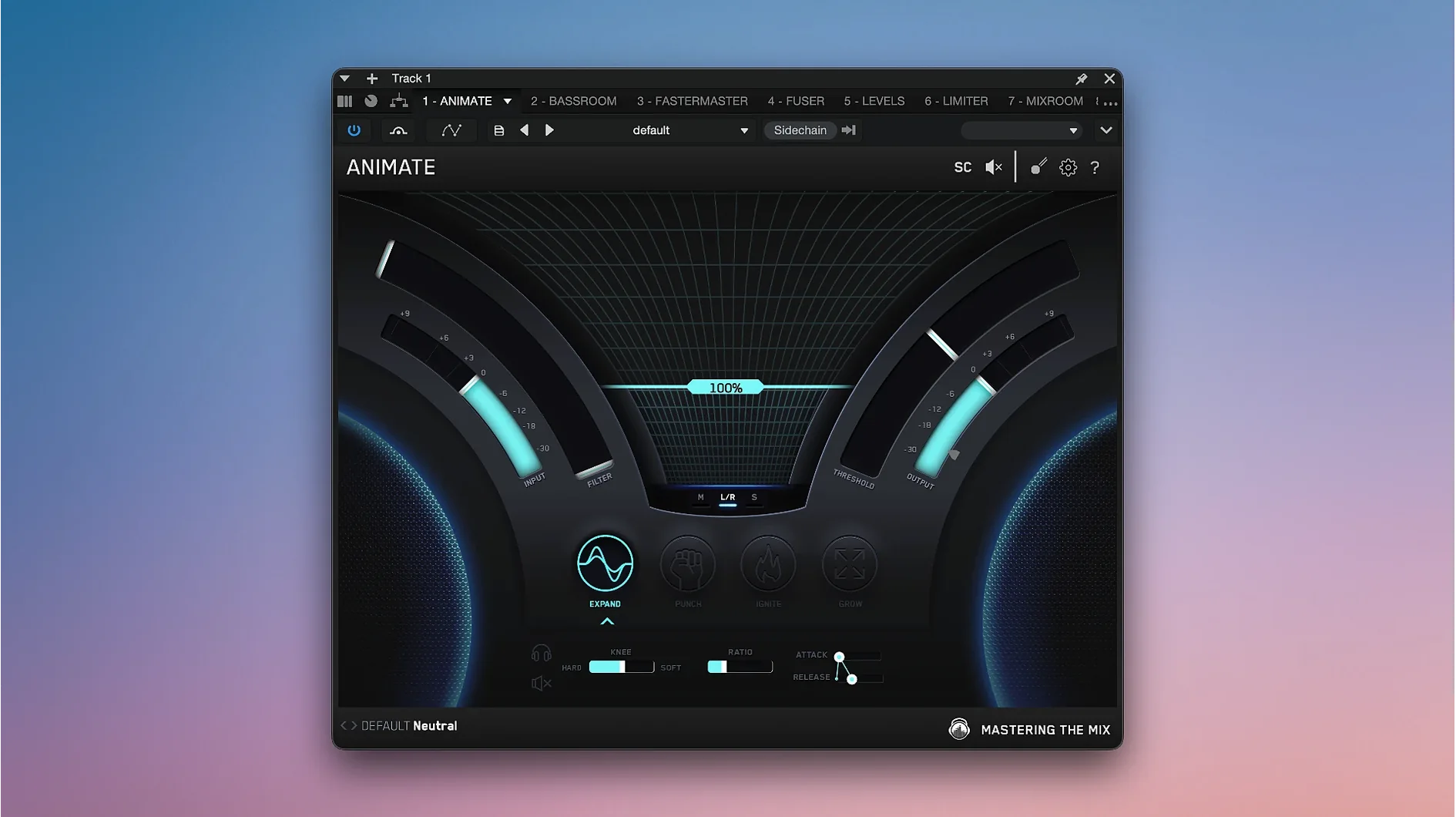
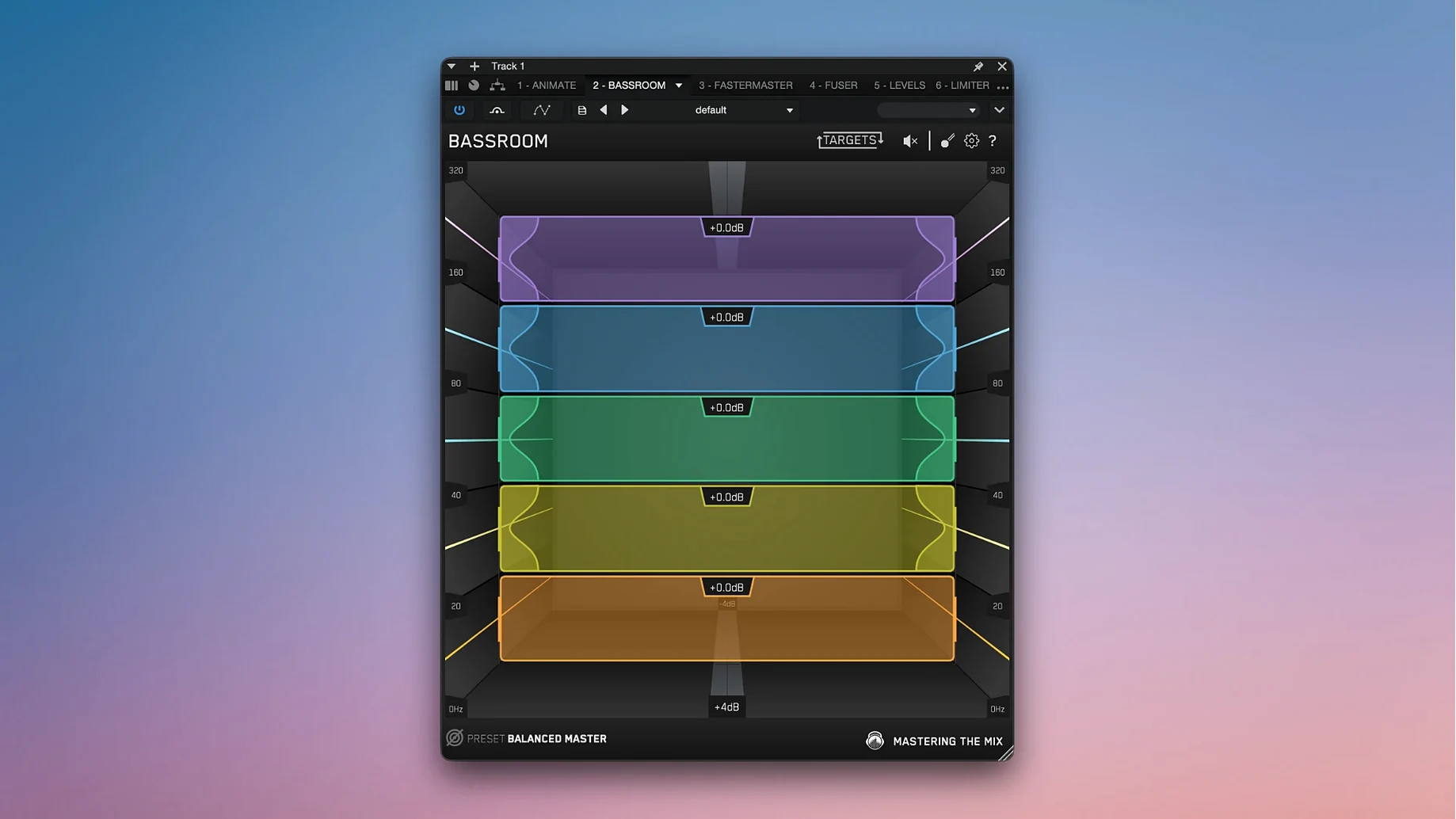
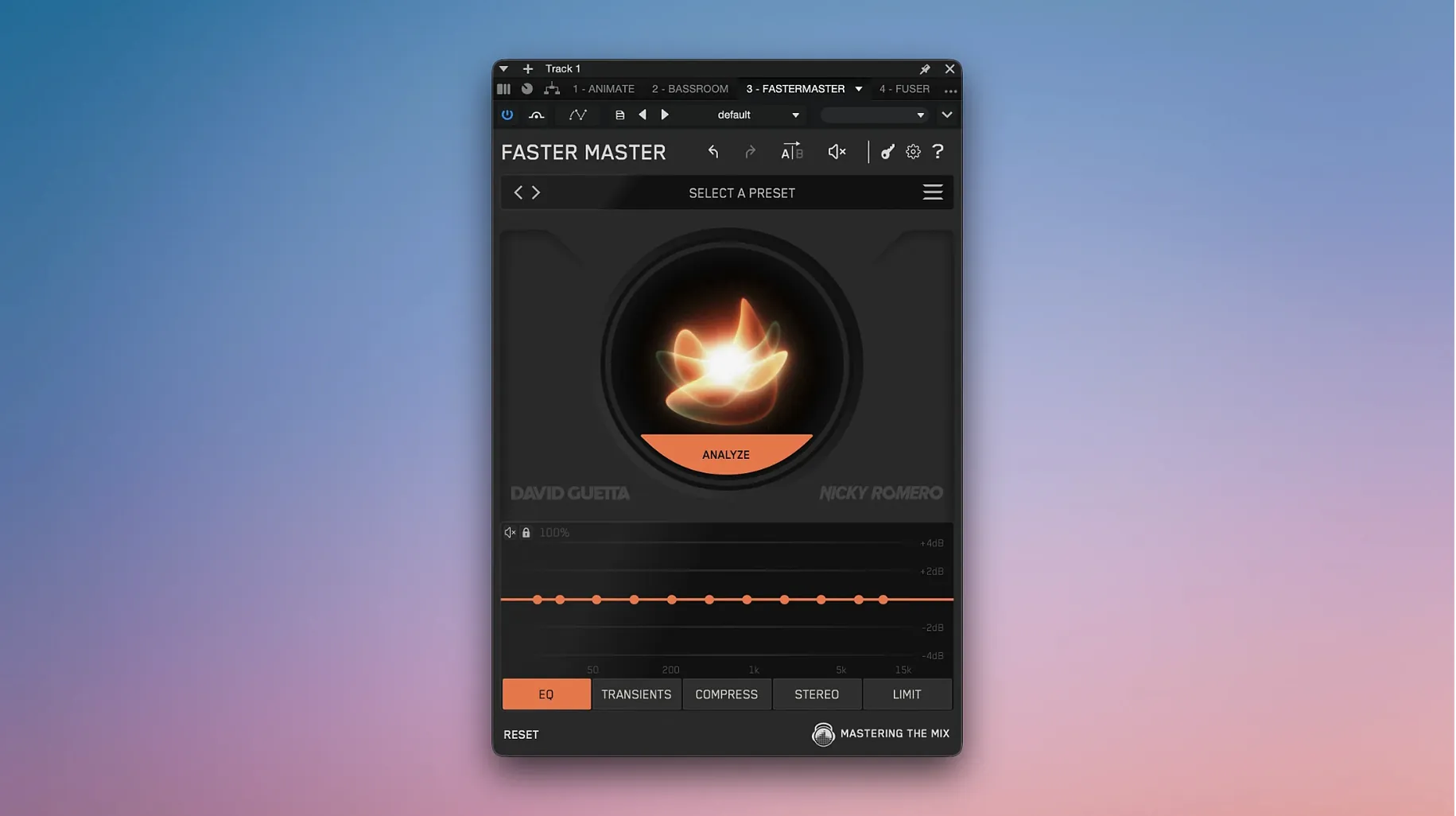
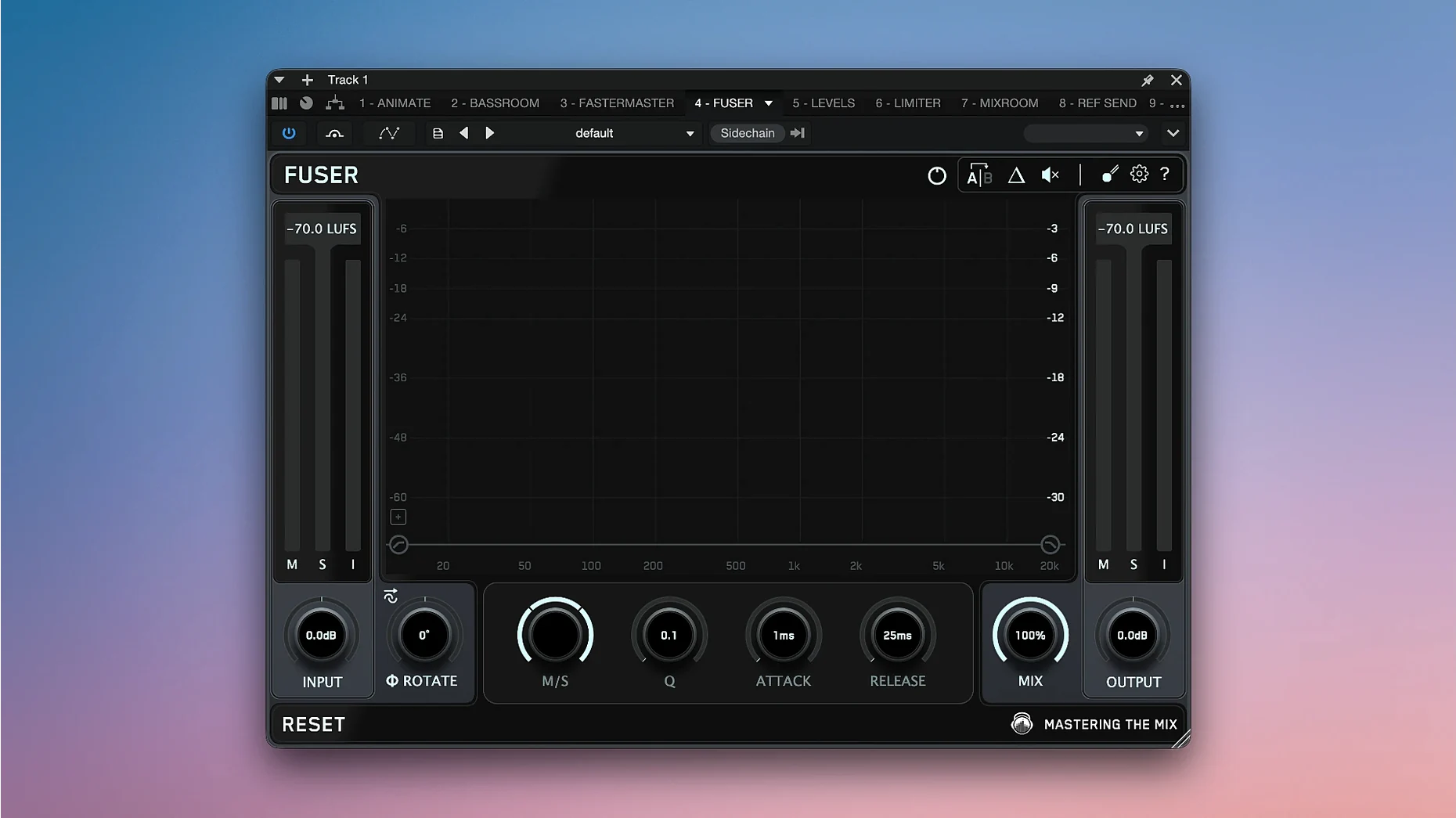
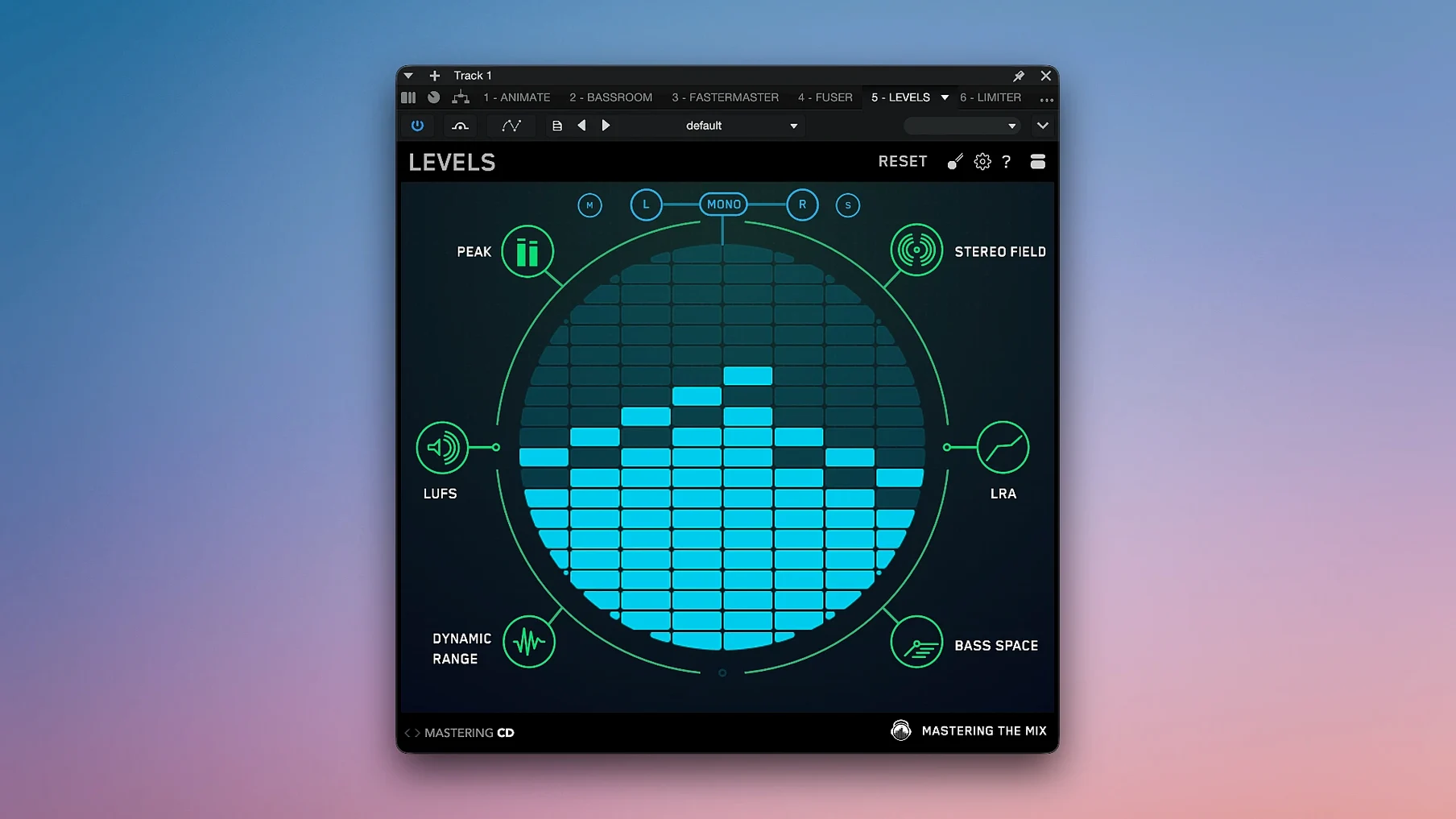
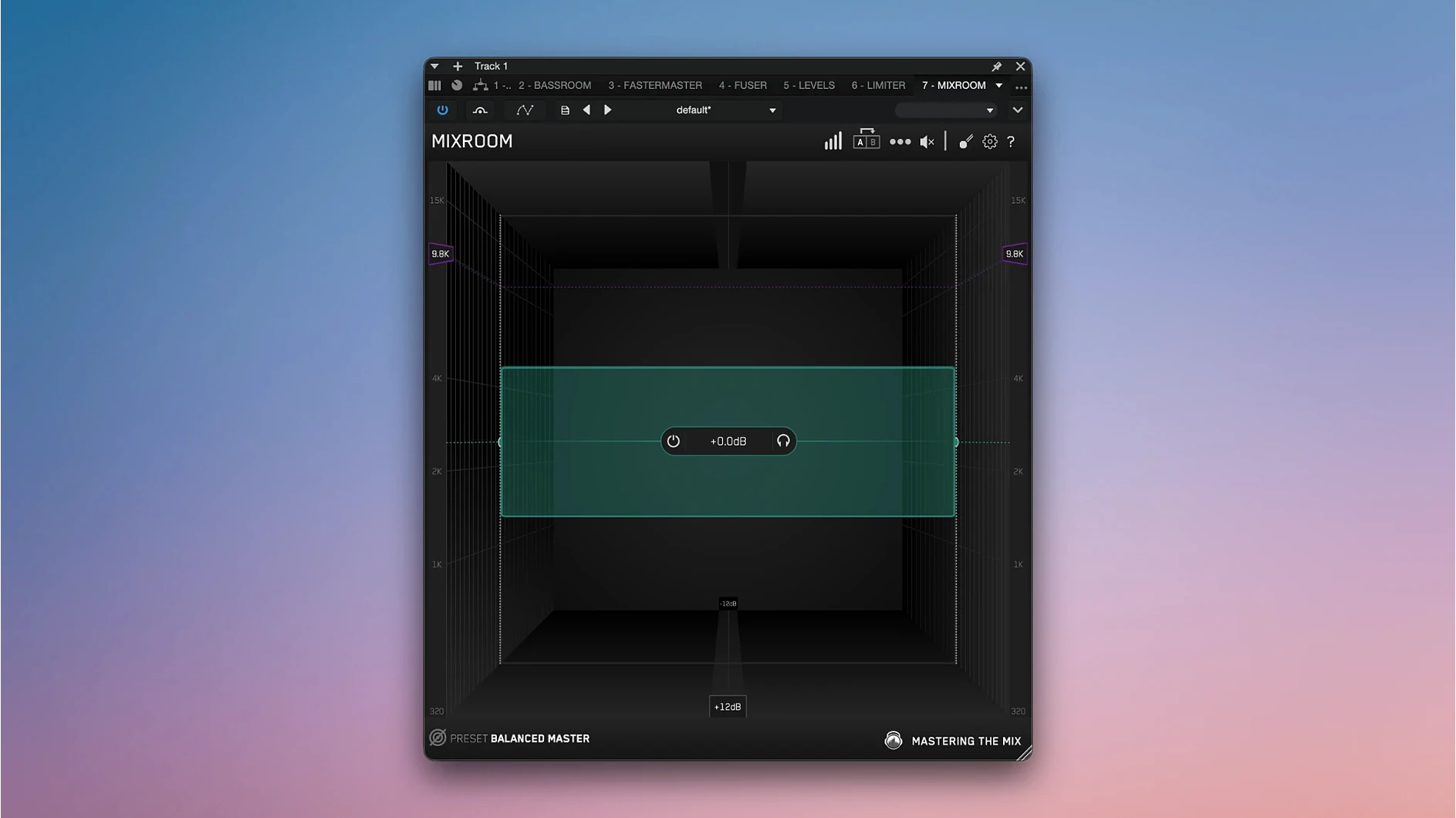
FUSER locates frequency clashes between layered sounds — a synth pad and a dialogue stem fighting around 300 Hz, for instance — and suggests cuts before they accumulate into mud. RESO scans for harsh resonances, the kind that turn a room-tone recording into something abrasive on earbuds. LEVELS gives you a metering view of headroom, stereo spread, and dynamic range, while EXPOSE 2 handles final quality control before export. When you need to match the weight of a commercial track, REFERENCE overlays your mix against a chosen master, and BASSROOM helps translate low-end decisions across playback systems. LIMITER and FASTER MASTER analyze the full track and propose settings, useful when you need a quick second opinion on loudness and tonal balance. MIXROOM and ANIMATE round out the set with channel-level shaping and movement tools that keep a static mix alive without overcooking it.
Enable REFERENCE’s hidden level-match before trusting what you hear
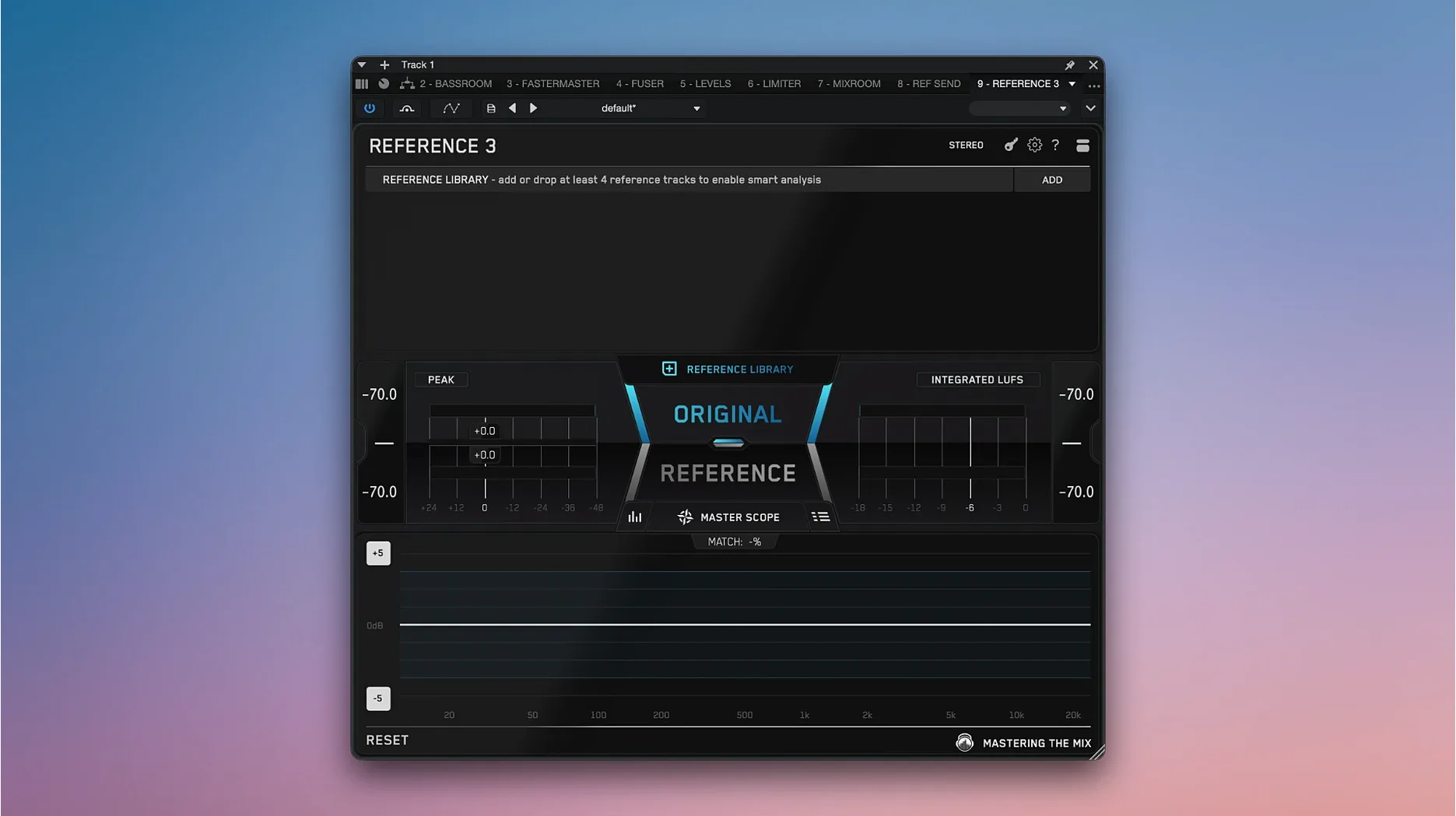
Out of the box, most of the plugins load with sensible defaults, but a few toggles reward attention before you start pulling faders. In REFERENCE, the match level button sits off by default — enable it so the plugin compensates for loudness differences between your mix and the reference track, otherwise every comparison gets skewed by Fletcher-Munson trickery. BASSROOM ships with a broad target curve; narrowing the frequency range to 30–200 Hz keeps the suggestions relevant for film work where sub-bass below 30 Hz is more liability than asset. EXPOSE 2 defaults to a conservative peak warning threshold. If you deliver to streaming platforms, lower it by one decibel and turn on the true-peak alert — catches inter-sample clipping that a standard meter misses. LEVELS presets for CD, Club, Streaming, and YouTube each impose different loudness targets, so pick the preset that matches your output destination before reading the meters, not after.
These plugins won’t fight iZotope or FabFilter in the same session
Can the bundle run alongside other plugin suites like iZotope or FabFilter without conflicts? Yes. The plugins load as standard VST, AU, and AAX formats and coexist without issue in any modern DAW session. No special routing or host configuration is needed.
Does the 2026.09.11 build work on old Intel rigs still running Catalina? It does — macOS 10.15 is the floor, and the installer delivers universal binaries that run natively on Intel and Apple Silicon, so a 2019 MacBook Pro on Catalina handles the full bundle without Rosetta translation.
Are these tools useful beyond music? Very much so. Dialogue editors use RESO to tame ringy room resonances in location sound, and LEVELS catches stereo-imbalance problems in video mixes before they embarrass someone at a screening. The metering and spectral tools translate directly to post-production workflows. When someone searches for a Mastering The Mix Bundle torrent Mac to test the suite before committing, they often discover ten plugins that settle into a film scoring template as naturally as they do on a mastering desk.
- macOS 10.15 or later
- Intel or Apple Silicon Mac
- VST, AU, or AAX-compatible host
Questions from the booth
FUSER is designed to identify and resolve frequency clashes between layered sounds, helping clear up mud in a busy mix.
FASTER MASTER analyzes a full song and suggests master settings, while LIMITER acts as an intelligent mastering plugin that analyzes audio and proposes its own settings.
REFERENCE allows you to compare your mix directly with reference tracks, making it easier to match tonal balance and loudness.