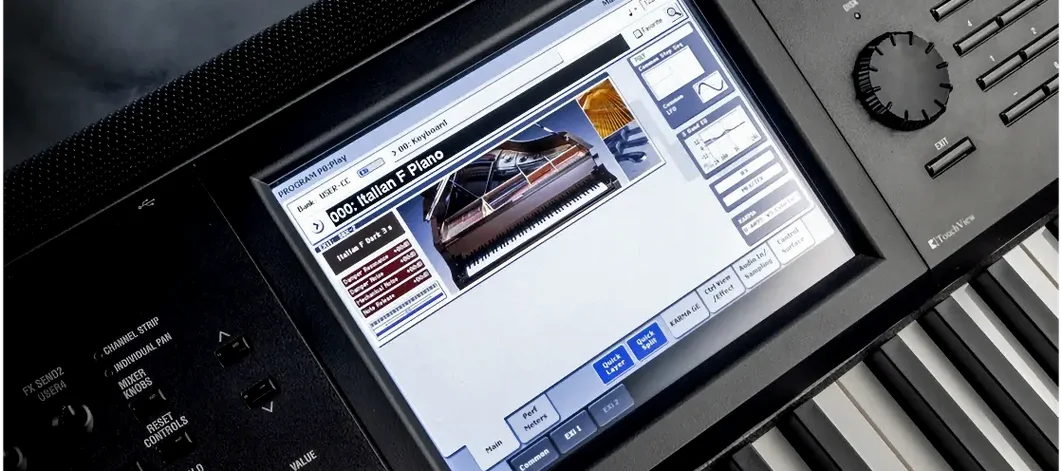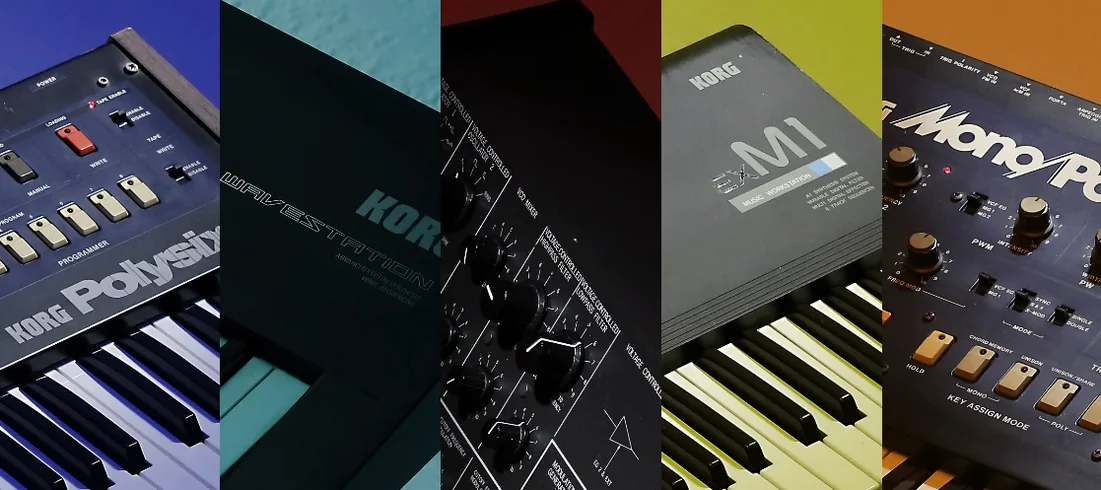
If you've spent time with KORG's M1 or Wavestation plug-ins, you already know the shape of their software recreations: the original ROM, the original architecture, rendered inside a clean modern frame. The TRITON plug-in follows that same philosophy, but the instrument it carries forward is a different beast. Where the M1 was a studio staple, the TRITON was a production hub — a workstation that became the centre of a room for a decade.
What the engine brings to a mix
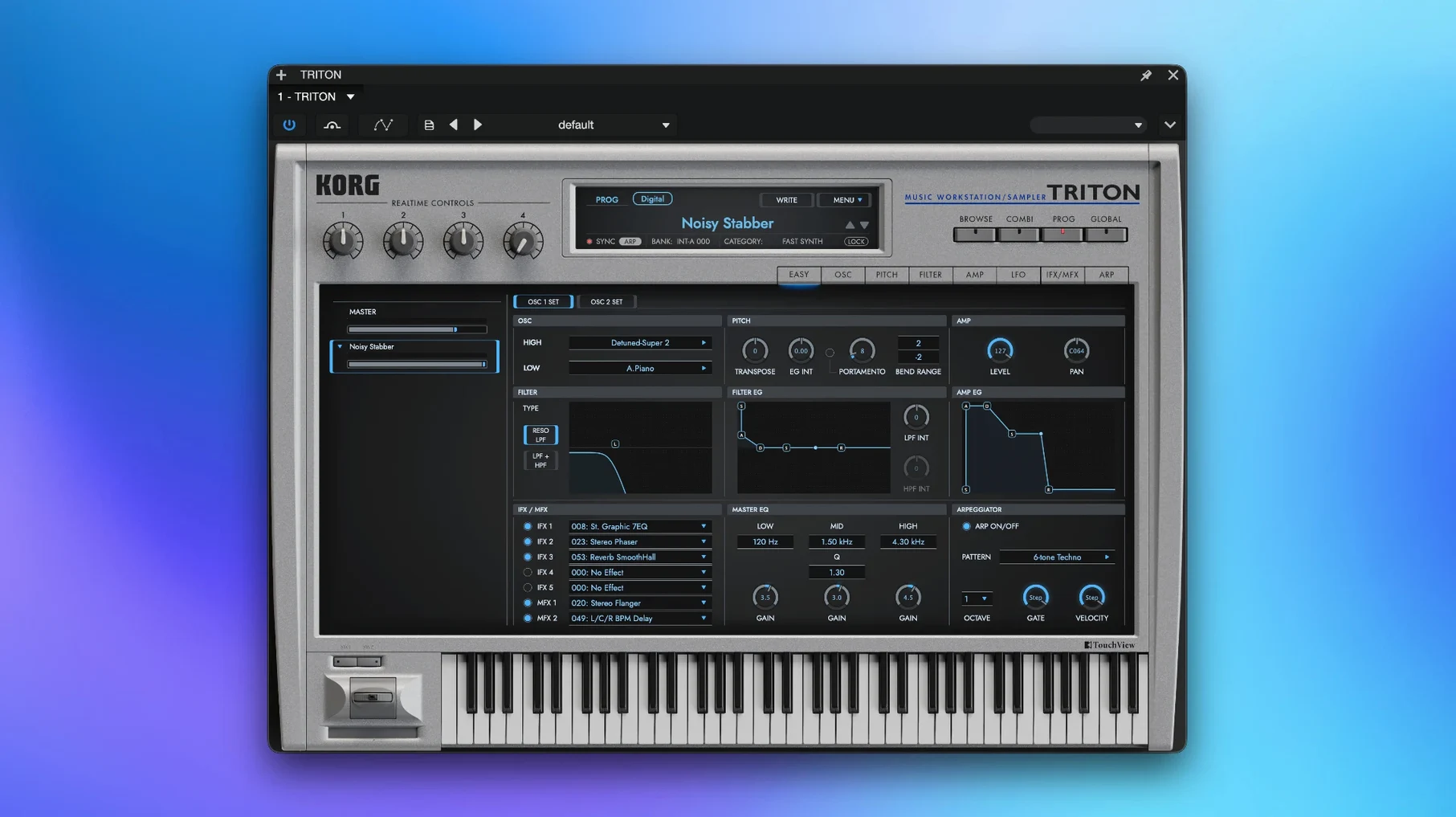
At its core sits the HI synthesis system, with PCM samples captured at 48 kHz feeding two resonant filters — a setup that could turn a polite string pad into something serrated and glassy in seconds. The plug-in preserves that signal path exactly, then adds the full effects architecture from the hardware:
- five insert effects for individual tracks
- two main effects for overall ambience and motion
- a master EQ for carving the final tone
More than four thousand starting points
The sound library spans the original TRITON and the TRITON Extreme, with over 4,000 patches that still carry the imprint of late-nineties and early-2000s production. Combis layer up to eight timbres across the keyboard, so a single held chord can pull in a sub oscillator, a rhythmic gate pattern, and a distant bell tone all at once. On an Apple Silicon Mac, the whole instrument loads as a single window, no wrappers or translation layers — just the sound engine running at full resolution, ready to sit under a vocal or swallow a mix whole.
A combi, rebuilt for a scene
Late in a short film mix, I needed a cue that would sit under dialogue without fighting it — something with motion but no obvious melody. The TRITON's combi mode turned out to be the fastest route. I started from a factory combi that layered a muted electric piano with a soft pad and a faint arpeggiated bell. Four of its eight timbre slots were already working, so I muted two and kept the pair that felt least intrusive.
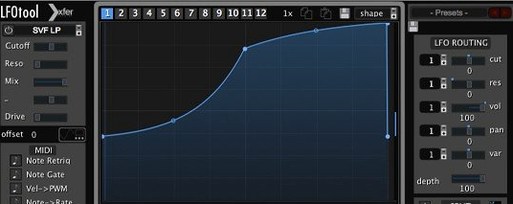
From there it became a matter of narrowing the keyboard range. The bell timbre sat too high, so I pulled its top zone down to C5 and let the pad carry everything below. A slow LFO on the pad's filter cutoff gave the chord a breathing quality — subtle enough that it read as air movement rather than an effect. The insert chain did the rest: a touch of chorus on the bell, a compressor across the combined output to keep the level steady under the scene's footsteps and room tone.
Pull 250 Hz down to unbox the low mids
A few defaults are worth adjusting the moment the instrument opens. The master EQ ships flat, and on a dense combi it can leave the low mids feeling slightly boxed. Pulling 250 Hz down by two or three decibels opens the sound up without thinning the bass. If you're running the standalone build, check the buffer size against whatever audio interface is connected — the TRITON responds well to lower latencies, but a too-aggressive setting will introduce clicks on fast arpeggios.
Also worth a look: the velocity curve. The factory setting leans toward the heavier side, which suits hardware controllers with light actions. On a weighted keyboard, switching to a lighter curve restores the snap of the original's aftertouch response. And if you plan to record combis into a DAW, set the plug-in to multi-output mode before you start routing — retrofitting it later means re-assigning timbres one by one.
The first days with the instrument
Give yourself an afternoon with the combi section before diving into single programs. Combis reveal the architecture faster than any manual, because you can mute and unmute timbres while a chord rings out and hear exactly what each layer contributes. Pick a factory combi you would never use in a finished piece, then strip it down to one timbre and rebuild it with three others from different categories. The process teaches you the zoning system in minutes.
Keep a notebook of patch numbers that surprise you. The library is deep enough that the search function will surface things you forgot existed, and a note like "bell with slow attack, works under dialogue" saves more time than it costs. On the Mac side, the standalone version remembers its last window size and MIDI routing, so you can set up a template with your controller and not think about it again.
Three KORG synths, three distinct frequency pockets
The TRITON works well alongside other KORG Collection instruments in the same session. An M1 patch for percussive attack, a Wavestation pad for evolving texture, and the TRITON for low-end weight and combi motion — the three occupy different frequency ranges without stepping on each other. In a DAW, the plug-in's VST version slots into any track like a native effect, and AU support means Logic users can load it without a wrapper. Some producers hunting for older versions run into mentions of KORG TRITON crack or KORG TRITON torrent searches, and those builds can run smoothly once you verify the disk image and set your DAW's plugin sandbox permissions correctly.
macOS integration goes beyond the DAW. The standalone app appears in Spotlight like any other program, and MIDI Bluetooth devices connect without extra configuration. If you use an aggregate audio device to route output to a second interface, the TRITON respects that routing — useful when a cue needs to hit a separate monitor path for the director's room. It also plays kindly with macOS's built-in screenshot tools, which matters more than it sounds when you want to capture a patch's settings and paste them into a session note.
- macOS 11 or later
- Apple Silicon or Intel x86 64-bit processor
Questions from the booth
Yes, the software includes sounds from both the original TRITON and the TRITON Extreme, with more than 4,000 patches in total.
It features two filter types from the original HI synthesis engine, which can be run in series or parallel within a patch.
Yes, version 1.4.7 supports Apple Silicon natively alongside Intel x86 64-bit Macs, requiring macOS 11 or later.