A mix can feel right in the studio and fall apart everywhere else. That disconnect between what you hear in your room and what actually translates is where broad-stroke EQ decisions get made too late. Tonal Balance Control 3 puts a spectral reference directly in your session, so the guesswork shrinks before you print a master.
Where the plugin fits
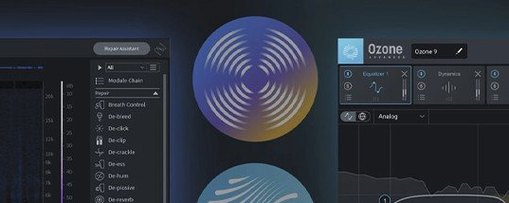
It loads as a VST3, AU, or AAX insert, sitting at the end of your master bus or anywhere you need a long-lens view of a track. The plugin talks directly to Ozone and Neutron equalizers, letting you adjust bands from inside the Tonal Balance interface. A companion utility called Relay rides on individual channels, feeding gain, pan, and stereo imaging data upstream so the metering reflects the whole session, not just the bus it is parked on. Version 3 also ships as a standalone desktop app for Apple Silicon and Intel Macs running macOS Sonoma 14.7 through Tahoe 26.1.
Reading the curves
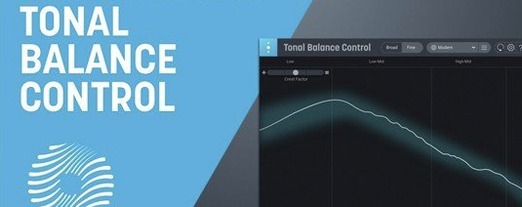
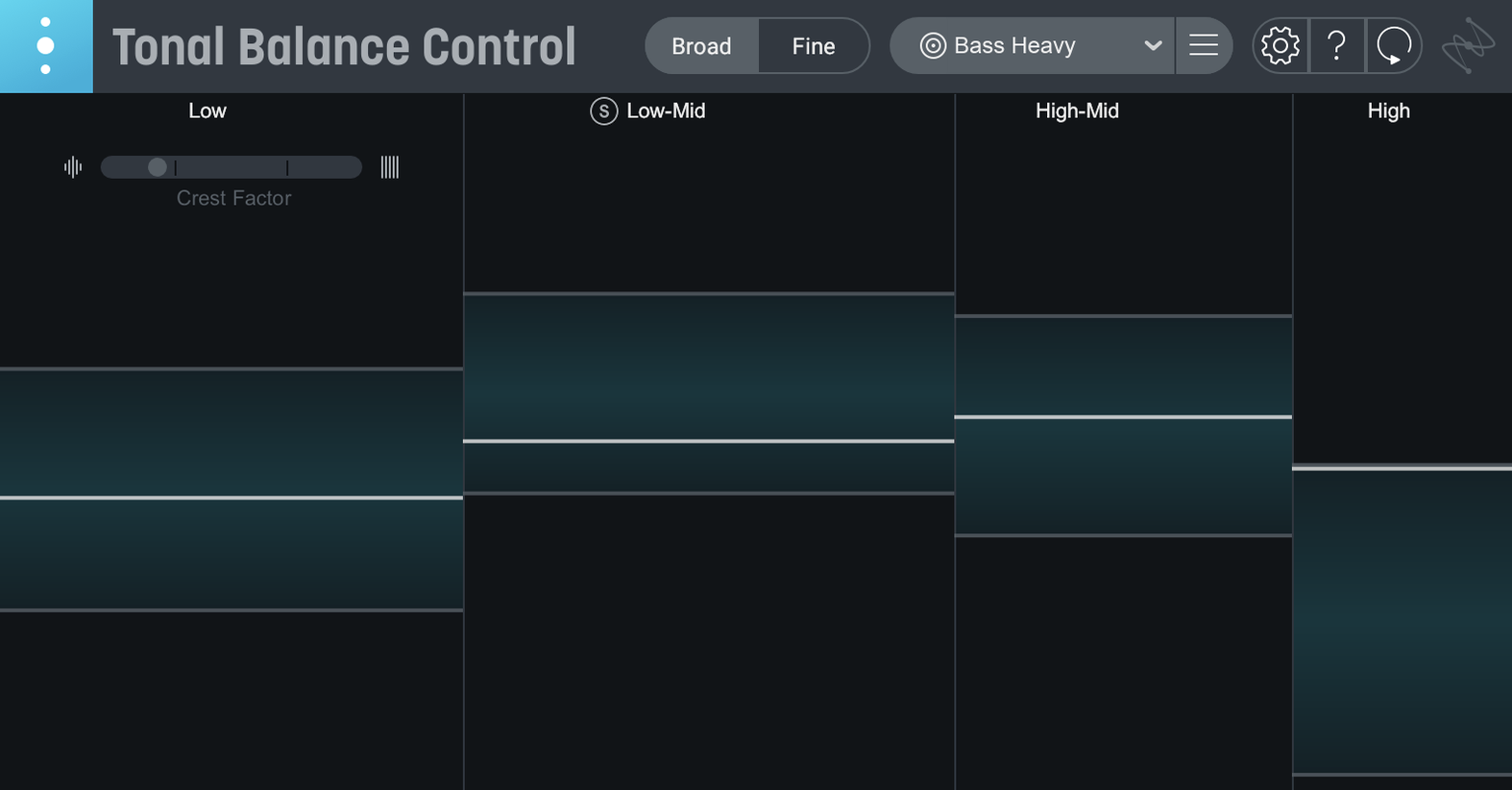
Twelve genre curves ship with the plugin, drawn from aggregate analysis of commercial masters. Your real-time spectrum overlays the target as a fluctuating line, colour-coded by frequency band. When the line drifts outside the shaded reference zone, the band turns bright — a gentle nudge rather than an alarm. The new hybrid EQ built into version 3 lets you shape those corrections without leaving the window, and extra meters now track vocal presence, dynamic range, and stereo width alongside the core tonal readout.
A flat or erratic curve often means Relay is missing upstream
A common head-scratcher is opening the plugin on a bus and seeing a flat or erratic curve that does not match what the ears report. The cause is almost always that Relay is missing from one or more tracks upstream. Tonal Balance Control reads what Relay sends it, so even a single un-metered aux return or a hidden folder track can skew the whole picture. Dropping Relay as the last insert on every active channel — including effects returns — usually sorts it within seconds.
Another point of friction is the hybrid EQ feeling unresponsive when clicking a band node. The plugin needs to locate a compatible iZotope equalizer in the session before it can hand off adjustments. If Ozone or Neutron is not instantiated on the target track or bus, the EQ controls remain greyed out. Inserting any modern Ozone or Neutron EQ upstream, then re-opening the Tonal Balance window, restores the link.
Custom reference curves sometimes load with an offset that makes the analysis line sit consistently above or below the target. This typically happens when the reference file was exported at a different loudness level than the current session. Running the reference through a loudness-normalized bounce before importing it as a custom curve produces a cleaner overlay. People working across multiple studios also report that switching audio device sample rates with the standalone app open can freeze the meter briefly — closing and relaunching clears it.
Open stems or reference tracks without launching your DAW first
The initial 3.0.0 release rewired the workflow in a few practical ways. The standalone app means you can analyze stems or reference tracks without launching a DAW, which turns out to be quietly useful when you are prepping files or comparing a mix against a commercial master on a laptop away from the studio machine. The quick-import path from version 2 custom curves saved a lot of manual rebuilding for early adopters — feed it the old curve file and it populates without extra dialogue.
The vocal balance, dynamics, and stereo width meters are the most visible additions inside the session. Where version 2 kept you focused purely on spectral tilt, version 3 gives a parallel read on whether the vocal is sinking into the midrange, whether the crest factor is tightening up too much, or whether the sides are ballooning in a way that collapses in mono. The hybrid EQ wraps those observations into action: you spot a low-mid buildup on the tonal curve, reach for the built-in band, and shape it without ever switching windows to the full Ozone interface.
Fluid real-time spectrum on Apple Silicon, even at tight buffer sizes
On Apple Silicon machines the plugin loads briskly and the real-time spectrum refresh feels fluid, even at buffer sizes where older spectral analyzers start to stutter. Intel Macs running Sonoma 14.7 hold their own, though the meter redraw can lag slightly in dense sessions above eighty or ninety tracks — pausing the analysis and resuming it once the heavy editing pass is done keeps things snappy. Memory pressure stays modest; the plugin and a few Relay instances together rarely push beyond what a typical mixing session already consumes.
The standalone app is lightweight on launch and does not fight for audio device access the way some bridge applications do. It releases the driver cleanly when you switch back to the DAW, which keeps the daily back-and-forth frictionless. Across a long day of referencing and tweaking, the plugin has not shown a tendency toward gradual CPU creep — it holds steady where it starts. If you are hunting a clearer read on how a mix translates, the combination of real-time tonal balance control, vocal dynamics metering, and the built-in EQ makes for a session tool that earns its place on the master bus without turning into a resource drain.
If you are moving up from Tonal Balance Control 2, the quick-import path pulls in your custom curves without rebuilding them from scratch.
The initial release of Tonal Balance Control 3 arrived on March 17, 2026, shipping as a standalone desktop app alongside the plugin formats. A built-in hybrid EQ now handles corrective moves from inside the metering window, and three extra meters track vocal balance, dynamics, and stereo width across the session.
- macOS Sonoma 14.7, macOS Sequoia 15.4, or macOS Tahoe 26.1
- Apple Silicon or Intel processor
- Interface language: English