You bring up a thin synth line and the arrangement feels polite, so you reach past the EQ for something that will push it sideways. The Komplete FX Bundle lands as a sprawling toolkit of modulation, distortion, and spatial effects—each plug-in built around a handful of controls that make you work with your ears rather than a manual.
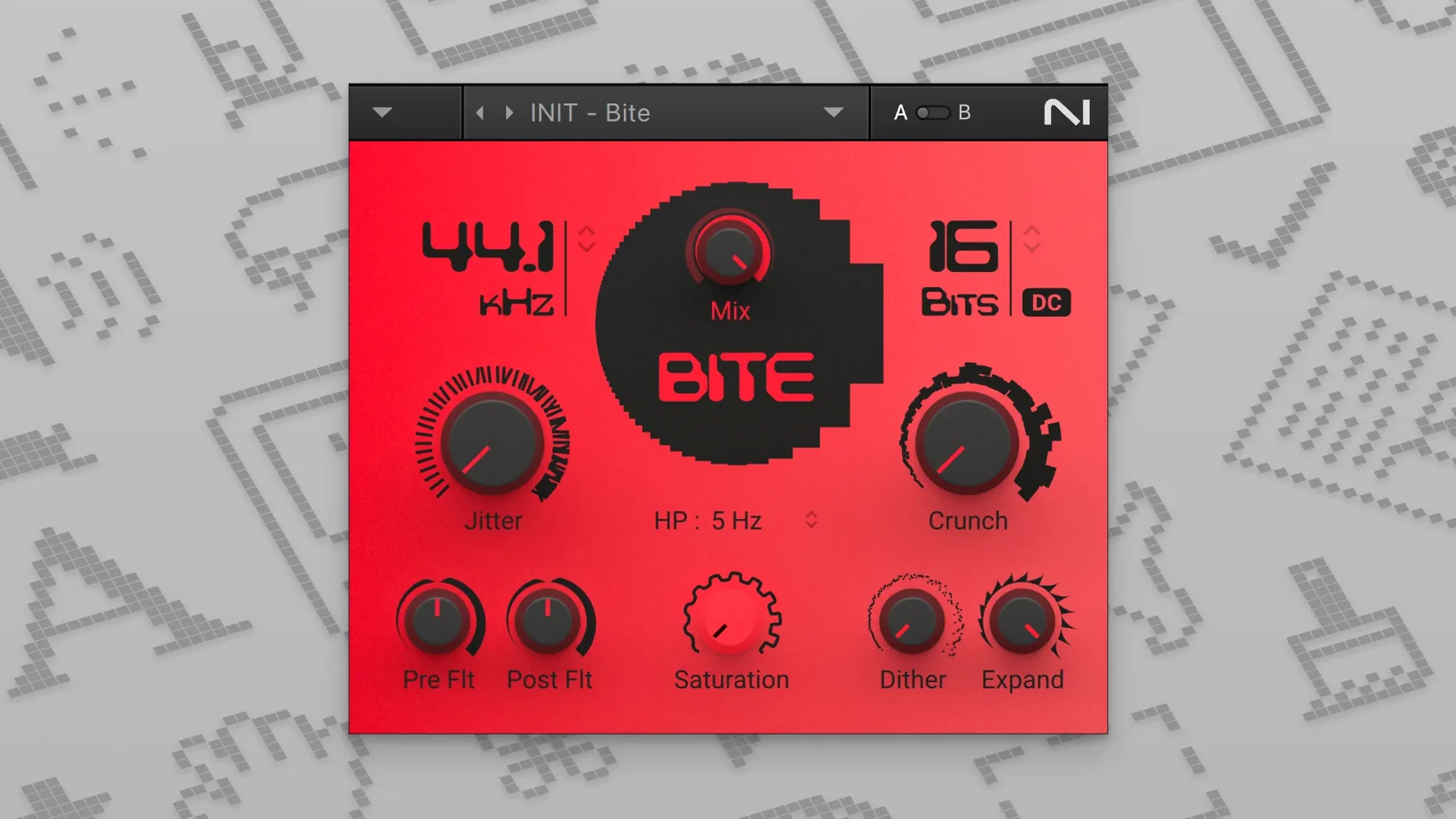
- Crush Pack folds bit reduction, downsampling, and a Lo-Fi layer into one window, letting a clean guitar part turn grainy and withdrawn with a couple of sliders.
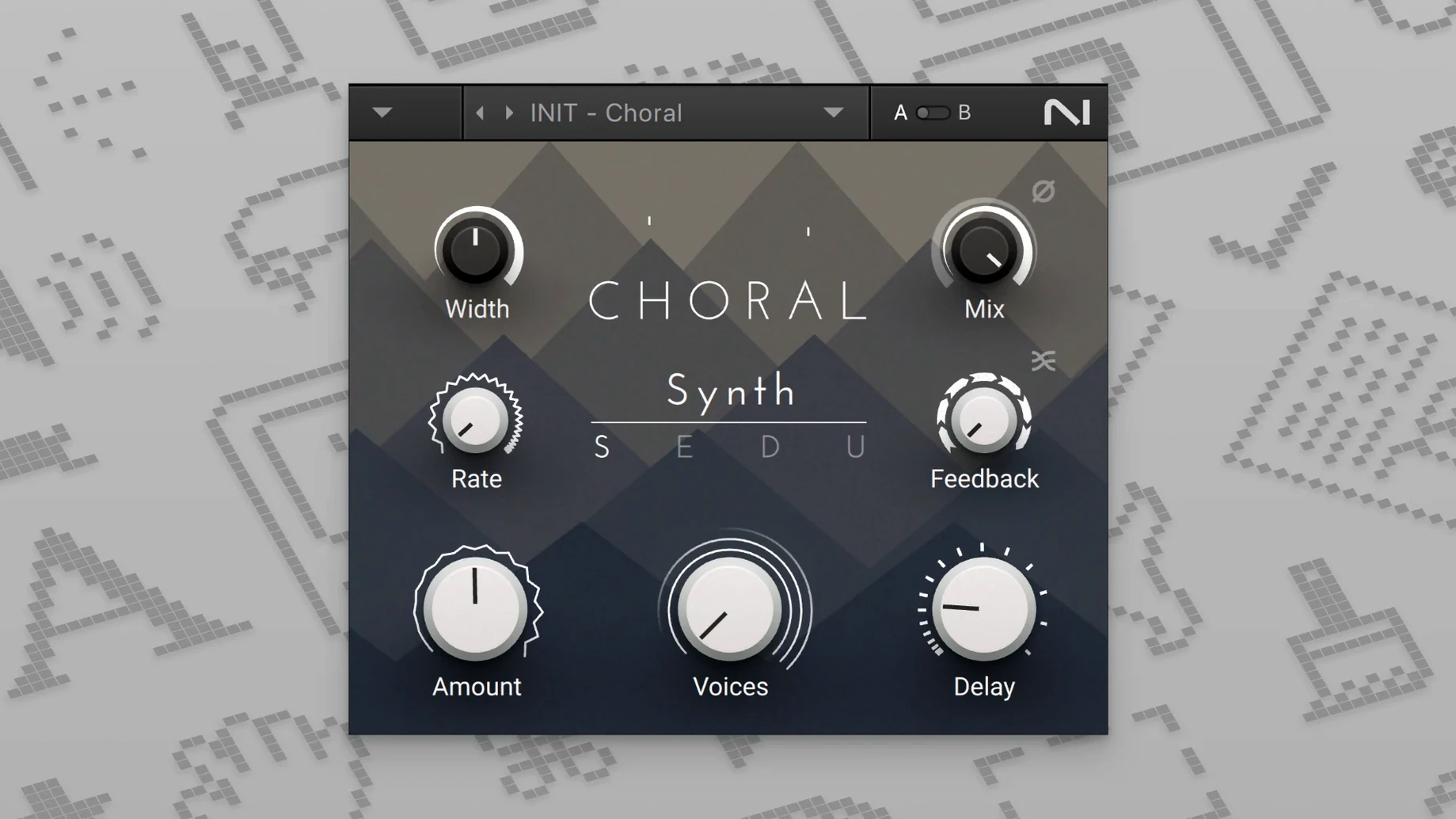
- Mod Pack gathers Flair, Choral, and Phasis; the ensemble effect spreads a mono source across the stereo field without washing it out, and the phaser can run slow enough to feel like a filter sweep.
- Reverb Classics includes two algorithmic spaces that sit tight against the dry signal—useful when you want tail without a cloud of early reflections softening the transient.
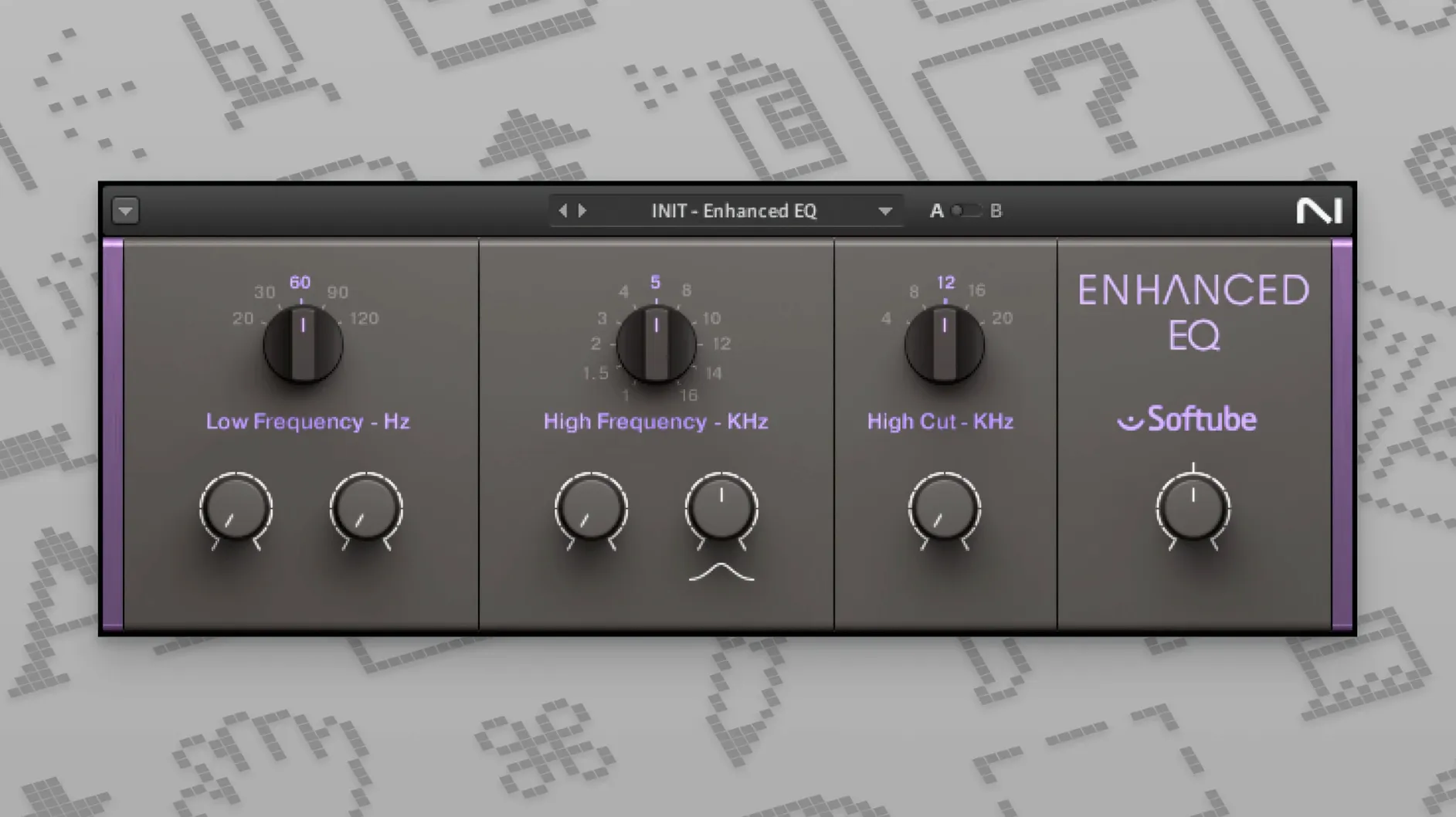
- Premium Tube Series offers a Passive EQ, Enhanced EQ, and Vari Comp, each responding to gain staging with a gentle warming curve rather than aggressive breakup.
The bundle runs across compression, transient shaping, and delay alongside the heavier texture tools, so the same session can hold a crisp drum bus and a collapsing piano ambience without leaving the family of interfaces.
Solid Mix Series disappears until you push it on a return track
Most of the bundle behaves the way a good utility rack should: it disappears into the signal path and shows up only when you push it. The Solid Mix Series in particular feels at home on a return track or a printed stem, where you want a console-style shape without opening three windows to chase it. Drop Solid EQ on the drum bus, then follow it with Solid Bus Comp and the whole kit tightens in a way that still allows the snare to crack through. I have also leaned on the Premium Tube Series inside Logic's Dual Mono mode, running Enhanced EQ on the mid channel and Passive EQ on the sides of a dense synth bed; the contrast between the two curves gives the centre a little more forward pressure without turning the sides brittle.
Because everything installs as standard AU, VST, and AAX plug-ins, the set slides into any host that already anchors the session. In Ableton Live, the Mod Pack sits naturally in an Audio Effect Rack with a macro mapped to Flair's mix and Choral's rate, so one knob rolls a dry electric piano from close-miked to wide and slightly seasick. macOS users on an older machine will appreciate that the bundle still lists 10.13 as its floor; the plug-ins do not demand the newest version of the operating system to open, which keeps a 2015 iMac in the picture longer than some current releases would.
The Delay menu also pairs well with macOS's built-in audio routing when you are working outside a DAW. Running system audio into a host like Hosting AU, then feeding it through Replika XT, turns a quiet evening of listening into a hands-on test bed for feedback patterns and diffusion settings.
Settings worth touching in the first ten minutes
Every plug-in in the bundle opens to a sensible default, but a few controls change how the whole collection feels. Start with the input and output trims on the Solid Mix Series. These are not cosmetic; the gain staging into Solid Bus Comp determines whether the needle behaves like a gentle leveller or a clamp. Feeding it around −12 dBFS from a drum group lets the compressor breathe, and the make-up gain then pushes the bus into the next plug-in without overloading the channel.
On the reverb side, pull Raum's pre-delay up before touching the size parameter. A pre-delay of 40 to 80 milliseconds separates the transient from the wash, which matters more on percussion than any amount of damping. When you want the tail to feel closer, reduce the low cut to around 180 Hz rather than boosting the mix; the reverb sits further back without losing warmth.
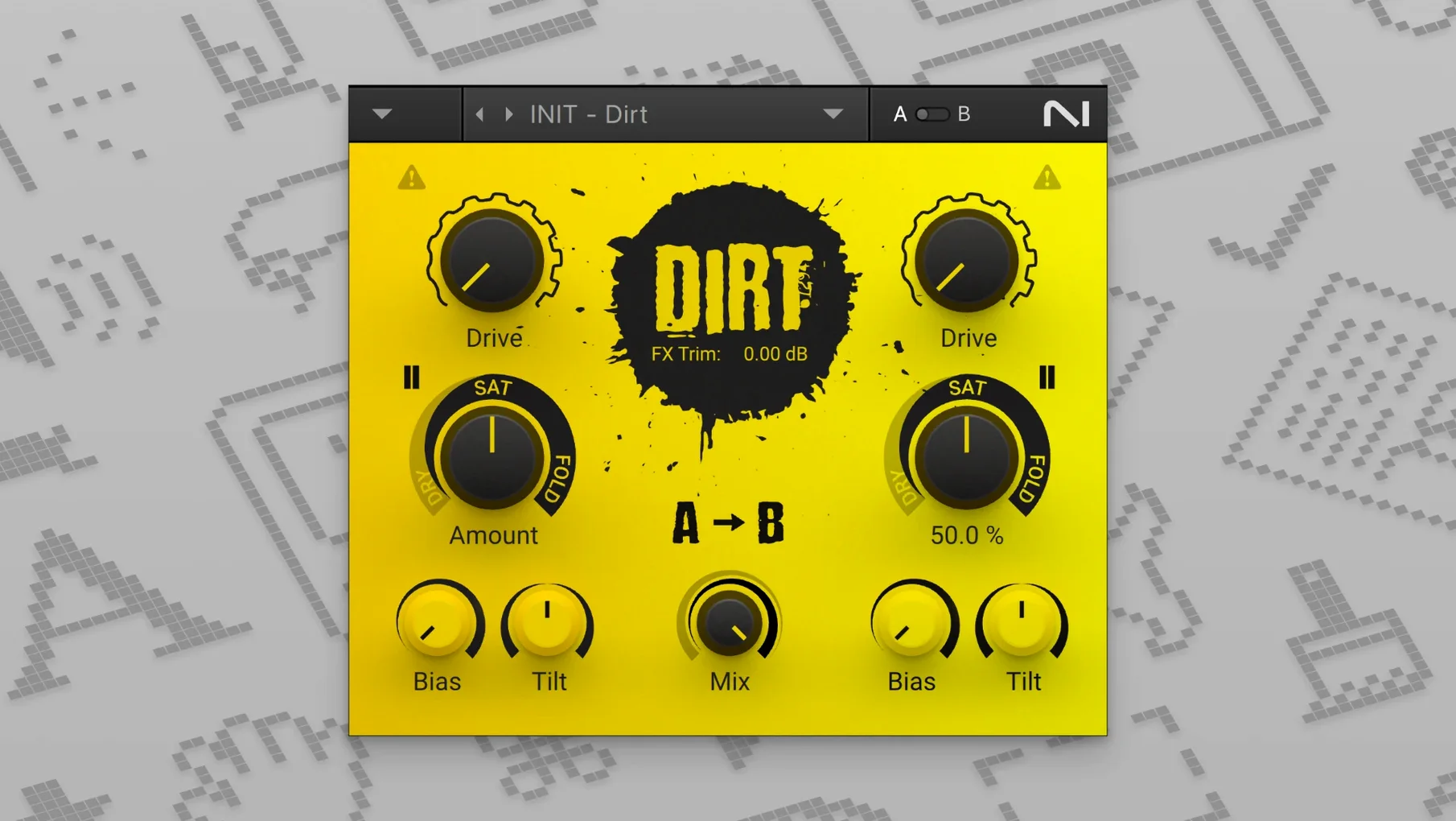
For the Crush Pack, the input level is the hidden floor. Bite and Dirt respond to what arrives at their front door, so a quiet guitar DI will not break up the way a hot synth bus will. Run a clean gain plug-in before them, or simply push the channel fader, and the texture range widens considerably. Freak, in particular, shifts from subtle ring modulation to percussive mayhem based almost entirely on how hard you hit it.
Stable across Logic and Live on both Intel and Apple Silicon
After several weeks of keeping the bundle active across mixing and sound design sessions, the plug-ins have been stable. No unexpected quits in Logic or Live, and the AU validation passes on both Intel and Apple Silicon machines without re-scanning on launch. The windows open quickly—noticeably faster than some contemporary suites that load a splash graphic before the controls appear—and the interfaces stay responsive while dragging multiple parameters at once.
Resource use is modest for the category. A session with twenty instances spread across tracks and buses kept the CPU meter lower than expected, though the reverb plug-ins do climb when you shorten the damping and run the mod section hard. If the machine is older, freezing a track with Raum and RC 48 on it is a reasonable habit, but on an M-series Mac the bundle rarely forces that decision.
Memory footprint sits light enough that the plug-ins do not crowd the session. The solid, unglamorous design of the Solid Mix Series extends to how it performs: no animated backgrounds, no resizable interface gymnastics, just a stable set of controls that stay where you left them between saves.
A focused pass on a vocal chain
A thin, close-miked vocal often arrives with too much mouth noise and not enough body, and the bundle covers that problem without leaving the family of interfaces. Here is one pass I have repeated often enough that it has become a template:
- Insert VC 76 first. Set the ratio to 4:1, attack at its slowest, release around 5, and bring the input up until the meter shows 3 to 6 dB of reduction on the loudest phrases. This levels the performance without flattening the consonants.
- Follow with Passive EQ. Boost 100 Hz by 2 dB for chest, then dip 400 Hz by 1.5 dB to remove the cardboard tone. If the room sounds boxy, a gentle cut around 700 Hz opens the midrange.
- Add Solid Dynamics after the EQ. Use the expander side to pull down breaths and chair noise between phrases; a threshold just above the room tone keeps the tails clean.
- Send a small amount to RC 24 on a bus. Set the pre-delay to 60 ms, roll off everything below 220 Hz and above 7 kHz, and keep the mix under 15% wet. The vocal lifts without becoming distant.
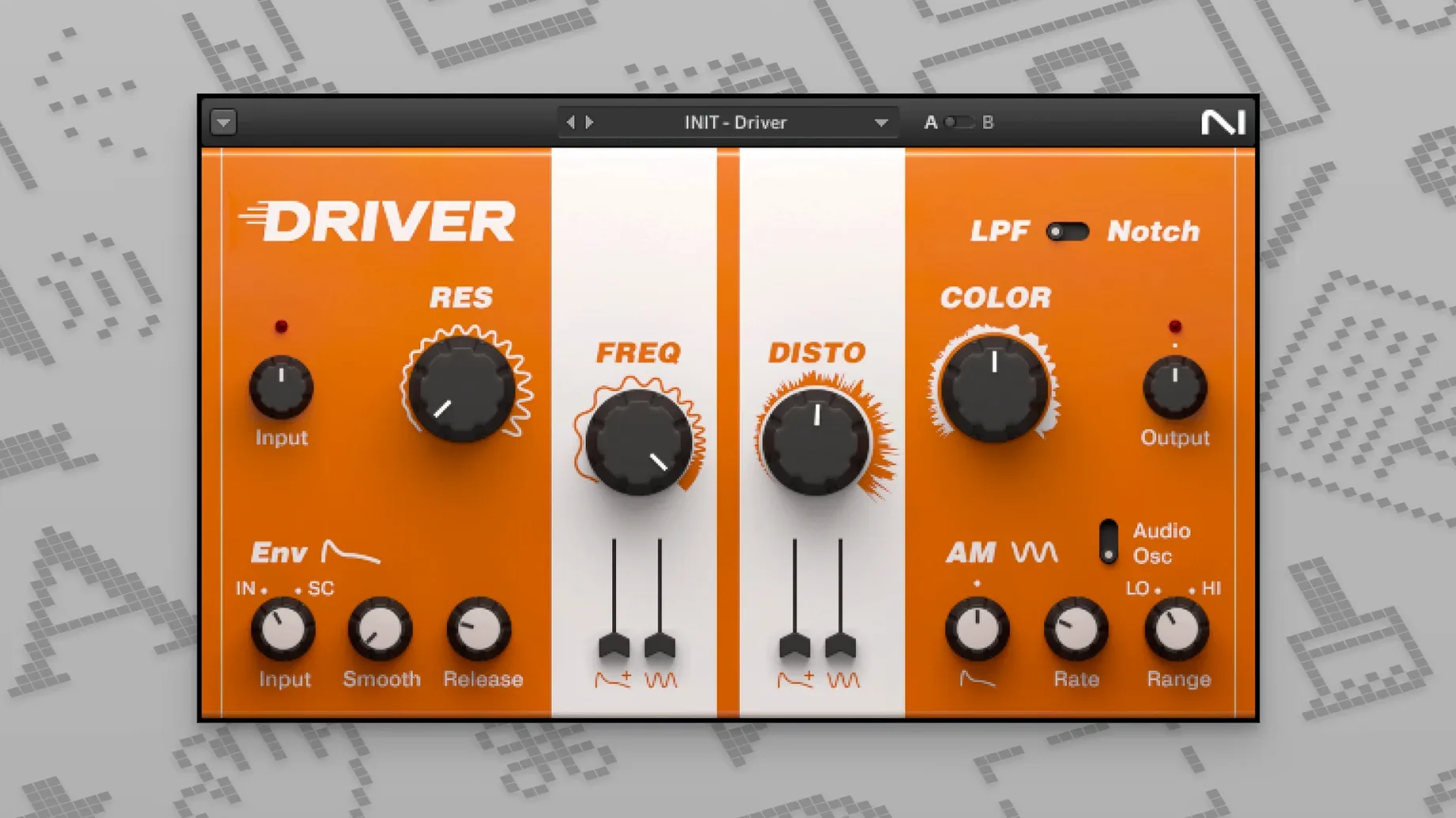
- If the arrangement wants more edge, insert Driver at the very end of the chain and blend its signal in parallel. A little saturation here gives the vocal a forwardness that EQ alone cannot.
The result is a vocal that sits over the track with body and control, while the reverb stays out of the way until the phrase ends. Every stage of that chain comes from one installer, which keeps the session lean and the recall predictable.
- macOS 10.13 or later
- Apple Silicon and 64-bit Intel processors