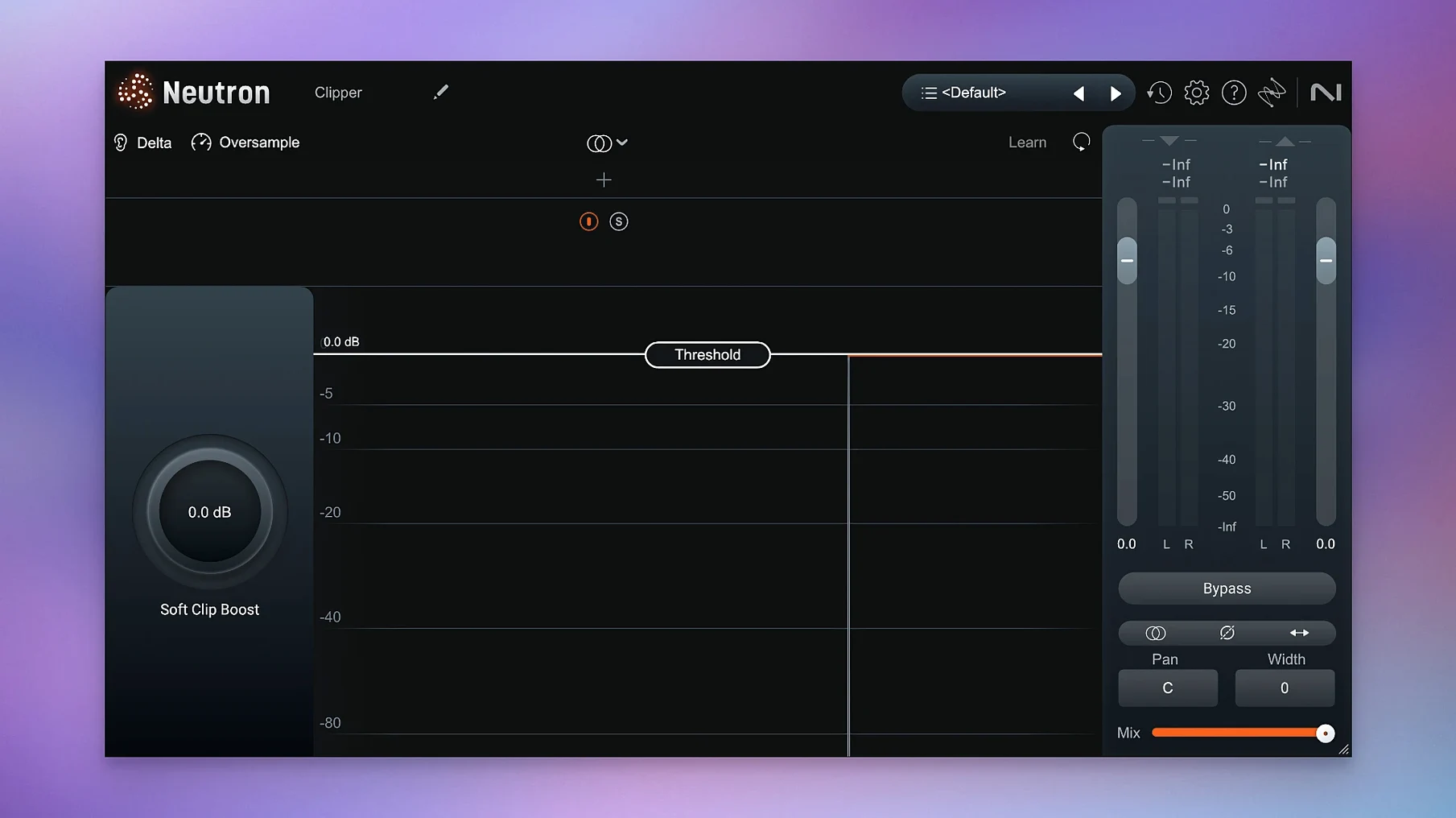
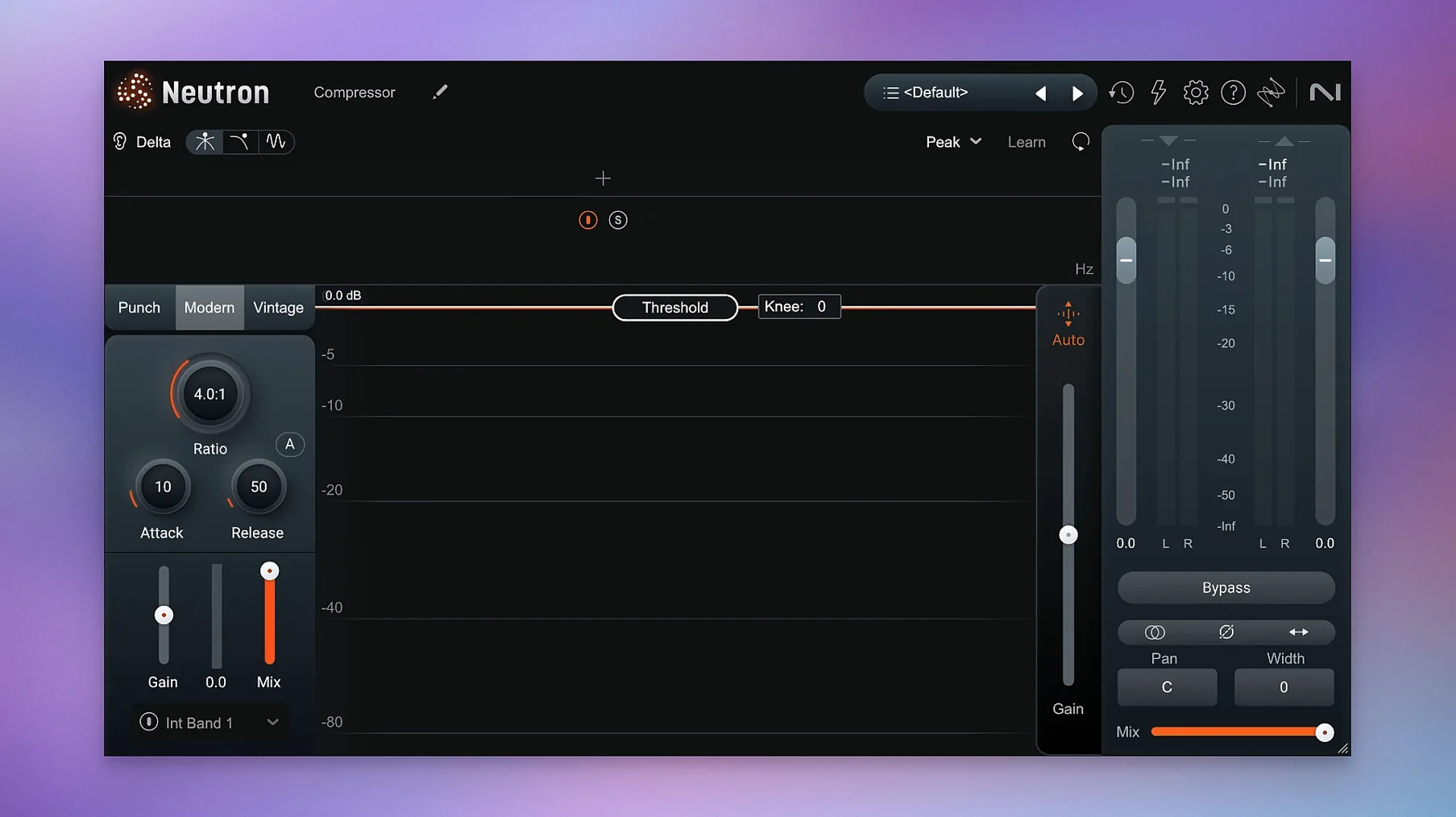
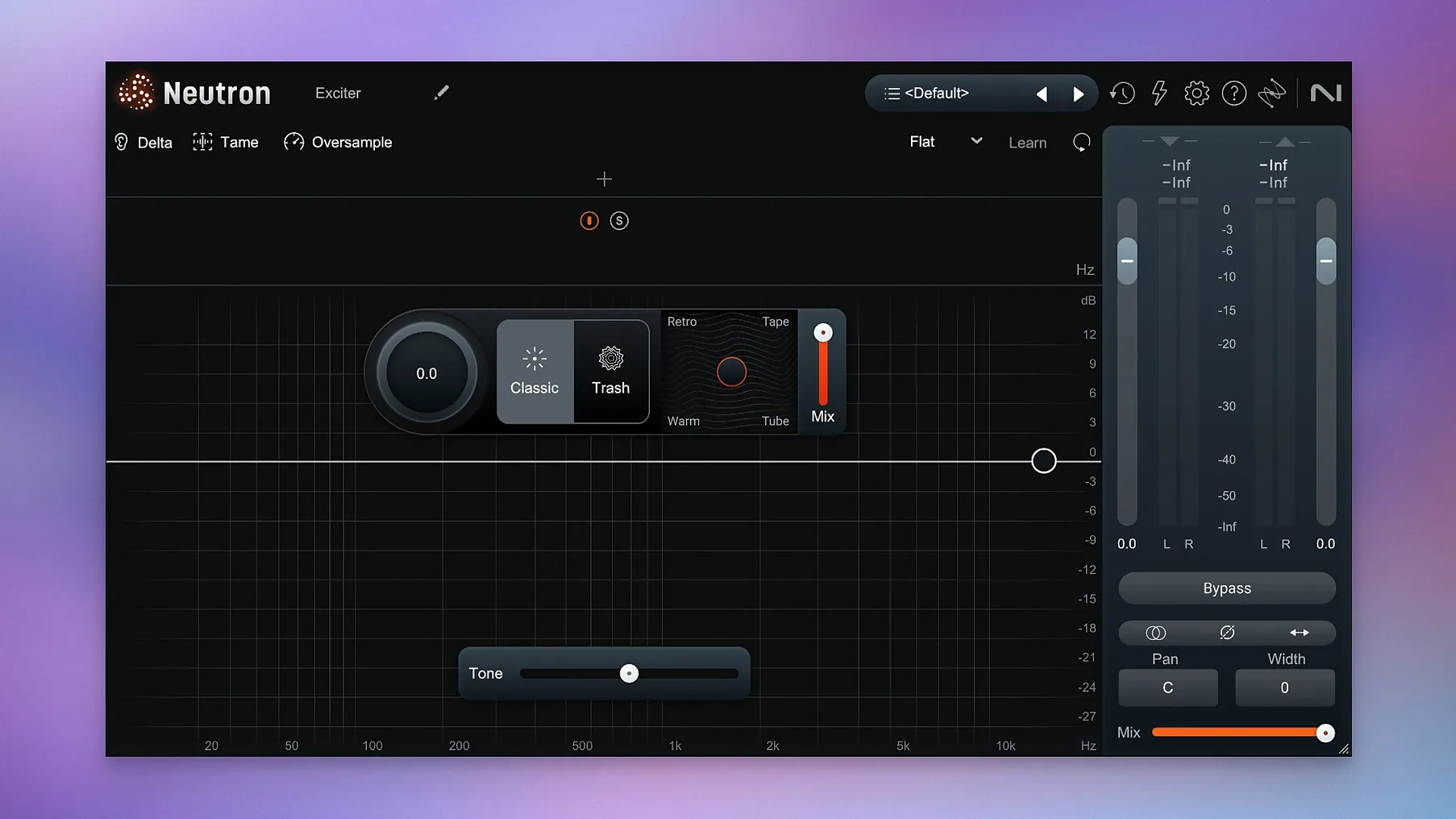
You have a rough mix up, levels roughly balanced, and a vocal track that refuses to sit. You open an instance of Neutron on the vocal bus, call up the Mix Assistant, and let it listen to a section where the whole arrangement plays. It returns a starting point — not a finished sound, but a set of moves you can hear immediately, with the Assistant View showing you exactly what it changed and why.
- Place it on individual tracks when a sound needs shaping from the ground up: a kick that lacks weight, a synth line fighting the vocal, a dialogue stem that needs the Masking module to carve space against the score.
- Drop it on group buses to glue stems together — drum bus, backing vocals, sound design layers — where the redesigned Mix Assistant acts as an intelligent control centre that listens to the context, not just the signal.
- Use the Delta Buttons in each module to audition only what the processor is adding or removing, a fast way to check if the gate is choking the transient or the exciter is adding too much sizzle.
- Reach for Trash Mode when a bass line, pad, or room tone needs gentle harmonic grit or full-on distortion that still responds to the input dynamics instead of slapping a static crush on top.
- Rely on the updated interface and Assistant View to move quickly from analysis to tweaking, staying in a flow state where you make creative decisions rather than hunting for frequencies.
The Masking module detects places where two sounds occupy the same spectral pocket and suggests cuts that let one breathe. It is the sort of tool that earns its keep late in a mix, when the arrangement is dense and every dB of headroom matters.
The iLok fix in version 5.2.0 matters more than a single line in the release notes suggests. If you work in surround — scoring a short film in 5.1, say, or mixing an installation piece with a complex speaker array — Neutron instances on your surround tracks would simply fail authorization before this update. You would open a session from last week and find greyed-out controls where your mix decisions used to be. The maintenance update closes that gap, so surround workflows stay intact between restarts and across machine migrations. For stereo-only users, the authorization change is invisible, but the updated macOS compatibility means Neutron 5.2.0 runs on the current OS without the small hesitations some users reported on Ventura-era installs.
Mix Assistant won't learn your taste over time
One question that keeps surfacing in forums and DMs is whether the Mix Assistant learns from your own taste over time. It does not — it analyses the audio you feed it in the moment and builds suggestions from instrument profiles and spectral comparisons, but it does not accumulate a personal mixing history across sessions. Each time you open the Assistant, it starts fresh, listening to the audio you select and matching it against a reference you provide or a built-in profile for the source type. That makes it predictable, not adaptive, which is useful when you want repeatable starting points across different projects.
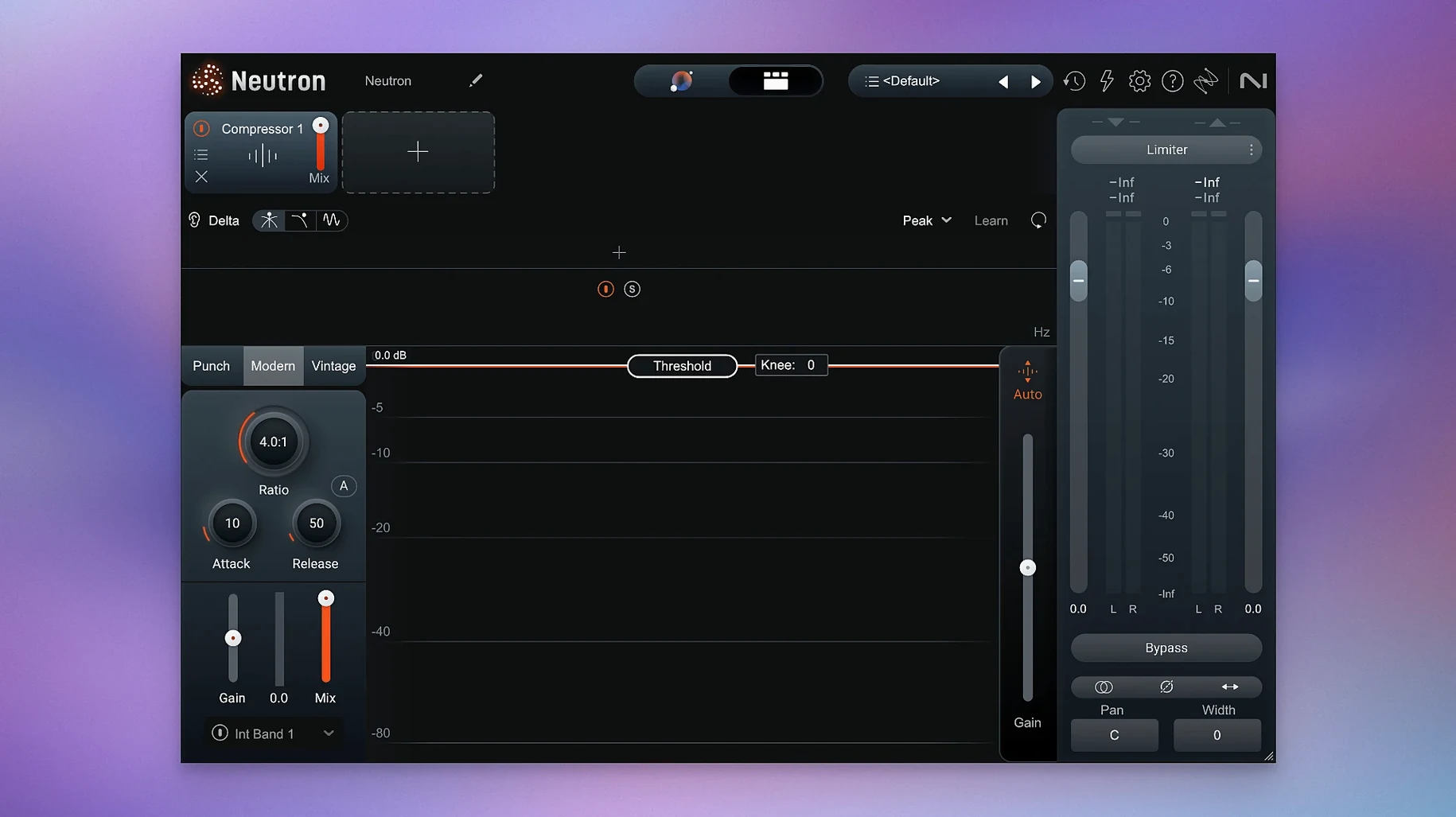
Another recurring question involves the component plugins. Neutron 5 installs as a mothership plugin that contains all ten modules — Equalizer, Compressor, Exciter, Gate, Sculptor, Transient Shaper, Unmask, Trash, Punch, and the Visual Mixer — but you can also load most of them individually in your DAW. People ask whether the individual plugins are lighter on CPU than the full mothership, and the practical answer is yes, marginally, because the mothership runs the Assistant architecture in the background even when you are not using it. If you only need the Compressor on a room mic and your session is already heavy, loading the component saves a small but real amount of processing headroom.
A third concern is whether Neutron plays well with other iZotope tools in the same chain. It does, but with a caveat: if you stack Neutron with Ozone on the master bus, you will want to disable Ozone's own Assistant analysis while Neutron's is running, because both can try to interpret the same spectral information and produce compensating moves that fight each other. The simplest workflow is to let Neutron handle track and bus decisions, then run Ozone's Assistant on the full mix once the stems are printed or routed through subgroups.
Masking module untangles dialogue from footsteps and score
Post-production editors working with dialogue, ambience, and score on tight deadlines live inside the Masking module and the Assistant View. A scene with overlapping footsteps, room tone, and a quiet spoken line can take an hour to unmask by hand. Neutron's Masking detection identifies conflicts between the dialogue and the background layers, and the Delta button lets the editor hear exactly what is being cut before committing. It is not automatic mixing — the thresholds still need a human ear — but it removes the guesswork of hunting for the problem frequency with a parametric EQ and hoping the Q is right.
Music producers who track their own instruments and mix as they arrange benefit from the Sculptor and Transient Shaper modules in particular. Sculptor applies spectral shaping that adapts to the input signal rather than applying a static EQ curve, so a bass part that moves between fingerstyle verses and slapped choruses gets different tonal treatment in each section without automation. The Transient Shaper, combined with Punch Mode visualization, shows the impact envelope of a kick or snare as a readable shape, making it easier to match the transient character of a sample-replaced drum to the live overheads without collapsing into endless A/B comparisons.
Bedroom producers working with limited monitoring setups — untreated rooms, headphones only — pull real value from the Visual Mixer and the reference-based Assistant setup. When you cannot trust what your room is telling you about low-end buildup or stereo width, the visual feedback in the Assistant View gives you a second opinion grounded in measurement rather than guesswork. It is not a substitute for proper monitoring, but it is a lifeline when the alternative is mixing blind.
a session with Neutron, step by step
The producer loads a half-finished track: drums, bass, two synth layers, a vocal take with some room bleed, and a field recording she dropped into the bridge. The kick and the bass are fighting around ninety hertz. She opens the mothership on the bass channel and runs the Mix Assistant on an eight-bar loop that includes the drums. The Assistant returns an EQ curve that dips at the kick's fundamental, a compressor setting that tightens the sustain, and a subtle Sculptor profile that adds weight above the cut. She engages the Delta button on the EQ module to hear only what is being removed — mostly mud and a woolly resonance from the bass amp — and decides to keep the cut but widen the Q by half an octave.
On the vocal track, she loads the Compressor component and the Unmask module separately. The Compressor catches the peaks from a slightly uneven performance; Unmask listens to the synth bus as a sidechain source and carves a dynamic notch that ducks the synth frequencies whenever the vocal is present. She toggles between the full signal and the Delta output on Unmask, hearing the synth part turn thin and hollow in isolation — just the spectral slice being removed — and knows the effect will be transparent in the full mix.
She moves to the drum bus, drops the mothership again, and opens Punch Mode on the Transient Shaper. The visualization shows the kick transient as a sharp spike followed by a quick decay; the snare is softer, with a longer tail. She adds a small amount of Punch gain to the snare band and watches the shape on the display widen slightly, then plays the bridge section where the field recording — a rainy street, traffic in the distance — sits under the stripped-back arrangement. She loads a Neutron instance on the field recording track, dials in a touch of Trash Mode with the drive set low, and the rain takes on a subtle harmonic haze that blends into the synth pad rather than sitting on top of it.
By the end of the session, three mothership instances and two component plugins are running. The CPU meter on her M-series Mac stays below twenty percent. She saves the project, exports a rough mix for the client, and leaves the Assistant settings exactly where they are — tomorrow she will listen fresh and decide whether the reference curve still holds up.
Version 5.2.0 fixes an iLok authorization issue that affected surround instances of Neutron 5, and adjusts the supported macOS versions.
- macOS 13.4 or later
- Intel and Apple Silicon Macs