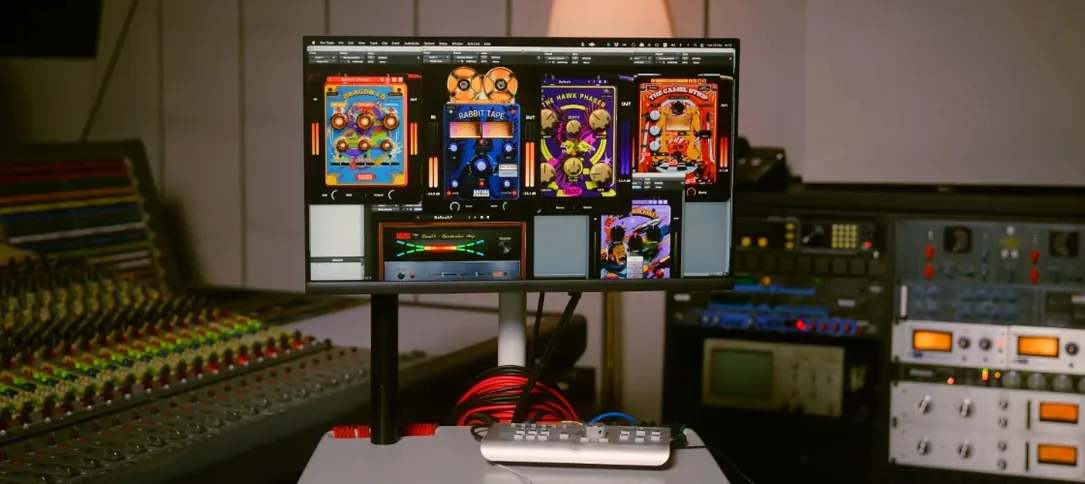
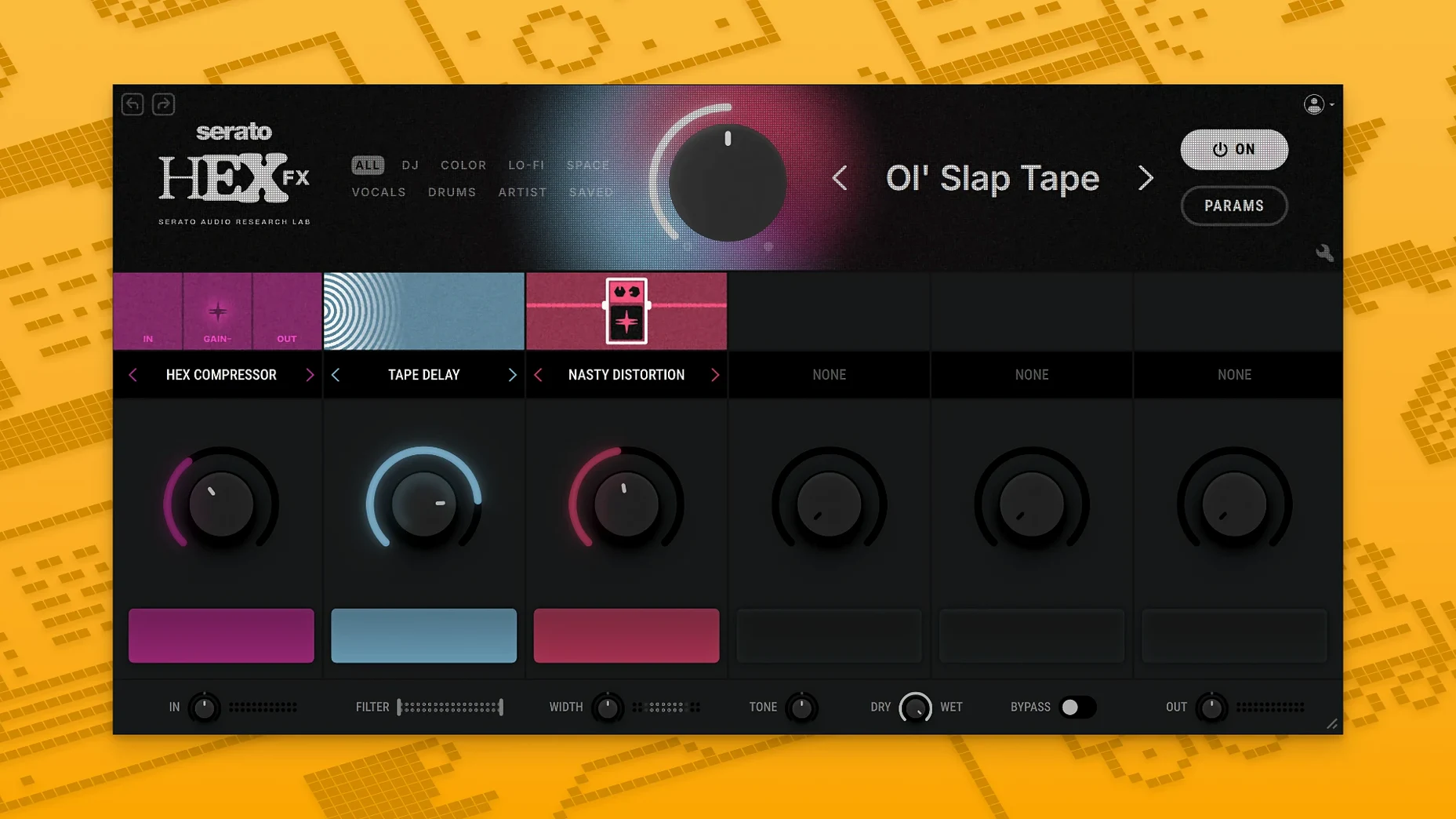
Version 1.2.0 lands with AAX Native support, opening the door for Pro Tools users to get their hands on this chainable multi-FX engine.
50 FX in one window — the core premise. Each effect occupies a slot you can reorder, mute, or solo. The signal flows left to right, and dragging a module to a new position rewires the chain instantly.
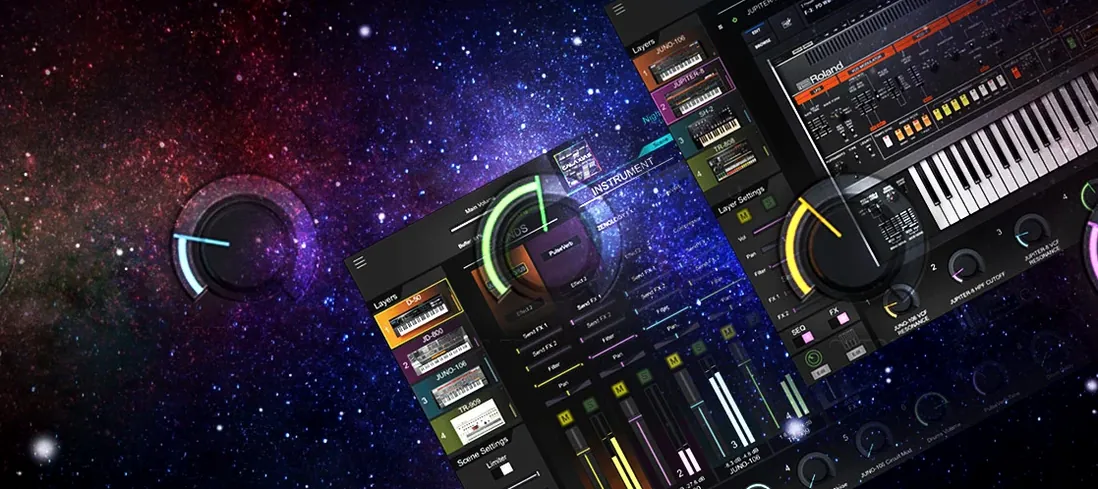
Macro dial — a single knob you assign to multiple parameters across different effects. Twisting it a quarter-turn might darken a reverb tail while driving a saturator harder. It turns a static chain into a performance instrument.
XY pad — two axes, each mappable to anything in the rack. Moving a finger diagonally can crossfade between a tight delay and a washed-out shimmer. The pad records automation, so a gesture becomes part of the arrangement.
Preset artists — the library includes chains built by Guy Lawrence, Lord Finesse, DECAP, Amber Navran, Jake One, Dibia$e, DuckGirl, Kaelin Ellis, Oh Gosh Leotus, and Leonard Charles. Their presets are less about utility and more about signature textures: a lo-fi drum crush, a vocal air exciter that breathes, a bass growl that shifts with the macro dial.
Color, energy, movement — the three words Serato uses, and they hold up. The saturation modules add grit without thinning the source. The modulation effects push a static pad into something that feels scored to picture. Running a drum bus through a mild bit-crusher followed by a wide chorus, then riding the XY pad during a transition, gives a cue an arc that would otherwise need three separate plugins and a lot of automation lanes.
Dialing a film cue into unmoored territory with a single string channel
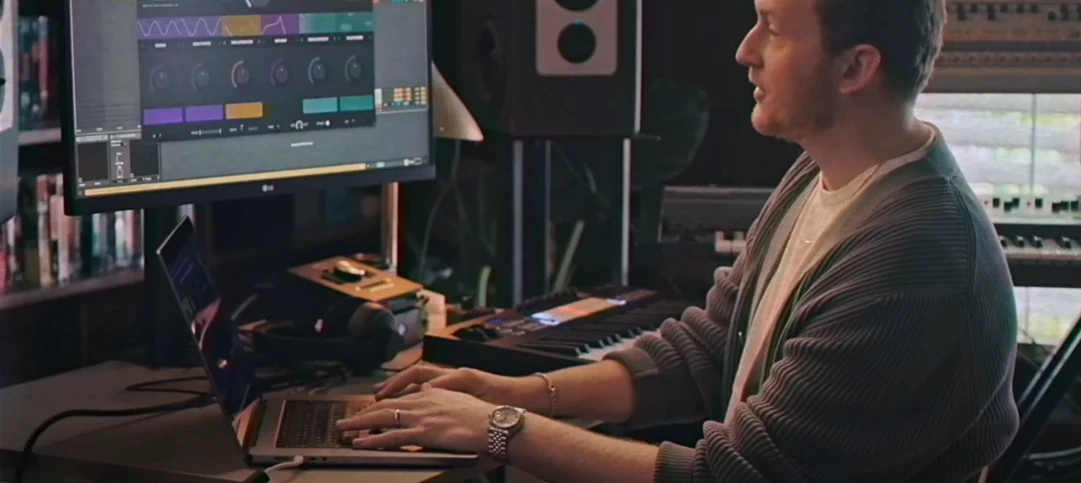
I open a project in Logic — a short film cue that needs the last minute to feel unmoored. The string bed is too polite, the piano too anchored. I drop Hex FX onto the strings channel, bypass the default chain, and pull in four modules: a pitch shifter set to a slow downward drift, a plate reverb with the pre-delay opened up, a gentle wow-and-flutter module, and a stereo widener at the end. I drag the flutter module ahead of the reverb so the instability hits the tail, not the dry signal. The string bed starts breathing.
On the piano I want something sharper — a stutter that only fires during the transition bar. I load a second instance of Hex FX, pull up the Halftime performance module, and map it to the macro dial with a narrow range so it kicks in only when I twist past sixty percent. I also assign the XY pad's horizontal axis to the Rollout effect's rate. During playback I ride the pad left to right across the bar, and the piano fragments into eighth-note slices that accelerate into a blur. The gesture takes about six seconds to perform and lands exactly where the edit cuts to black.
A third instance on the drum bus — just a touch of saturation and a low-shelf EQ cut to keep the low end in check — glues the kit without making it sound processed. By the time I hit play on the full mix, the cue has a shape it didn't have twenty minutes earlier.
Living inside the fully realised factory chains for the first hour
When you install Hex FX, the preset browser is where you should live for the first hour. The two hundred factory chains are not starting points — they are fully realised treatments. Load the Guy Lawrence preset on a vocal, bypass individual modules to hear what each contributes, then swap in a different effect at the same slot. You learn the engine faster through surgery than through building from scratch.
Resist the urge to stack twelve modules on your first patch. The sweet spot for most chains is four or five; beyond that, the macro dial and XY assignments become harder to control with precision. Start with a modulation module, a space module, and a character module — chorus, reverb, saturation — and assign one meaningful move to the macro dial. Use that on a few different sources before layering in more complexity.
If you work in Pro Tools, the AAX installer option added in version 1.2.0 means Hex FX appears in your insert menu without bridging. Run a quick test on an aux track before slotting it into a session with a tight deadline — the plugin is stable, but you want to confirm it behaves with your particular buffer settings.
Switching the XY pad to touch mode before it overwrites your moves
The default state of the XY pad records automation in latch mode, which works well for deliberate passes but can overwrite a move you liked if you forget to disarm it. I switch the pad to touch mode so it returns to its resting position when I lift off, leaving earlier automation intact.
The metering shows peak levels by default. Switching the output section to RMS metering gives you a truer read on perceived loudness when you are stacking gain-intensive effects like saturation and limiting. It is a small change that prevents you from misjudging how hard the chain is hitting.
Finally, save a blank rack with your metering preference, touch-mode default, and the low-shelf engaged at a gentle corner frequency as a user preset. Having a clean starting point that already reflects how you hear makes the first minutes of a session faster, and Hex FX loads user presets from its own menu without scrolling through directories.
Version 1.2.0 adds AAX Native support alongside the existing VST and AU formats, bringing Hex FX into Pro Tools sessions. The installer now presents an AAX option, and a handful of bug fixes tighten up stability across hosts. macOS 26 Tahoe is officially supported.
- macOS 10.15 or later, including macOS 26 Tahoe
- Apple Silicon or Intel processor
- VST, AU, or AAX-compatible host
Questions from the booth
It is officially supported in Serato Studio, Ableton Live, FL Studio, Logic Pro, and Maschine, and works as a VST, AU, or AAX plugin in any compatible host.
Hex FX ships with 50 chainable effects and over 200 presets, including artist-designed chains from producers like DECAP, Jake One, and Lord Finesse.
The update added AAX Native support for Pro Tools, included several bug fixes, and offers an AAX format option during installation.