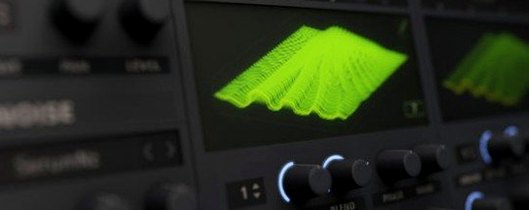
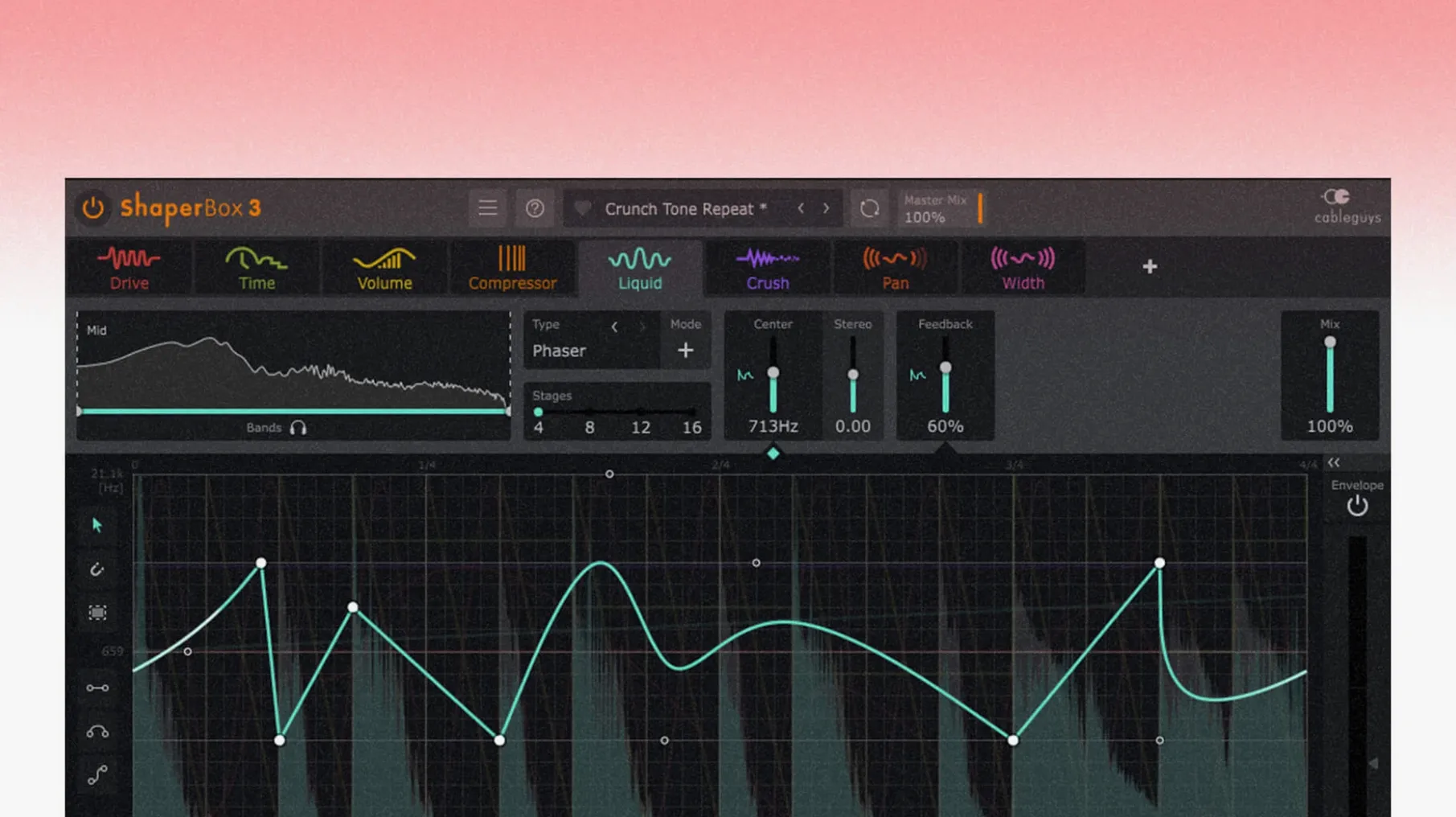
ShaperBox is a rhythmic multi-effect that treats time as a canvas, letting you draw modulation curves across nine modular effects to sculpt drums, synths, and full mixes. The latest 3.6.1 release extends PitchShaper's automation reach, making its formant and grain parameters as malleable as a filter sweep.
What the Time grid does to a sound
A single waveform editor sits at the heart of every module. Drawing a curve in VolumeShaper doesn't just duck a bassline — it can carve staccato pulses from a sustained pad or add swing to a static loop. Because each band in the multiband split gets its own independent shape, a kick can tighten in the lows while the highs breathe with a longer release. The Audio Trigger panel listens to incoming transients and can fire envelopes across multiple modules at once, so a snare hit might momentarily widen the stereo field in PanShaper while a filter opens in FilterShaper Core. When sidechaining, the visual display maps the external signal directly onto the grid, making precise pocket adjustments immediate rather than guesswork.
How the modules interact in a chain
ShaperBox's effects run in series, and the order matters. Placing DriveShaper before a reverb send saturates only the wet signal; moving it after the reverb dirties the entire tail. PitchShaper's new automation parameters for Formant Link, Density, and Grain Size mean a single drawn curve can now shift a vocal from a tight unison spread to a detuned cloud over the course of a bar. When MIDI triggering is active alongside Audio Triggering, a held chord can sustain a shimmering grain texture that re-triggers with each kick drum, effectively turning rhythmic gating into a playable instrument.
A sound designer's Saturday afternoon
A game composer I know spends most weekends building creature vocalizations from field recordings. She drags a rusted gate screech into her DAW, drops ShaperBox on the channel, and opens NoiseShaper with the multiband crossover set around 800 Hz. The low band gets a slow, irregular gate pattern drawn freehand, while the high band receives a rapid sixteenth-note tremolo that follows the Audio Trigger from the original transient. Within a few bars, the raw metal scrape reads as a breathing, chittering thing — part insect, part machine — with the timing curves doing the articulation work that manual editing would take an afternoon to fake. She saves the preset, maps Density and Grain Size from PitchShaper to her controller, and spends the next hour performing variations by hand.
Carving a pocket for a vocal from a clean guitar arpeggio
A typical session with ShaperBox starts without a preset. Say you have a clean electric guitar arpeggio that needs to sit behind a vocal without cluttering the midrange. You start by setting the multiband crossover points — low band up to 300 Hz, mid from 300 to 2 kHz, high above that — and open VolumeShaper on the mid band only. Drawing a downward curve that dips 6 dB on every eighth note immediately carves space between the guitar plucks. But you want the effect to feel musical, not robotic, so you switch the timing grid from straight to dotted and nudge the curve's attack handle slightly right, softening the initial bite.
Next, you enable FilterShaper Core on the same mid band, drawing a subtle low-pass curve that sweeps downward across each bar, darkening the tone as the vocal phrase intensifies. The two curves — volume and filter — run in parallel visually, each a different colour on the same grid, making it obvious where the duck coincides with the darkening. You route the vocal track to ShaperBox's sidechain input and watch the external waveform appear as a ghost outline behind your curves. A quick drag aligns the volume dip precisely to the vocalist's consonant attacks, not just to the grid. By the time you add a touch of DriveShaper's tape saturation to the high band — just enough to soften the pick noise — the guitar has moved from upfront and polite to textured and reactive, all within a single plugin window.
Fitting ShaperBox into a larger workflow
ShaperBox isn't the kind of tool that demands you build a session around it; it slots into existing habits. Many producers keep an instance on a return track, fed by a bus of percussive elements, using VolumeShaper as a rhythmic ducker that breathes with the kick without ever touching a compressor. Because the plugin reports its latency correctly to the host, heavy lookahead settings in TimeShaper don't throw tracks out of sync — something that matters when you're layering processed and dry signals in parallel.
On the macOS side, ShaperBox plays well with Audio Unit and VST3 hosts, and the MIDI triggering integrates with Logic Pro's MIDI FX routing in ways that let you sequence modulation changes from the piano roll. Dragging a MIDI region onto the ShaperBox track and drawing note events at different velocities changes how hard the Audio Trigger envelope fires, effectively giving you velocity-sensitive gating. Combine that with Logic's Smart Tempo and the plugin follows tempo changes without glitching, even when the grid is set to triplet subdivisions. For sound designers working across apps, bouncing processed stems with ShaperBox's effects printed means the rhythmic detail survives a round-trip into a sampler or a video editor's timeline intact.
When silence hits, check for a zeroed VolumeShaper curve
A few recurring headaches come up, and they're usually easy to fix once you know what's happening. The most common is silence after inserting ShaperBox on a channel: one of the bands in VolumeShaper has a curve drawn at zero amplitude. Open the module, check each band's waveform editor, and look for a flat line at the bottom. A quick Option-click resets the curve to unity.
Another snag shows up when Audio Triggering seems to miss hits. The threshold is set too high for a quiet source, or the sidechain routing isn't sending signal to the correct channel. Lower the threshold until the trigger indicator flashes reliably on every transient, and double-check that your DAW's sidechain menu points to the actual source track — not a bus that's muted or solo-safed. If the visual display shows the external waveform but the trigger still misfires, toggle the trigger's lookahead from zero to a few milliseconds; some hosts introduce a tiny routing delay that the lookahead can compensate for.
Users coming from earlier versions of ShaperBox sometimes find that saved projects open with PitchShaper automation lanes missing after updating. The 3.6.1 release resolved the underlying parameter mapping, but older sessions saved before the fix may need the automation reassigned. Right-click the parameter in the plugin, choose Reconnect to Host Automation, and redraw the lane if necessary. Finally, if the Logic Pro cursor vanishes after dragging a control in ShaperBox — a known issue fixed in 3.6.1 — updating is the straightforward answer. On earlier versions, clicking outside the plugin window and back again restores the cursor until the session ends.
Version 3.6.1 brings PitchShaper's Formant Link, Density, and Grain Size to the automation lane, opening up hands-free timbral shifts during playback. It also cleans up an audio artifact on silent-input MIDI events and a Logic Pro quirk where the mouse cursor could vanish after dragging a control.
- macOS 10.15 or later
- Apple Silicon and Intel native support