The 1.1.4 update tightens the import pipeline—dragging a WAV across the interface now maps its pitch and volume data without fuss, which matters when you are building a custom wavetable library late at night and patience is thin. It is a small change that makes the whole instrument feel more attentive.
Assigning texture by touch and range
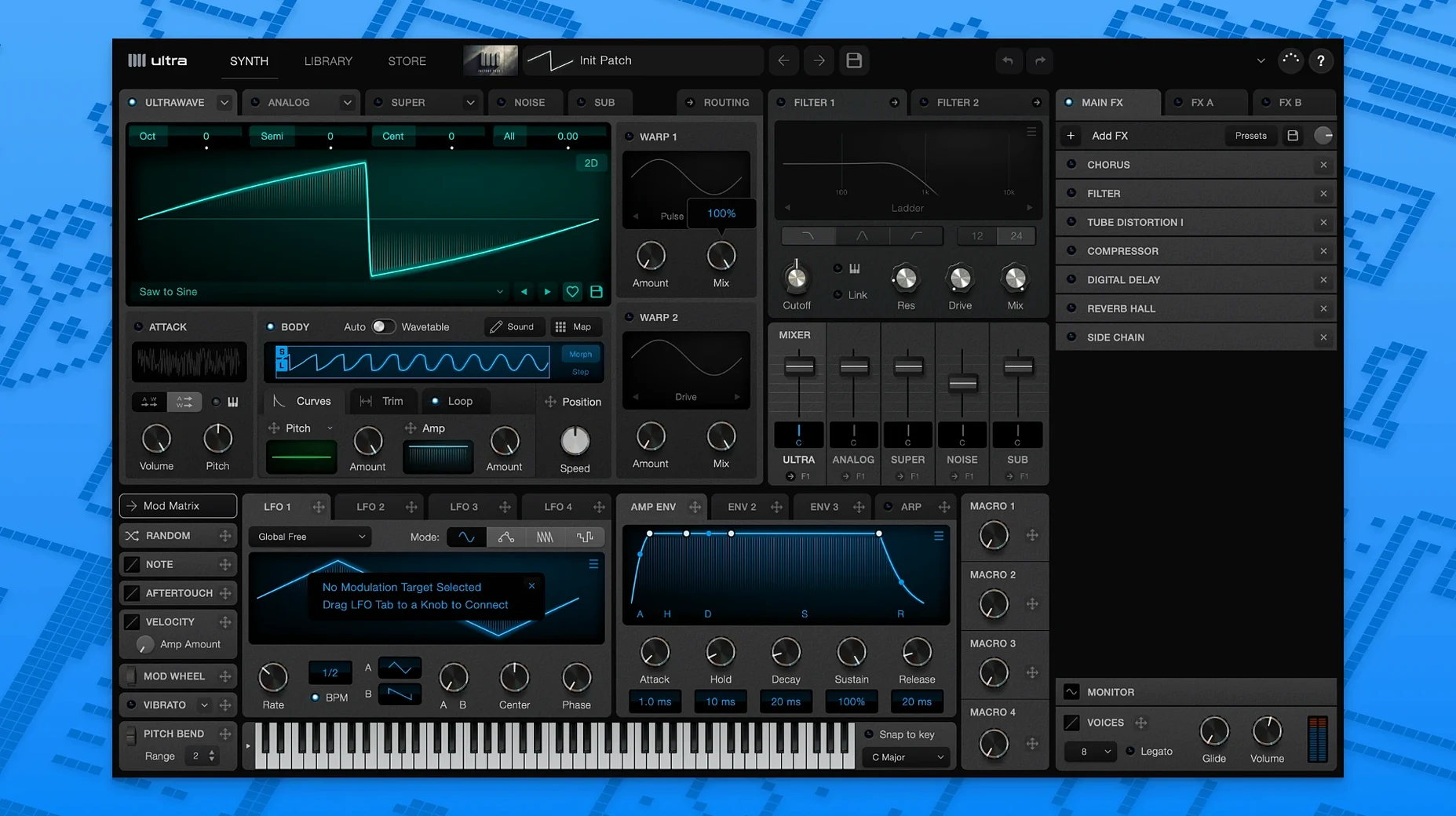
What sets Ultra apart is how it lets you scatter different wavetables across the keyboard and tie them to aftertouch strength, so a single patch can shift from a breathy low-end pulse to a glassy, modulated lead as you press harder or climb an octave.
Building a wavetable from found sound
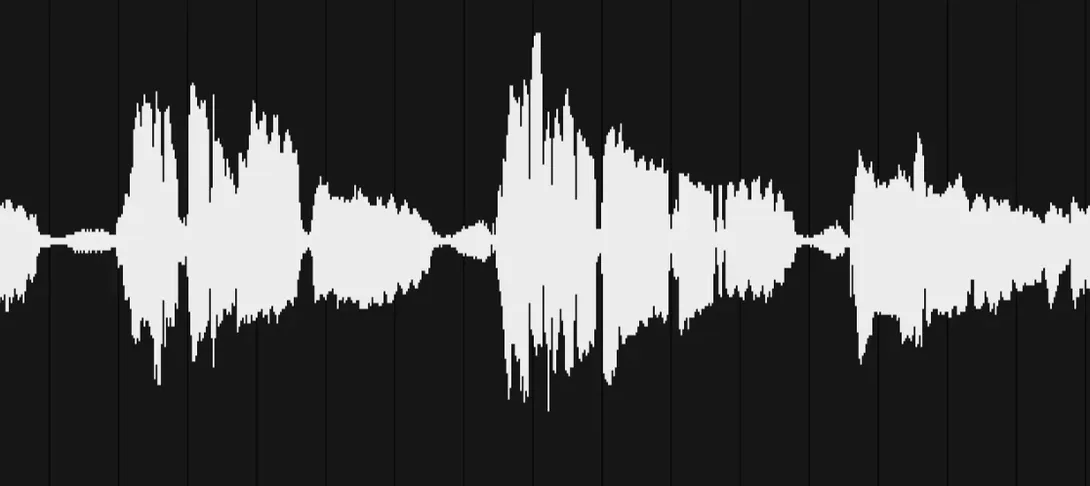
Dragging an audio sample into the editor and extracting a loop from its waveform turns field recordings or vocal snippets into oscillators, and because the engine reads stereo wavetables, the spatial character of the source stays intact inside the patch.
Layering with multisampling
Layering multisampled wavetables across the note map lets you build instruments that respond with the detail of a sampled library, while still bending and morphing under the synth engine—the online preset library gives you a quick starting point for those hybrid textures.
What the 1.1.4 workflow actually feels like
The UltraWave section in the help documentation walks through real-time blending, and in this build it simply works without the small glitches that once made you second-guess a modulation routing. Loading different waveforms into the left and right channels of a stereo wavetable now preserves their phase relationship more cleanly, so a patch that sounded slightly smeared on an earlier version snaps into focus. The Synth tab documentation has also been quietly rewritten to reflect how aftertouch assignment actually behaves, which saves you the peculiar frustration of mapping a parameter three times before trusting the result. None of this makes headlines, but it means you spend fewer sessions troubleshooting and more sessions recording.
Slotting into a Mac production chain
Because it runs as both a VST3 and an AU, Ultra sits comfortably in Logic Pro, Ableton Live, and anything that speaks those formats, while the standalone app gives you a lightweight way to audition sounds without launching a full session. On Apple Silicon machines the plugin loads fast enough to keep a live performance patch change from feeling like an awkward pause, and the stereo wavetable architecture plays nicely with Spatial Audio mixing in Logic—the left and right waveform independence means binaural movement is baked into the oscillator stage, not added as an afterthought with a pan knob. You can also route Ultra’s output through Soundflower or BlackHole to sample its textures directly into a hardware sampler or a looper, which turns the standalone app into a sound design hub that feeds the rest of your setup.
Who really digs into this instrument
Sound designers working on game and film projects, where a single cue needs to evolve from a low drone into a shimmering artefact across a thirty-second span, tend to latch onto the multisampling and aftertouch assignment more than anyone. The ability to map entirely different wavetables by note pitch and touch strength means one instance can cover ground that would normally take three tracks and a pile of automation. Bedroom producers chasing textures that feel sampled but still malleable also get a lot out of dragging field recordings into the editor—a creaking gate or a train announcement becomes oscillator material that retains its spatial fingerprint inside the stereo engine. If you are the kind of Mac user who already collects found sound and builds your own instruments, the WAV import pipeline in version 1.1.4 turns those fragments into wavetables quickly enough that the collection actually gets used, not just archived.
- macOS 10.11 or later
- Apple Silicon and Intel Macs
- VST3 or AU-compatible host, or standalone use
Questions from the booth
Yes, you can import WAV files and extract loops from a waveform to build custom wavetables inside the synth.
It runs as a VST3 or AU plugin, so it works with any DAW that supports those formats, and it is also available as a standalone application.
It supports stereo wavetables, multisampling, and the ability to assign different wavetables by note pitch and aftertouch strength, which creates more dynamic and responsive patches.