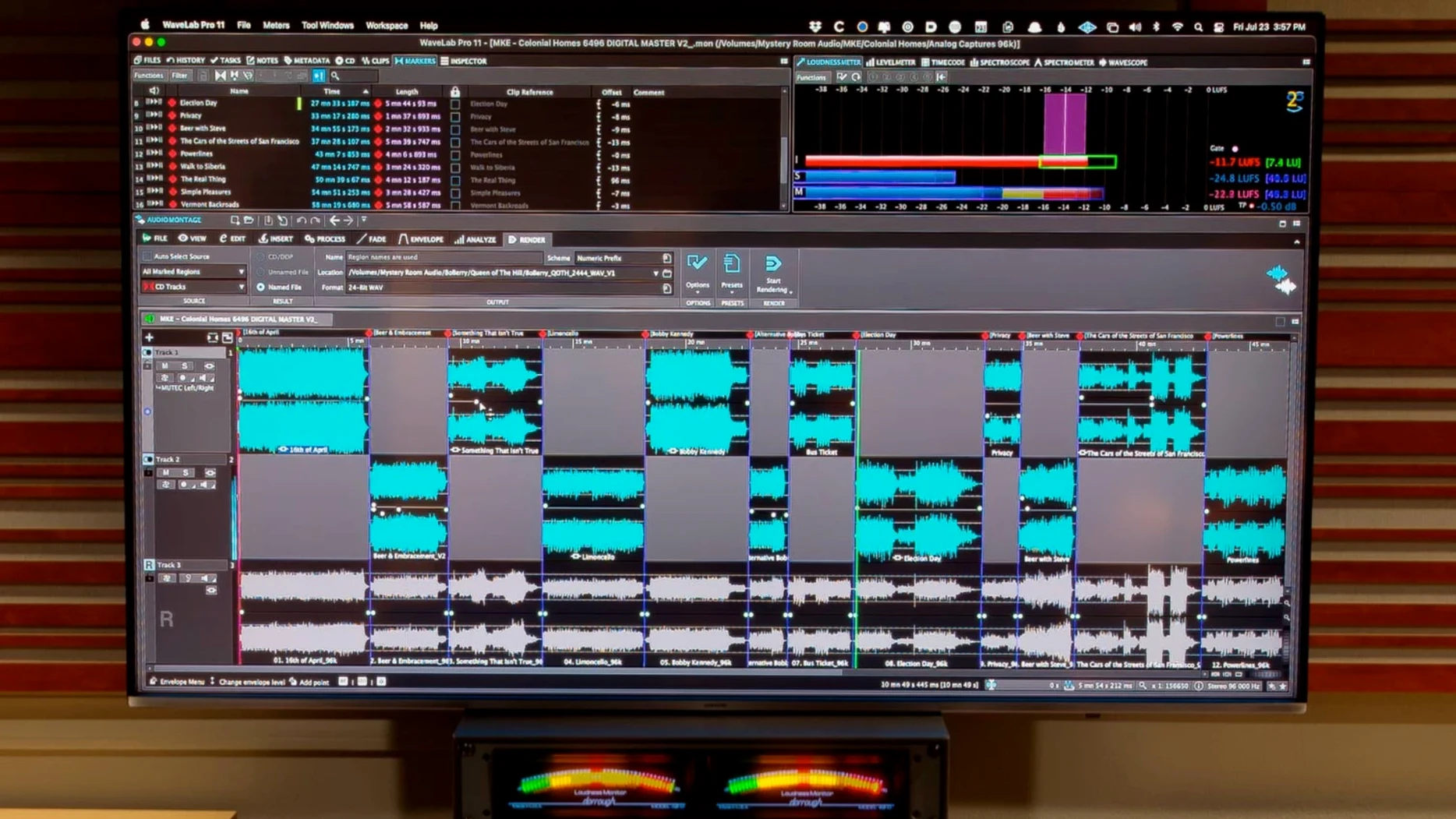
Sample-accurate editing meets the montage window and the file inspector tracks your every move in tandem. WaveLab Pro 13.0.30 shapes up as a dedicated mastering room where navigation between the audio file and the larger project stays locked together.
Formats and hosts — The standalone application handles stereo and multi-channel material; the ARA plug-in version slots into compatible DAWs for editing and restoration without leaving the arrange view. Dolby Atmos master montages can now include channel-based surround files, so a single session scales from a stereo bounce to an immersive bed.
Spectral editing — Visualise the frequency content of a recording and draw out unwanted noise or reshape transients with surgical precision. The tools sit alongside the sample editor, not in a separate module.
Monitoring path — Binaural monitoring for Dolby Atmos supports loading a personal HRTF profile, moving the headphone mix closer to what the mastering engineer intends across playback systems.
Dropping surround files straight into an Atmos montage
The jump to 13.0.30 sounds modest on paper, but in a mastering chair it shifts how you handle immersive projects. Being able to drop channel-based surround files directly into a Dolby Atmos master montage means you no longer need to pre-convert stems or route through an intermediate bed. A 5.1 or 7.1.4 mix arrives as-is, and the montage treats it as a first-class element alongside your object tracks. That alone turns a session that used to require a separate preparation pass into a single drag-and-drop gesture.
The HRTF binaural monitoring change is quieter but just as practical. Loading a personal head-related transfer function profile — rather than relying on a generic curve — tightens the phantom centre and clarifies height cues when you check an Atmos master on headphones. For anyone who masters late at night without a speaker array, the monitoring path feels less like an approximation and more like a reliable translation check. Both additions reinforce a workflow where the montage is the hub, not just a container.
A dedicated mastering room alongside your DAW
Does WaveLab Pro replace a DAW, or does it sit beside one? Think of it as a dedicated mastering environment that complements a DAW rather than competing with it. You can assemble and finalise a record inside WaveLab alone, but many engineers track and mix in Cubase, Nuendo, Reaper, or Studio One, then hand off stems or stereo mixes via the ARA plug-in. The plug-in version opens a WaveLab editing window inside the host — spectral repair, loudness metering, and montage assembly all happen without leaving the arrange view. Drag and drop or copy and paste moves audio ranges across applications with or without effects, so the handoff is a few keystrokes, not a bounce-and-reimport ritual.
How steep is the learning curve for someone coming from a DAW background? The file inspector and the synchronised montage navigation help. When the file tab and the montage window track the same selection, you spend less time hunting for where you are. The sample editor, spectral view, and restoration tools live in the same workspace rather than behind modal dialogs, so the mental model stays closer to a single-track editing session than to a sprawling mixer. That said, WaveLab assumes you understand mastering concepts — loudness standards, dithering, metadata embedding — and it does not hand-hold through those.
Chaining full albums with automatic waveform scaling
Mastering engineers who finish albums from start to finish are the obvious fit. The montage window chains tracks, crossfades, and CD/SACD metadata in one timeline, and the automatic waveform scaling keeps peak information visible as you zoom across quiet and loud sections. Audio restorers and forensic analysts lean on the spectral editor and the restoration suite: removing a chair squeak from a live recording, cleaning dialogue for a documentary, or verifying the frequency fingerprint of a disputed file. Post-production editors working with Dolby Atmos beds find the latest build useful because the montage swallows channel-based surround files without fuss.
Musicians who self-master will grow into the software if they are ready to think in terms of loudness targets, intersample peaks, and export formats. It is less forgiving than a one-click mastering assistant, and that is the point — it rewards a deliberate approach.
A workflow from raw mix to finished master
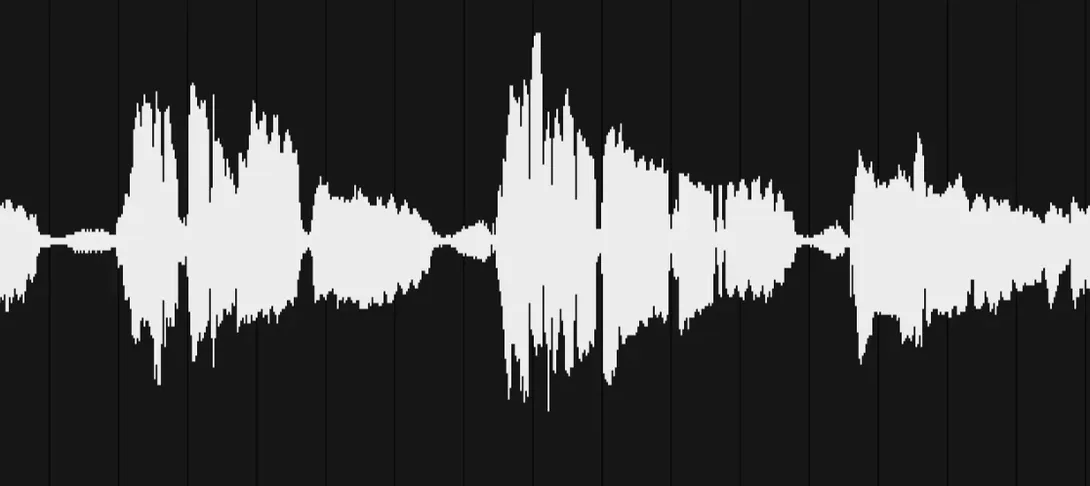
Start with a stereo mix of a track that needs loudness balancing and a small click removed. Open the mix in the wave editor. The sample-accurate display shows the waveform under a loupe; zoom into the transient where the click lives, switch to the spectral view, and draw a selection around the offending frequency burst. The spectral repair tool attenuates it without touching the snare hit underneath. Switch back to the waveform view and confirm the edit is transparent.
Insert the cleaned file into a new montage. Add two more mixes to the same montage — each on its own track — and begin adjusting clip gain so the perceived loudness across the sequence holds steady. Open the loudness metering panel and watch the integrated LUFS reading as you tweak. When the numbers look right, add track markers, type the CD-Text metadata into the inspector, and set the gap lengths between songs.
For the final check, load a personal HRTF profile in the monitoring section and switch the montage output to binaural. Listen through headphones for any phasing oddities or level shifts that the stereo monitoring masked. Once satisfied, render the montage as a DDP image and a set of broadcast WAV files in one pass. The whole job — surgical repair, sequencing, metering, metadata, and format export — stays inside the same application, with no round trips to a DAW.
Apple silicon and Intel 64-bit Macs run the current build on macOS 13 and later.
Dolby Atmos master montages gained support for channel-based surround files, and the binaural monitoring path can now load a personal HRTF profile for a more accurate headphone fold-down.
- macOS 13 or later
- Apple silicon or Intel 64-bit processor
Questions from the booth
Yes, the ARA plug-in version opens inside compatible DAWs for editing and restoration work directly on audio events.