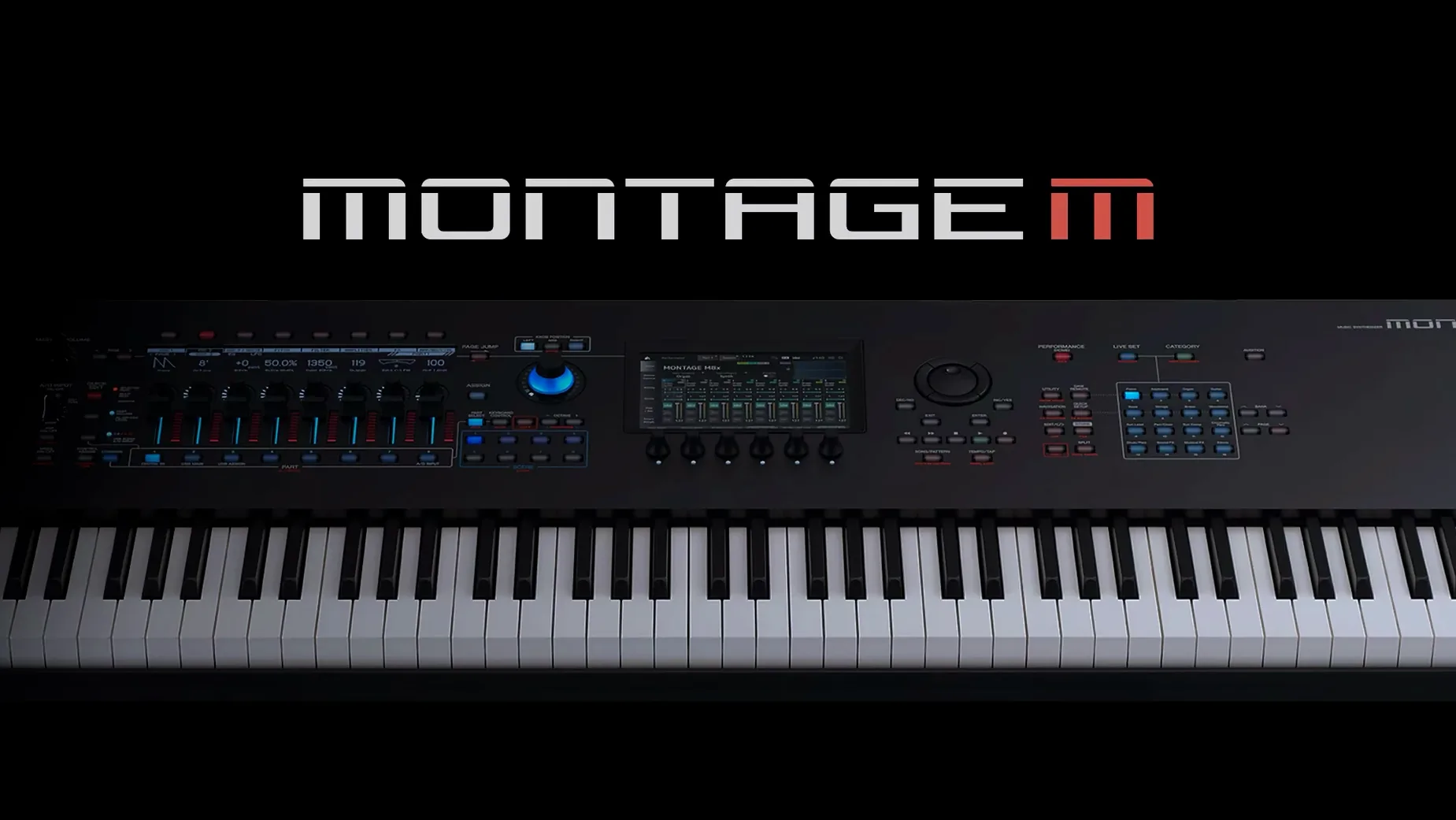
A direct software translation of the MONTAGE M tone generator that places its entire synthesis architecture inside a DAW track, responding to the same edits and sysex as the hardware while adding offline rendering and project recall.
A tour through the controls
Multi-instance architecture — the only ceiling is your machine’s headroom. Layering several instances means stacking full AN-X, AWM2, and FM-X engines in parallel, each with its own motion control and effects chain, until the buffer crackles or the idea lands.
Computer display editing — every envelope node, modulation routing, and element parameter spreads across a screen measured in inches, not the hardware’s panel. Tweaking a multi-part performance becomes a matter of dragging, not menu-diving.
Total project recall — save a DAW project and the plugin stores its state without a sysex dump. Open the session next month and every motion sequence, super knob position, and arpeggiator phrase loads exactly where you left it.
Offline bounce — render complex performances faster than real time. A dense six-part motion sequence that would tie up the hardware for four minutes prints in seconds, freeing the physical MONTAGE M for the next track while the software handles the stem.
Launch a blank session before loading any template
After the installer finishes and the package and patch have both been applied, open a blank DAW session and load a single instance of the plugin before reaching for any template or existing project. Give it a few seconds to initialize — the tone generator is loading the same engine the hardware boots, and first launch on Apple Silicon can feel a beat slower than subsequent ones. Once it appears, create a simple four-bar MIDI loop with a piano performance, then save, close, and reopen the session. That round-trip tells you the recall system is working before you commit half an evening to sound design.
Assign the plugin's audio output to a dedicated bus from the start. Even with a modest Mac, stacking three or four instances across separate tracks can push a single stereo out into clipping territory long before the CPU meter looks worried. A bus with a limiter set gently — just catching peaks — keeps the first multi-part experiment from turning into an accidental distortion hunt.
If you plan to move between the hardware and the plugin, pick one direction for edits per session. Building a performance on the MONTAGE M and then tweaking it inside the DAW works cleanly; going back and forth mid-session can leave you squinting at two slightly different versions of the same sound. The sync protocol is solid, but human memory isn't — name your saved plugin states clearly, especially when a single project contains four or five variants of the same pad.
Point your DAW to a custom plug-in folder
Plugin doesn't appear in the DAW after installation. This one crops up most often on systems where the user has a custom Audio Units or VST3 path. The installer places components in the standard system folders; if your DAW scans a non-default location, you'll need to copy or symlink the plug-in manually. On macOS, check /Library/Audio/Plug-Ins/Components for the AU and /Library/Audio/Plug-Ins/VST3 for the VST3. A rescan inside the DAW's plug-in manager usually sorts the rest.
Audio dropouts with more than two instances. The multi-instance architecture is generous but not magical. On a base M1 with 8 GB of RAM, AN-X heavy performances multiply quickly. Bumping the buffer to 512 or 1024 samples during composition — and reserving 128 or lower for tracking — often eliminates crackles without touching a single patch setting. Freezing tracks that use the plugin for pad duties, where real-time control matters less, buys back headroom for the lead and bass instances you're actively shaping.
Hardware sync stalls mid-session. A loose USB-C connection or a hub that's negotiating power delivery at the wrong moment can interrupt the handshake. Connect the MONTAGE M directly to a port on the Mac, not through a monitor hub or an under-desk splitter, and avoid swapping the cable while the DAW transport runs. If sync drops, saving the project, closing the plugin window, and reopening it re-establishes the link without restarting the DAW.
Why MONTAGE M leans on hardware instead of the computer
Yamaha's own approach with the Expanded Softsynth Plugin differs markedly from what Native Instruments and Arturia offer. Komplete Kontrol and the Analog Lab family treat the computer as the primary sound source, optionally mapping controls to hardware. The MONTAGE M plugin flips that relationship: the computer is a mirror of the MONTAGE M's tone generator, not a replacement for it. If you don't own the hardware, the plugin doesn't function — and that shapes the entire experience. This isn't a general-purpose softsynth you browse presets in; it's the MONTAGE M engine, exactly, pulled into a window.
Arturia's Pigments or Native Instruments Massive X give you deep modulation and wavetable synthesis in a self-contained software package with no hardware dependency. They're lighter on the system and quicker to patch from scratch, but neither reproduces the AN-X plus AWM2 plus FM-X combination that defines the MONTAGE M sound. What the Yamaha plugin sacrifices in standalone convenience it returns in fidelity: a performance built in the plugin sounds identical on the hardware, and vice versa, because the code running the oscillators is the same.
For someone already deep in the MONTAGE M ecosystem, the software version makes the hardware feel larger — it becomes a multi-timbral module that can print stems faster than real time, while the physical keys and knobs remain available for the next part. For someone weighing a first hardware purchase against a purely software setup, the plugin doesn't tip the scales on its own, but it does mean the MONTAGE M effectively ships with a full DAW integration layer that most hardware synths still treat as an afterthought.
- macOS 13 or later
- Apple Silicon or Intel processor
Questions from the booth
Yamaha states the plugin is not sold separately and is designed to sync with the MONTAGE M hardware, though multiple instances run independently on the computer once installed.
Yes, the hardware and software share the same tone generator, so patches sound identical and respond to the same parameter changes and sysex messages.
You can launch as many instances as your computer’s performance allows, letting you stack multiple MONTAGE M performances in a single project.