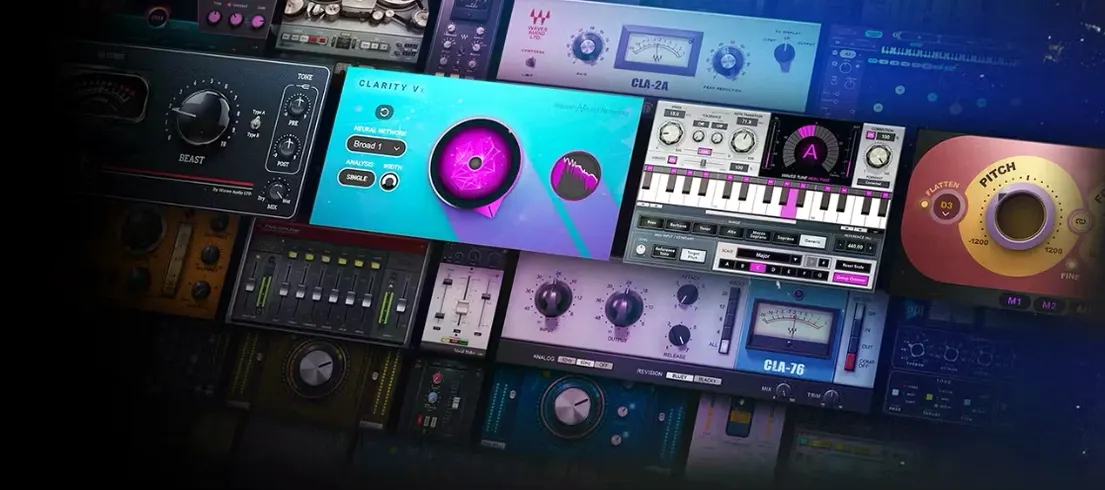
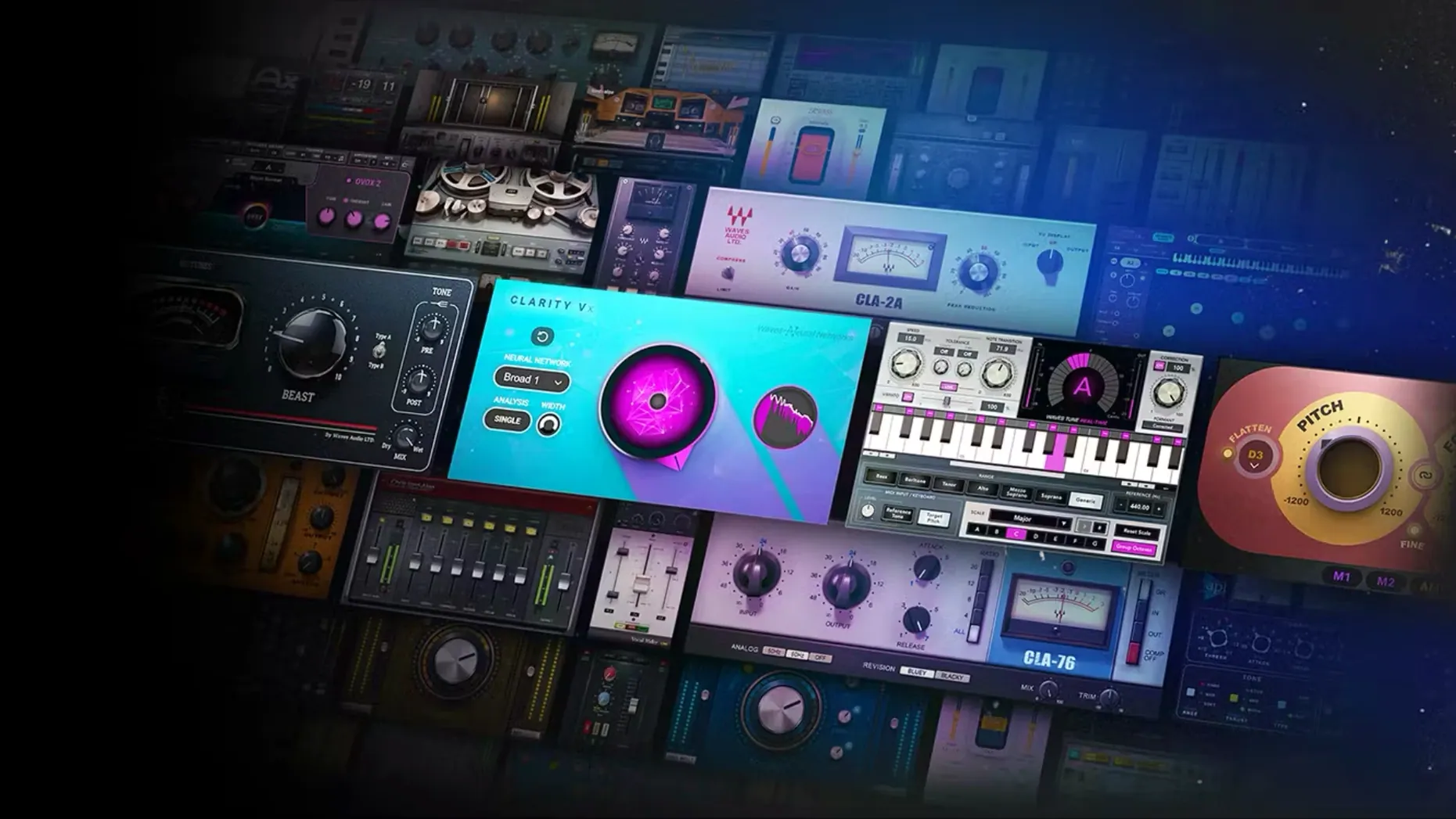
A dialogue track is sitting too far back in a busy scene. You pull up the CLA-2A to hold the voice steady, then drop an F6 dynamic EQ right after it to pull out a low-mid resonance that only appears when the actor leans toward the boom. A few minutes later, that same session has Abbey Road chambers on a violin stem and a PuigTec EQ nudging the air on the master bus. The thing about having over 230 plugins in one collection is that the chain builds itself around the problem, not the other way around.
Waves Ultimate is the largest slice of the Waves Creative Access catalogue, and it shows in how a session unfolds. Vocal rider on the interview track before it even hits the channel strip. L3-16 multiband limiter taming the final output after the stems have already been printed. The collection spans analogue console emulations, surround tools, and surgical cleanup plugins that live across tracks, buses, and the master fader without ever feeling like you need to reach for something else.
StudioVerse threads through the whole thing—thousands of community mixing chains searchable right from the plugin window. It turns the collection from a toolbox into a map, especially on a tight turnaround where you audition chains as starting points rather than building from silence.
A few keystrokes and habits surface only after the first week. Holding Shift while adjusting a Waves knob engages fine-control mode, which makes surgical EQ moves on the PuigTec or API 550 feel far less twitchy. The same modifier works inside StudioVerse when you want to nudge a loaded chain's parameters in smaller increments without collapsing the whole preset. If you double-click any Waves parameter label—gain, threshold, ratio—the value field highlights for direct numerical entry, a small mercy when you already know you need exactly 3.2 dB of reduction on the CLA-76. On the preset browser, typing a comma after a search term filters by function rather than name, so LA-2A, vocal narrows things faster than scrolling through artist folders.
Another quiet time-saver lives in the signal-flow legend at the bottom of most older Waves interfaces. Clicking the routing diagram toggles between stereo and mono summing right there, without opening a separate menu. That same bottom strip often hides a tiny output meter calibration toggle—switching from dBFS to VU changes how the entire plugin window reads, and it sticks per instance until you change it back. On the Abbey Road plates and chambers, holding Option while adjusting the drive control disables the noise floor modelling temporarily, which is useful when you want the saturation texture without the tape hiss during a quiet string passage.
Building a broadcast vocal stem from scratch
A raw field-recording voice track lands on your timeline—uneven levels, traffic hum underneath, and a proximity bump around 180 Hz that muffles the consonants. Start by inserting WNS Noise Suppressor on the first slot and let it learn the noise profile from a silent section of the clip; the broadband reduction cleans up the low rumble without clawing at the voice itself. Next, Vocal Rider in fast mode rides the gain phrase by phrase before any dynamics processing, so the compressor that follows receives a more consistent signal and doesn't have to work as hard.
After the rider, drop a Scheps 73 and push the mid band to 7.2 kHz with a shelf, adding about 3 dB—enough to pull the consonants forward. Engage the preamp drive at 30 for a touch of transformer weight. Following the EQ, an R-Comp with a 3:1 ratio and a medium attack clamps the body of the voice gently; set the release by ear until the gain reduction needle breathes with the syllables. On the last insert, L1 Ultramaximizer with the ceiling at -0.3 dB and no more than 2 dB of limiting catches any remaining peaks. The chain runs: noise suppressor, level rider, tone, dynamics, peak control—each plugin doing exactly one job and passing the signal forward.
Let Waves Central scan licenses to fill the StudioVerse browser
The moment the plugins pass validation in your DAW, open Waves Central and let it scan your licenses—this step also triggers the background cache that StudioVerse depends on, and skipping it leaves the chain browser empty until the next system idle. After the scan, load an empty session and instantiate one of the heavier impulse-response plugins, like Abbey Road Plates or H-Reverb, on a dummy aux track. Let it sit for a minute; Waves builds its IR library index lazily, and doing this once stops the beach ball from appearing mid-session later.
If you work with split archives and the installer refuses to see the next chunk, place every part—.001 through .00x—in a folder with no other files, then open the .001 with Keka. The extraction path matters: keep it short and avoid spaces in folder names, because the included shell scripts can choke on escaped characters. Once everything is in place, run the Waves AU Reg Utility from the Applications folder before launching your DAW; without this, the Audio Unit versions appear as unregistered and default to periodic silence. Should Waves Central stall on launch, opening Terminal and running it from the command line often bypasses whatever sandboxing friction is causing the hang—the exact path varies per machine, but the included instructions point to the right executable.
The latest Waves update sharpens its focus on spatial control. Atlas Reverb gains a stereo width control, letting you collapse or expand the room around a source — subtle in a dense mix, transformative on a solo vocal. There is also a new lock for Decay and Pre-Delay parameters, so you can browse reverb programs without losing the tail and timing you have already tuned. Rounding things out, every Atlas Reverb program now lives inside the shared Waves preset system, making it easier to carry a space from one session to the next.
- macOS 13 or later
- Apple Silicon and Intel 64-bit
Questions from the booth
Waves Ultimate bundles more than 230 plugins and is described as the biggest option within Waves Creative Access, though it does not necessarily include every single product Waves has ever released.
After installation, running the Waves AU Reg Utility registers the Audio Units so your DAW can find them; if problems persist, launching Waves Central from Terminal can help.
Yes, the current version supports both Apple Silicon and Intel Macs running macOS 13 or later.