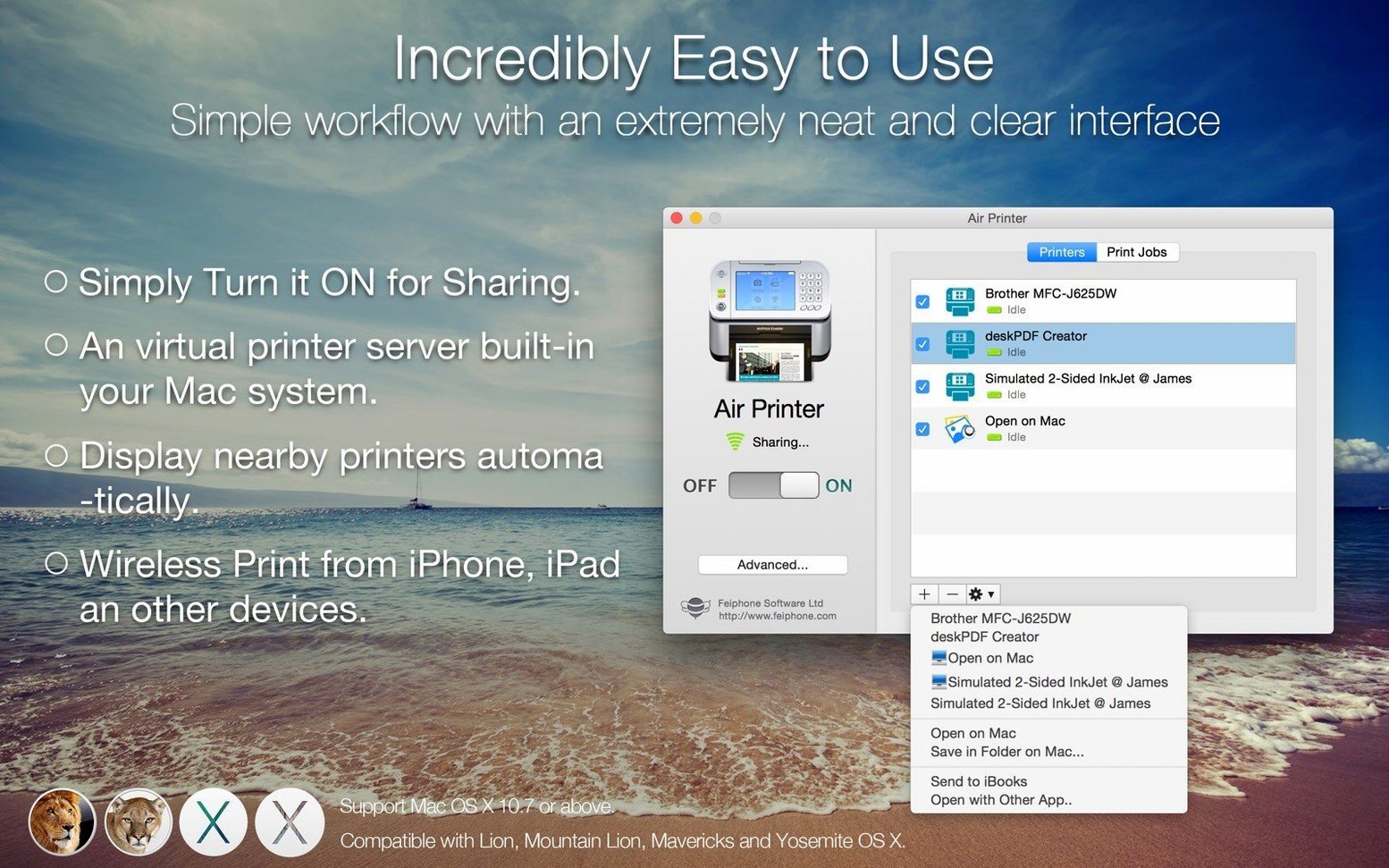
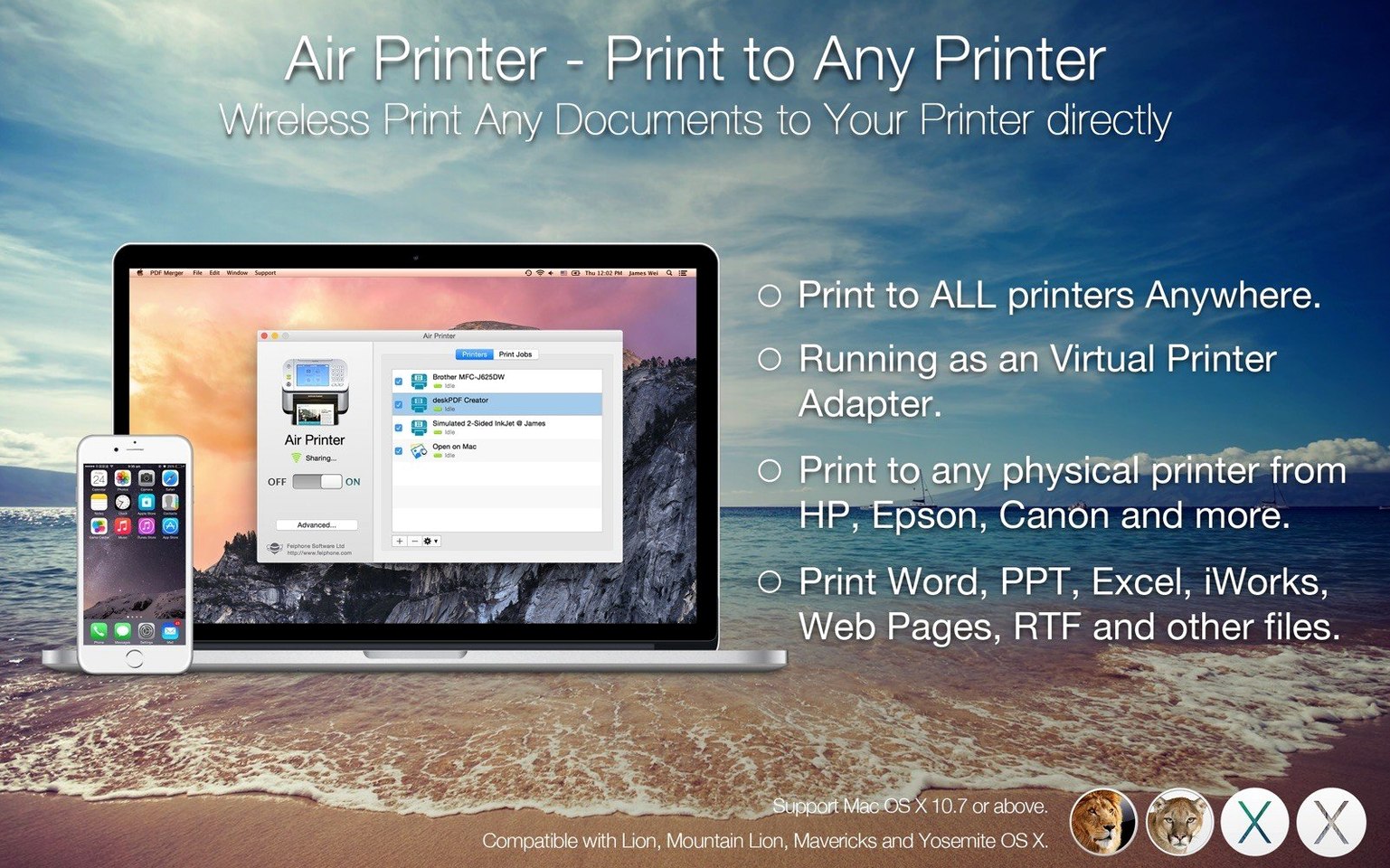
A colleague hands you a USB-only printer and a room full of MacBooks with no cables in sight. You plug it into your desk Mac, launch Air Printer, and suddenly the whole floor has a wireless printer — no configuration screens, no shared-printer wizards, just a virtual print server that appears on every device on the same network.
What the virtual server actually handles
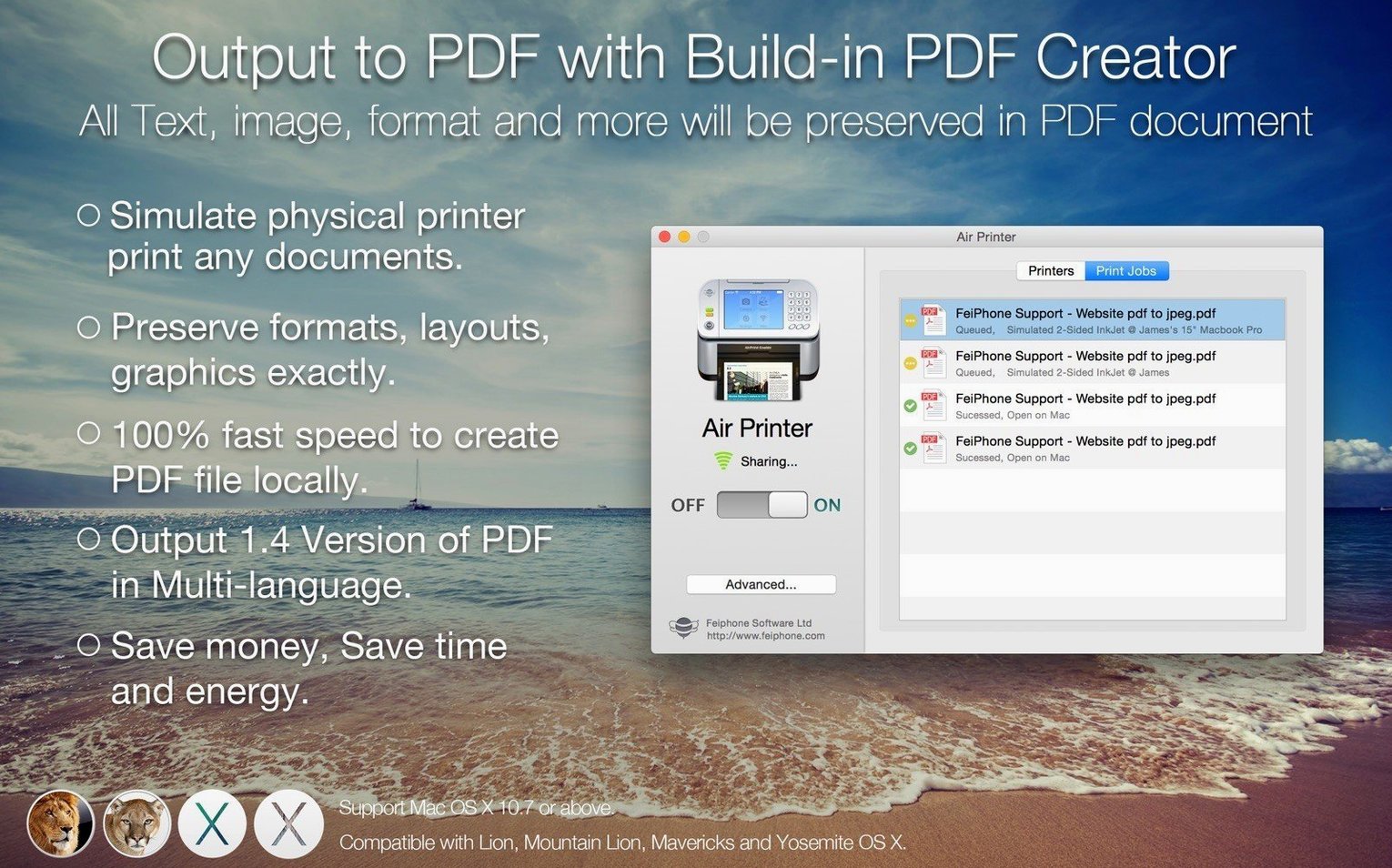
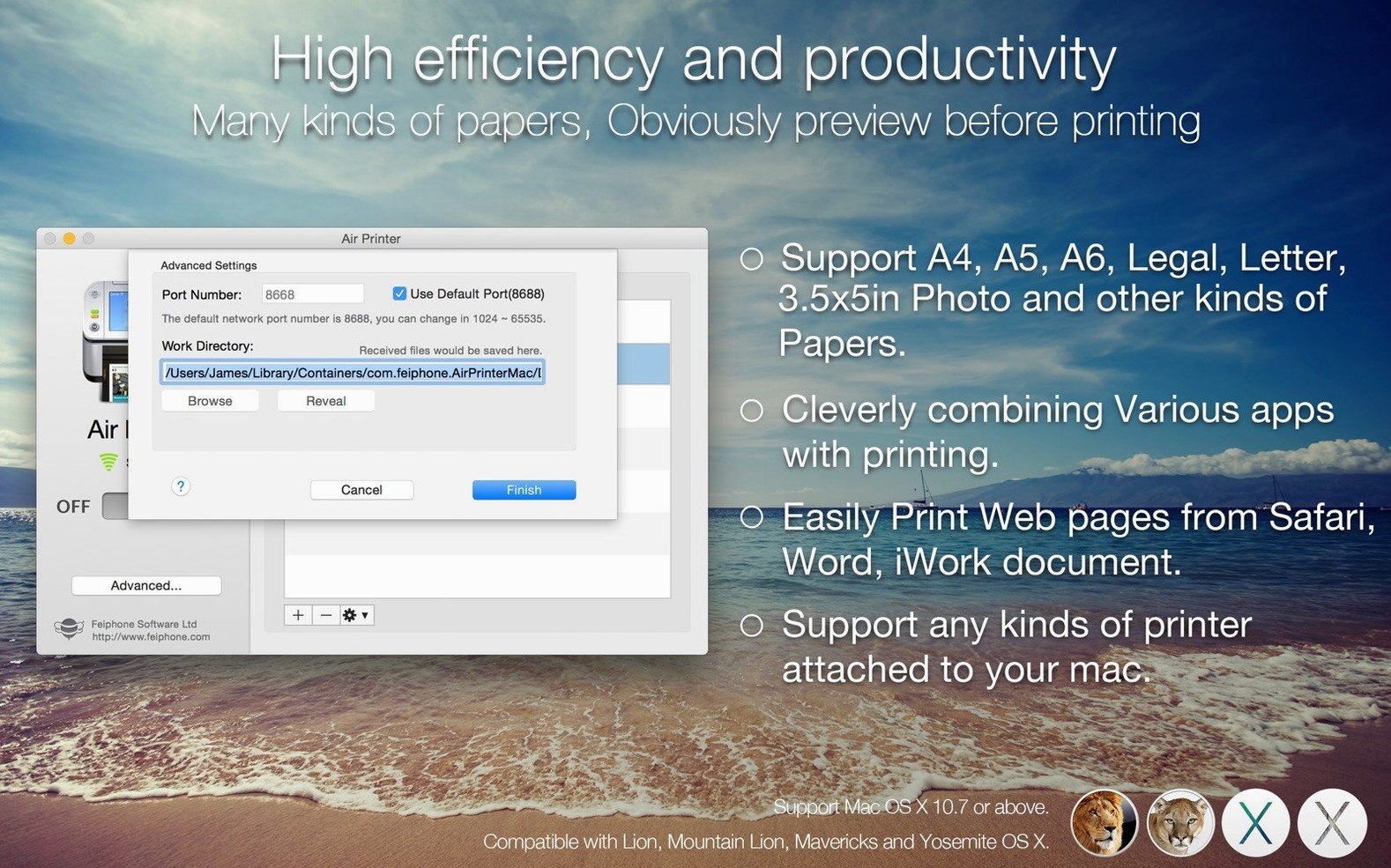
Behind the simple appearance, the app routes a wide range of print jobs through its virtual server engine. It understands iWork and Microsoft Office documents natively, so Pages, Numbers, Word and Excel files render without conversion artefacts. Photos, web pages and emails all queue through the same pipeline. Every job can be redirected to a PDF instead of paper, and the print dialog exposes full control over orientation, paper type, page range, print quality, colour mode, duplex printing and paper size — the options a real printer driver would offer, passed through without stripping anything out.
Quiet compatibility across architectures
Version 6.7.9 runs on both Intel and Apple Silicon Macs from macOS High Sierra forward, and the developer has marked it compatible with macOS Tahoe 26.x. Nearby devices see the shared printer as a standard Bonjour service — Macs pick it up automatically, and anything else on the same Wi‑Fi network can connect as long as it speaks IPP. No extra drivers on the client side, no user accounts to manage. Just a Mac sitting on the network with a printer attached, doing one job quietly.
Your standard print dialog, no extra setup
Because the shared printer appears as a standard Bonjour service, it slots into macOS without friction. The printer shows up in any app’s standard print dialog alongside locally connected devices, and it respects system-wide presets you’ve already saved — paper trays, colour profiles, finishing options all carry across. If you use Automator or Shortcuts, a print action pointed at the virtual server inherits the same behaviour; a folder action that outputs PDFs to a shared research drive still works, just with the destination pulled through Air Printer’s queue. And since the app doesn’t install kernel extensions or intercept the print system at a low level, macOS updates tend to leave it alone — it rides on CUPS and IPP, the same plumbing the operating system already trusts.
On a mixed-device home network, an iPad or a Windows laptop can send jobs to the same printer without hunting for drivers. The Mac running Air Printer handles the translation, so a ten‑year‑old laser printer that never had an ARM driver keeps working long after its manufacturer forgot about it. Some people use the setup as a quiet air printer printer server mac torrent of documents between floors of a shared house, where running Ethernet isn’t practical but the Wi‑Fi reaches everywhere.
Preview spooled jobs before they hit paper
A few conveniences hide in plain sight. Double‑clicking a queued job in the app’s job list opens a preview drawn directly from the spooled data — useful for spotting a wrong page range before the paper rolls. The PDF output option remembers the last folder you saved to, so a morning of batch‑printing invoices into dated folders becomes a two‑click routine. And if you hold Option while clicking the printer status icon in the menu bar, the app reveals a short diagnostics panel showing Bonjour registration state, the current IPP queue depth, and which devices have connected in the past hour — none of which you need day to day, but all of which save a trip to Console.app when something goes quiet.
There’s also a subtle behaviour with duplex defaults: if the physical printer supports two‑sided printing, the virtual server preserves the setting per‑job rather than forcing a blanket preference, so a print from Mail can run duplex while a photo print from Preview stays single‑sided without anyone adjusting a preference pane. It’s the kind of detail that goes unnoticed for months until you use a lesser print‑sharing tool and wonder why everything suddenly feels stiff.
- macOS 10.13 or later, including macOS Tahoe 26.x
- Intel or Apple Silicon Mac (64‑bit)
- Wi‑Fi network with all devices on the same local network
Questions from the booth
No. Only the Mac hosting the printer needs the app. Other Macs and devices on the same local network see it as a standard network printer and can print to it without additional software.
Yes. Any print job sent to the virtual server can be output as a PDF document, which is useful for archiving or sharing before committing to paper.
The app handles documents from iWork and Microsoft Office, plus photos, web pages and emails. The print dialog exposes standard options like paper size, duplex, colour mode and orientation for all job types.