
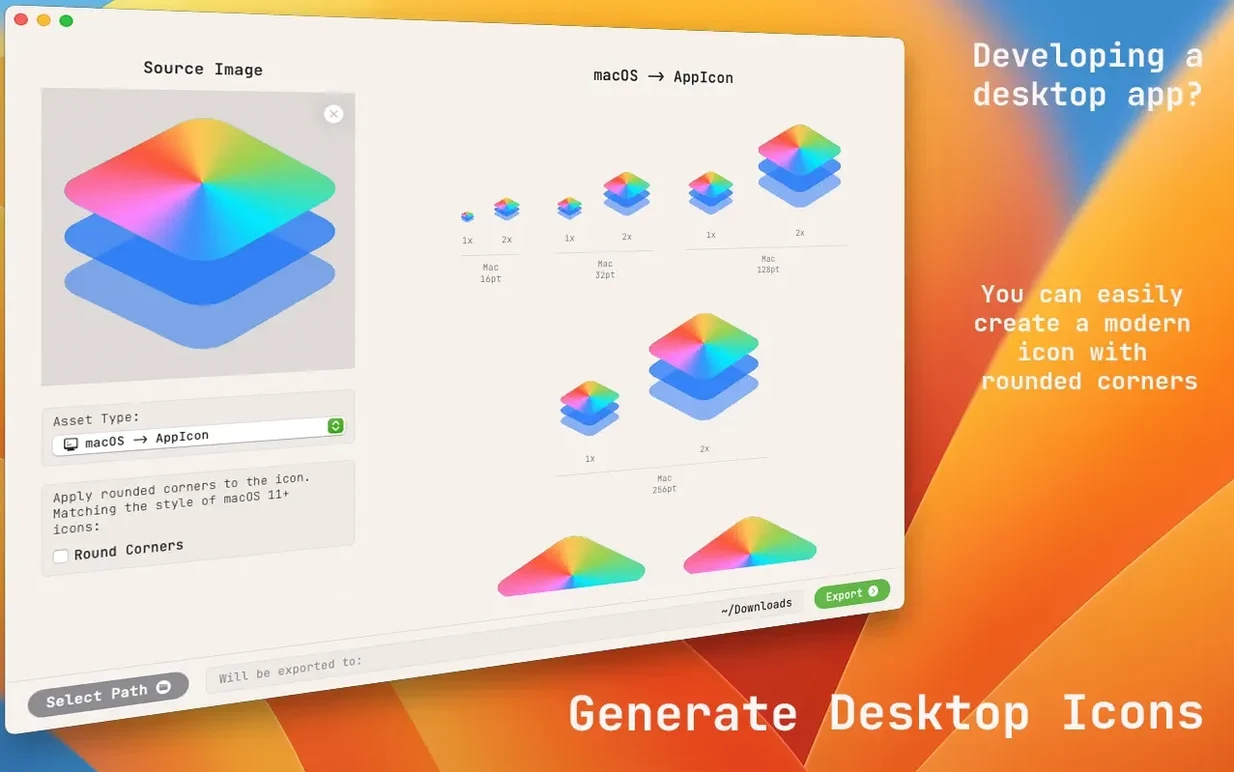
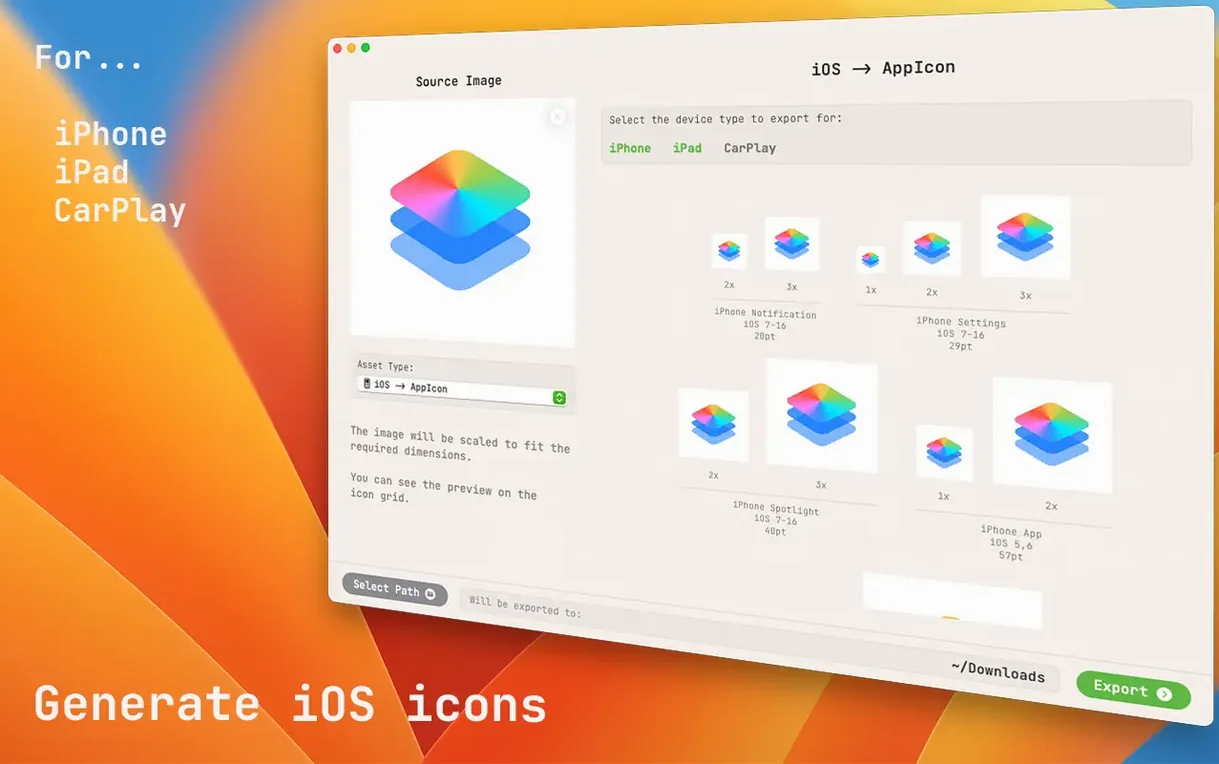
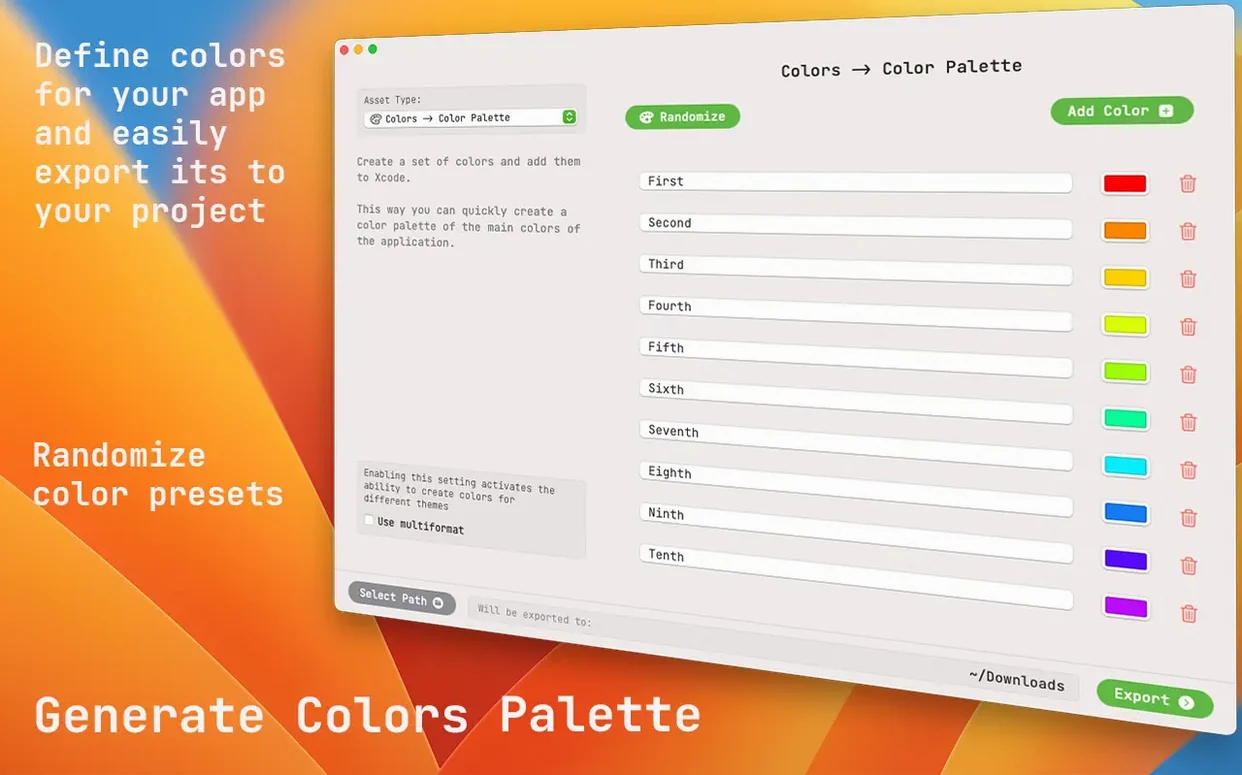
AssetsGen 4.0.1 handles up to a dozen output formats from a single source image, but it’s the deeper controls that reward the filmmaker who also ships apps. The app generates full asset sets for Apple platforms — Mac icons in the newer rounded-rect style, Apple Watch complications, and universal or device-specific graphic sets — all mapped straight into an Xcode asset catalog. What matters after the first export is how it remembers your workflow: you can set whether previously used images reload from the same location or prompt you fresh on restart, a small toggle that saves time when you’re batch-processing icons for a game’s menu screens. Colour palette generation rounds out the tool, letting you pull a project’s accent hues from the same artwork rather than guessing them by eye.
For the developer who also does their own art
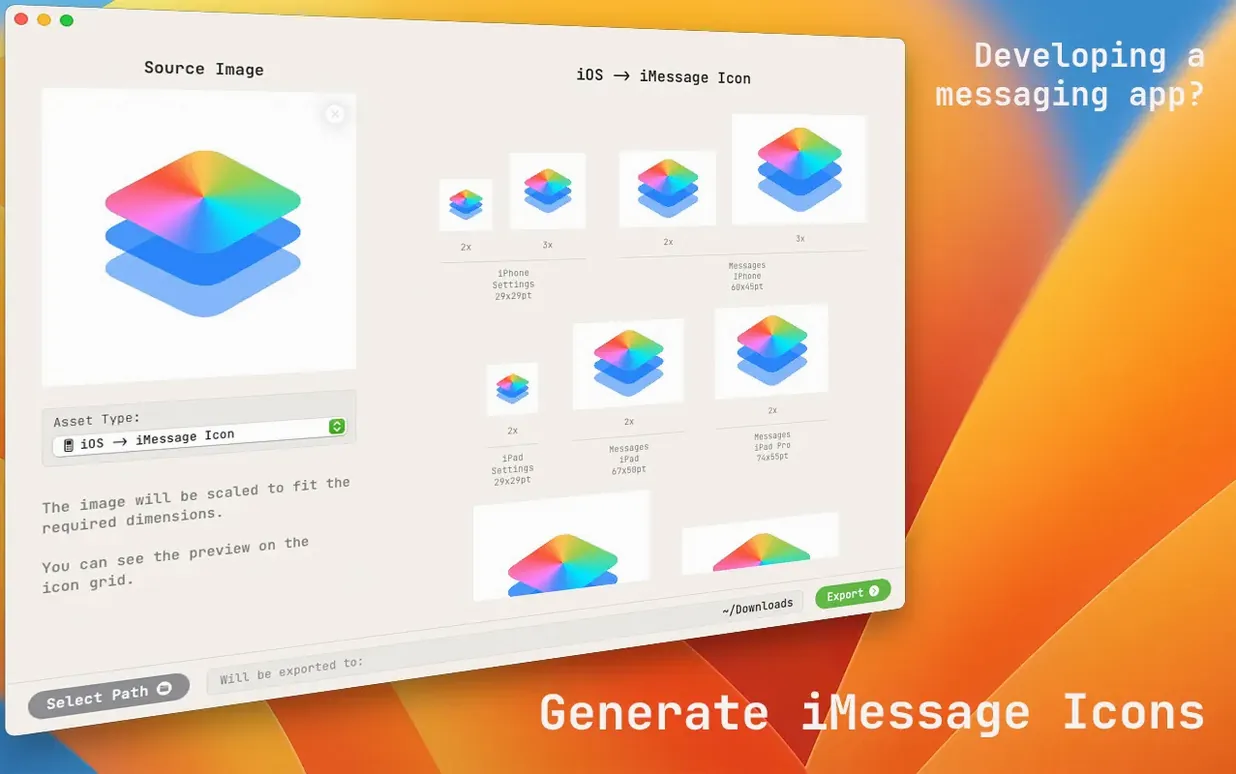
This is a tool for the developer who also does their own art — not the dedicated illustrator with a full suite of design apps, but the person writing the interface code and needing a matching icon set before the build compiles. Xcode users working on Apple Watch faces or CarPlay interfaces will find the device-specific output options save them from manually resizing and renaming each variant. The same applies to anyone maintaining an iMessage sticker pack or a set of Catalyst app icons: once the source image is ready, AssetsGen produces the full family of sizes in one pass rather than requiring a trip through ImageMagick scripts or a second app.
On the Mac side, the newer icon style introduced in recent macOS versions is generated here without hunting down the official dimensions and layer templates. For indie game developers preparing store assets, the colour palette extraction alone can keep a title’s button highlights and text accents visually consistent across Apple and Android builds — a small detail that often gets overlooked until the build is in review.
Generates icons, then drags output into Xcode
AssetsGen works alongside Xcode’s asset catalog workflow rather than replacing it. You generate the icons here, then drag the output folder straight into the Xcode project pane; the app does not manage your project structure or version your assets. On the design side, it pairs naturally with Pixelmator Pro or Affinity Photo for final touch-ups on the source image before batch export, since the generator preserves the original’s aspect ratio and doesn’t impose its own canvas cropping unless told to. For macOS developers who keep their toolchain in Terminal, the fact that AssetsGen processes everything locally means you can run it alongside a build script without worrying about network calls or file uploads slowing the cycle.
One subtle macOS integration detail: the app respects the system’s file‑picker preferences and will offer the same last‑used directory across sessions if you toggle the image‑loading setting accordingly. That matters more than it sounds when you are generating icons for a dozen different app concepts in a single afternoon.
A real‑world scenario
Consider a solo developer finishing a hiking‑log app for iPhone and Apple Watch. The source artwork is a single vector export from Affinity Designer — a mountain silhouette on a gradient background. In AssetsGen they select the iPhone app‑icon template, the Mac rounded‑rect template, and the Apple Watch complication template. The generator produces the three sets with correct corner radii and pixel dimensions for each platform, and the colour palette tool extracts the trail‑green and sky‑blue values used in the silhouette. Those hex codes go straight into the app’s theme file. The whole process, from opening the source image to dragging the assets into Xcode, takes under ten minutes. The developer never opens a pixel editor to resize anything, and the icon set matches across every device target before the first test build finishes.
- macOS 11 or later
- Intel or Apple Silicon
- Interface: English