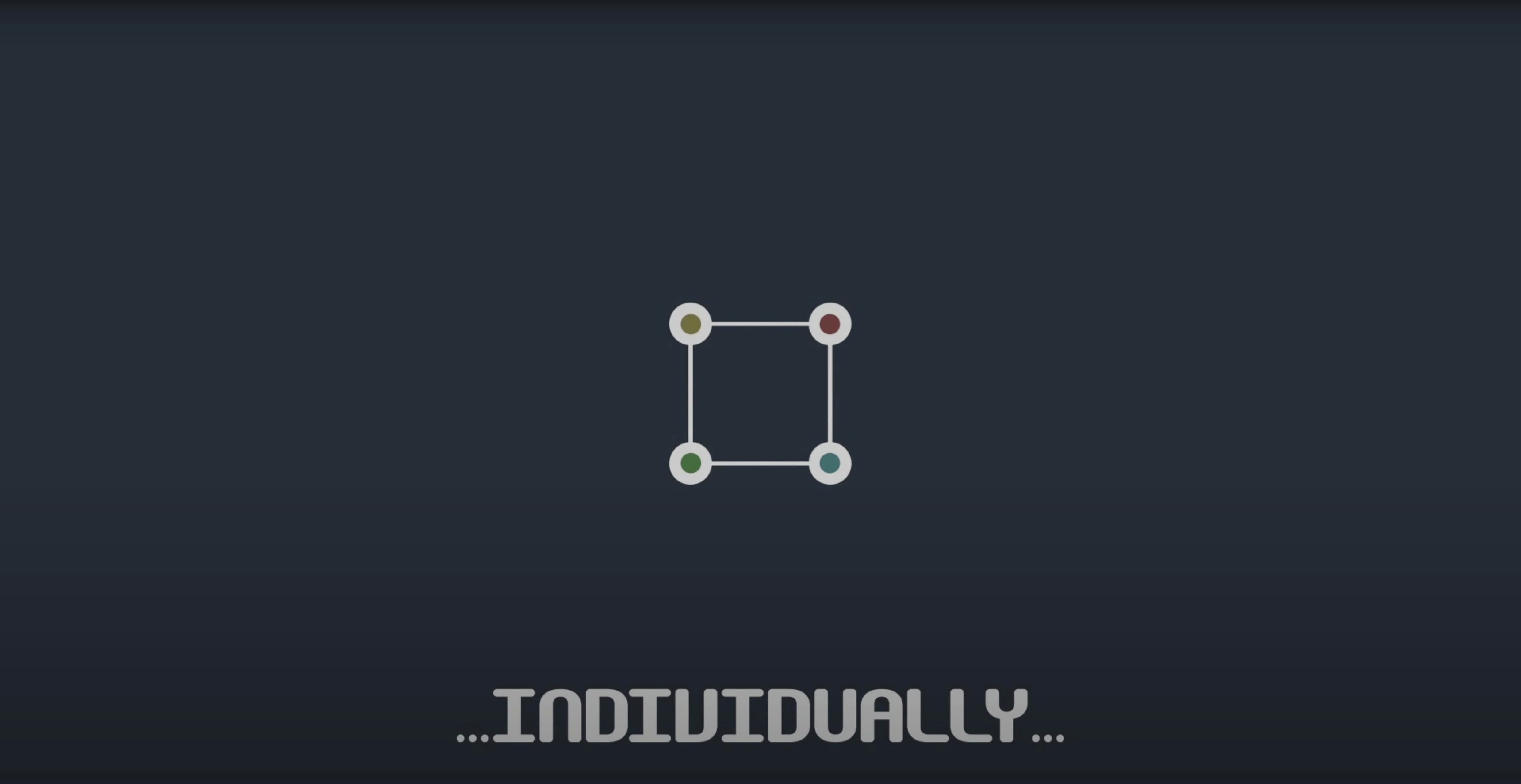
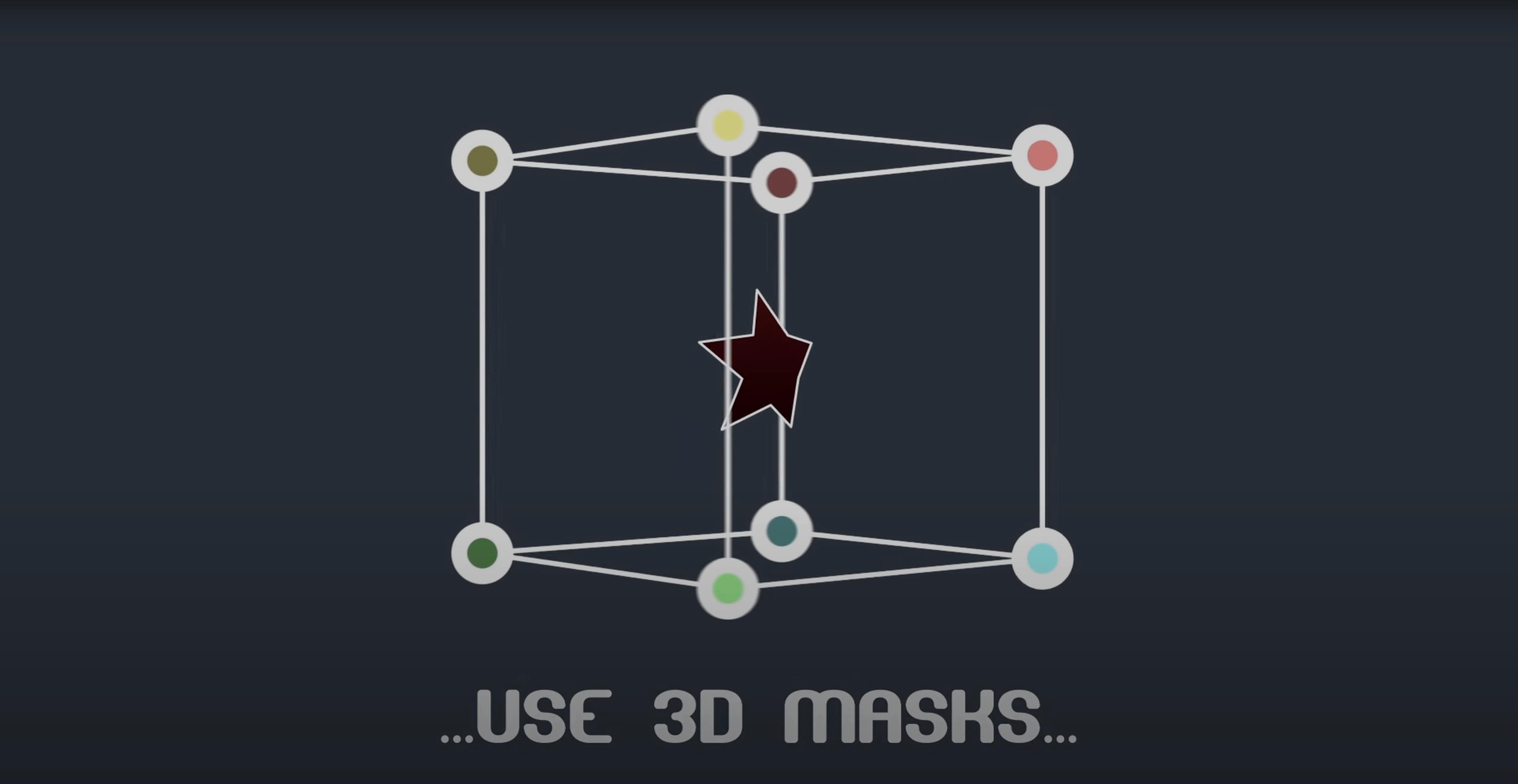
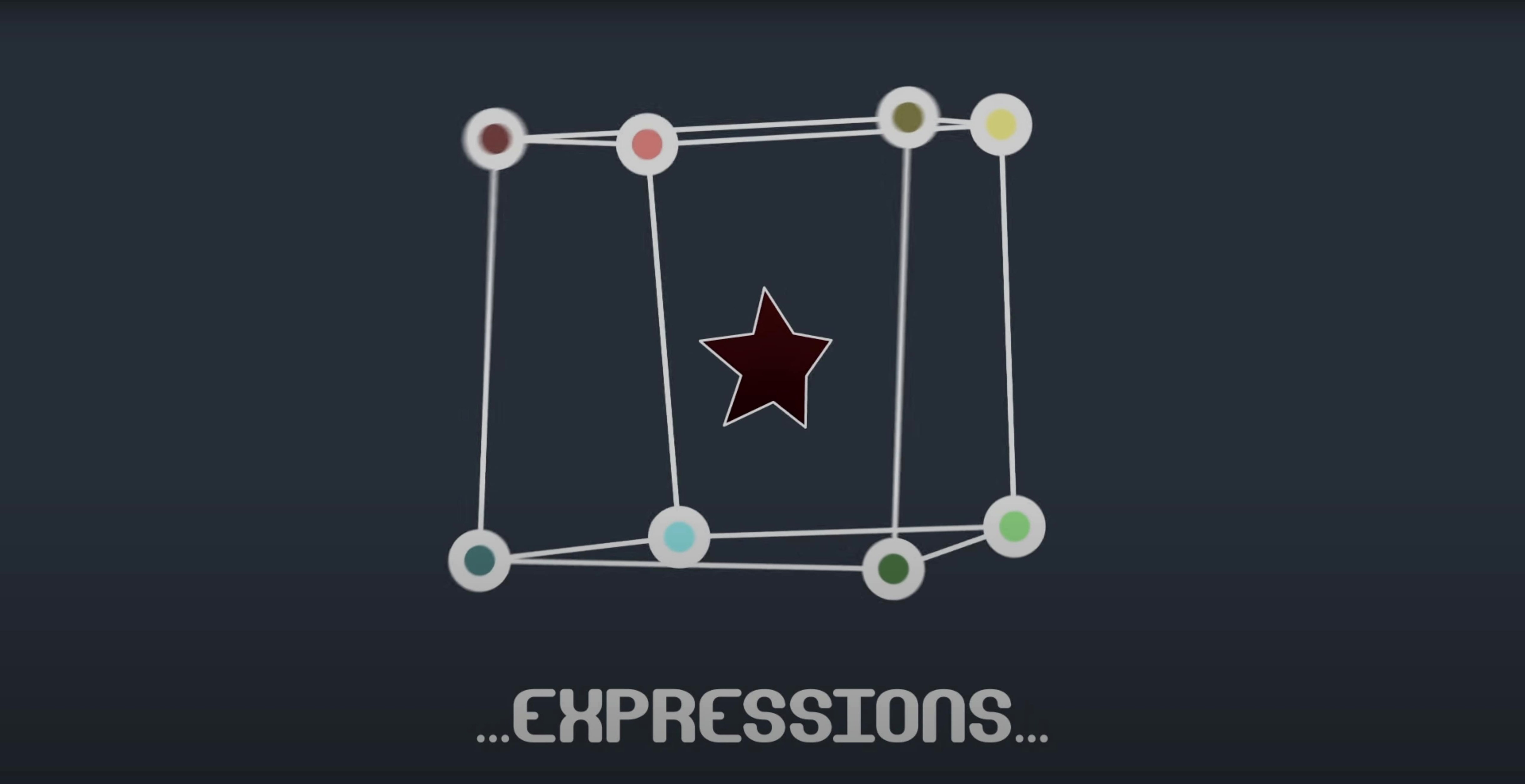
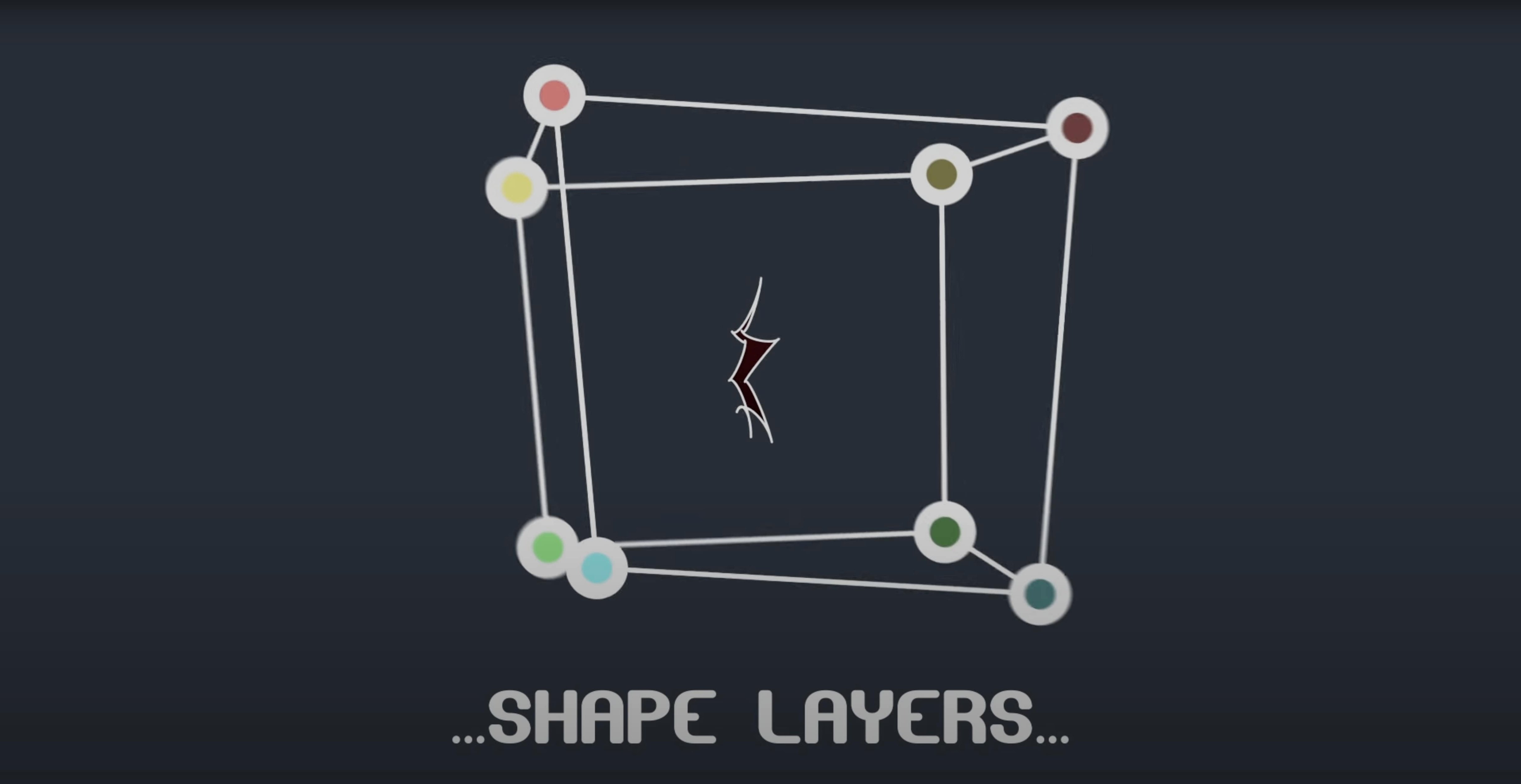
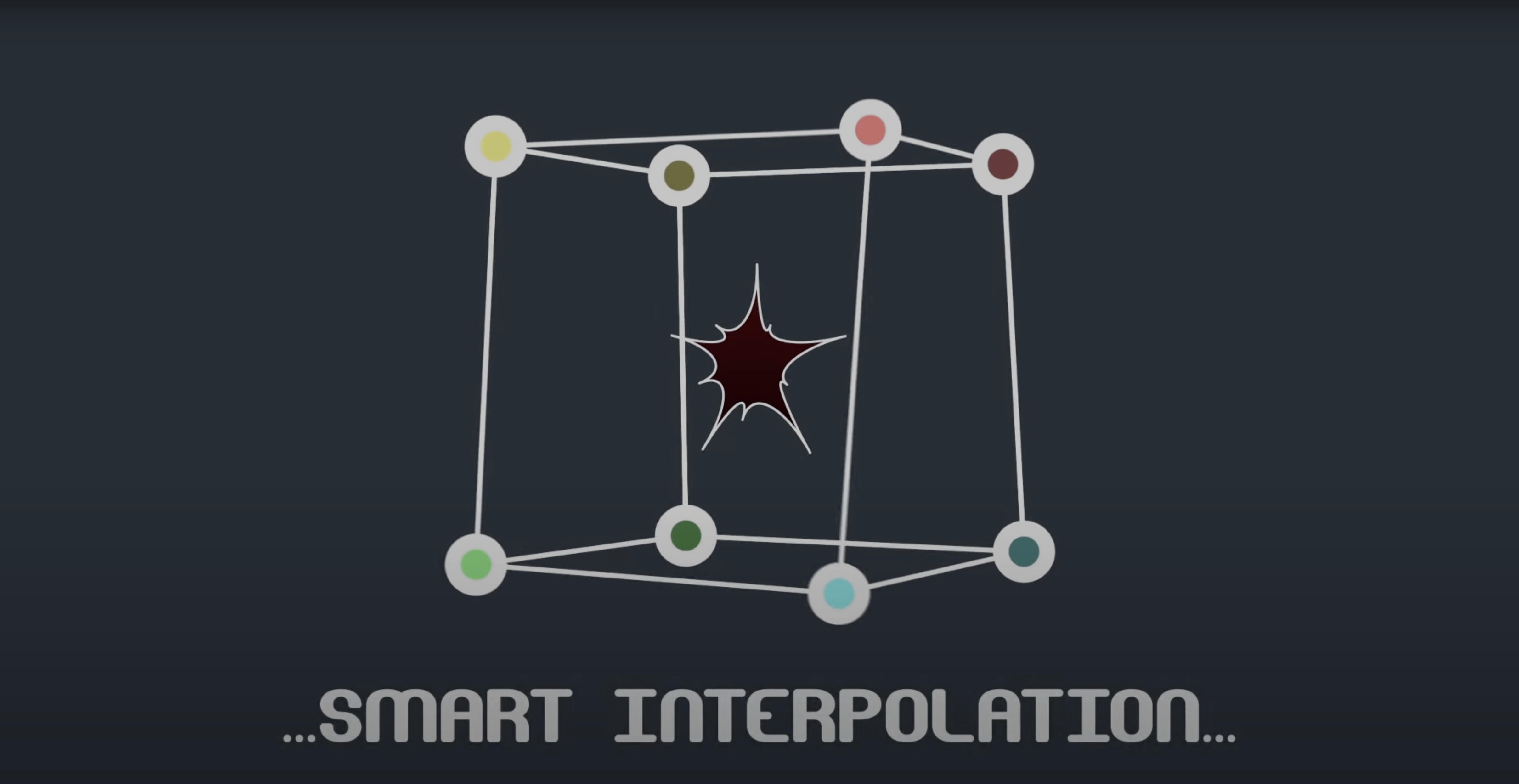
Every mask path in After Effects is built from vertices and the tangent handles that define their curves, but the built-in tools treat the whole shape as one object. BAO Mask Avenger breaks that apart, giving you keyframeable control over each vertex and tangent individually. The plugin reads a mask's geometry and exposes position and orientation data for any point along the path, so you can animate a mask point-by-point without splitting it into separate layers.
Independent mask point timing for shapes, effects, and expressions
- Animating complex roto shapes where different parts of the mask need independent timing
- Driving effects, null layers or shape layer positions from specific points along a mask edge
- Sharing projects with collaborators who don't own the plugin, using the freeze mode to bake the data in place
Native AE plug-in with scripts you wire up yourself
- Works as a native After Effects plugin — no bridge or external application needed
- Includes scripts for linking masks to nulls and building expressions, but you still set up the logic yourself
Apple Silicon beachball fix that restores a quiet launch
The most recent build is a quiet one on paper — it fixed an M1 compatibility issue on Mac — but that single fix means the plugin no longer beachballs or refuses to initialize on Apple Silicon machines running recent versions of After Effects. Before the patch, artists on M1 or M2 hardware sometimes saw Mask Avenger load but fail to read mask geometry correctly, or simply not appear in the effect controls. That is gone now. The plugin feels like it belongs on the machine, not like something coaxed into running. If you moved to Apple Silicon a couple of years ago and shelved Mask Avenger because it stuttered, this is the version where it comes back into rotation.
Nothing else changed in the feature set — the interpolation modes, the freeze workflow, the tracker pick-whip, all carry over intact. The difference is reliability on modern hardware, which for a tool that sits deep in the mask pipeline counts for more than a feature list bullet.
Feeding mask data into expressions and null-linked rigs
Mask Avenger is an After Effects plugin first, but the data it exposes plays nicely with anything that talks to After Effects through expressions or shared coordinate spaces. The null-linking script is the obvious bridge: you take a mask point, generate a null that follows it, and suddenly that point controls a particle emitter in Trapcode Particular, the anchor of a 3D layer, or the position of a lens flare in Optical Flares. The null is just a standard After Effects layer, so any plugin that can be driven by a layer's position can be tied to a mask vertex.
On macOS, the plugin sits quietly in the standard After Effects plugin directories — no launch agents, no menu bar extras, no background processes. It respects macOS sandboxing rules and does not phone home. If you use a Wacom tablet for roto work, the vertex-by-vertex animation workflow pairs naturally with a stylus because you can scrub individual points rather than reshaping whole curves. The freeze mode also makes it straightforward to hand off a project to a freelancer or client who doesn't own Mask Avenger; the baked data survives in the project file as regular keyframes with no plugin dependency.
Character rigs and roto where separate features share one path
Motion graphics artists doing character rigging with masks find it indispensable — think of a face built from mask shapes where the mouth, eyes and brows need to move independently while staying attached to the same continuous path. Rotoscoping artists working on complex organic shapes, like hair or foliage, use it to animate separate sections of a garbage matte without creating a dozen individual mask layers that all need feathering and expansion coordinated. Compositors who match-move elements onto curved surfaces can link a single mask vertex to a tracker and have the whole surface deform convincingly rather than sliding rigidly.
It also clicks with technical directors who build expression-driven templates for other artists. Because Mask Avenger can read position and orientation from any point along a mask path — not just existing vertices — you can sample a path at a percentage and drive secondary animation without manually placing control points. That kind of procedural setup rewards the sort of person who already nestles comps and writes utility expressions for a team. Less technically, anyone who has ever tried to animate a complex mask shape using the standard Mask Path property and found the interpolation twisting in unwanted ways will appreciate having per-vertex keyframes and the intelligent interpolation mode that works from a centre of gravity or an independent anchor point.
One-click freeze bakes dynamic data into sharable keyframes
The freeze mode is easy to miss if you only skim the interface, but it is the single most useful feature for collaboration. Click one button and the plugin bakes all its dynamic data into standard keyframes on the mask path. The mask continues to work as a normal After Effects mask, and the recipient never knows Mask Avenger was involved. You lose the live expression links, but for final delivery or handoff that is exactly what you want.
Another hidden convenience: you can pick-whip mask vertices directly to tracker points from After Effects' native point tracker or from Mocha AE's tracking data once it is applied. The expression is built for you, and because it is a standard expression, you can edit it, add smoothing, or swap the source later. The integration with the Free Transform mask tool also means you can grab a group of vertices and scale or rotate them around a chosen anchor without unlinking them from their individual keyframes — a rare combination of manual editing and procedural control.
If you work with shape layers, Mask Avenger can apply its vertex control to a mask and then push that data onto a shape layer's path, effectively turning a parametric shape into a point-animatable one without converting to bezier and losing the shape layer benefits. And for After Effects users who still keep Mask Renderer in their effects library, Mask Avenger replaces that need entirely while adding the tangent-level control Mask Renderer never had.
Version 2.7.5 fixes a compatibility issue that affected Macs with M1 processors.
- Apple Silicon and Intel
- After Effects CS6 through 2024
- English interface