Colourists sending LUT packs, sound designers sharing foley libraries, festival programmers bundling screeners — anyone who trades in large creative files on a Mac eventually lives inside archives. BetterZip is built for them, an archive manager that treats ZIP, RAR, and ISO containers as workspaces rather than locked boxes.
Preview and cull audio takes before a single file hits your drive
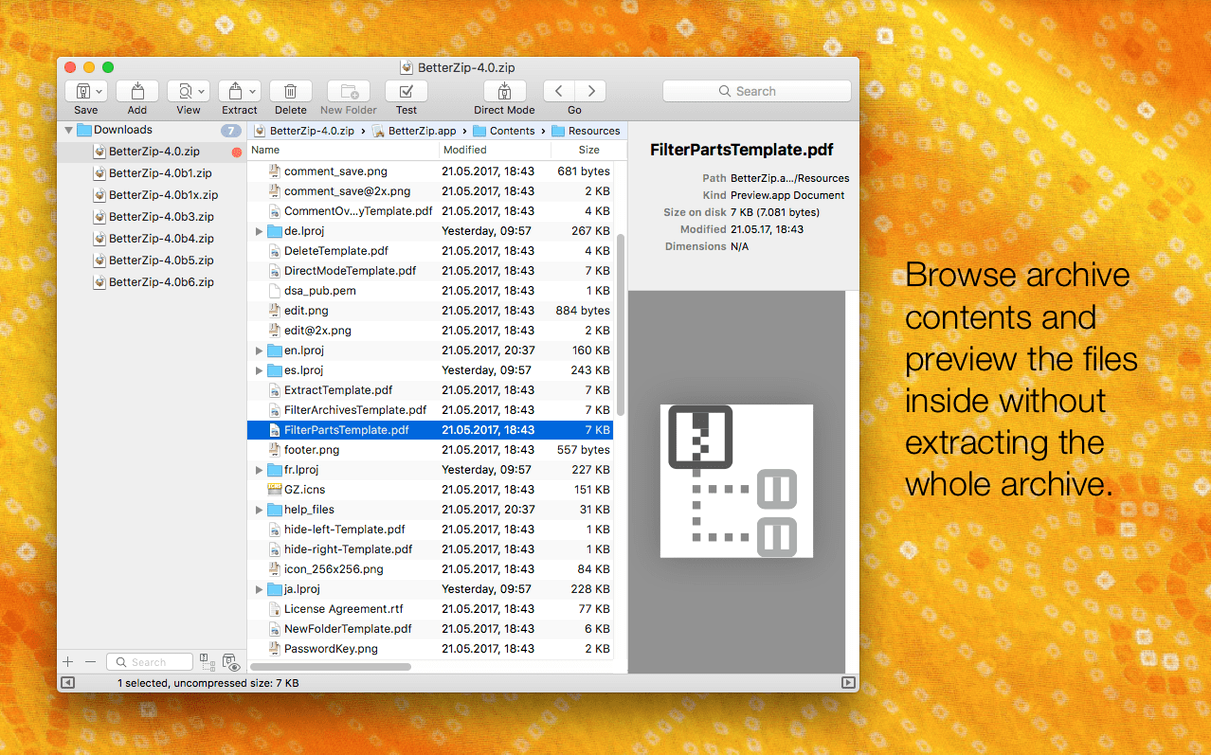
BetterZip opens it like a Finder window. You see every file inside without extracting a thing, which means you can preview, rename, or delete takes before they ever touch your drive.
Can you restructure a compressed project folder without unpacking it?
Yes. Drag a shot list into a new subfolder, retitle the rough cuts, even move a folder between nested directories — all inside the archive window. The changes save back to the archive without a full repack cycle, which keeps your AES-256 encrypted delivery intact.
How do you pull only the final mix from a cluttered ZIP?
Select just the stems you need and extract them. BetterZip ignores the rest, so you avoid unzipping gigabytes of camera originals when you only wanted the stereo master and a cue sheet.
Where BetterZip sits in a Mac workflow
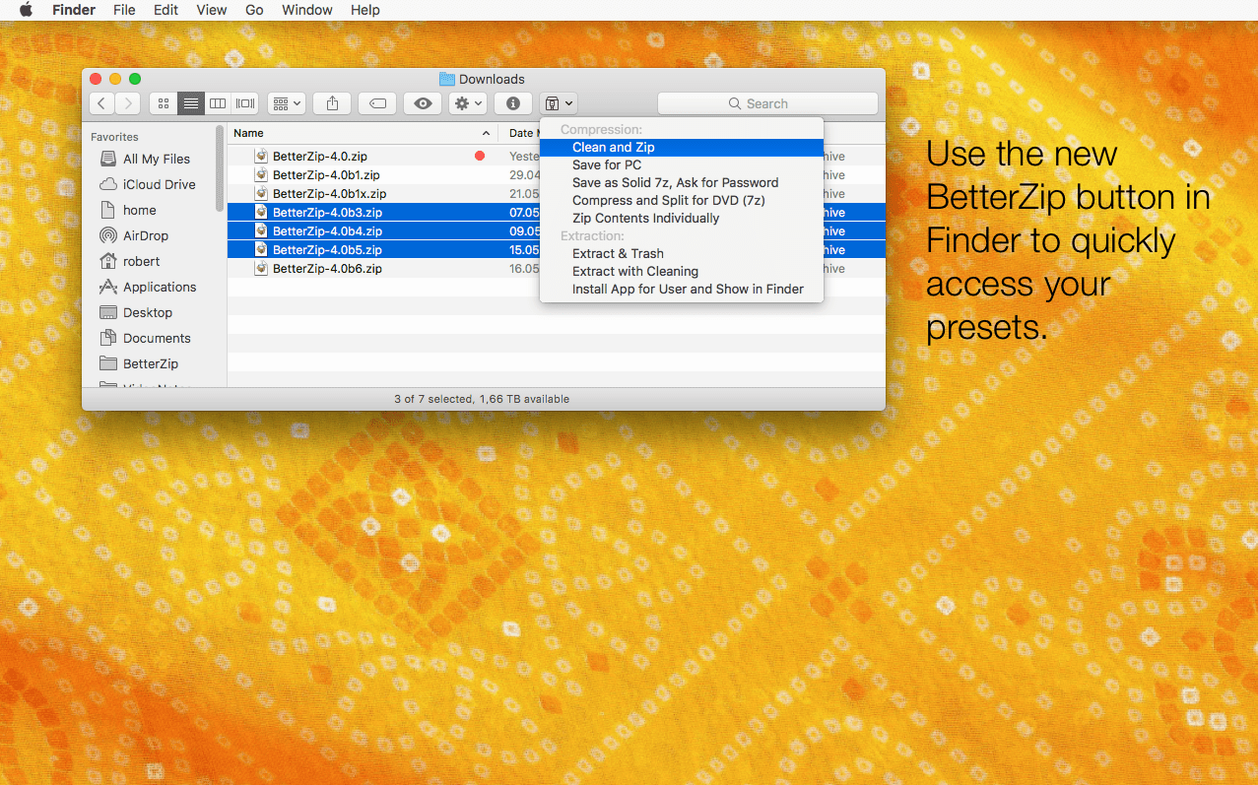
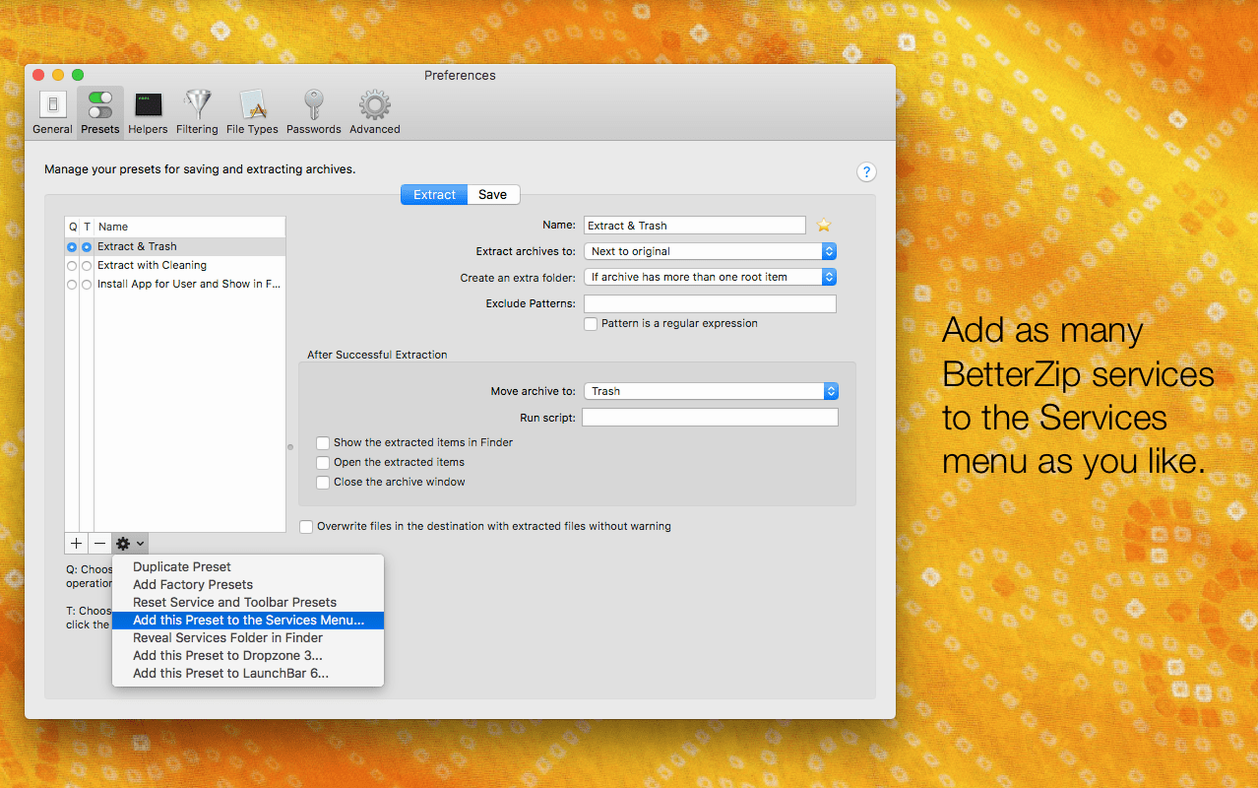
BetterZip doesn’t try to replace the Finder — it extends it. The app installs a contextual menu item and a Finder extension, so right-clicking any archive gives you the same editing and extraction options without launching the main window. That’s the part that clicked for me: I can clean out a bloated ZIP of temp files directly from the desktop, then drag the slimmed archive into a DaVinci Resolve media pool without breaking stride.
The operations queue ties into this. Set up a batch extraction or compression job from the Finder extension and BetterZip runs it in the background while you keep working in Premiere or Logic. macOS’s built-in Archive Utility handles basic ZIP unpacking, but it won’t let you exclude files, peek inside a 7z, or update an existing archive without starting over. BetterZip fills that gap — and it does it through the same right-click menus people already use.
For anyone wrangling ISO disk images, the app integrates cleanly with macOS disk mounting. Open an ISO inside BetterZip, pull out the installer package or a single folder of resources, and close it again. The system never needs to mount the image as a virtual volume. That matters when you’re pulling assets from archived project discs and don’t want Finder clutter.
AppleScript support opens another door. A short script can watch a shared folder on a studio NAS, automatically extract incoming archives, strip macOS metadata like extended attributes if the sender works cross-platform, and move the media into dated project directories. BetterZip becomes a quiet middle layer between collaborators and your timeline.
Quick Look raw stills inside a ZIP and extract only the selects
Mac users who send and receive large media collections notice BetterZip fastest. A colourist receiving a ZIP of camera raw stills can preview the files with Quick Look inside the archive, delete the test shots, and extract only the selects — all before the files land in the grading suite. Game asset wranglers dealing with 7z archives from Windows-based teams finally have a native Mac tool that handles the format without Terminal workarounds.
Archivists and post-production coordinators benefit from the archive-as-workspace model. If a project folder inside a RAR has inconsistent naming, you can rename folders and move files around before extraction, saving yourself a cleanup pass later. The new option in betterzip 6.0.6 to avoid restoring macOS metadata during extraction is aimed squarely at this crowd — no more .DS_Store files leaking into deliverables meant for Linux render farms.
Security-conscious users gravitate toward the password generator and AES-256 encryption. A producer sending a screener to a festival can compress, encrypt, and add a comment with viewing instructions — all inside one tool, rather than bouncing between Archive Utility and a separate encryption app.
Skipping the archive window costs you the fastest cleanup tools
The most common mistake is treating BetterZip like a simple extractor and ignoring the archive window entirely. People drag a ZIP onto the dock icon, watch it open in a temp view, and immediately hit Extract All — missing the whole point of browsing and editing before extraction. The workflow is different from what macOS teaches: with BetterZip, opening an archive is the workspace step, not a preamble to it.
Another early stumble involves the operations queue. New users sometimes queue a large compression job through the Finder extension, then quit BetterZip assuming the task continues. It doesn’t — the app needs to stay open. Leaving it minimised works fine, but closing it cancels the queue, and the silent failure can be confusing if you’re not watching the status indicator.
Password handling catches people too. BetterZip stores passwords per archive in its keychain integration, but if you re-download an archive from a link, the saved password won’t match the new file — it’s tied to the original. Users who rely on betterzip mac for regular encrypted deliveries sometimes assume the password carries over automatically and get locked out of a fresh download, thinking the archive is corrupt when the old credentials just don’t apply.
Version 6.0.6 lets BetterZip run in a different language than your system setting and adds an option to skip restoring macOS metadata during extraction. Under the hood, the 7z helper moves to v26.03 with Apple Silicon assembler optimizations, and a rare crash tied to external helper communication has been resolved.
- macOS 13.5 or later
- Apple Silicon or Intel Mac