
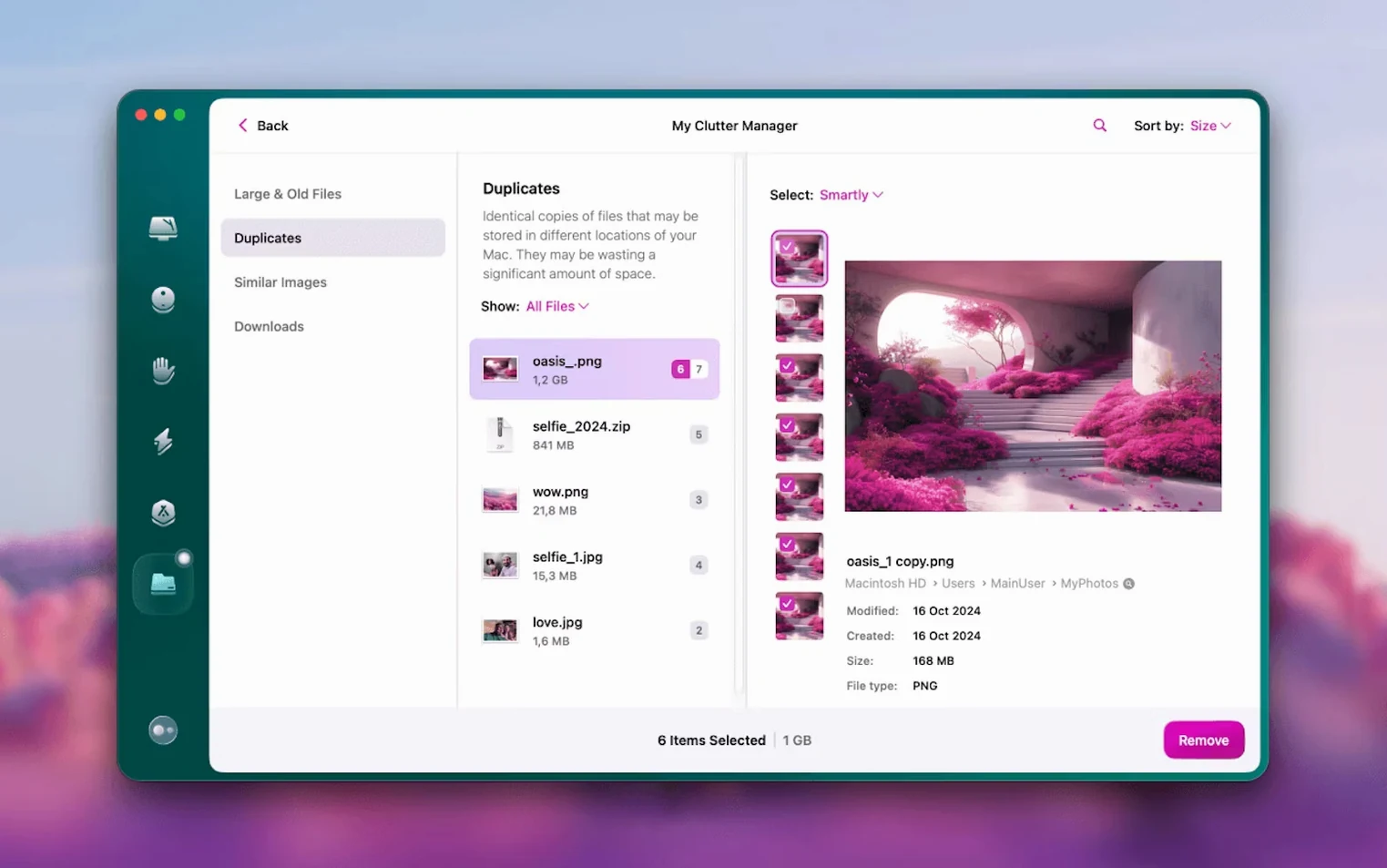
Space Lens is the one I open first. Not the smart scan, not the dashboard with its encouraging percentage — just the visual map of your drive, every file a coloured block, nested directories fanning out like neighbourhoods seen from a low-flying plane. It's the kind of tool you reach for when you know something is chewing through your free space but the usual suspects — your desktop, your downloads — aren't the culprits.
Tools that reward a second look
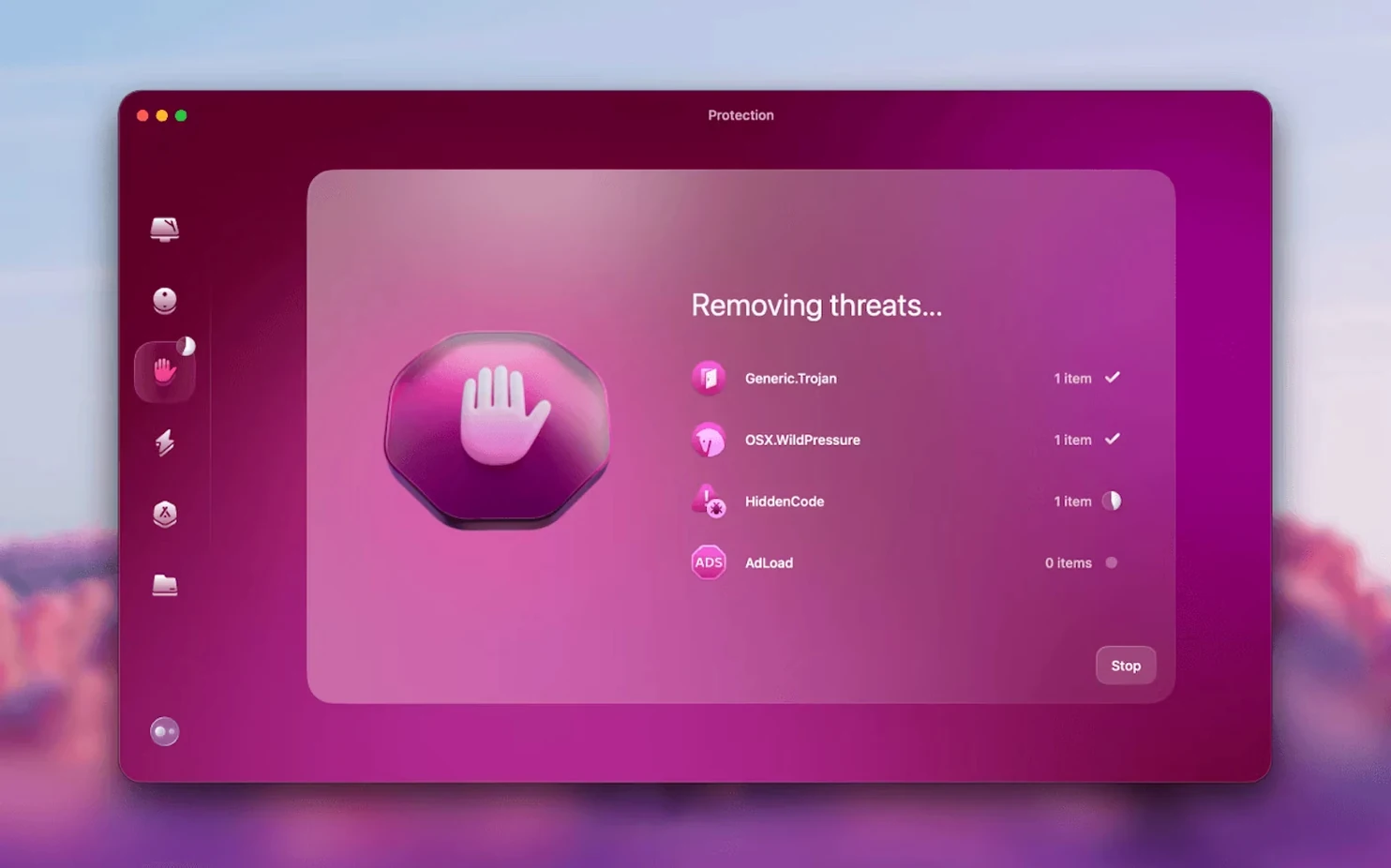
Beyond the cleanup routines, a few modules justify the install for someone who already knows their way around a Mac. The malware protection runs quietly, catching threats that slip past more optimistic defences. The uninstaller digs out leftover fragments from applications you thought you'd banished months ago — preference files, caches, the ghost of a plug-in you tried once. And the large & old files finder surfaces forgotten disk images and video renders that Finder's own search filters miss. For anyone maintaining a few machines, the updater keeps apps current without hunting down individual installers, while the new Gmail cleanup tools in version 5.7.0 tackle the slow accumulation of attachments and newsletters that turn a mailbox into a storage problem.
Living alongside macOS
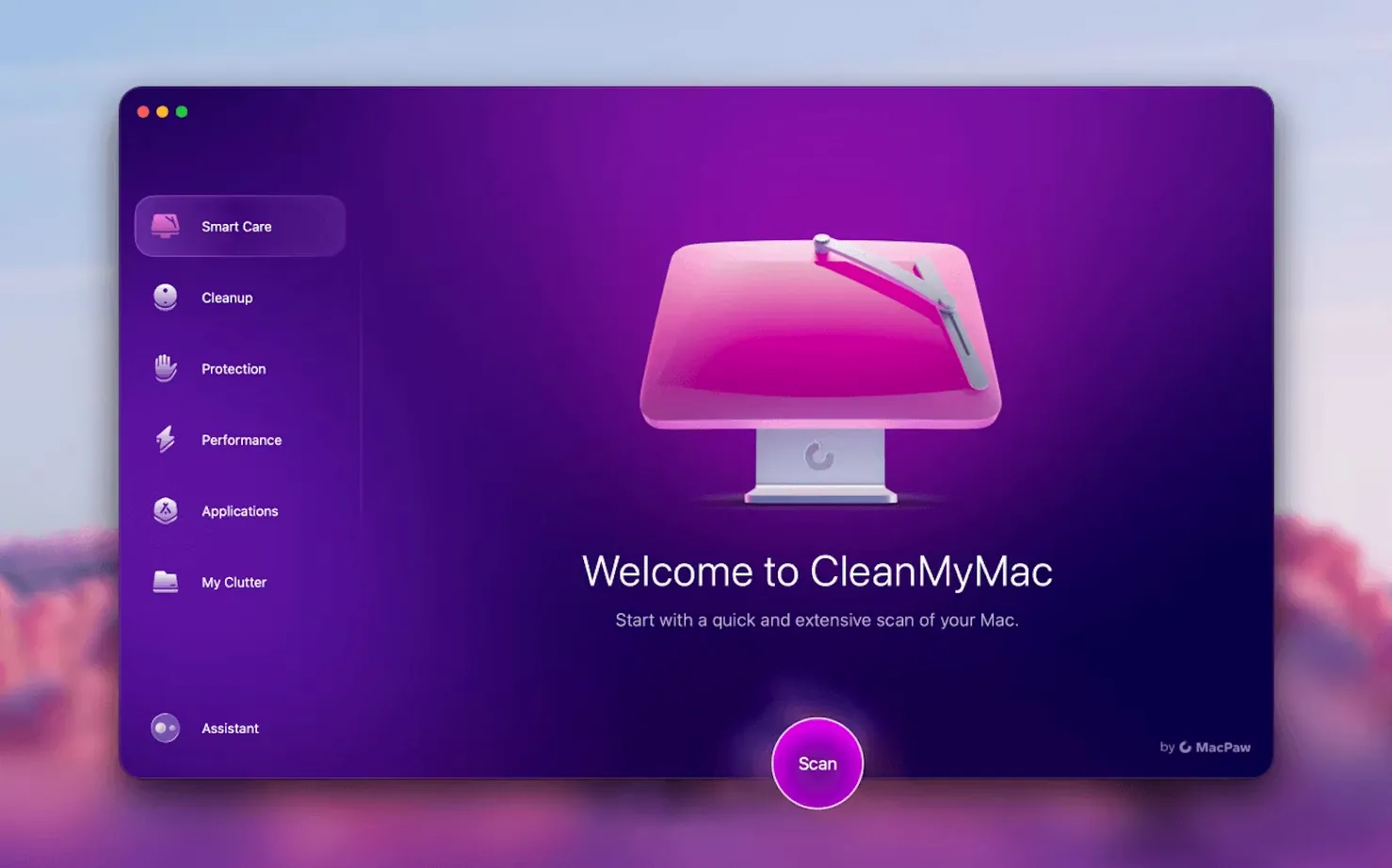
CleanMyMac has always walked a line between convenience and overreach, and the current version leans into the relationship carefully. On macOS Ventura and later, it asks for full disk access before it will even launch — a requirement that feels blunt but also honest. You grant it, or you don't use it. The architecture is native on Apple Silicon and Intel alike, and the interface speaks a dozen languages without feeling translated. It doesn't pretend to be invisible. It just makes the maintenance work feel less like system administration and more like tidying a room you actually want to spend time in.
Common snags and what's behind them
The first launch can feel like a standoff. On macOS Ventura and Sonoma the app won't open until you grant full disk access manually in System Settings. Not a dialogue box you can click through — a deliberate trip to Privacy & Security. People assume it's broken. It isn't. Without that permission the file-level scanning can't reach anything useful, so the developers chose a hard block over a hobbled experience. Grant the access, quit the app from the Dock, then reopen it cleanly.
Another recurring hitch is the leftover helper processes that sometimes survive an older version being dragged to the Trash. If you're updating from a much earlier release — say a clean my mac free download full version you'd been sitting on for years — the old background daemon can conflict with the new one. The fix is simple: open Activity Monitor, look for anything with "MacPaw" or "CleanMyMac" in the name, force quit it, then install the new disk image as usual. No restart needed most days.
The Gmail cleanup tools are new in 5.7.0 and they trip a few people up. You need to sign in through a browser window the app opens — it's not scraping your local Mail.app data. If you have two-factor authentication turned on (and you should), have your phone nearby. The scan can feel slow the first time because it's crawling your entire mailbox history, but subsequent passes are much quicker since it only checks what's changed since the last pass.
Spotlight reindexing stays off unless you toggle it on manually
CleanMyMac doesn't fight Spotlight — the indexing service keeps running, and cleaning system caches won't force a full reindex unless you specifically tell the app to target Spotlight's database. That's buried in the maintenance module under a separate toggle, so you'd have to go looking for it. Time Machine snapshots are left alone too. The large files finder skips backup volumes automatically, which prevents the small panic of seeing your entire backup drive flagged for deletion.
Where it plays well with other tools is in the app removal workflow. If you already use MacPaw's own App Cleaner & Uninstaller, CleanMyMac's uninstaller uses the same detection logic — same leftover paths, same safe-deletion database. You won't get conflicting advice. With third-party firewalls like Little Snitch, the malware scanner coexists peacefully because it only inspects files on demand rather than running a persistent network filter that would step on the firewall's toes. Bartender users will notice the menu bar item appears in the hidden area by default, which is the right instinct.
The updater is smart about Homebrew. It won't offer to update apps managed by the package manager, avoiding the version mismatch headache that some all-in-one updaters create. And if you're running a development environment with Docker or Node, the system junk scan skips /usr/local entirely — a quiet courtesy that keeps your build tools intact.
Background helper idles lighter than one streaming browser tab
The memory footprint sits around 180 MB when the app is open and drops to a background helper using roughly 40 MB when the window is closed. That's smaller than a single browser tab streaming video. The menu bar monitor adds another 25 MB. On an M1 Air with 8 GB of RAM, I stopped noticing it after the second day.
Scans run on a priority model. The smart scan taps all four efficiency cores on Apple Silicon and leaves the performance cores alone, so you can keep editing in DaVinci Resolve or compiling in Xcode without a stutter. The malware scanner is the exception — it'll briefly spike to full performance core usage because it's doing deeper file inspection, but it finishes in under ninety seconds on a 256 GB drive. The Gmail cleanup is bottlenecked by Google's servers, not your CPU, so the fan won't even think about spinning up.
Stability has been uneventful in the best way. Two weeks of daily use with version 5.7.0 on Monterey and later, no kernel panics, no Finder lockups, no mysterious logout loops. The one crash I reproduced involved rapid toggling of the shredder tool while a large file was being overwritten, which is the kind of thing you'd have to do on purpose. The cleanup history log shows exactly what was removed and when, which makes it easier to blame the right tool if something does go wrong — though I haven't needed that log yet.
Let Space Lens show your drive as a treemap before scanning
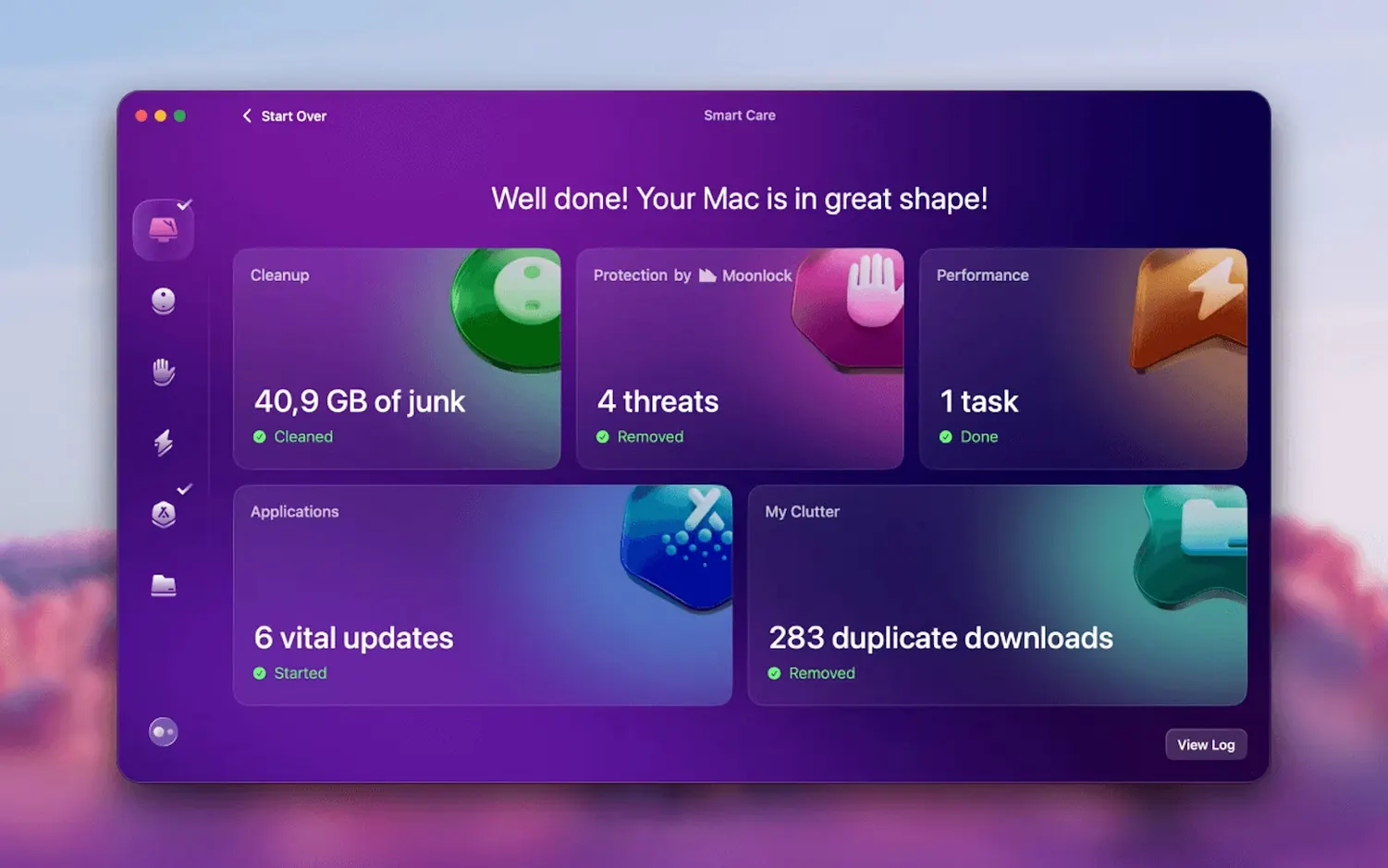
Don't run the smart scan immediately. Open Space Lens first. Let yourself see the drive laid out as a treemap for a few minutes — it's the gentlest introduction to what the app knows about your machine, and it'll teach you more about your own file habits than any automated cleaning pass. After that, run the smart scan but review its suggestions one category at a time before clicking the big button. The default selections are conservative, but your own threshold for "large file" might differ from the app's.
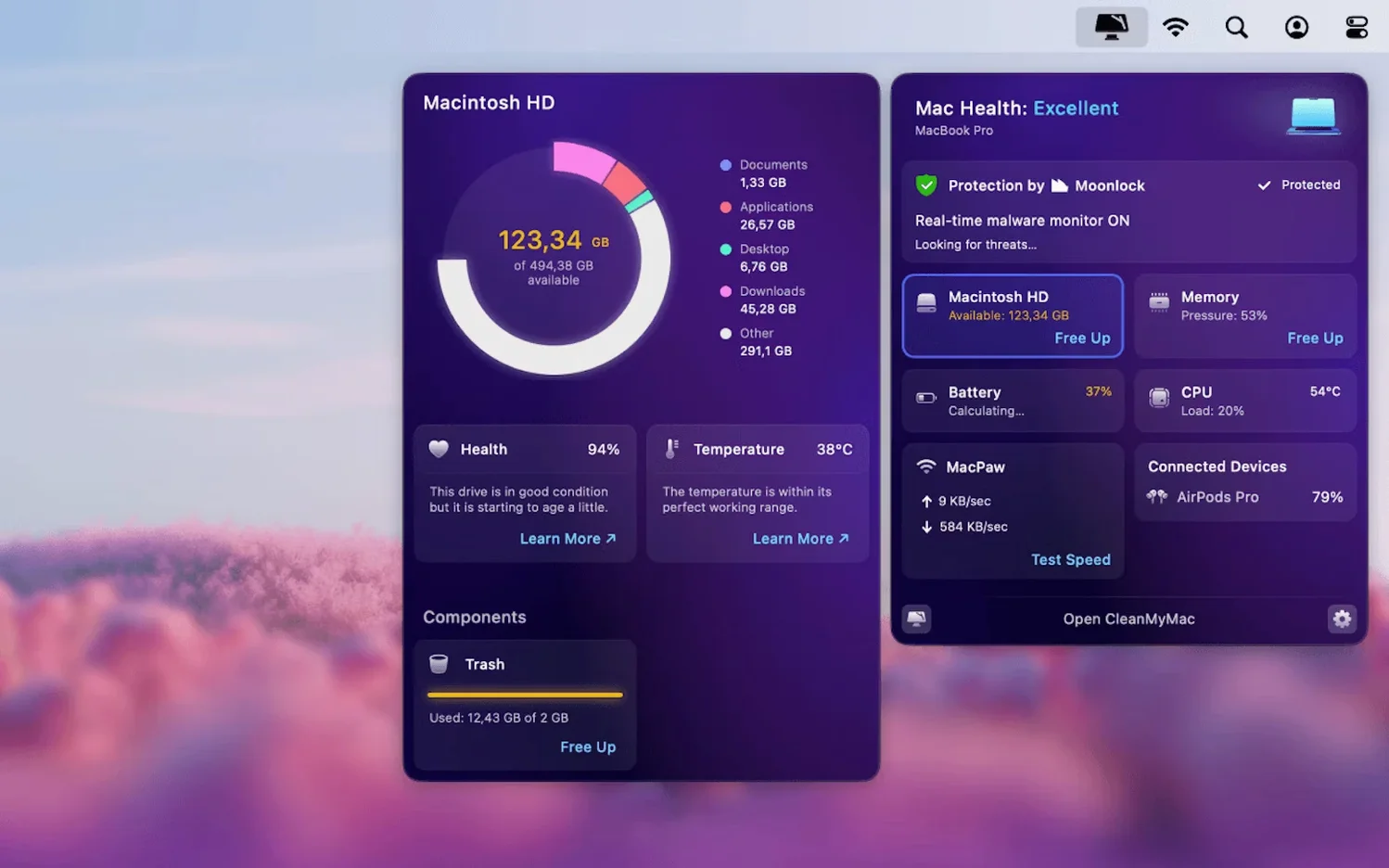
Set the menu bar monitor to show free space rather than RAM pressure. It's the metric you'll actually glance at between sessions, and it updates every few minutes without polling the drive aggressively. If you've been searching for a clean my mac full free solution and landed on this version, take the extra five minutes to configure the protection module's real-time scanning — it's off by default, and turning it on adds a lightweight shield that catches browser-based malware installers before they unpack.
The shredder tool uses a single-pass overwrite by default. For most people that's enough, but if you're retiring a machine or selling a drive, dig into the settings and switch it to the three-pass method. It takes longer but makes forensic recovery impractical. And finally, if you've migrated from something like a CleanMyMac 5.5.2 torrent or an older cracked build, make sure to carry your configuration forward cleanly — the new Gmail tools and the updated malware definitions really come alive when you reset the app's preferences to factory defaults and let it rebuild its database from scratch.
Version 5.7.0 adds tools for cleaning and managing mail in Gmail, including new email cleanup functionality for attachments and newsletters that accumulate over time.
- macOS 11 or later
- Apple Silicon or 64-bit Intel processor
- Full disk access required on macOS Ventura and later
Questions from the booth
Yes, it includes a protection module that scans for malware threats alongside the cleaning and maintenance tools.
CleanMyMac 5.7.0 requires macOS 11 or later and runs natively on both Apple Silicon and Intel Macs.