
If you've ever lost a Logic project behind a dozen Finder windows, or hunted for a script buried under renders, you already know the built-in switcher stops at apps. Command-Tab Plus is for editors, composers and anyone whose work spills across many windows inside a few apps — Final Cut, DaVinci, a notes window, a browser with reference footage — and who needs to reach what they're working on without lifting their hands from the keyboard.
What it does well
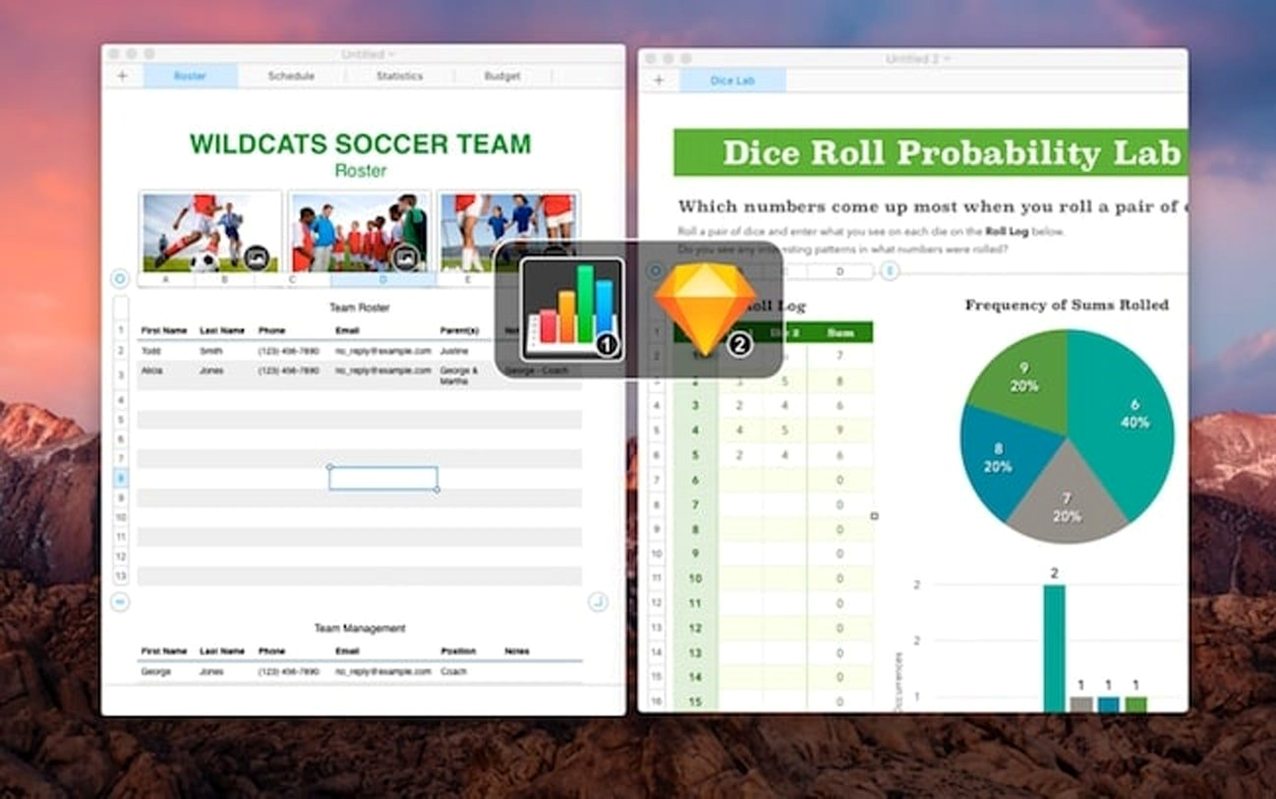
- Window-level switching. Call up a visual grid of every open window, not just app icons, and jump directly to the one you need.
- Custom hotkeys. Assign shortcuts that go deeper than the default Command-Tab — bring a specific window forward, or switch within an app's own window set.
- Isolated workspaces. Group windows into named sets and switch between them as a unit. A writing setup, a colour grade setup, a patch library — kept separate, recalled together.
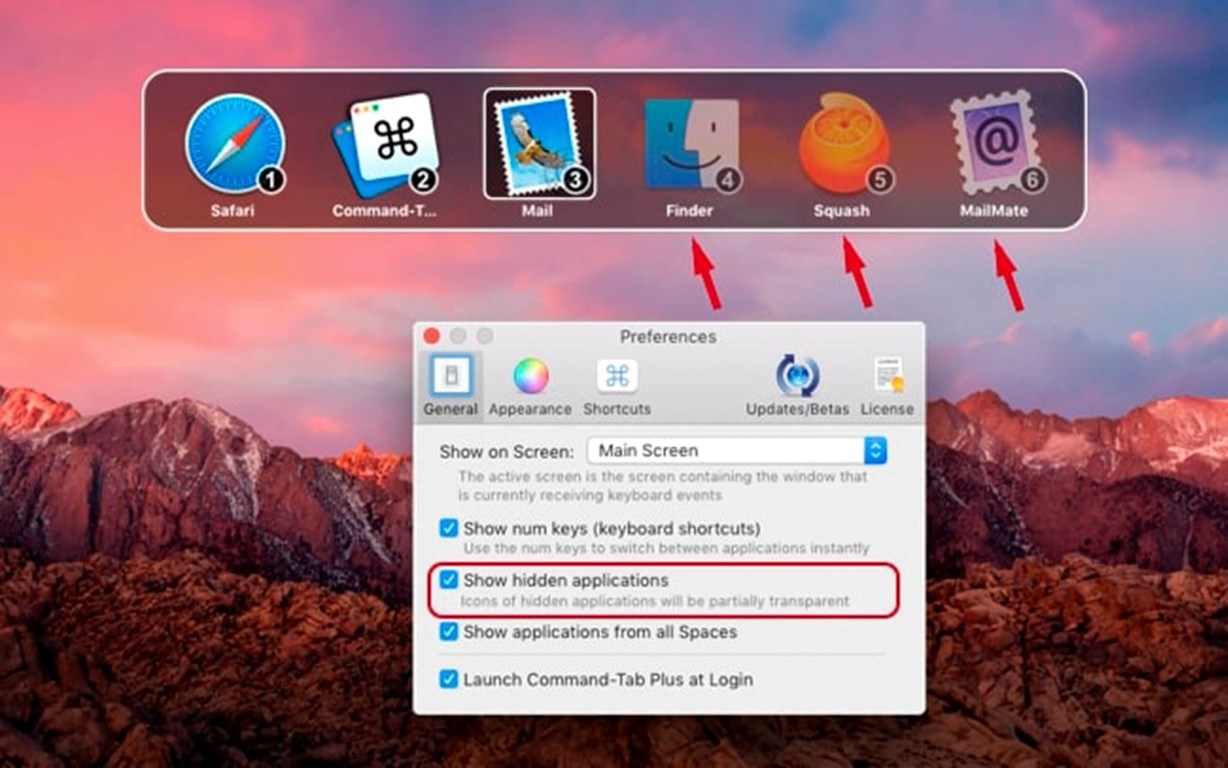
- Hide unused apps. Tidies your switcher by suppressing apps you have open but aren't actively using, so the list stays short and relevant.
When the macOS switcher already covers your day
- This is a utility that steps in where the macOS switcher stops. If your day is spent in one or two apps, the built-in Command-Tab remains the lighter tool.
- Muscle memory takes a few days to adjust — the extra options are most rewarding once the hotkeys settle in.
Running alongside the native switcher, not replacing it
Most people ask whether it fights with the system Command-Tab or takes it over completely. It doesn't disable the native switcher unless you tell it to. By default both live side by side, and you assign a different shortcut — often Option-Tab — to trigger Command-Tab Plus, leaving the familiar Command-Tab intact while you get used to the new one. A second worry is performance on older machines. The app keeps a lightweight footprint because it watches window states rather than polling constantly, so the fan stays quiet even with thirty or forty windows open across Adobe and Logic. A third question is about Spaces. It respects your Mission Control layout; the isolated workspaces feature layers on top of macOS desktops without breaking them, so a window pulled from one Space into a switcher grouping doesn't get lost — it returns to where it was when you're done.
Option-Tab opens a grid of windows from Resolve, Finder, and Safari
You sit down with a timeline open in DaVinci Resolve, a Finder window of graded stills, and Safari on a client's notes. You've set Option-Tab as the main trigger. You tap it and a grid of windows appears — thumbnails large enough to read filename tabs, not just blurred shapes. The Resolve viewer sits beside the stills folder beside the browser. You type s t i and the grid narrows to windows with "stills" in the title. One keystroke later you're there, drag a frame to the timeline, and tap Option-Tab twice to land back in Resolve without the mouse. Later, when you need to check something in a script open inside Highland, you hold the modifier a little longer and the window list shifts to show only the frontmost windows of each app, then release on the one you want. It feels less like a switcher and more like a small stage crew — the props are ready when you reach for them.
People who search for command tab plus mac torrent are usually trying to understand whether the app adds enough to justify the switch from muscle memory. The answer tends to appear around day three, when the hands stop thinking and the windows just come.
- macOS 11.5 or later
- Apple Silicon and Intel 64-bit Macs
Questions from the booth
It sits alongside it and extends the idea. You can still use the native Command-Tab shortcut, while Command-Tab Plus adds window-level switching and custom hotkeys that the built-in switcher doesn't offer.