Complete Anatomy runs on any Mac that supports macOS 11.0 or later, on both Intel and Apple Silicon architectures. That covers machines from 2013 onward, so unless you're holding onto something genuinely vintage, you are likely set.
Where a newcomer should begin
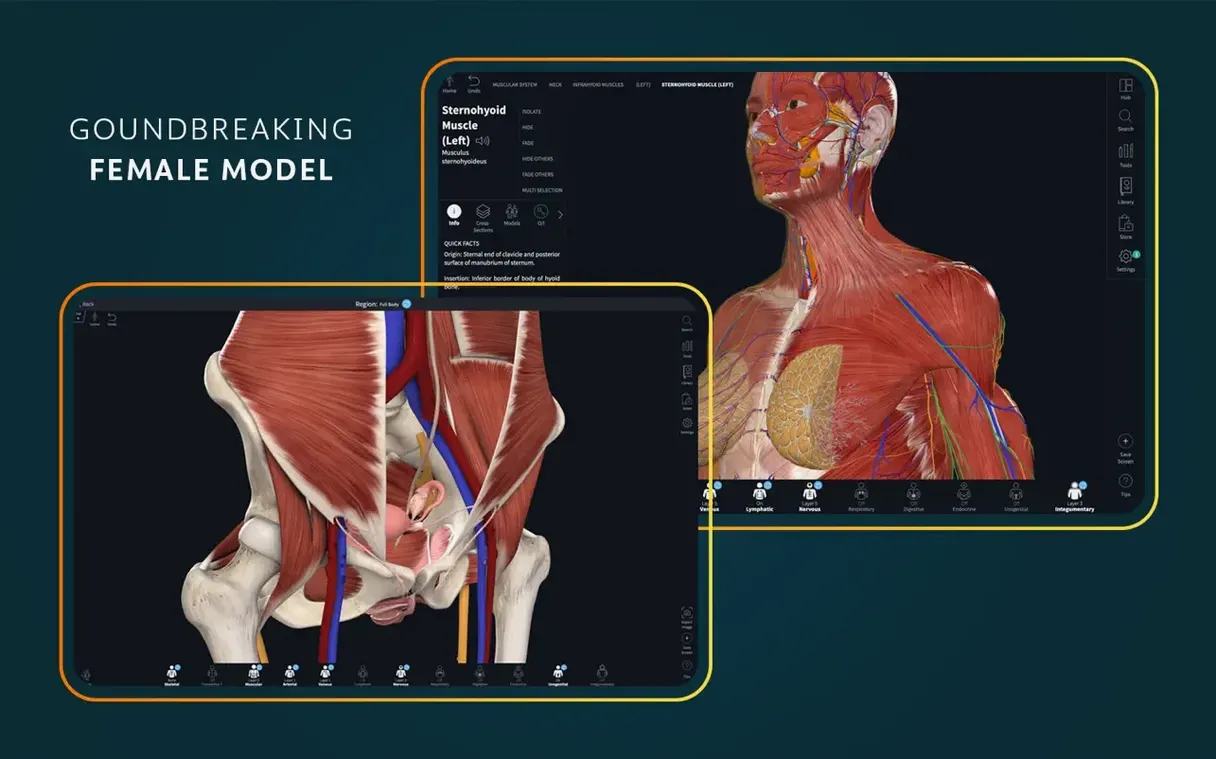
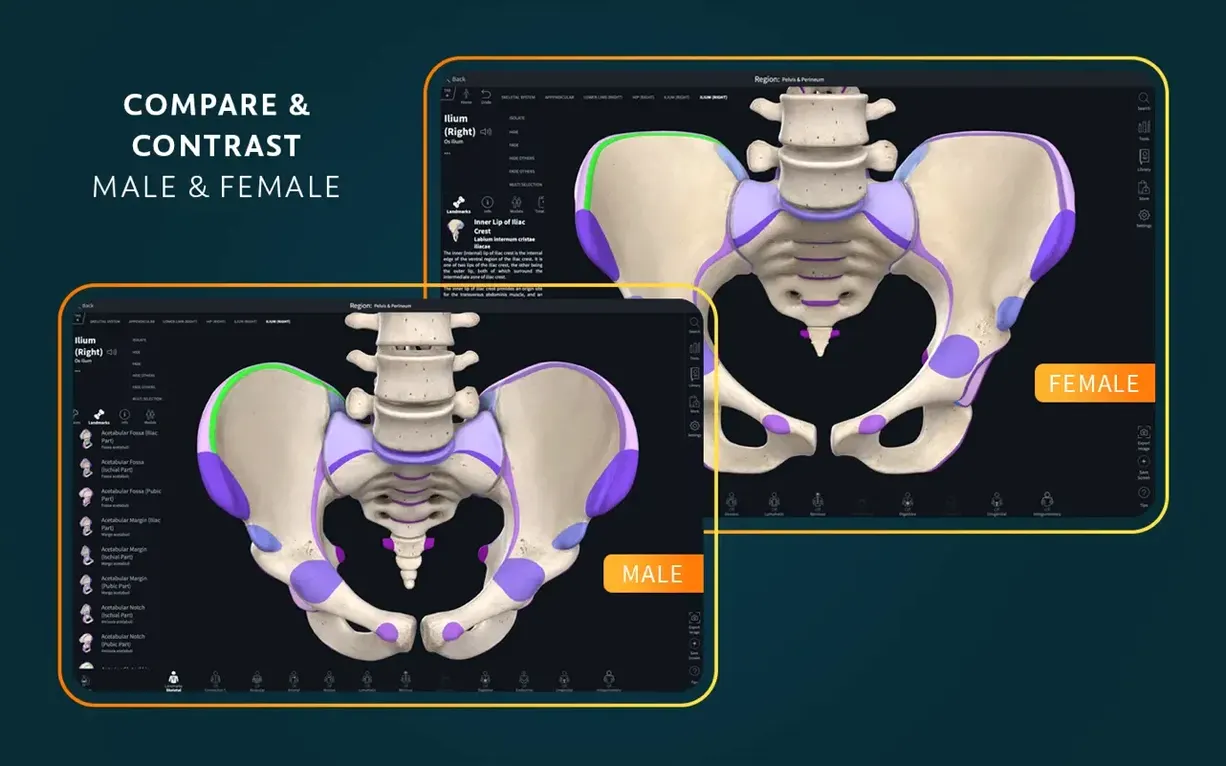
There is a lot of ground to cover — a full female anatomy model, dissection courses, radiology views, point-of-care ultrasound, and clinical correlations are all folded into the platform — but a handful of starting points make the scale of the thing feel navigable rather than overwhelming.
- The beating heart model. It is dissectible, it moves, and it gives you a sense of how the app turns static diagrams into something closer to a living, working body. Peel back layers and watch how the chambers coordinate.
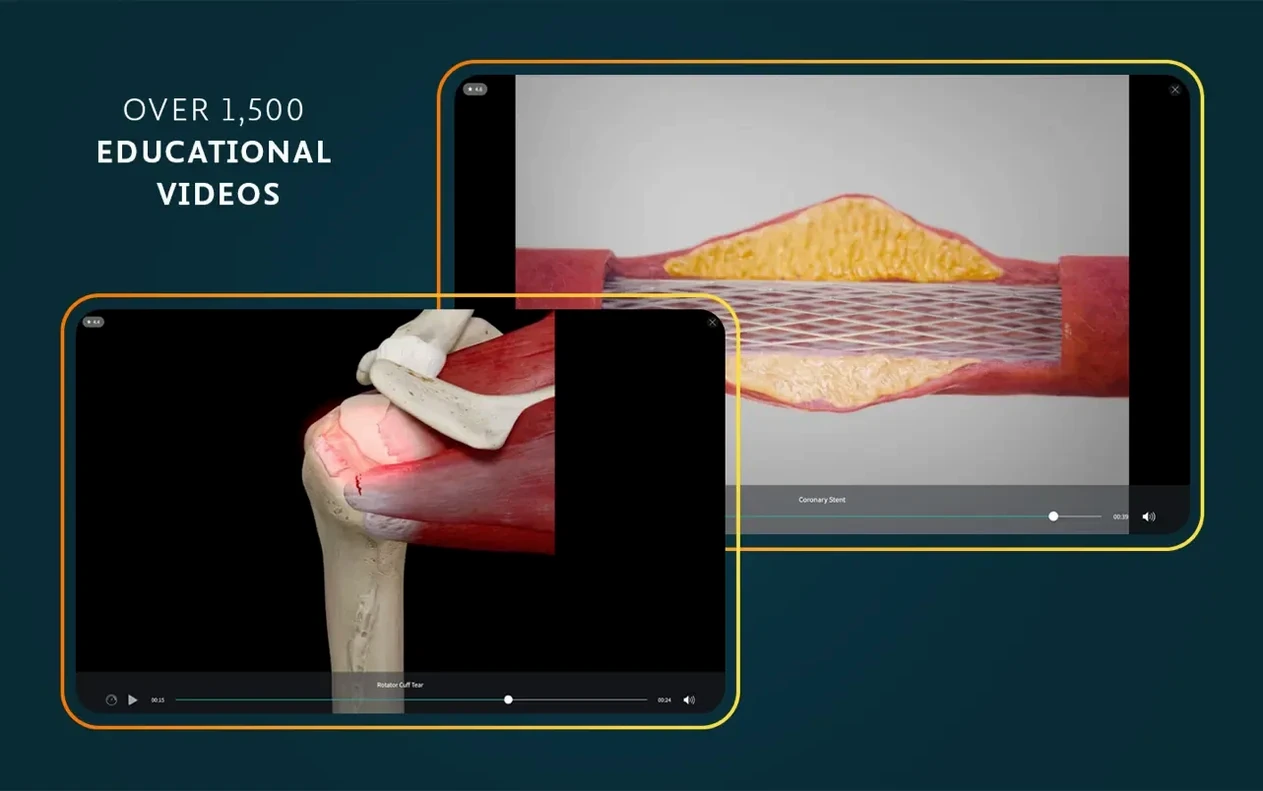
- The clinical video library. More than 1,500 short videos connect the anatomy you are studying to real patient presentations and procedures. A good second stop once a model has given you the spatial layout.
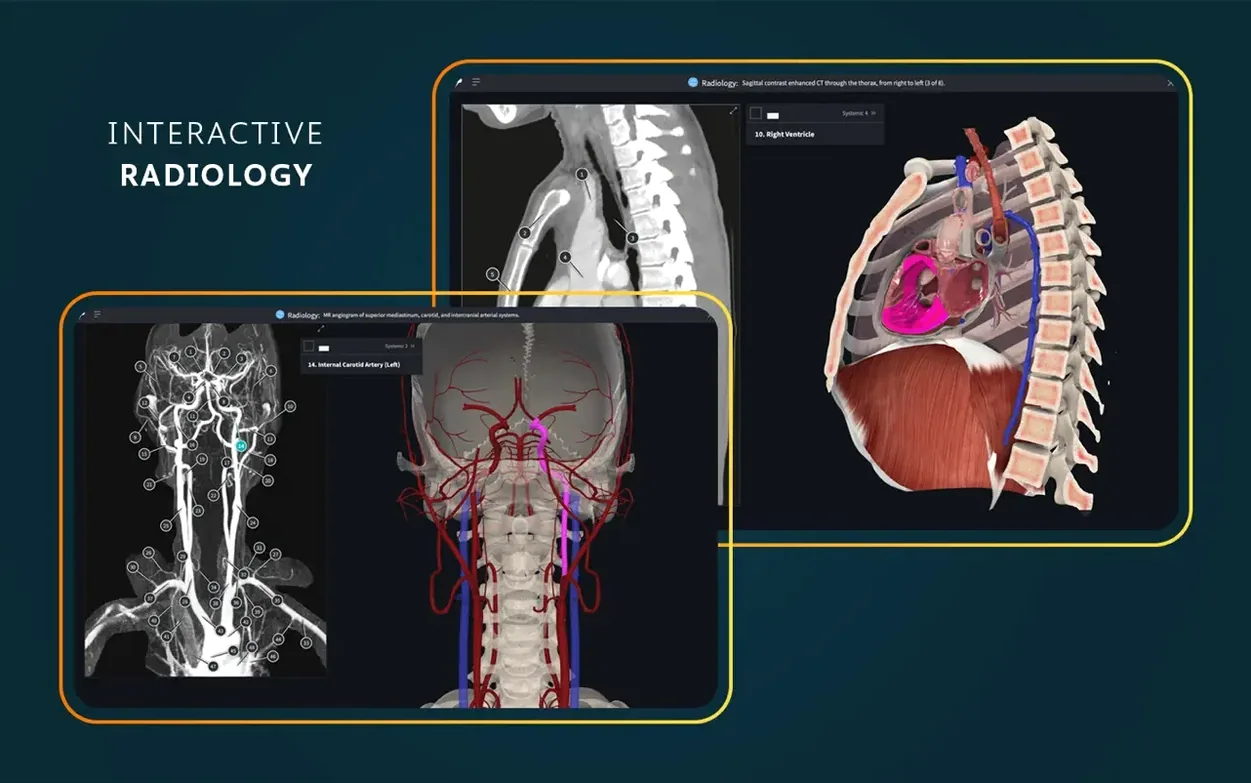
- Radiology view. Toggling between the 3D model and its radiographic counterpart builds a bridge between textbook anatomy and what you will actually see on a screen in a clinical setting.
The augmented reality mode
If your Mac has a camera, the AR mode lets you place a full-scale anatomical model onto the desk in front of you. It is not a gimmick — isolating a joint or a nerve pathway and walking around it physically clarifies spatial relationships that a flat screen can only suggest. Combine it with the dissection tools and the model becomes something you can interrogate from any angle.
Blank screen on first launch usually needs a force-quit
The first launch after dragging the app into Applications can sit on a blank screen for longer than feels comfortable. That is usually the account sign-in window struggling to draw itself on older Metal-capable Macs. Force-quitting once and reopening almost always resolves it — the app caches the graphics context after the first attempt.
Another recurring frustration: the model library shows grey thumbnails instead of the full catalogue. This happens when the app cannot reach Elsevier's content servers on a spotty connection. Switching from a VPN or university proxy to a direct connection, even briefly, lets the thumbnail manifest download. Once it is cached locally, you can go back to the restricted network and everything loads.
On Apple Silicon Macs with external displays, the AR mode sometimes places the model at knee height instead of on the desk surface. The fix is counterintuitive: tilt the screen angle slightly, let the camera recalibrate for two seconds, then return it to your normal position. The depth sensor resamples and the model snaps to the correct plane.
For anyone downloading a complete anatomy torrent or hunting for a complete anatomy crack mac — version mismatches between the app binary and the model-data packages can produce silent failures: a heart that will not beat, cross-sections that render as flat grey planes, or radiology views that never finish loading. A complete anatomy mac download that bundles the correct model manifests alongside complete anatomy 11.5.0 avoids those particular headaches.
A physiotherapy student's evening
Mae is in her second year of a physiotherapy programme and has a practical exam on shoulder assessment next week. She opens Complete Anatomy on her MacBook Air, signs in, and pulls up the full male musculoskeletal model. Her evening is not about memorising names — she needs to understand how the rotator cuff muscles fire in sequence during abduction.
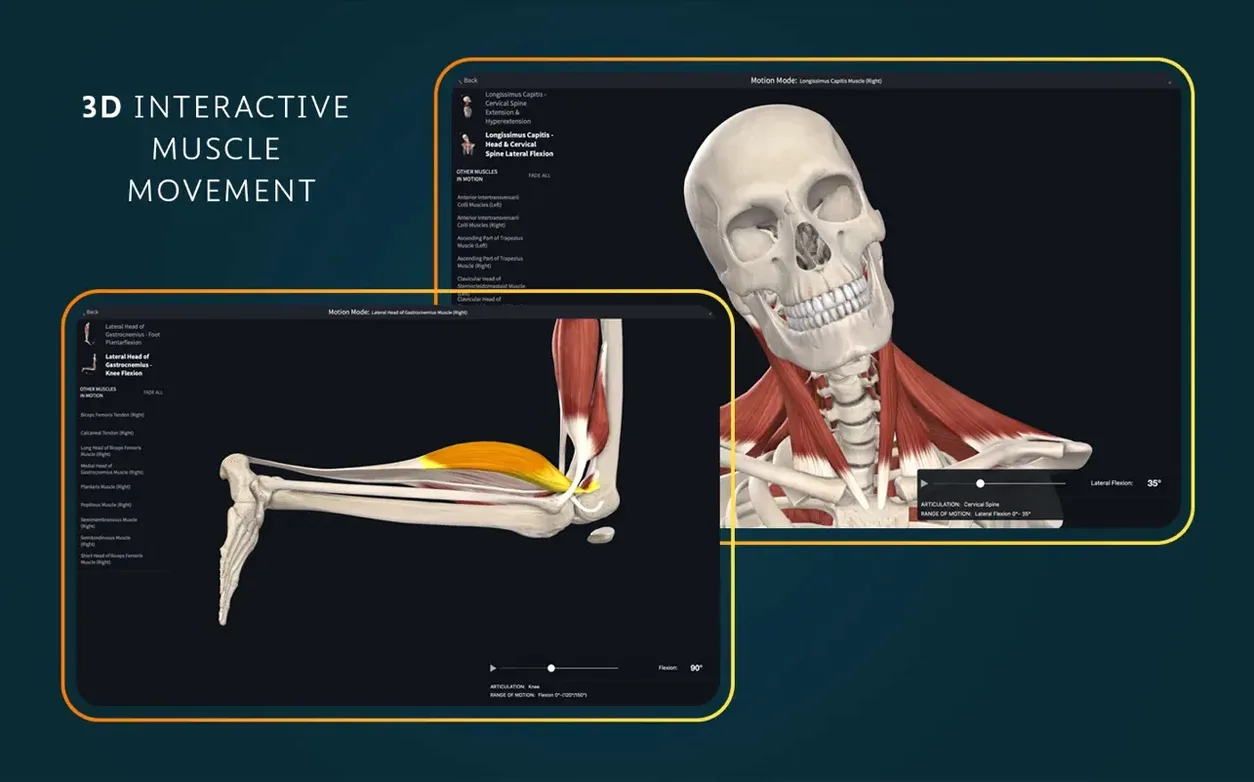
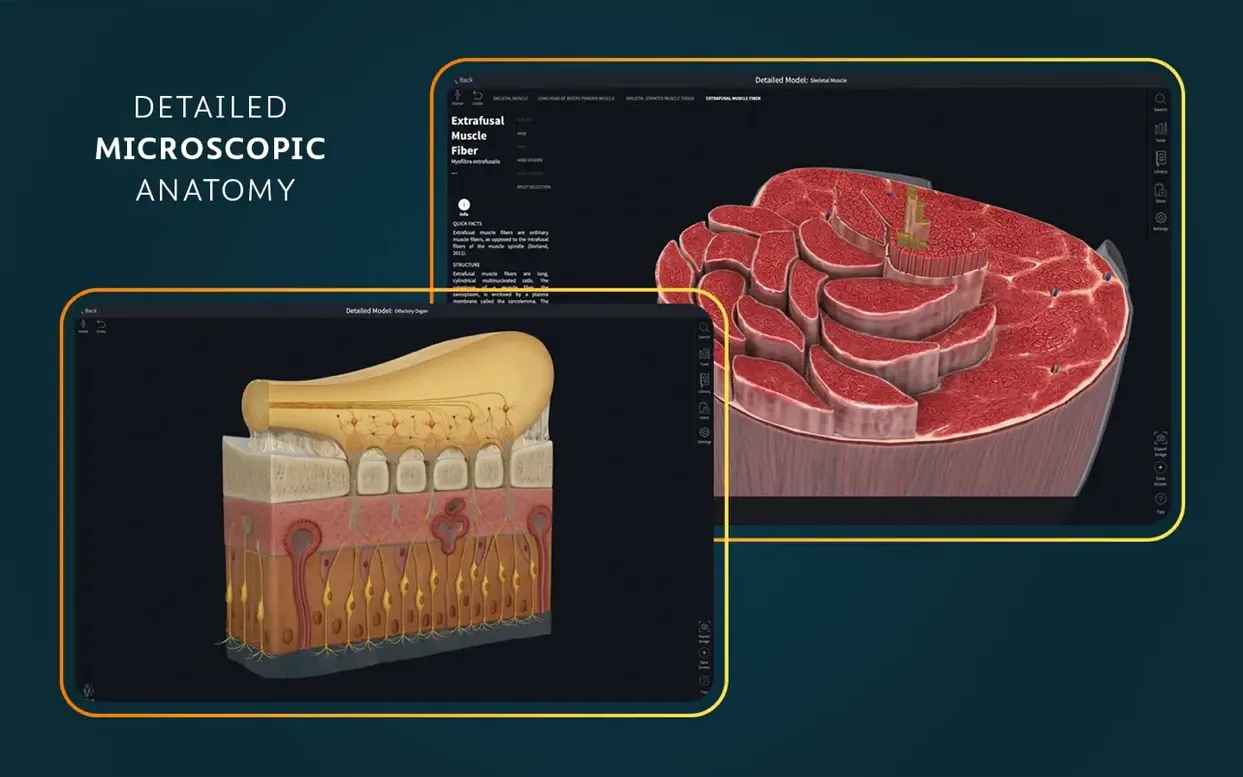
She isolates the supraspinatus, infraspinatus, teres minor, and subscapularis, then activates the muscle movement tool. As she drags the arm through 180 degrees of abduction, the app colours each muscle by its activation level. She notices the supraspinatus peaking in the first 15 degrees — exactly what her lecturer emphasised and what she will need to demonstrate on the exam. She screenshots the sequence, annotates it in the atlas, and saves the view to her account so it is waiting on her iPad during the commute tomorrow.
Shift-Command-4 captures a dissection straight to your desktop
The app plays well with macOS screenshot and markup tools. Hitting Shift-Command-4 while a dissection is on screen drops a clean PNG onto the desktop, and opening it in Preview lets you add arrows and labels without leaving the Apple ecosystem. Students who build Anki decks often drag these screenshots directly into cards, pairing a visual reference with a prompt on the reverse side.
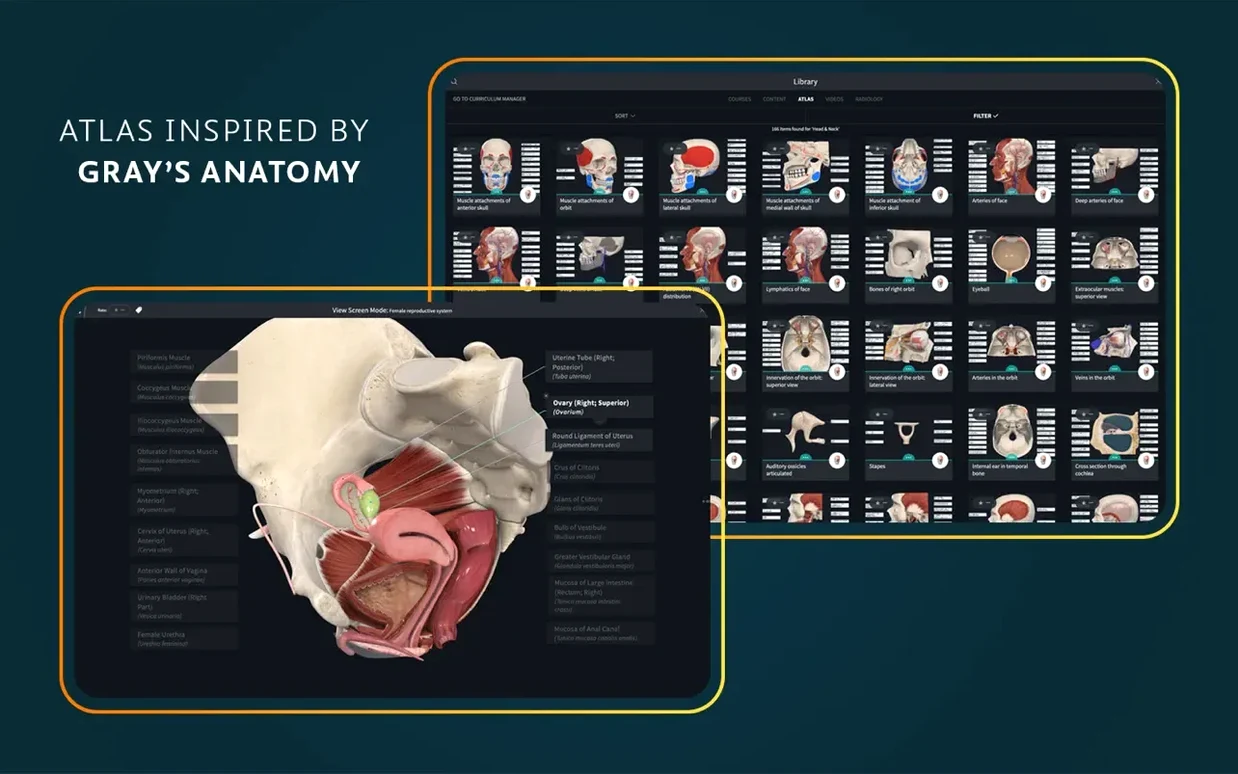
The atlas — more than 700 screens — exports views at full resolution. Dropping those into Keynote or PowerPoint decks gives presentations a polish that slide-deck templates rarely achieve on their own. For anyone writing case studies in Pages or Word, the radiology view with the 3D model overlaid in a split screen provides a clean reference that does not require flipping between a textbook and a laptop.
If you use Sidecar with an iPad, the AR mode on the Mac frees up the tablet for a companion tool like a flashcard app or a note-taking space. The anatomical model stays full-screen on the Mac display while you scribble clinical correlations on the iPad, and both devices stay in sync through the same signed-in account.
One working session, told straight
The same Mae, a week later. She opens the disk image, drags the app into Applications, and launches it from Launchpad. The sign-in window appears. She enters her account details and the library populates — thumbnails first, then the full catalogue a few seconds later.
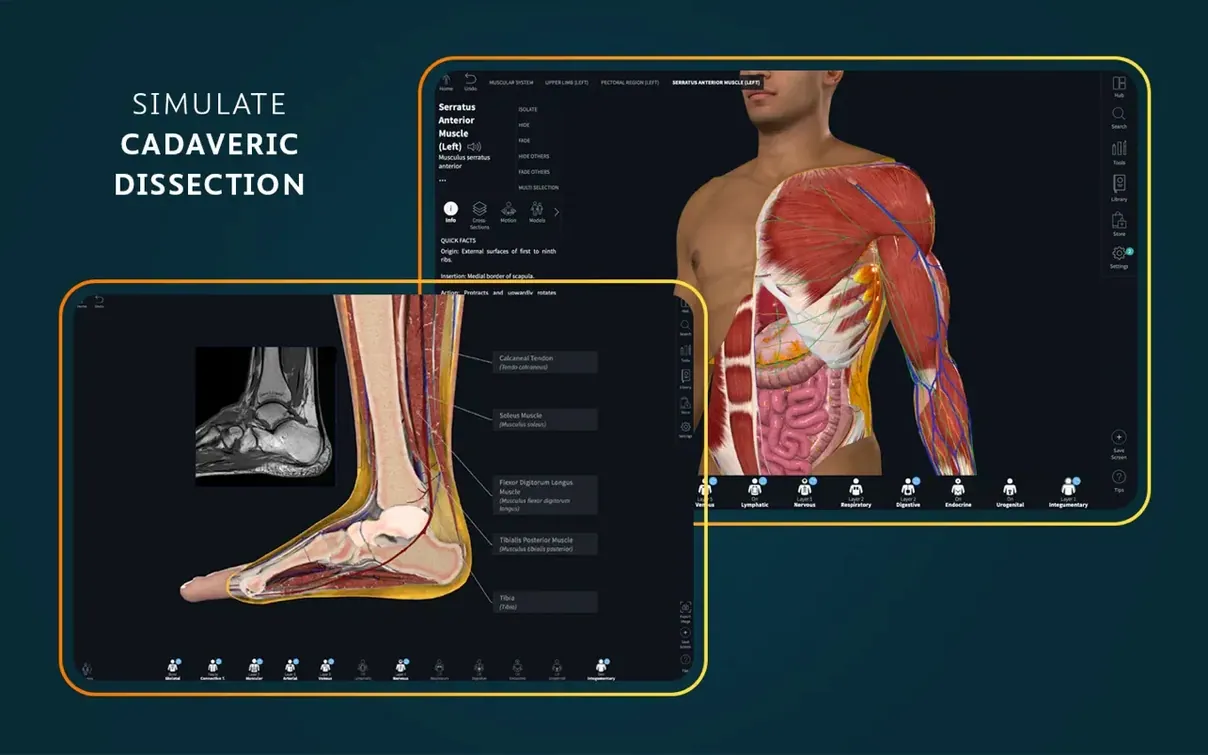
She selects the shoulder model she saved last time. The view loads exactly as she left it: four rotator cuff muscles highlighted, arm at 90 degrees of abduction. She opens a dissection course module on subacromial impingement and works through the layers — skin, deltoid, acromion, bursa, supraspinatus tendon. Each layer peels away with a swipe on the trackpad. At the point where the tendon narrows beneath the acromion, she pauses and toggles the clinical video library. A thirty-second clip of an ultrasound-guided injection plays in the corner of the screen, the probe positioned exactly where her model now sits exposed.
She switches to radiology view. The AP shoulder X-ray appears beside the 3D model, and she traces the subacromial space on both — first on the radiographic image, then on the rendered bone. The correspondence clicks. She exports the split view as a single image, drops it into her Anki deck, and closes the app. The whole session runs under twenty minutes and leaves her with a card she will review on the bus.
Version 12.6.0 lands with a quiet round of general fixes and under-the-hood improvements. Nothing flashy in the changelog, but the model manipulations and layer navigation feel a touch more settled on the latest macOS builds. If you have been living inside a detailed dissection of the brachial plexus, the small stutters that sometimes crept in during long study sessions should be less frequent now.
- macOS 15 or later
- Apple Silicon or Intel 64-bit processor
Questions from the booth
You need a signed-in account for full functionality, which requires an internet connection during setup and for accessing the full content library.