

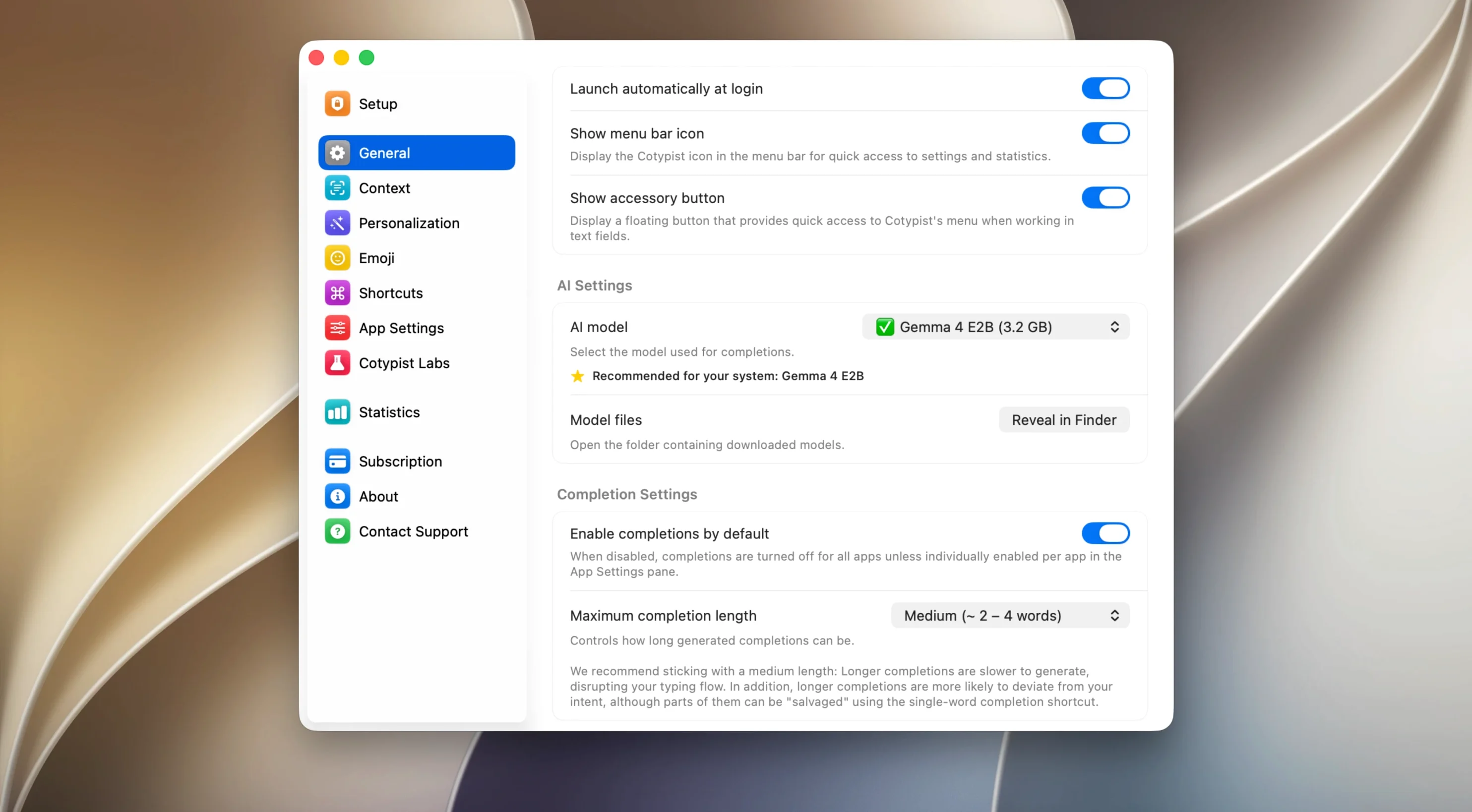
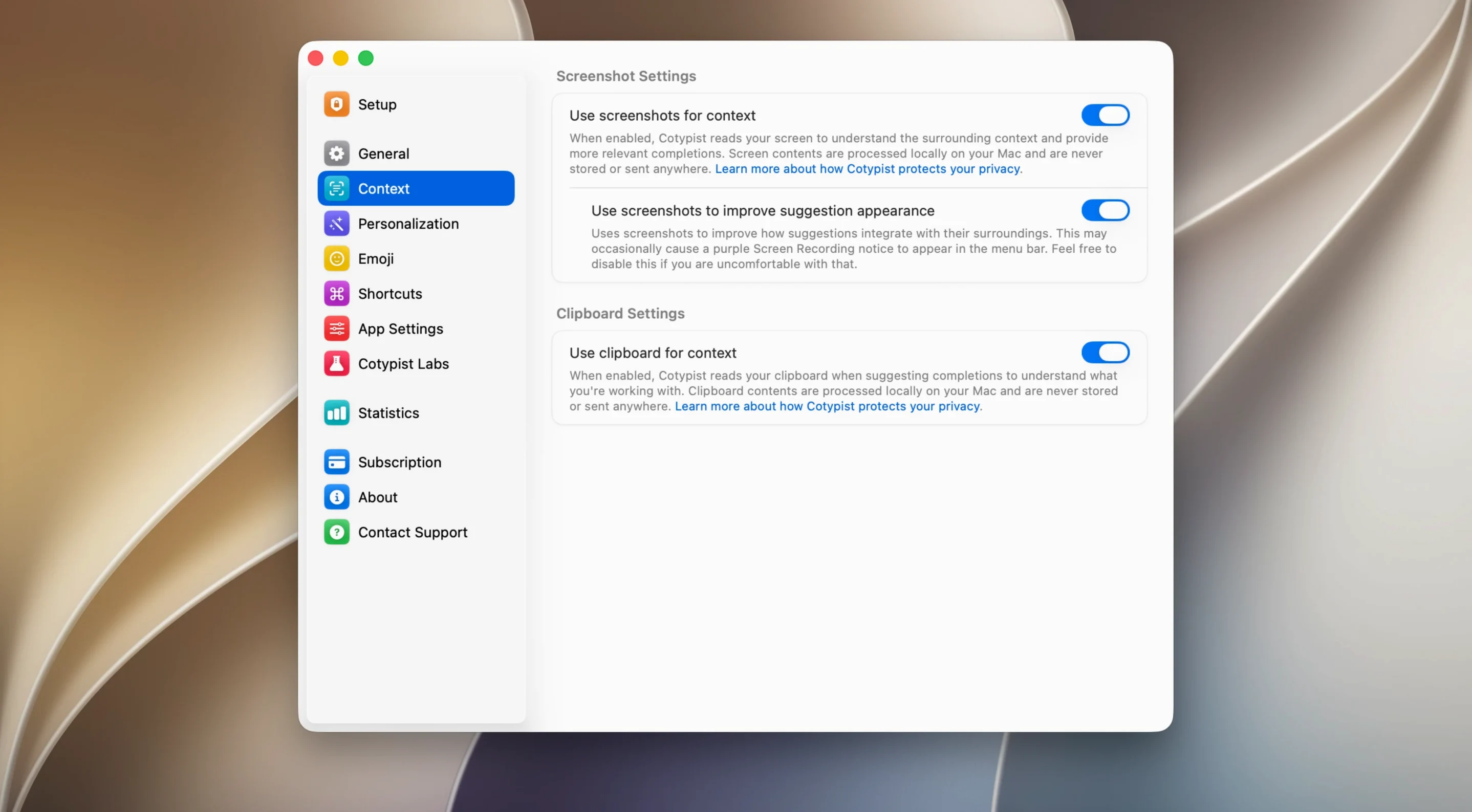
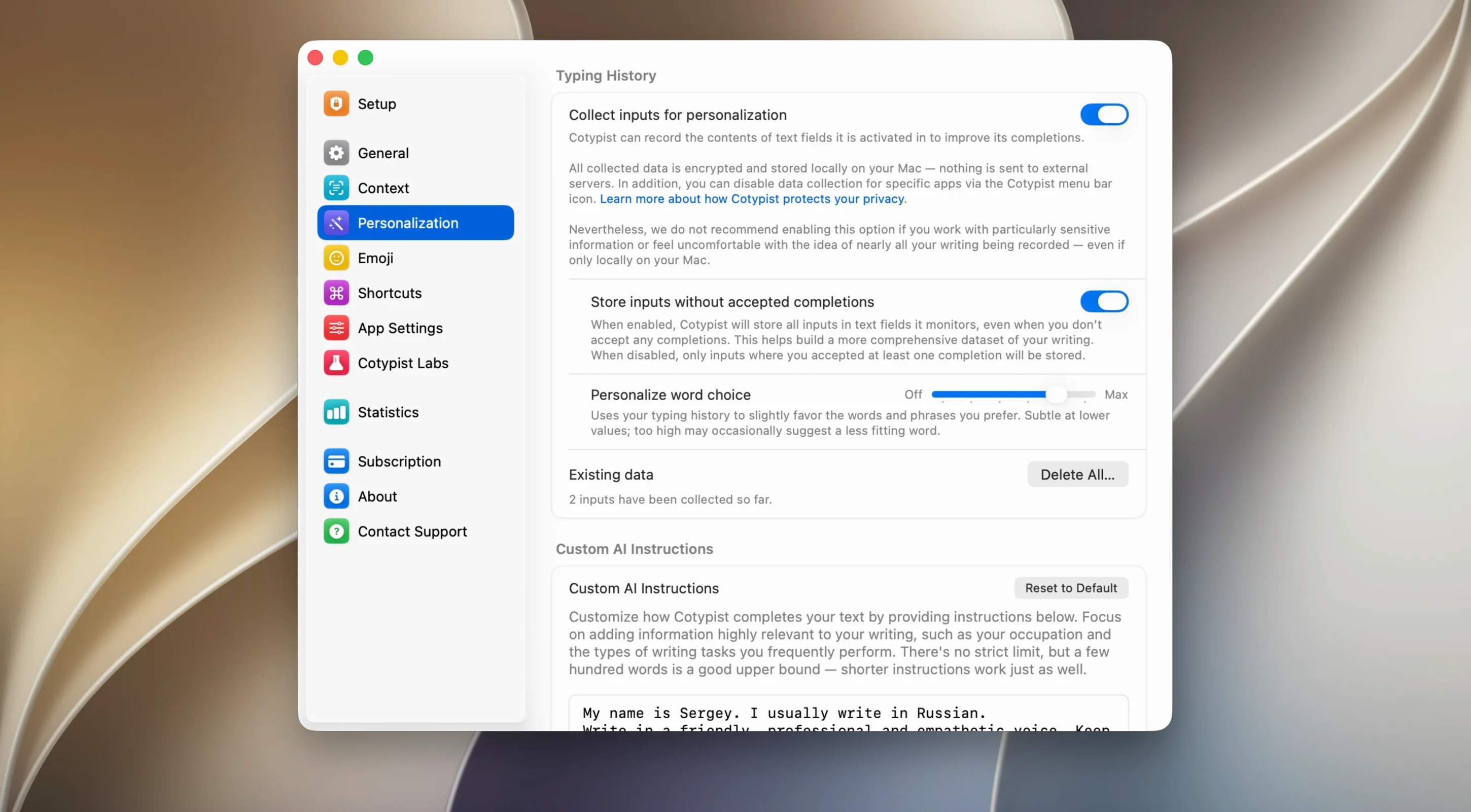
Two to three words ahead — that is the distance Cotypist keeps between your fingers and the sentence you have not finished. It watches what you type across Mail, Notion, Obsidian, Slack and a browser, then offers ghosted inline suggestions you accept with the Tab key. No cloud, no account. The language model lives on your own Apple Silicon Mac, and the suggestions stay inside whatever app you are working in.
Completions echo your phrasing, not marketing speak
- Repetitive phrasing across long documents — Cotypist learns your cadence and offers completions that sound like you, not a marketing bot
- Emoji recall via a colon trigger, so you spend less time hunting through the character picker
- Writers who draft in multiple apps and want the same quiet assistance in each one
- Keeping a train of thought when the right word hovers just out of reach
Apple Silicon and macOS 14 are hard requirements
- Requires an Apple Silicon Mac running macOS 14 or later — Intel machines are not supported
- The initial language model download may need a VPN depending on your network
- Interface is English only at this stage
When the suggestions go quiet
The most common snag people hit is silence — Cotypist simply stops offering completions mid-sentence. Nearly always, the culprit is a Mac that put the app into a deep sleep. Open System Settings, head to Privacy & Security, then Accessibility, and flick the toggle for Cotypist off and back on. That wakes the bridge between the app and macOS text fields. If you use multiple input sources, check that Cotypist is enabled for each keyboard layout — it ties itself to the active source, and switching to a French or German layout can mute it until you re-enable it there.
Another friction point is the language model download stalling at zero. The server occasionally refuses connections from certain regions. A VPN set to a German exit node — Munich is where Accelerated Thought sits — usually unsticks it within a minute. Once the model is cached locally, you never need the VPN again.
People who type fast sometimes see suggestions lagging half a word behind. That is not the model running slow; it is the inline overlay refreshing at a fixed interval. Tapping Esc to dismiss a stale suggestion usually resets the timing, and the next phrase catches up. If it persists, quitting and relaunching from Applications clears whatever memory pressure built up, especially after a long session in a browser text field with heavy JavaScript around it.
Predicts your next words instead of rewriting paragraphs
Put Cotypist next to Elephas and the difference is philosophical. Elephas leans into generative AI — it rewrites paragraphs, summarizes, answers prompts — and wants an OpenAI key. Cotypist does none of that. It predicts your next few words based on what you have already typed, offline, no API keys. Where Elephas feels like a collaborator, Cotypist feels like a quiet prompt in the margin. People who want a ChatGPT-style assistant inside their text editor will gravitate toward Elephas. Those who just want to finish a sentence faster will find Cotypist less intrusive.
TypingMind sits even further away. It is a front end for multiple cloud models — Claude, GPT, Gemini — and shines at long-form generation and chat threads. It does not offer inline word suggestions while you type in other apps. Cotypist is the opposite: system-wide, lightweight, invisible until a ghosted phrase appears above your cursor. If TypingMind is a writing studio, Cotypist is a stenographer leaning over your shoulder.
Closest in spirit is the built-in QuickType bar on iOS and iPadOS. Apple has never brought that same predictive strip to macOS, and Cotypist fills exactly that gap — a local, inline next-word predictor that works across apps. The difference is that it learns your phrasing over time rather than drawing from a static corpus, so the suggestions feel less generic after a week of use.
Give it two days of your writing before judging
Let it run for two full days before judging its suggestions. The model needs a stretch of your writing — emails, Slack messages, a few pages in Obsidian — to absorb your sentence structures and vocabulary. On day one, completions can feel generic, like a polite stranger finishing your thoughts. By day three, they start to sound like you.
Turn on the colon trigger for emoji early. Typing :fire and getting 🔥 without leaving the keyboard keeps the flow intact, and it is the feature most people discover a month late.
If you work in an app where Cotypist gets in the way — spreadsheets, code editors, terminal — you can blacklist it per application in the preferences. Do that in the first hour, not after a week of frustration. The app does not know what a formula cell is, and watching it try to autocomplete inside a function bar is distracting.
Finally, resist the urge to Tab through every suggestion. Part of what makes Cotypist useful is that it fades when you ignore it. Treat it like a prompt you accept only when the offered words genuinely match what you were about to type. Over time, that selectivity trains the model toward better guesses.
- Apple Silicon Mac
- macOS 14 or later
- A VPN may be needed for the initial language model download
Questions from the booth
No. Everything runs locally on your Apple Silicon Mac, and the suggestions appear inline inside the app you are using.
It works system-wide across most macOS text fields, including Apple Mail, Slack, Notion, Obsidian and web browsers.