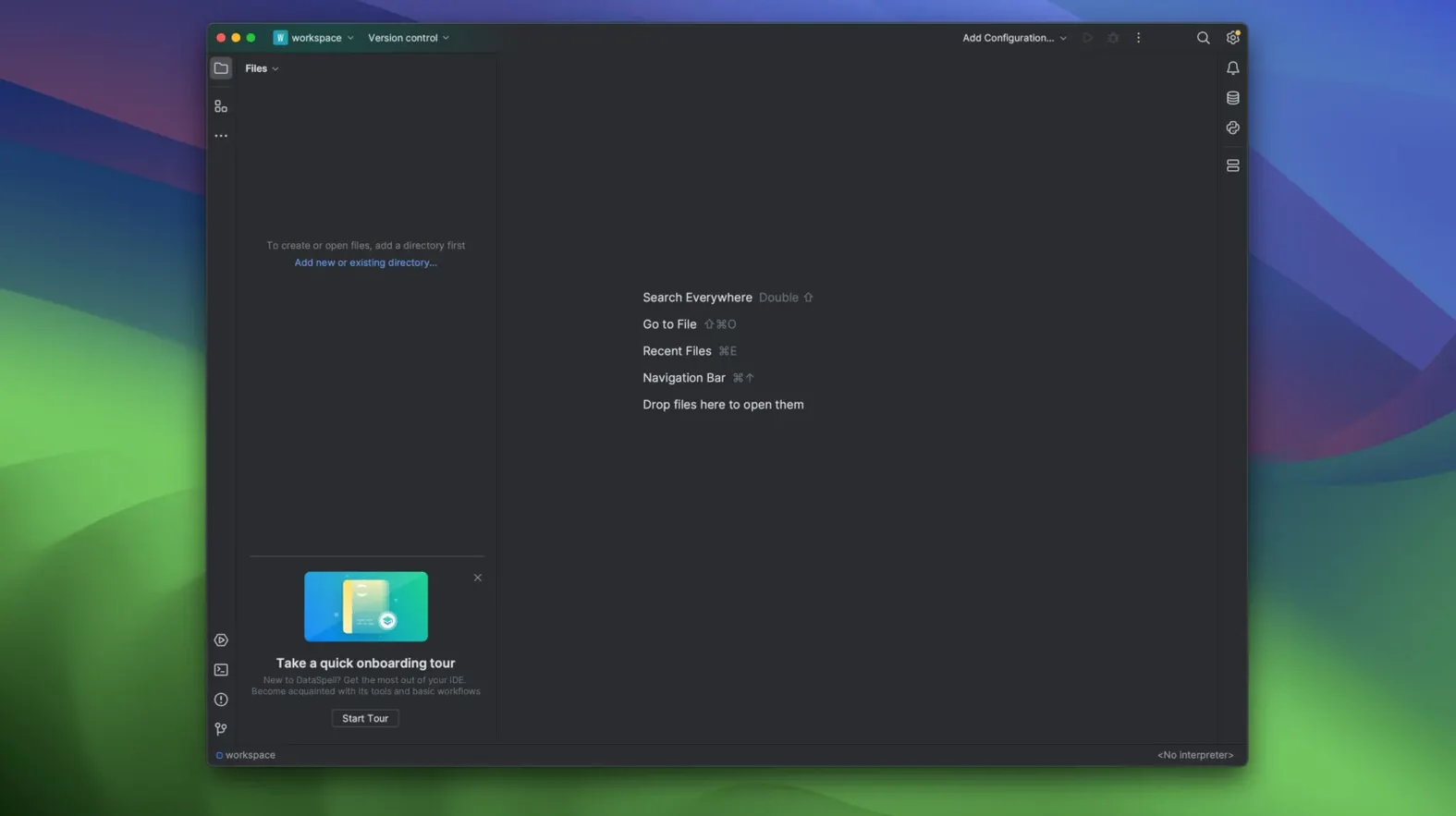
A data journalist opens a messy CSV export of municipal spending. Before writing a single line of the story, she needs to understand the shape of the numbers — missing columns, outliers in the parks budget, a suspicious spike in Q3. She drags the file into DataSpell and the dataset viewer populates immediately, columns typed and ready to query. That single motion, from raw file to interrogable table, sets the pace for the whole session.
Open CSVs and Parquet in a filterable grid with zero boilerplate
- Opening CSVs, Parquet files and SQL results in a sortable, filterable data grid without writing a line of boilerplate
- Iterating in notebook cells while keeping the interactive Python or Conda REPL open in a neighbouring panel
- Building plots with Matplotlib or Seaborn and seeing them render inline as you adjust colour maps and axis ranges
- Switching between an Apple Silicon native build for heavier pandas operations and the Intel build on older workshop machines
English-only interface built for the Python data stack
- The interface is English-only and the IDE expects you to be comfortable inside the Python data stack
- Running on macOS 11 or later is required; the download provides separate disk images labelled for Apple Silicon and Intel
- Its feature set is shaped for notebooks and exploration, not for building web backends or desktop applications
Back in the notebook, the journalist writes a short pandas expression to group spending by department. The result appears as a styled inline table. A few cells later, a line plot reveals the Q3 anomaly she suspected. The whole trail — raw CSV, filtered table, chart — lives inside a single scrollable document she can export as a PDF and hand to the editor before the afternoon meeting.
The first forty-eight hours
Spend your first session attaching a data directory rather than opening files one by one. Right-click the workspace tool window and mark a folder as a data source — DataSpell will index the contents and let you preview CSVs, Parquet archives and SQLite files with a double-tap, no import statements needed. The indexed column statistics (min, max, null counts) appear in the dataset viewer's header row and can catch encoding surprises long before they derail a notebook.
Set up a Conda environment through the interpreter settings early, even if you already have a system Python. The IDE’s environment manager ties package installation to a specific kernel, which prevents the familiar midnight debugging session where import seaborn succeeds in the terminal but fails inside a notebook cell. Once the environment is assigned, open the Python console alongside your first notebook — the two panels share the same kernel, so you can prototype a transformation in the REPL, confirm the output, then copy the working line back into a cell.
Snags worth knowing ahead of time
A handful of friction points surface often enough to name. The most common is a notebook kernel that hangs after waking a Mac from sleep. The fix is usually quick: open the notebook’s kernel selector, shut down the stuck session, and restart it. No need to relaunch the whole IDE.
Another tripwire involves the database tools. The Database Tools and SQL plugin is powerful, but DataSpell treats it as a secondary workspace — if a SQL console refuses to appear, check that you have opened the Database tool window from the View menu first. The query console attaches to whichever data source is highlighted there, so an unselected PostgreSQL connection simply produces a greyed-out run button.
On Apple Silicon machines, the native ARM build handles large dataframe operations smoothly, but a few older PyPI wheels still expect x86 architecture. If a package installs cleanly yet throws a cryptic illegal hardware instruction at import time, switch the project interpreter’s architecture flag in the run configuration or launch the Intel build of DataSpell for that particular notebook. Keeping both builds on disk costs a few gigabytes and resolves the mismatch without forcing every dependency to be rebuilt from source.
The 2026.1 release folds AI agents into the workspace for assisted coding and data transformation, while notebooks gain direct PDF export. Editor refinements across the IDE sharpen everyday cell navigation and code completion.
- macOS 11 or later
- Separate builds for Apple Silicon and Intel Macs
Questions from the booth
Yes, it includes full notebook support alongside an interactive REPL console, so you can open, edit and run .ipynb files directly.