
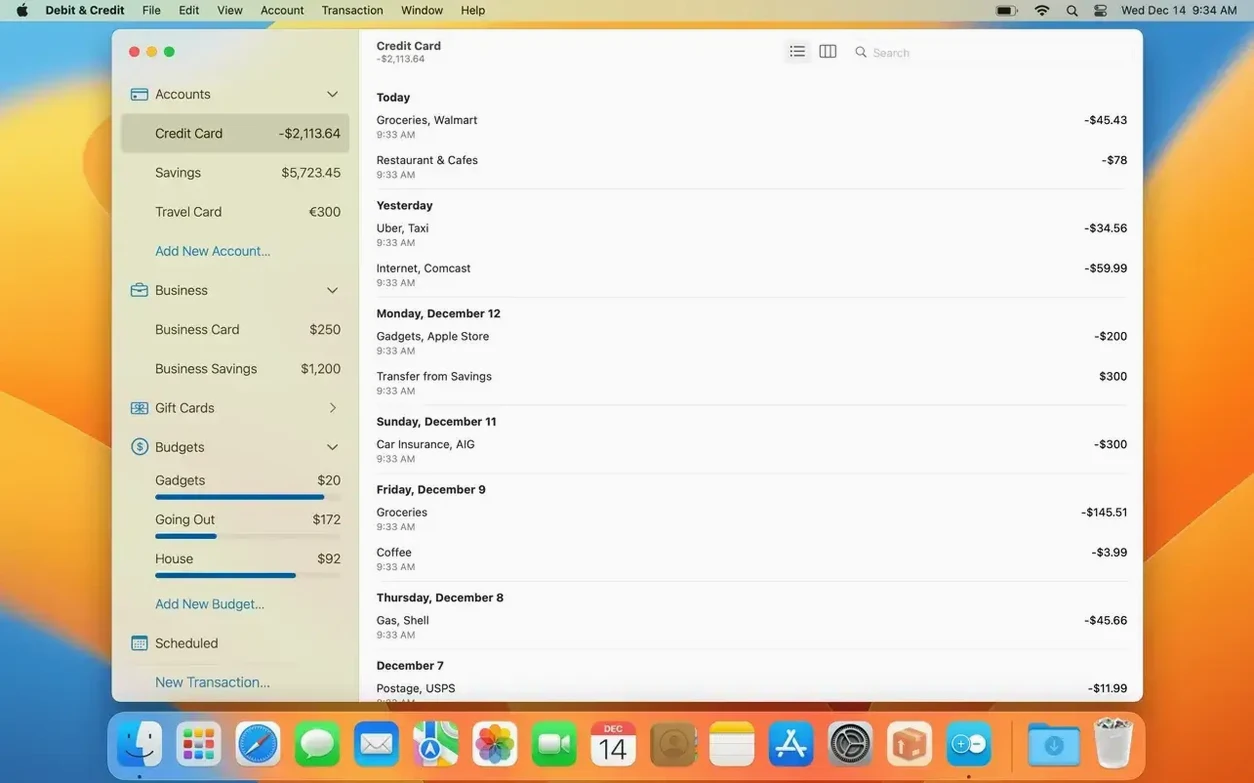
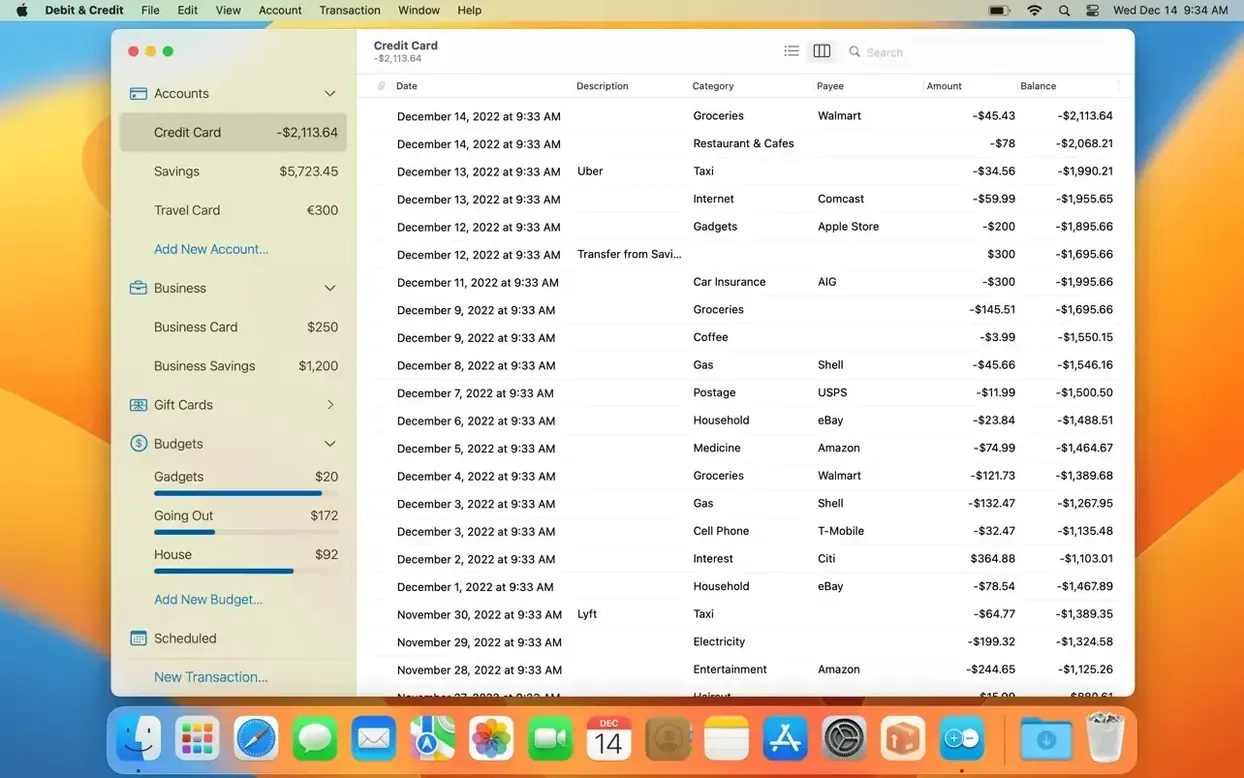
Version 7.8.0 arrived without a public change log, which tends to mean refinements under the hood rather than new marquee features. The app still opens to a clean ledger — two columns, familiar double-entry logic — and that quietness is something I appreciate in a tool I intend to visit daily. Before you record a single coffee, there are a few corners worth setting up.
Start with the report pane, not the register
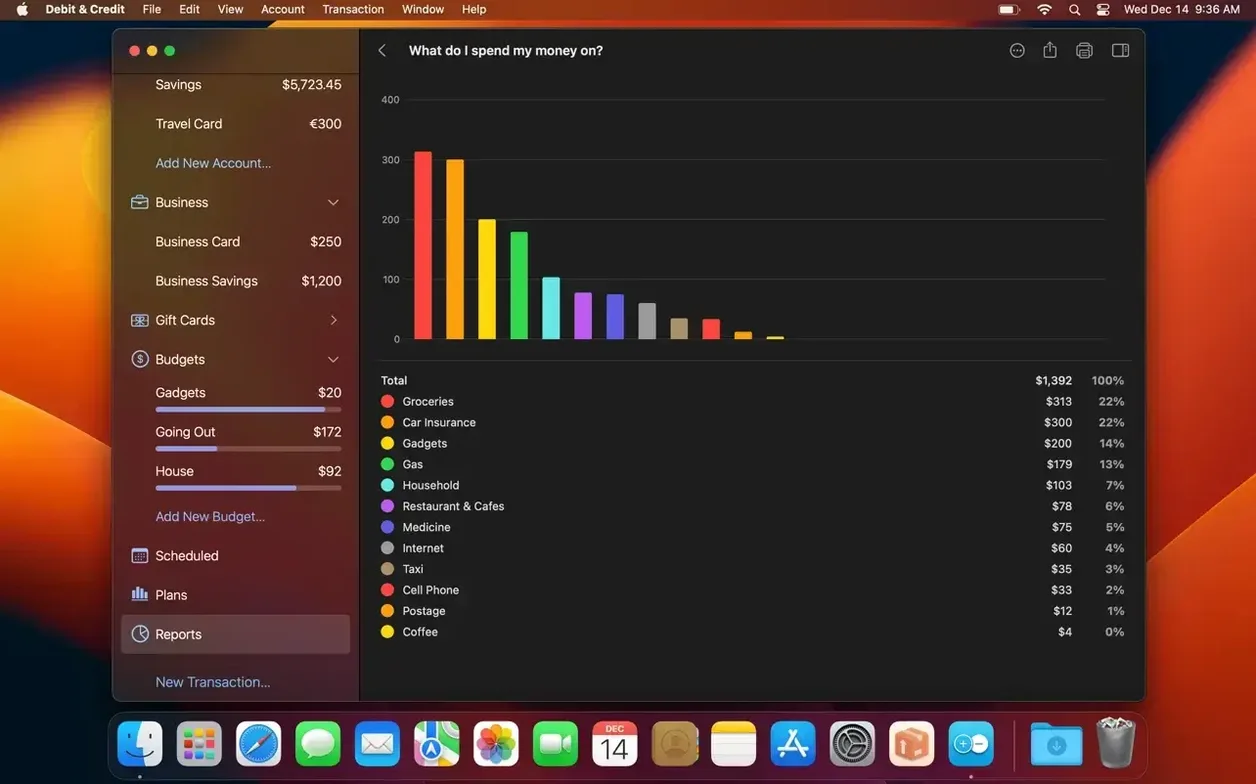
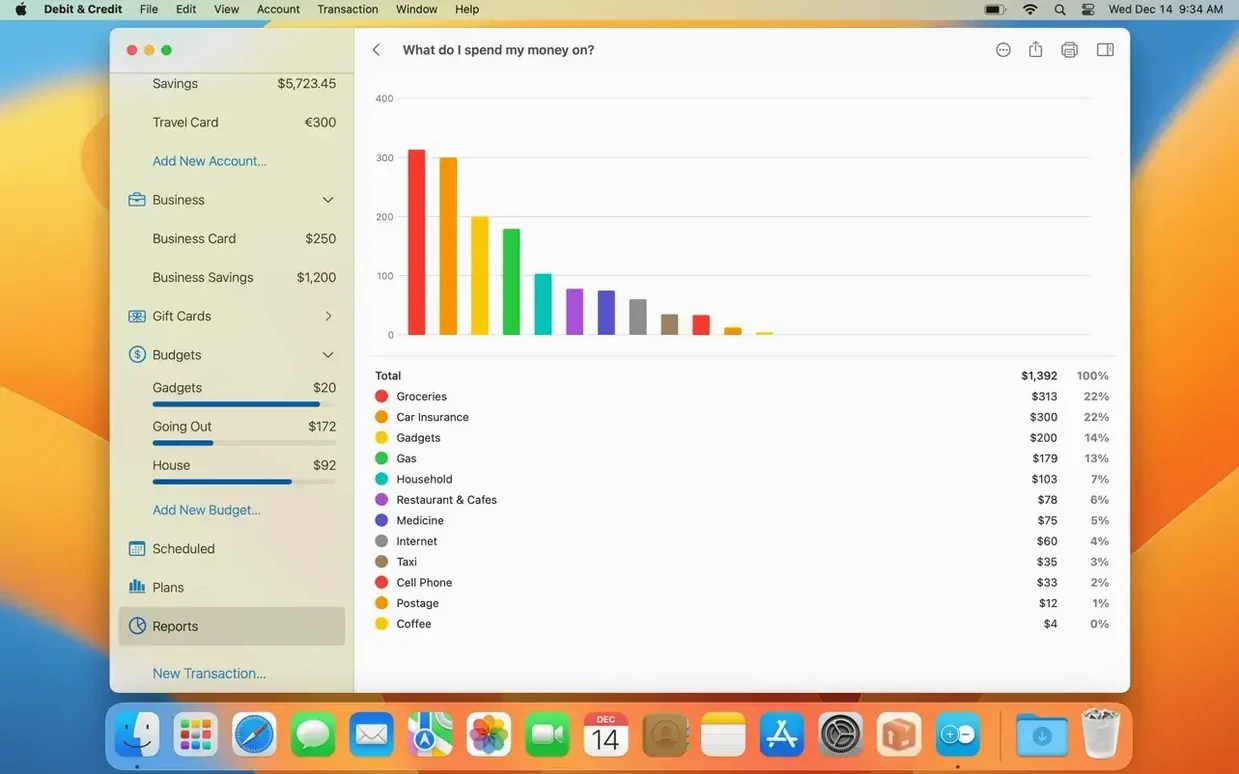
Newcomers often head straight to the transaction list, but the reports are where Debit & Credit reveals its shape. Tap into the Reports section and set a date range that covers the last full month, even if it is empty right now. Seeing the skeleton of a spending breakdown — categories, trends, the pie chart waiting for data — gives you a sense of what the app is watching. It also surfaces which categories you might rename or hide before they fill with noise. The report builder accepts multiple accounts, so if you track a freelance film budget alongside household expenses, you can isolate one or overlay both from the start.
Switch the interface language once, just to know where it lives
Debit & Credit Premium ships with ten interface languages, including Russian, French, Ukrainian, and Simplified Chinese. Changing the language from the Preferences pane takes seconds and instantly redraws every label. Even if you stick with English, watching the interface re-render in German or Italian is a small reminder that the app was built by someone who thinks beyond a single locale — useful if you ever hand a screen to a collaborator who reads financial terms more comfortably in another tongue. After that, open the Accounts sidebar, set your default currency, and the app begins to feel like yours before a single number lands in the register.
Start with one account and today’s balance
The impulse after installing is to import everything — years of CSV exports, old bank statements, receipts you photographed in 2019. Resist it. Pick a single account, set the opening balance to this morning's figure, and log only what happens from now. Debit & Credit rewards a clean start date, and reports with a ragged, half-imported history are harder to read than ones that begin with intent.
Second habit: assign a colour to every category before the first week ends. The app's pie charts pull from the same palette you build in the category editor, and a distinct shade for groceries versus dining out makes the monthly report genuinely glanceable. While you are there, create one category called Untagged — transactions that arrive without a label land there, and seeing it shrink over time is more satisfying than hunting through a catch-all marked “Miscellaneous.”
Third, if you share a household budget through iCloud, spend ten minutes looking at the attribution markers. The app tags every transaction with the name of the person who entered it, and in a shared register that small piece of metadata prevents the morning ritual of asking “Did you already log the gas bill?” The markers appear in the transaction inspector, and once your partner or housemate sees their name on an entry, the accountability writes itself.
Forecasting lives in Money Pro, not here
Debit & Credit Premium occupies a middle ground that makes sense once you line it up against its neighbours. Money Pro offers deeper forecasting tools — bill calendars, recurring payment timelines, a ticker that projects your balance weeks ahead — but it asks for more setup and its interface feels dense on a first pass. If you need to model what January looks like after December's holiday spending, Money Pro will show you the curve; if you just want to know where three hundred dollars went last week, Debit & Credit gets there faster.
Banktivity pulls in direct bank feeds and handles investment tracking, which Debit & Credit simply does not attempt. The trade-off is weight. Banktivity wants to be the financial hub of a household, syncing loan balances and portfolio values, and with that comes a learning curve that does not fit a quick coffee-and-receipts session. Debit & Credit feels closer to a notebook — you enter what matters, you see it reflected in a report, you close the lid.
HomeBudget, the long-running envelope-budgeting companion, shares the most DNA with Debit & Credit. Both lean on iCloud sync and manual entry, both treat budgets as flexible envelopes that adjust month to month. HomeBudget exposes more granular controls over rollover rules and expense limits per envelope, while Debit & Credit keeps the plan view simpler: income on one side, planned expenses on the other, and a gap that either shrinks or widens as you log. If you have used HomeBudget and found the envelope fiddling excessive, Debit & Credit's financial plans strip that back to a single comparative column.
Run the Gatekeeper helper from the disk image
The most common stumble after installing a TNT release is Gatekeeper refusing the first launch. The disk image includes an Open Gatekeeper friendly utility; running it and pressing Enter in the Terminal window that appears is usually enough. If the app still bounces in the Dock, System Integrity Protection may be the culprit — the install notes flag that SIP must be disabled, and on Apple Silicon machines that requires a restart into Recovery and a brief csrutil disable command. Re-enable it afterward if your workflow demands SIP elsewhere, though the app will not launch again until it is off.
iCloud sync troubles tend to surface when two devices are running different versions — the iOS companion updates on its own schedule, and a mismatch can stall shared accounts for a day or two until both sides catch up. If transactions are not appearing, check the iCloud status in Preferences, toggle the sync switch off and on, and give it five minutes. Shared account attribution markers rely on each device being signed into its own Apple ID; if two people share one Apple ID, the app cannot distinguish who entered what, and the feature quietly stops marking names.
Reports that show an empty category despite active transactions usually point to a date range that excludes the entries. The report builder defaults to the current month, and a transaction logged on the last day of the previous month vanishes until you stretch the window back. Open the date picker, set “Last 3 months,” and the missing slice reappears.
Version 7.9.0 lands with a raft of refinements, most of them tightening up the reporting side of the app. The animation when a report loads is smoother now, and a couple of layouts that used to struggle on smaller screens have been reworked — the income-versus-expenses report no longer needs you to scroll sideways just to see the current month, and the budget performance report behaves far better when you're tracking only one or two periods. Behind the scenes, the statement reconciliation feature gets smarter at pulling transactions out of PDF statements, and there are fixes for a misbehaving account folder selector and toolbar buttons in the plans section that occasionally appeared in the wrong state.
- macOS 11 or later
- Apple Silicon or Intel 64-bit